The Shake Up Learning Show, a podcast hosted by Kasey Bell from Shake Up Learning, launched on March 26, 2019.

WHAT: The Shake Up Learning Show is a biweekly podcast hosted by Kasey Bell.
The show features a variety of episodes for K12 teachers and educators, including tech tips, lesson ideas, practical advice, on-air coaching, student interviews, and interviews with inspiring educators.
WHEN: New episodes are released every other Tuesday.
HOW: Listen on Apple Podcasts, Spotify, iHeart, or any of your other favorite podcatchers. You can also stream on ShakeUpLearning.com.
Subscribe to the Podcast
(FREE) It is completely free to subscribe to the podcast using the podcast application of your choice. If you are new podcasts, read The Teacher’s Guide to Podcasts.
You can subscribe to the podcast using your favorite application on your phone or desktop.


Questions & Comments
Do you have a question you would like me to answer on the show? I’d love to hear from you!
I also love to hear from students!
Leave me a voicemail and your message could be played on the podcast!
Help Out the Show
- Leave an honest review on iTunes. Your ratings and reviews really help and I read each one.
- Subscribe on iTunes.
Do You Want to Be on the Podcast?
READ THIS FIRST! NO SOLICITING!
The Shake Up Learning Show hosts a variety of guests including inspiring educators, on-air coaching calls with classroom teachers, and student interviews.
Inspiring Educators
Many inspiring educators are regular guests of the show. Currently, this type of guest is INVITE ONLY.
Please do not ask to be on the podcast.
On-Air Coaching with Kasey Bell
I love to help teachers with one-on-one coaching on the podcast, called, “On-Air Coaching.”
Are you struggling with one particular lesson? One piece of content or skill that’s just hard to teach or doesn’t seem to work well with technology?
Let me help!
Using this On-Air Coaching Application, tell me about yourself, your students, and your struggle. You may get to be on the podcast!!!
Do you know a teacher that is a good candidate? Feel free to send them the link to the form.
Student Interviews
We will also feature some student interviews on the podcast.
Students are windows to the reality of school.
Do you have a student who would be open to talking about learning and school?
(MUST HAVE PARENT PERMISSION)
Use this form to tell me about your student!
Sponsorship and Advertising
We have many sponsorship and advertising opportunities. Please fill out this form to request our media kit and available packages.

Amazon Black Friday Deals
Check out all these amazing deals from the Amazon Black Friday sale. You’ll find something for everyone–your students, your friends, your family, your classroom, and even something for yourself!

Black Friday: 50% Off ALL ACCESS + FREE AI for the Holidays eBook Bonus
Save 50% on your first three months of ALL ACCESS and get the brand-new AI for the Holidays eBook as a FREE bonus. Sale ends November 30.
Create Emergency Sub Plans With AI Before You Need Them
Prepare emergency sub plans before you need them. Use five practical AI prompts to turn a lesson you trust into clear directions, student pages, a checked answer key, and an offline backup.
Google Search in Schools: Accept AI or Lose Access
Google’s announced Search changes leave schools without an AI-free option for managed student accounts. Here’s what’s changing, what remains unclear, and five questions to ask your district.
AI for the Holidays: 15 Ideas to Save Your Sanity
Use AI for the holidays to plan meals, simplify shopping, organize travel, and reduce the mental load. Try 15 practical ideas and ready-to-use prompts.
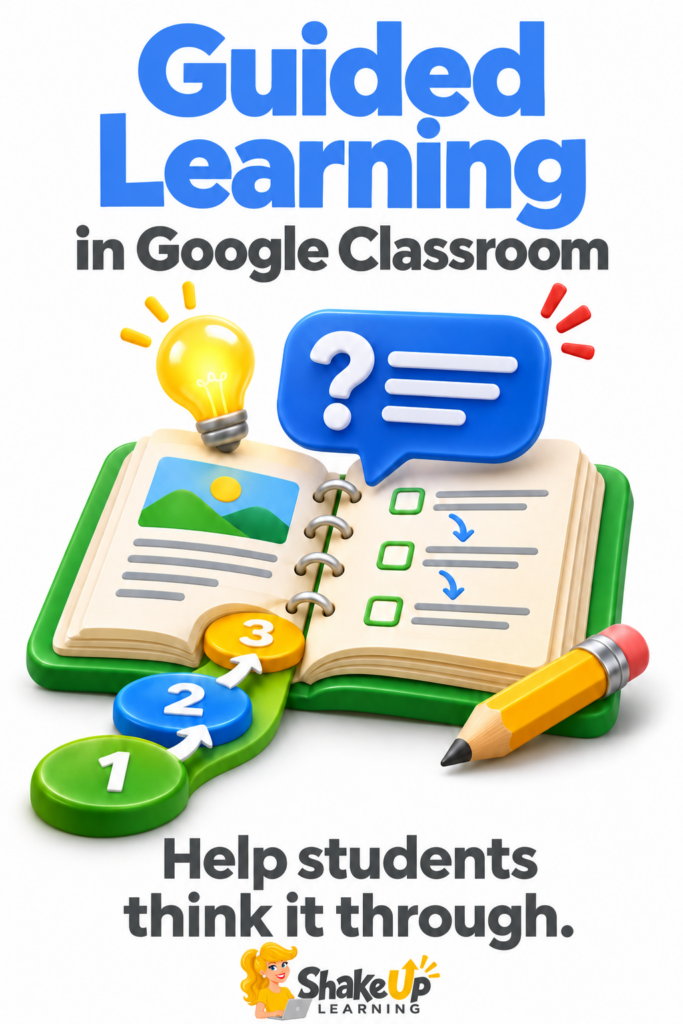
How to Use Guided Learning in Google Classroom
What if students could get help working through a problem while you’re helping another group? Guided Learning in Google Classroom lets you attach an AI-supported activity to an assignment using materials from your own lesson. Students can ask questions, explain where they’re stuck, and work through ideas with Gemini. The goal is support, not anContinue Reading
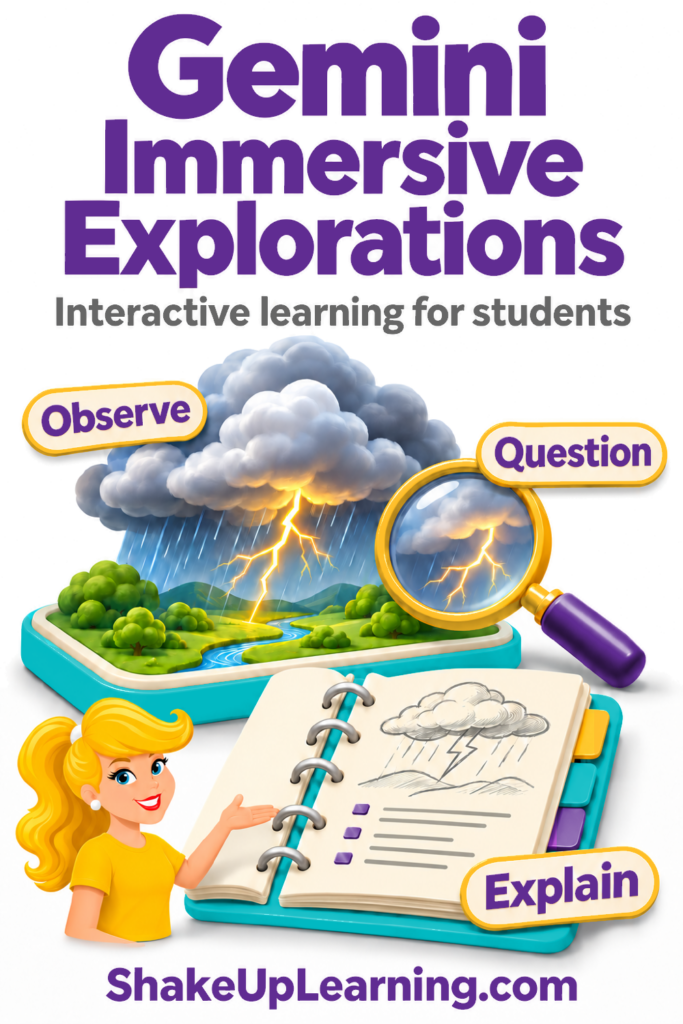
Gemini Immersive Explorations: Interactive Learning for Students
What if your students could learn and interact in immersive experiences, exploring how things work and making connections as they go? That’s the idea behind Gemini Immersive Explorations. These ready-made learning experiences inside Gemini, Google’s AI assistant, let students explore a topic through interactive visuals and explanations. They can investigate how lightning forms, how aContinue Reading
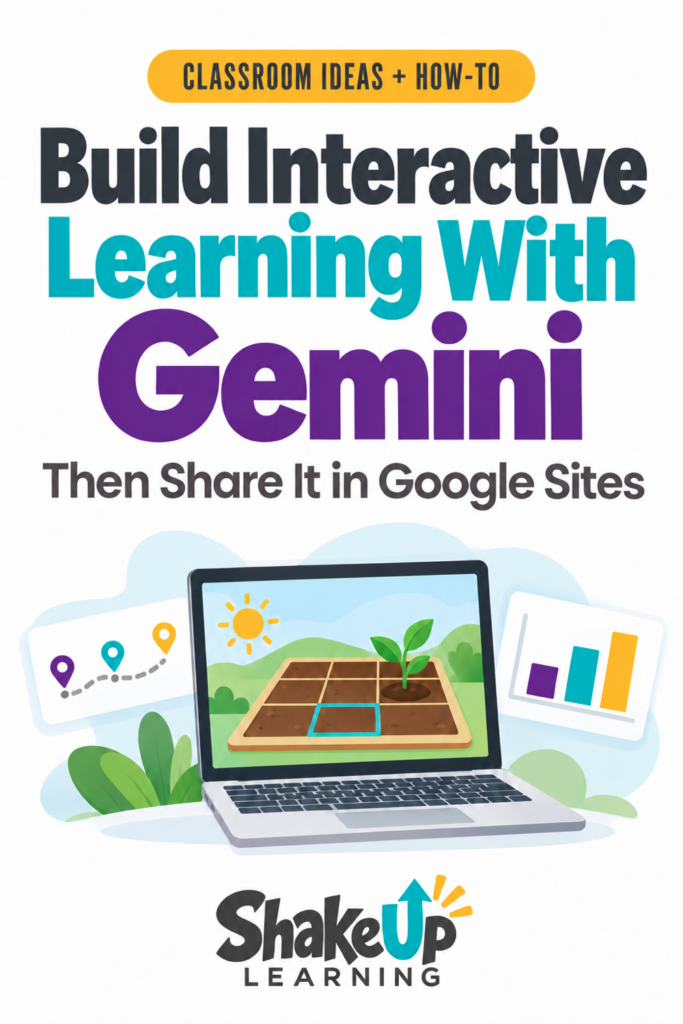
How to Publish Gemini Activities in Google Sites
Did you know you can create interactive simulations and learning games with Gemini? And now you can even publish them in Google Sites! Create an activity built around what you’re teaching, with the vocabulary, challenge, and support your students need. Students could move objects to test an idea, make a choice in a game, orContinue Reading
Top 20+ AI Tools for Teachers
AI tools for teachers keep changing, but the goal hasn’t: spend less time starting from scratch and more time on the work that matters to your students. Maybe you need to adapt a reading passage, get a first draft of a rubric, or find a better way to hear students explain their thinking. There areContinue Reading
Tabs in Google Docs: 5 Ways Teachers Can Stay Organized
Ever opened several Google Docs just to finish one task? You find the plan, then go looking for the materials list or the notes you need to update it. Google Docs tabs can keep that related information together. Think of them as labeled sections inside one document. You can jump straight to the section youContinue Reading
Keeping Up with Google: The One Blog to Rule Them All!
One Place to Find Google News and Updates Google has a lot going on! Between Workspace, Gemini, Chrome, and everything else, keeping up can mean bouncing between websites. Here’s one worth bookmarking: Google’s official blog. When I first shared this resource in 2016, it was called The Keyword Blog. Today, you’ll see News from Google,Continue Reading
The Changing Vocabulary of AI: A Guide for Teachers
If it feels like AI vocabulary changes every week, you are not imagining it. First came prompts, Gemini Gems, and custom GPTs. Now Google, ChatGPT, and Claude are talking about Skills, Projects, Apps, Connectors, Plugins, Agents, Automations, Tasks, Schedules, and Workflows. Many of these tools are being developed directly for teachers, like Claude for TeachersContinue Reading
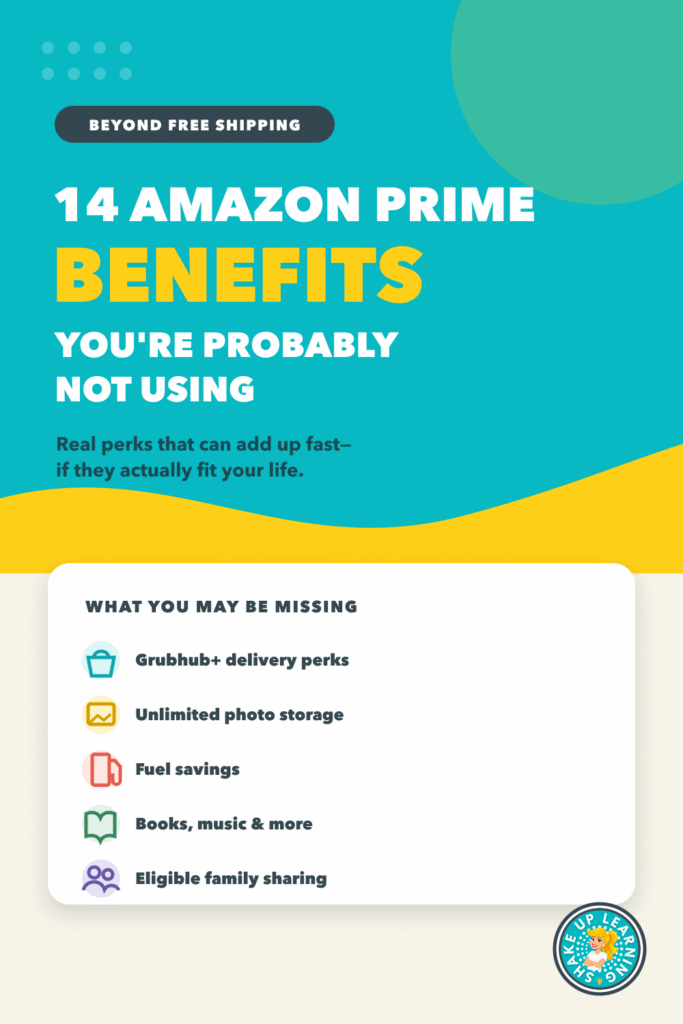
14 Amazon Prime Benefits You’re Probably Not Using
You already know Amazon Prime includes fast shipping. That is probably why most people sign up in the first place. But if shipping is the only Prime benefit you use, you may be leaving a surprising amount of value on the table. Your membership may also give you restaurant-delivery perks, unlimited photo storage, fuel savings,Continue Reading
Amazon Prime for Teachers: 10 Benefits That Make Teacher Life Easier
Teachers don’t need another subscription just for the sake of having one. But if a membership can save you an after-school errand, help during a chaotic week, support your life at home, and replace a service you already pay for, it may earn its place in your budget. That is the real question behind AmazonContinue Reading
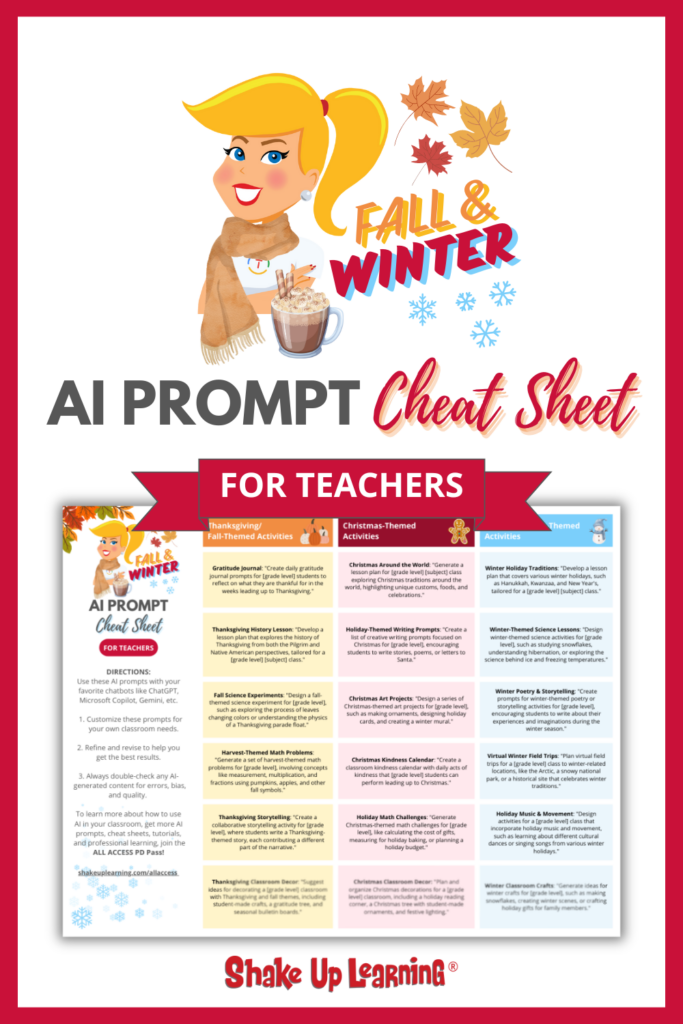
Free Fall & Winter AI Prompt Cheat Sheet for Teachers!
Get Your Free Fall & Winter AI Prompt Cheat Sheet for Teachers! Save time this season with creative, ready-to-use classroom activities and prompts designed to engage your students—perfect for Fall and Winter holidays. This cheat sheet offers quick, engaging prompts that will save you time and help you deliver festive activities that your students will love—withoutContinue Reading
5 Unexpected Ways Teachers Can Use AI
Most teachers already know AI can write a lesson plan, generate quiz questions, create a rubric, or help draft a parent email. Those uses are helpful, but they barely scratch the surface. AI can also help with the late-work pile, a returning student’s re-entry plan, an extra duty you need to decline, a classroom routineContinue Reading
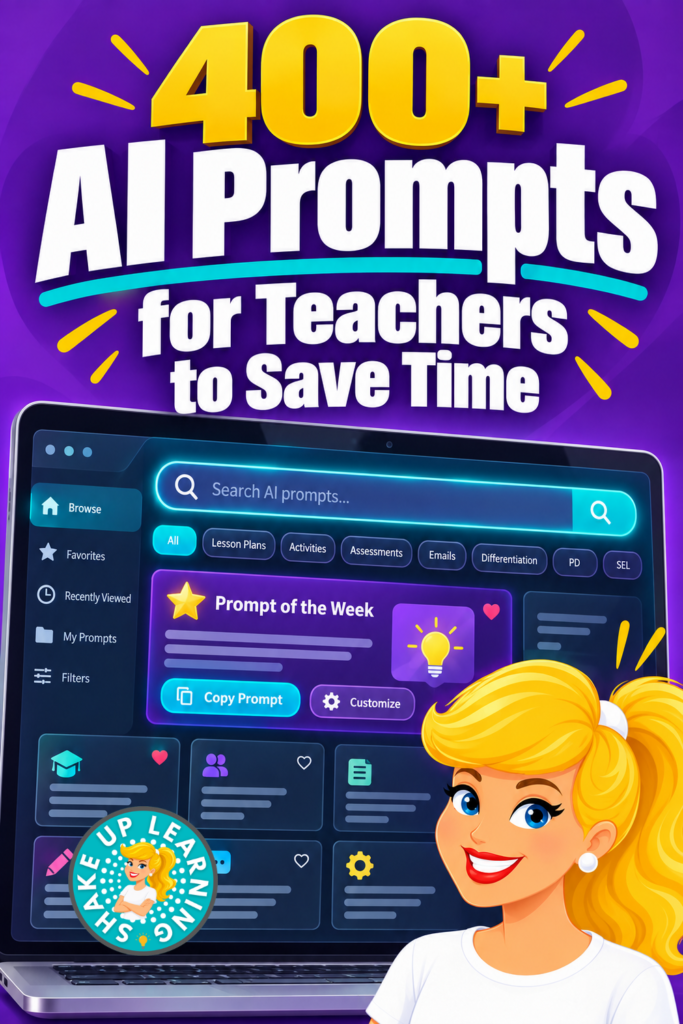
400+ AI Prompts for Teachers to Save Time
What if you never had to stare at a blank ChatGPT box and wonder, What am I supposed to type? The new Shake Up Learning AI Prompt Library gives teachers more than 400 detailed, customizable AI prompts—and the collection is still growing. This growing collection of detailed, customized prompts is available exclusively with our ALLContinue Reading
10 Canva Secrets Every Teacher Should Know
If you only use Canva to make cute slides, you are leaving most of it on the table. Canva for Education is free for verified K–12 teachers, with no trial and no hidden fees. Yet most teachers are probably using only a fraction of what is available. Beyond presentations, Canva can personalize resources in bulk,Continue Reading
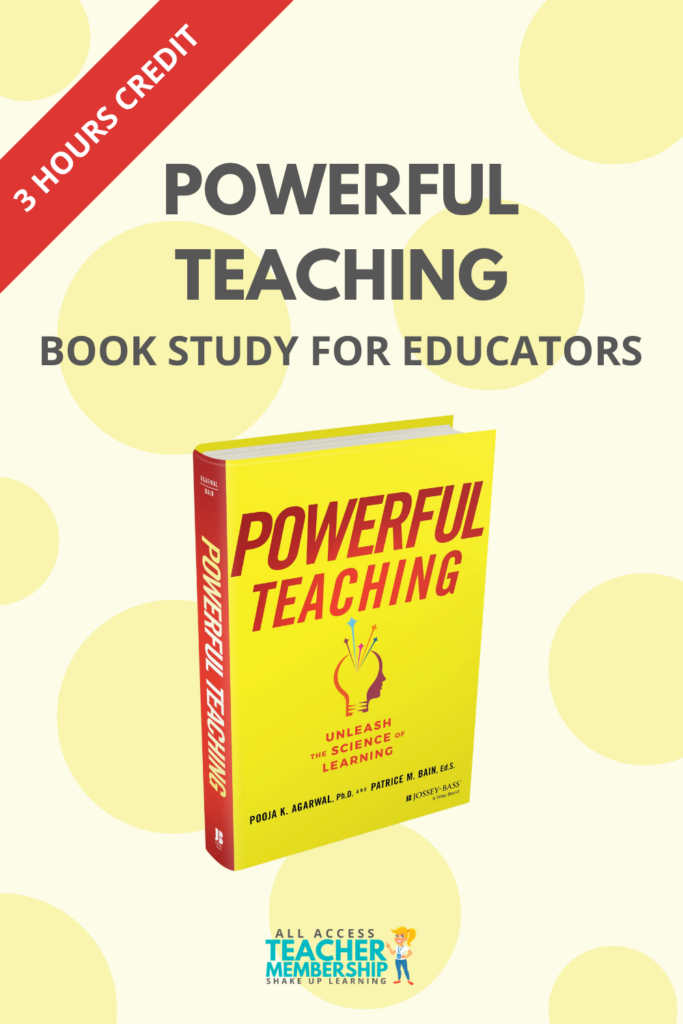
Powerful Teaching Book Study for Educators (3 Hours of Credit)
Join us for a powerful six-week book study on Powerful Teaching by Pooja Agarwal and Patrice Bain, exclusively for ALL ACCESS Members! This study will explore how students learn, remember, and retrieve information and how we can use that science to strengthen teaching, improve long-term learning, and reduce unnecessary struggle. Together, we’ll unpack the four Power Tools, share practical strategies, and reflect on how to applyContinue Reading
Powerful Teaching: 4 Research-Based Strategies That Help Learning Stick
Have you ever taught something, watched your students nail it in the moment, and then two weeks later they can’t remember a thing? That’s not a YOU problem or a THEM problem; it’s backed by cognitive science, and I want to walk you through why it happens and what to do about it. On SeptemberContinue Reading
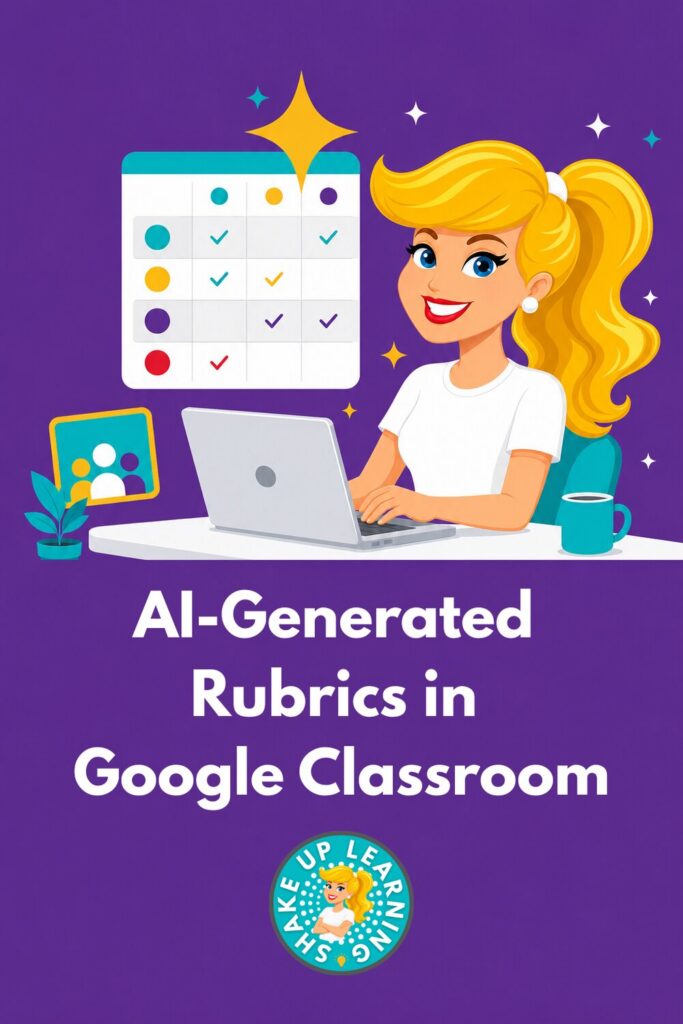
AI-Generated Rubrics in Google Classroom
Creating rubrics is even easier now inside of Google Classroom. This is not a prompt…this is Google Classroom and Gemini working SMARTER! There’s no blank box asking you to describe what you want. Gemini reads the assignment details: the description, the materials, and turns that into a set of criteria that you can revise. IContinue Reading

Google Classroom Deep Dive: The New Homepage, Notebooks, and Gems
Google shipped a pile of Google Classroom updates this summer, and most of them landed in the last two weeks of July and the first two weeks of August. Right when you were already back in a building, or about to be. In episode 253, I gave you the headlines. I said that was yourContinue Reading

The Back-to-School with AI Hub for Teachers
Back-to-school season doesn’t need another to-do list. You already have one, and it’s long enough. What you need is somewhere to actually find what helps, instead of scrolling through a folder of files you saved sometime last spring and forgot about. That’s what we built. Inside our ALL ACCESS Teacher Membership, we just rebuilt ourContinue Reading

Claude for Teachers, Google Classroom & Canva: What’s New for Back to School
This summer was full of updates from some of your favorite edtech tools, and a new one entering the game. This is HUGE! Claude for Teachers, Google Classroom, and Canva all shipped major releases this summer, and after a bit of a break, I’ve got some catching up to do, and so do you. Here’sContinue Reading

5 Ways to Make Teaching Easier This Year
Teaching got harder, not easier. More to cover, less time to cover it, and a stack of new tools that mostly add work instead of removing it. These five ideas actually take work off your plate. Each one comes from a Summer Learning Series session, taught by teachers who use these strategies in their ownContinue Reading

FREE Teacher PD Sessions
The third annual Summer Learning Series has wrapped for the summer. In June and July, we released 17 free teacher PD sessions that covered everything from AI-powered lesson planning to classroom video to fighting the forgetting curve in math, all pre-recorded, all free, no login required. If you caught a few of the free teacherContinue Reading
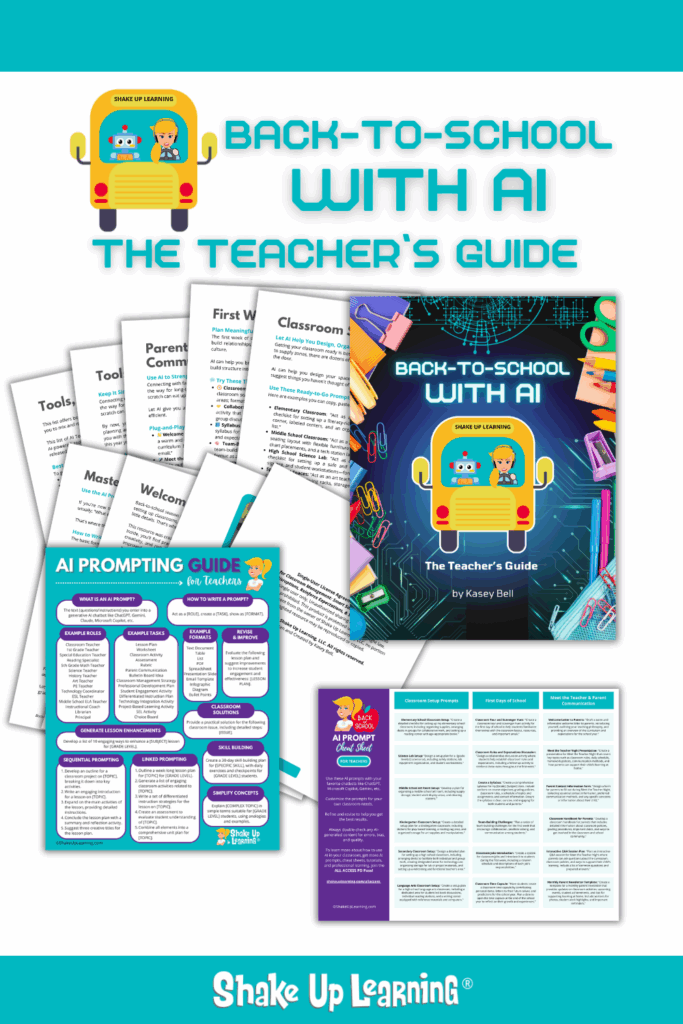
Back to School with AI: The Teacher’s Guide
Back-to-School with AI: The Teacher’s Guide Grab this digital download to start the school year smarter, save hours of time, and prepare for a successful school year!

Beyond the Bot: Turning AI into a Tool for Curiosity and Critical Thinking
Most teachers have had the experience of catching a student submitting AI-generated work that looked completely polished and was completely wrong. Tara Altherr, a high school chemistry teacher from Arizona, opens this session with exactly that scenario: she asked an AI a question any first-semester chemistry student could answer, got a detailed, well-formatted, confident response,Continue Reading
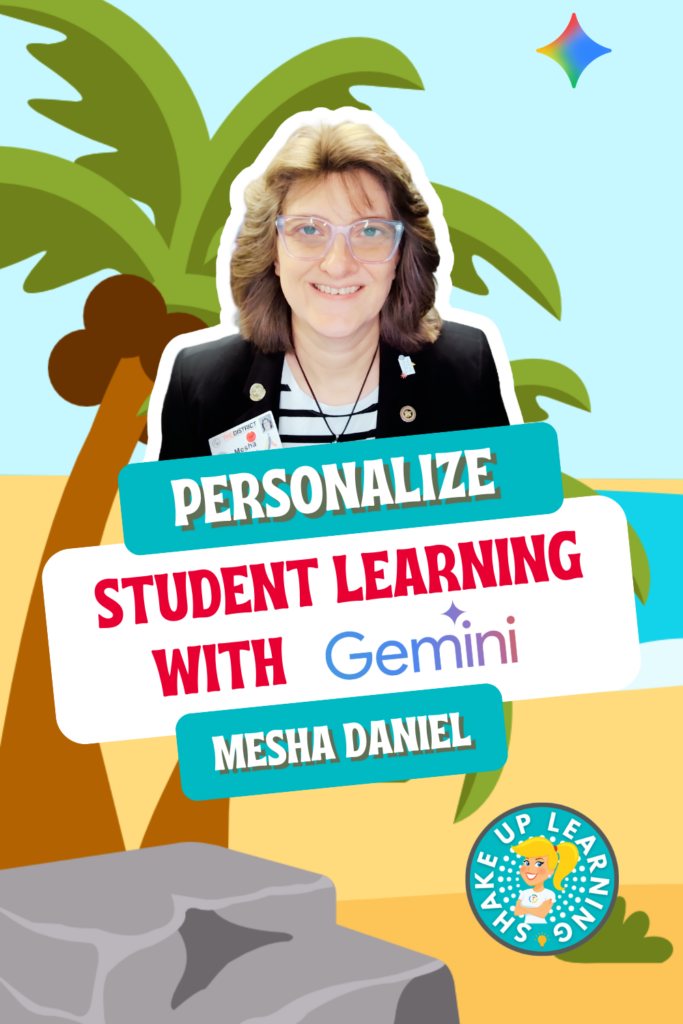
Personalize Student Learning with Gemini
If you’ve been using Gemini mostly as a question-and-answer tool, this session will completely change how you think about it. Mesha Daniel, Google Certified Trainer and innovative learning specialist from El Paso, walks through a full lesson-building workflow that starts with a single prompt and ends with a narrated, bilingual video and a personalized choiceContinue Reading

Back-to-School AI Prompt Cheat Sheet for Teachers (FREE)
Download our free Back-to-School AI Prompt Cheat Sheet designed for teachers. Discover AI prompts to streamline lesson planning, engage students, and manage your classroom effectively. Get started now!
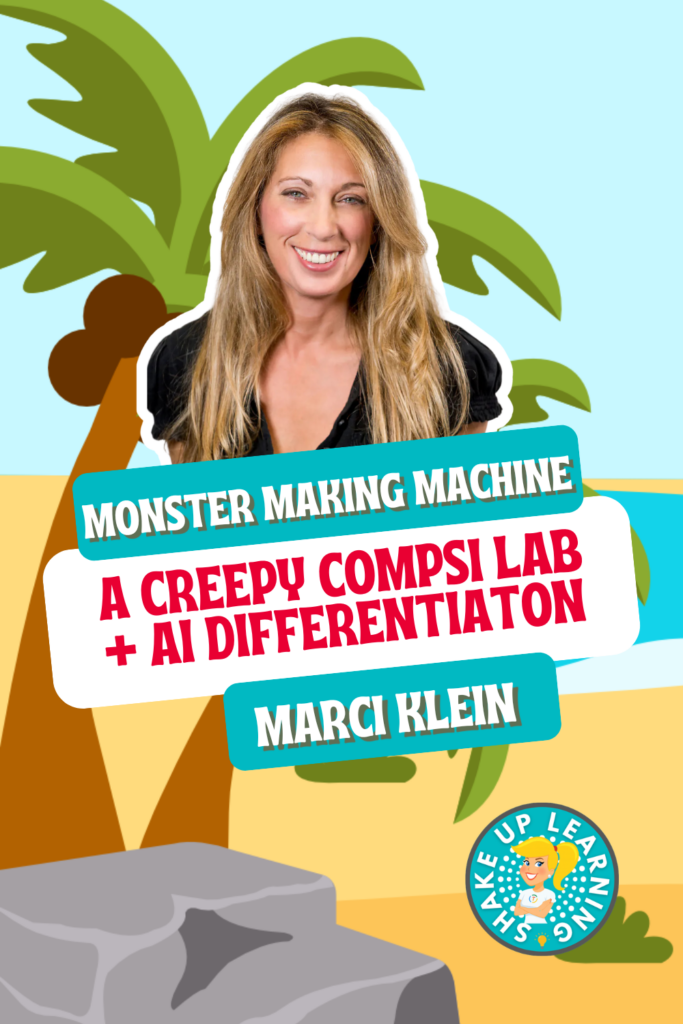
Monster Making Machine
If your students think computer science means staring at a screen, Marci Klein is about to change that. In this session, the STEM educator and co-founder of 3Dux Design walks through the Monster Making Machine, a cardboard construction project that teaches input, processing, output, and debugging without a single device. Students build a monster, writeContinue Reading
Back-to-School Shopping Guide for Teachers
Everything you need for back-to-school shopping, organized by category. Shop Amazon lists for classroom organization, classroom decor, and classroom supplies, plus teacher essentials like bags, planners, and everyday carry gear. Parents will find separate elementary and middle/high school supply lists, and top teacher brands like Learning Resources, Carson Dellosa, and Teacher Created Resources are allContinue Reading

New Ways to Love Google
If you’ve ever felt like your relationship with Google has gotten a little stale, Crystal Nolen has a fresh reason to fall back in love. In this session, the instructional technology facilitator for grades 5-8 walks through a set of Google and Gemini tools that have quietly gotten a lot more useful, and shows youContinue Reading
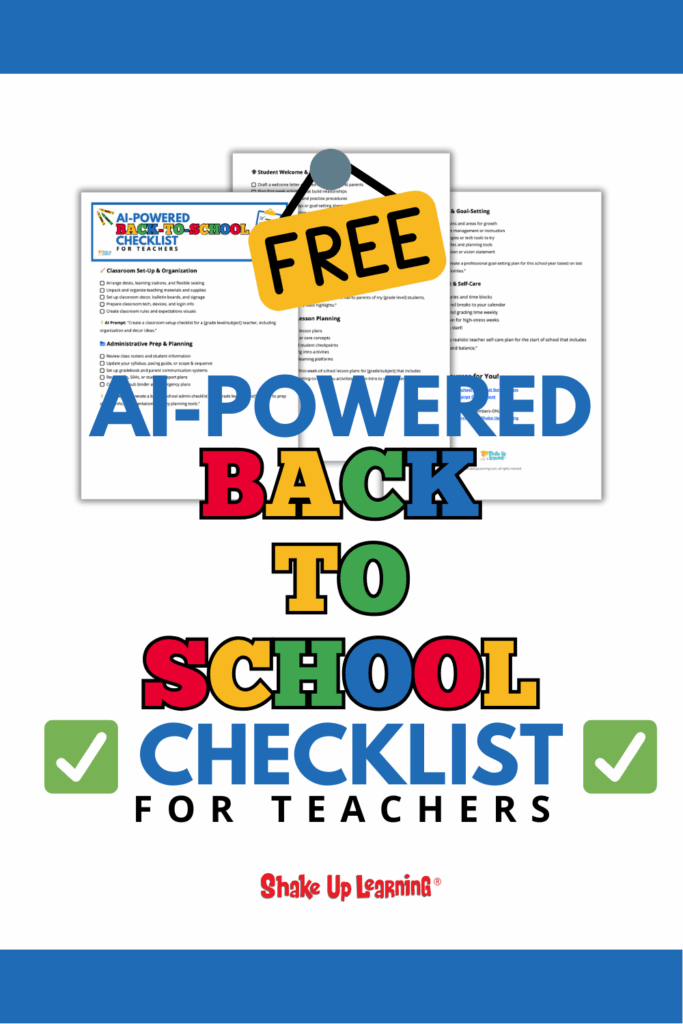
FREE AI-Powered Back-to-School Checklist for Teachers
Start the School Year Strong with This Free AI-Powered Checklist! Kick-off your school year with less stress and more confidence! The AI-Powered End-of-Year Checklist for Teachers is your free, all-in-one guide to staying organized, finishing strong, and even planning ahead—with help from AI. This is a true, printable checklist that you can use immediately, completeContinue Reading

Tired of Student AI Slop? Try This Assessment Toolkit!
If you’ve been watching students turn in AI-generated essays and wondering what you’re supposed to do about it, Lindy Hockenberry has a practical answer. Her Assessment Puzzle Framework is built around a simple idea: when a machine can complete your assessment, the assessment needs a redesign. That doesn’t mean starting from scratch or throwing outContinue Reading
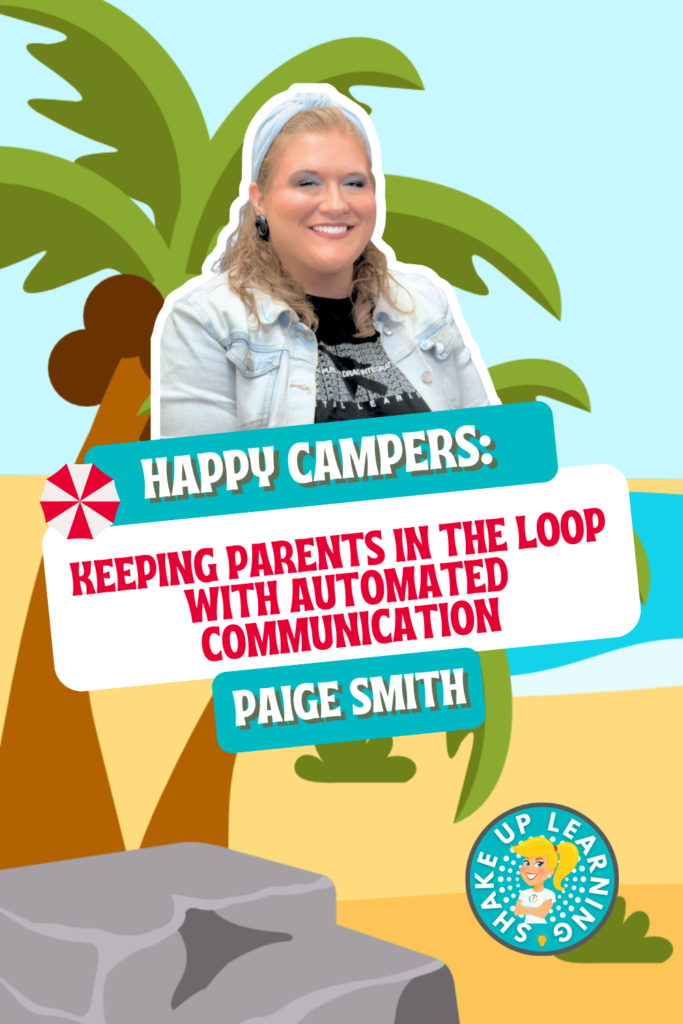
Keeping Parents in the Loop with Automated Communication
If you’re still manually sending grade updates home, this session will change that. Paige Smith, Instructional Technology Specialist in Garland ISD, walks through a fully automated parent and student communication system built entirely in Google Workspace. Using Google Forms, Google Sheets, and the free Autocrat add-on, she shows you how to set up a workflowContinue Reading

NotebookLM: Your New AI Teaching Assistant
If you’ve heard of NotebookLM but haven’t actually sat down to figure out what it does, this session is the one to watch. Ashley Shanley breaks down how to use it as a closed-loop AI research and content tool that only pulls from the documents you upload, which means no hallucinations, no random internet results,Continue Reading

From Overwhelmed to Intentional: Designing High-Impact Lessons That Actually Stick
Too many initiatives. Too many strategies. Not enough time — and students who still can’t get started, stay focused, or push through when learning gets hard. Sound familiar? This session is for you. Kim Voge — educator, instructional designer, and EduProtocols practitioner — cuts through the noise with a research-backed framework for designing lessons thatContinue Reading
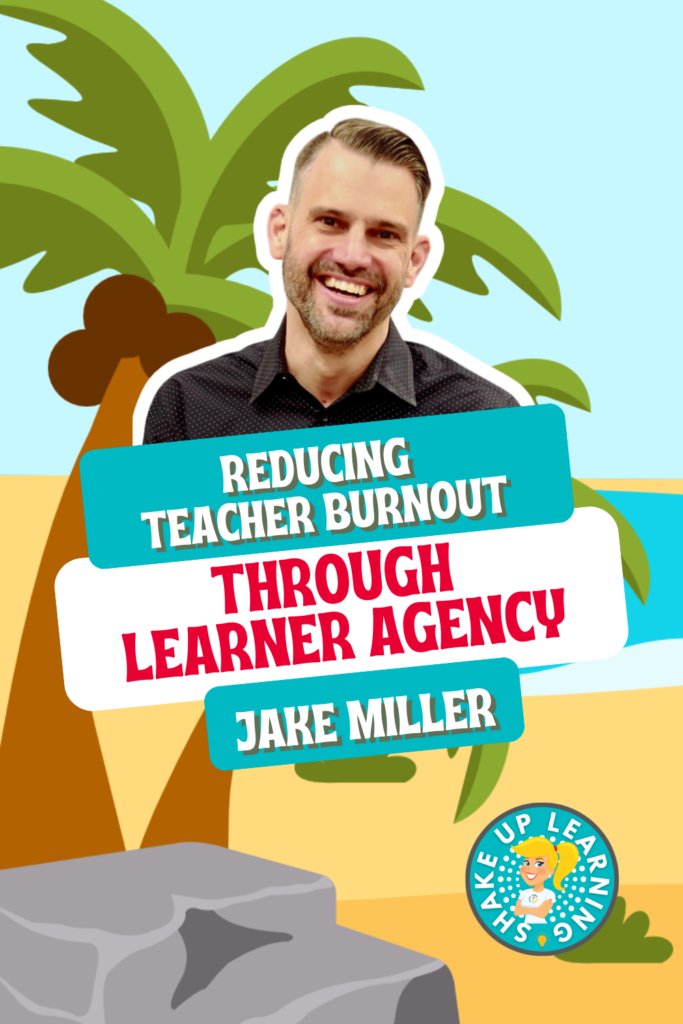
Reducing Teacher Burnout Through Learner Agency
😮💨 If you’ve ever felt like a short-order cook—personalizing everything for every student while slowly running out of steam—this session is for you. Jake Miller of Educational Duct Tape introduces the Salad Night Strategy: a neuroscience- and UDL-grounded approach to learner agency that shifts responsibility back to students in the best possible way. Less teacherContinue Reading

Defeating the Forgetting Curve: Accelerating Math Mastery Through Strategic Spaced Practice
Teach it on Monday. Forgotten by Friday. Sound familiar? In this session, Lisa Nowakowski — creator of Math Reps and co-author of the EduProtocols Field Guide: Math Edition — tackles the “teach and forget” cycle head-on by bridging cognitive science with daily math instruction. You’ll learn how the Ebbinghaus Forgetting Curve explains why students loseContinue Reading

Eduprotocols and AI Tools: Even Better, Even Faster!
What does it actually look like when AI and great pedagogy work together? Not just as a time-saver — but as a true upgrade to how students think, engage, and learn? In this session from the Shake Up Learning Summer Learning Series, Jon Corippo — co-creator of the EduProtocols framework — and Jacob Carr, educationalContinue Reading

Hit Me With Your Best Design: Adobe Express in Action!
🎨 Creativity’s calling—and Adobe Express is answering! Elaina Kloecker is showing us how to use Adobe Express for Education to fuel the 4 C’s: critical thinking, collaboration, communication, and creativity. With content-aligned templates, guided activities, and responsible generative AI with built-in guardrails, your students can remix, design, and shine—safely. Hit Me With Your Best Design:Continue Reading

Amping Up Literacy Instruction with MagicSchool
📚 Whether you’re brand-new to AI or looking for creative new ways to use it, this session is going to spark some great ideas for your literacy classroom! Sarah McKinney walks us through how to use MagicSchool to support literacy instruction in early childhood and elementary classrooms—from generating higher-level questions and decodable texts to vocabulary-basedContinue Reading

Rethinking Teacher PD: Flexible, High-Impact Strategies to Empower Your Staff
💡 What if professional development actually worked—for every teacher, on their schedule, in their context? In this featured session, I’m sharing what I’ve learned about building flexible, meaningful PD experiences that teachers actually want to attend. We’ll talk about how to blend on-demand courses, online communities, and hands-on application to build a thriving culture ofContinue Reading

AI in the Classroom: How Teachers Are Saving Time and Teaching Better
⏰ Less time planning. More time teaching. Sound too good to be true? This session will change your mind. Cammie Kannekens is here to show you what responsible, practical AI use actually looks like in a real classroom—using TeachAid, an AI-powered planning platform built around actual curriculum standards. Think complete, standards-aligned units in minutes: lessons,Continue Reading

Build Your Digital Command Center with Notion
📋 Ready to get organized and take back your time? This session is for every teacher who has ever had 47 browser tabs open at once! Jeff Bradbury of TeacherCast is here to help you build a Digital Command Center using Notion—one customizable workspace that keeps your lessons, student progress, coaching cycles, and daily workflowsContinue Reading

Creation in a World of AI
🎉 Welcome to the 3rd Annual Summer Learning Series—and we’re kicking things off with something really special! Joe and Kristen Merrill of The Merrills EDU are here to remind us that even in an AI-powered world, creativity still leads the way. In this featured opening session, they’ll show you how to blend tried-and-true classroom toolsContinue Reading

5 Smart Ways to Earn Summer PD Credit (and Still Enjoy Your Break)
Summer is your well-deserved time to relax, recharge, and reconnect with the things (and people!) you love. ☀️ But if you’re like many teachers, you also want to find a simple way to earn some professional development (PD) credit—without giving up your break or getting stuck in a stuffy workshop. Good news: it’s possible toContinue Reading

How to Use Gamma AI to Create Beautiful Presentations and Classroom Materials
If you’ve been looking for an AI presentation tool for teachers that actually saves time and produces stunning results, Gamma AI for teachers is exactly what you need to know about. Gamma is an AI-powered tool that builds beautiful presentations, documents, and even web pages from a simple text prompt — no design skills, noContinue Reading
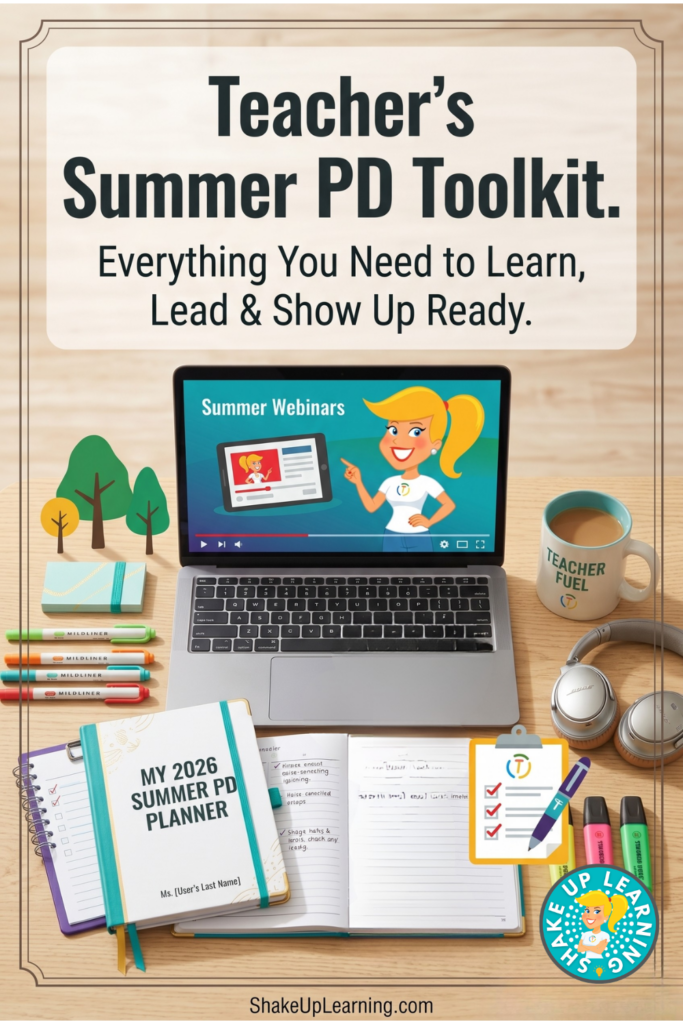
Everything Teachers Need for Summer PD — Whether You’re Learning or Leading
Summer PD looks different for every teacher — whether you’re watching sessions from your couch, presenting at a conference, or sitting through staff development. This Amazon toolkit has everything you need to show up prepared, take great notes, and actually enjoy learning this summer.

FREE Summer Learning Series for Schools
Get your entire campus on board! Register your entire campus for free, get a printable flyer to share with teachers and more!
10 Ways to Learn with Shake Up Learning This Summer
Summer is short. Make it count. Y’all, I want you to have the best summer of your teaching career — and that doesn’t mean you have to be glued to a screen all day or sitting through boring webinars. I’m talking PD on the patio with your iced coffee. PD in your PJs on aContinue Reading

Build Your Own AI Agents with Google Workspace Studio
Did you know you can build your AI Agent with Google Workspace Studio that can perform everyday tasks for you? If you’re a teacher using Google Workspace for Education, there is a free AI automation tool sitting right inside your Google account that almost nobody is talking about — and it has the power toContinue Reading

Teacher PD on the Patio: Learning on YOUR Terms
Summer break is supposed to be a time to relax, recharge, and maybe sip something iced on the patio. But if you’re a teacher, you also know summer often comes with a to-do list a mile long—including professional development (PD) hours you’re expected to earn before August rolls around. Here’s the good news: you don’tContinue Reading

FREE Summer Learning Series (Save Your Seat!)
Join us for the third annual Summer Learning Series, a free, asynchronous online learning event designed specifically for K-12 teachers, instructional coaches, and education leaders. Think of this as a slow-burn mini-conference with new presentations dropped every week all summer long! This series consists of 15+ expert-led presentations designed to equip K-12 teachers with aContinue Reading

How to Choose Summer PD That’s Actually Worth Your Time
Y’all, let me ask you something. How many times have you signed up for summer PD (professional development) with the best intentions — totally pumped, calendar blocked, ready to go — only to end up sitting in a room (or staring at a screen) wondering when any of this is actually going to help youContinue Reading
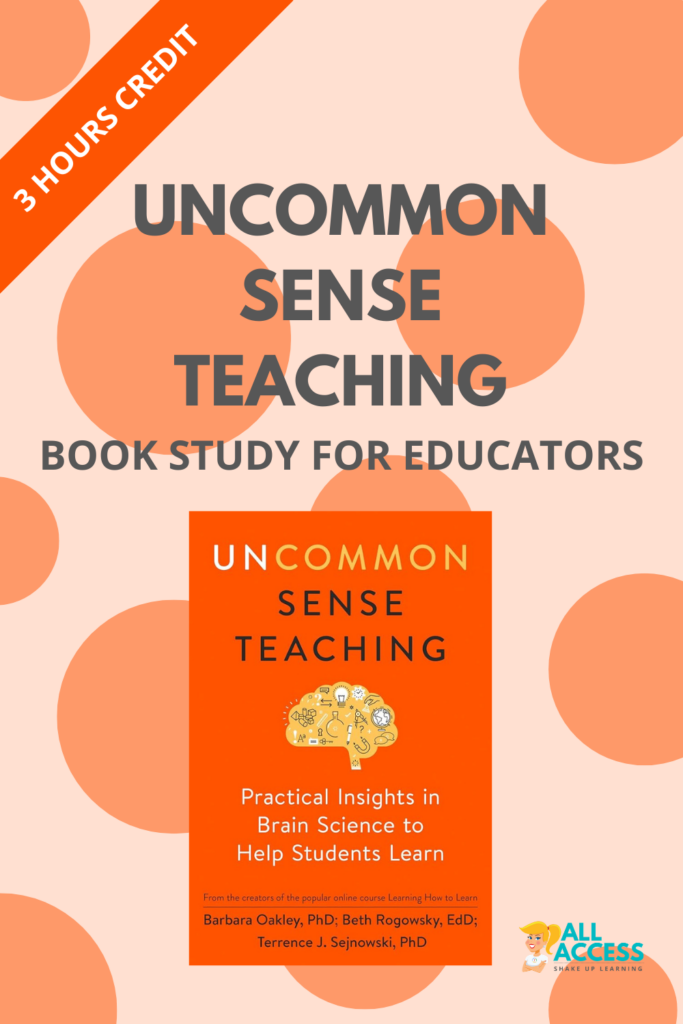
Uncommon Sense Teaching – Book Study for Educators
Uncommon Sense Teaching Book Study for Educators Join us for a powerful six-week book study on Uncommon Sense Teaching by Barbara Oakley, Beth Rogowsky, and Terrence Sejnowski, exclusively for ALL ACCESS Members! This study will explore how the brain learns best and how we can use that science to improve student engagement, memory, and skill development. Together, we’ll unpack key takeaways, share practical strategies, and reflectContinue Reading

AI Prompt Cheat Sheet for End of the School Year Tasks!
Customized AI Prompts for K12 Teachers at the End of the School Year (2 Pages – 42 Prompts) Wrap up the school year with ease using this AI-powered cheat sheet packed with 42 ready-to-use prompts to help you tackle the most time-consuming end-of-year tasks. Whether you’re organizing your classroom, cleaning up your Google Drive, preparing finalContinue Reading

AI for Classroom Management: The Spring Survival Plan
Spring is hard for teachers. By this point in the school year, routines that worked beautifully in the fall can start to fall apart. Students are tired. Teachers are tired. Testing season is here. And somehow the same class that knew exactly what to do in January now needs three reminders to line up, logContinue Reading
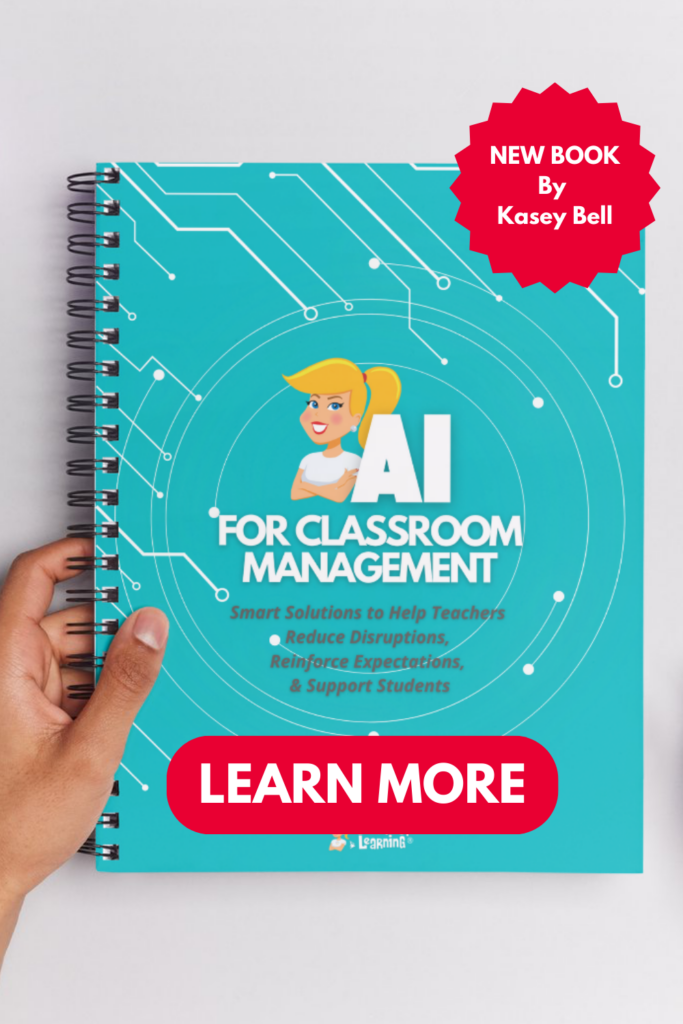
AI for Classroom Management! (New book and cheat sheet)
NEW AI Resources to Help Teachers! We are excited to announce we have two brand-new AI resources: 1. The AI for Classroom Management (book by Kasey Bell) 2. The AI Prompt Cheat Sheet for Classroom Management AI + Classroom Management = A Match Made in Teacher Heaven! 🚀 Save Time. Reduce Stress. Support Student Success. 🚀 Managing a classroomContinue Reading

Unleashing Creativity in the Classroom: How Night Zookeeper Sparks Students’ Imagination
In a world where education is constantly evolving, the need for innovative tools that ignite students’ creativity and passion for learning is more important than ever. Night Zookeeper, an interactive online platform, is revolutionizing the way teachers inspire imagination in their classrooms. In this post, we will explore how Night Zookeeper can foster creativity inContinue Reading

Spring Cleaning for Teachers: Declutter Your Digital Files, Classroom, and Systems
Today we’re not chasing lucky charms—we’re going after something better: a little more breathing room. If your teacher desk has become a landing zone, your cabinets are overflowing, and you’re constantly moving the same piles from one spot to another… you’re not alone. This time of year is busy, and clutter has a way ofContinue Reading

13 Tips to Organize Your Google Drive – SULS036
In this blog post and podcast episode, you will learn 13 Tips to Organize Your Google Drive. Google Drive is the heart of Google Workspace. Google Drive lets you store your files securely, access them from any device, and create, open, and edit them. I have thousands of files stored in my My Drive andContinue Reading

6 Teacher Books to Read This Spring
Spring break is one of those rare pockets of breathing room in the school year. Not the “get everything done” kind of breathing room (because…let’s be real). The kind where you can step back, clear your head, and come back with a little more clarity—and maybe even a spark. If reading helps you reset, I’veContinue Reading
25+ AI Tips for Teachers
Save time and teach smarter with these 25+ AI tips for teachers, prompting strategies, planning shortcuts, feedback workflows, and classroom-ready tools (plus privacy best practices). AI can absolutely help teachers! (When you use it like a tool, not a magic wand.) The difference between “AI gave me fluff” and “AI just saved me an hour”Continue Reading

The Anxious Generation Book Study for Educators
3 Hours of Credit! Join us for a powerful book study on The Anxious Generation by Jonathan Haidt! This study will explore how smartphones and social media are impacting student mental health and what educators can do to help. Together, we’ll discuss key takeaways, share insights, and develop strategies for creating healthier digital habits in schools.

AI Prompt Cheat Sheet for PD Facilitators, K12 Staff Development Leaders, and Trainers
Customized AI Prompts for Professional Learning Facilitators (2 Pages – 42 Prompts) Take your professional development sessions to the next level with this 42-prompt cheat sheet designed specifically for those who facilitate “PD” or professional learning for K12 Educators. These AI-powered prompts will help you save time, plan engaging workshops, support teachers at all skill levels, and driveContinue Reading

Choice Boards for Test Review: What Works + What Flops
Testing season has a way of making everything feel heavier—students are tired, you’re tired, and “review days” can easily turn into either busywork or chaos. That’s why choice boards can be a win: they boost buy-in, give students a sense of control, and let you differentiate without creating five different assignments. But… choice boards canContinue Reading

How to Create AI-Generated Audio Lessons in Google Classroom
Ready to bring your lessons to life with audio—without recording a single word yourself? In this video tutorial, learn how to create AI-generated audio lessons in Google Classroom! Google just made it easier than ever for teachers to create podcast-style audio lessons directly inside Google Classroom using Gemini AI–FOR FREE! Let’s explore how this worksContinue Reading
Underpaid and Overworked? A Teacher’s Guide to Higher-Paying Roles
If you’re a teacher who feels underpaid, overworked, and underappreciated, you’re not imagining it. You’re shouldering far more than your job description ever outlined—emotionally, mentally, and financially. And here’s the part that’s hard to say out loud: even if you love your students, that doesn’t mean your career has to come with chronic stress andContinue Reading

AI Tools in Google Classroom You Don’t Want to Miss!
Y’all, this is BIG. These are AI Tools in Google Classroom You Don’t Want to Miss! Google has brought the power of Gemini AI directly inside Google Classroom, and if you’re a Classroom user, this is a shift you cannot ignore. I’ve been hands-on testing every corner of this update, and I’m breaking it allContinue Reading

Classroom Organization That Actually Works
Classroom organization that actually works for real teachers. Simple storage ideas, classroom organization tools, and teacher-approved systems to reduce clutter, save time, and make your classroom easier to manage—without complicated setups.

Gemini AI in Google Classroom Master Class
Transform your workflow and reclaim your time with the only course designed to help you master Google Classroom’s native AI tools. From lesson planning to grading, learn to use Gemini as your 24/7 teaching partner.

FREE Gemini AI in Google Classroom Cheat Sheet for Teachers
You don’t want to miss this free download! If your school used Google Classroom, you need this! Free Gemini AI in Google Classroom cheat sheet for teachers. Learn how to use AI tools inside Classroom to plan faster, create content, and save time.

Forget About Goals, Focus on Systems Instead
Ah, January—the season of planners, resolutions, and goals we swear we’ll keep this time. But let’s be real: for most of us (especially teachers), that burst of New Year motivation fades fast. Goals get buried under grading, classroom chaos, and the reality of a jam-packed school day. What if there’s a better way? Instead ofContinue Reading
50+ AI Resources for Teachers
It’s time for the ultimate roundup of AI resources for teachers! This page is your one-stop hub for every AI resource we’ve created so far—all designed to help educators save time, work smarter, and teach with confidence. Inside, you’ll find AI cheat sheets, step-by-step guides, classroom checklists, ready-to-use prompts, blog posts, videos and podcast episodes, allContinue Reading
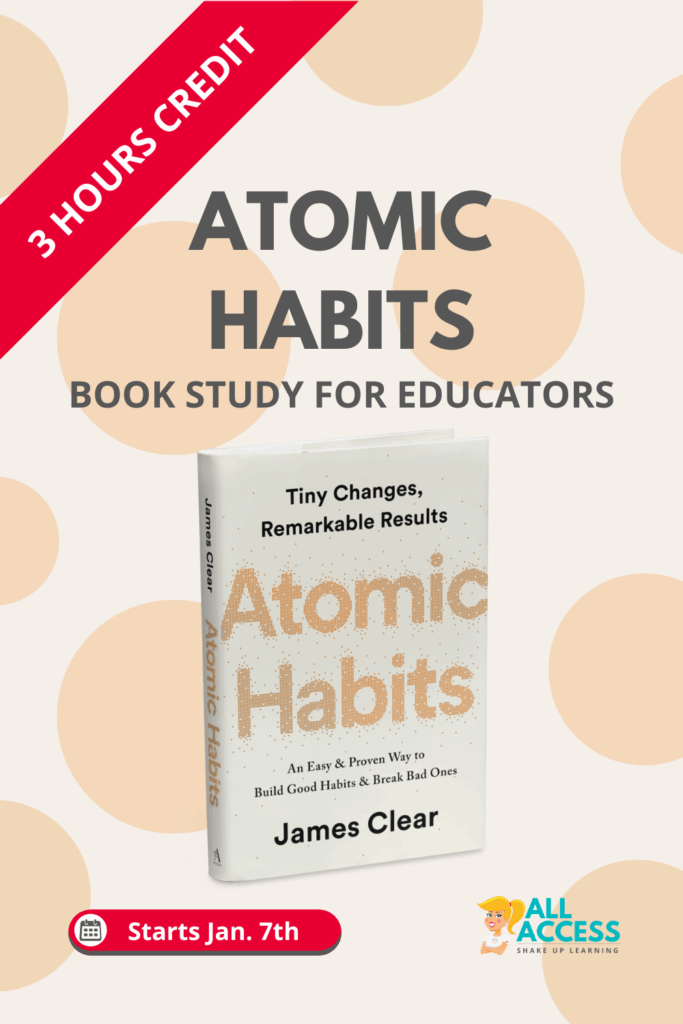
Atomic Habits: Book Study for Educators (3 Hours Credit)
Join us for a powerful six-week book study of Atomic Habits by James Clear, exclusively for ALL ACCESS Members! This study will explore how small, consistent habits can lead to big changes in both personal and professional growth. Together, we’ll discuss key takeaways, share insights, and apply strategies from Atomic Habits to build better routines, break unproductive patterns, and create lasting change in our classroomsContinue Reading

Top 10 Most-Loved Teacher Resources of 2025
Want to know which teaching tools and strategies made the biggest impact this year—and how to carry that momentum into 2026? We’ve gathered the top 10 teacher resources from Shake Up Learning in 2025—based on what educators downloaded, shared, and couldn’t stop talking about. These aren’t just trendy tools; they’re real-world favorites that helped teachersContinue Reading

AI-Generated Slide Decks for Teachers: The Good, The Bad, and The Ugly
Let’s face it. Slide creation is a time suck. Whether you’re prepping a lesson, professional development session, or workshop, staring at a blank Google Slide the night before is all too familiar. In Episode 240 of the Shake Up Learning Show, I am sharing four free AI-powered tools that promise to generate slide presentations forContinue Reading
6 AI-Powered Ways to Engage Students Before the Holiday Break
Let’s be honest: the week before a school break can feel like complete chaos. Students are buzzing with energy, routines are disrupted, and even the most engaging lesson plans might not stand a chance against the distraction of impending holidays. Teachers are hanging on by a thread, trying to keep students focused while holding theirContinue Reading

The Best Chrome Extensions for Teachers
I’m so excited to be diving into a topic that is near and dear to my heart: saving time with the right EdTech tools! As teachers, our plates are overflowing. We’re juggling lesson plans, grading, parent communication, and, let’s be real, a million open browser tabs. That’s why I’m sharing some of my absolute favorite,Continue Reading

Dynamic Learning 2.0: A Framework for What’s Next (Part 2)
Teaching in 2025 doesn’t look anything like it did just a few years ago. Between AI-powered tools, new tech platforms, and the growing pressure on teachers, our classrooms—and our roles—are shifting fast. That’s why I’m refreshing the Dynamic Learning Framework to better reflect what today’s teachers and students truly need. This post continues the journeyContinue Reading

Dynamic Learning 2.0: A Framework for What’s Next (Part 1)
We’re entering a new era in education—and it’s time to update what “dynamic learning” really means. When I first created the Dynamic Learning Framework, I wanted to help teachers go beyond the traditional classroom—beyond the bell, the grade level, the walls, the tools, and the due date. Those ideas are still important, but our challengesContinue Reading

(FREE Template) Offline Instagram Template
Looking for a fun, low-tech activity that still taps into your students’ creativity and interest in social media—without the screen time? This Offline Instagram Reflection Template provides a simple way to make learning visible, promote reflection, and deepen comprehension.

20 Fresh, Low-Tech Ideas for Teachers
Creative, Screen-Free Strategies to Boost Engagement Without Burnout! Let’s be honest—many of us are worn out from too much tech. Between grading online, creating digital assignments, answering emails, and navigating endless tabs, it’s easy to feel overwhelmed. We’re seeing the toll not just on ourselves, but also on our students. As we prepare for ourContinue Reading
5 Practical Ways Teachers Can Balance Tech Without Burnout
Let’s face it—teaching today is tech-saturated. Emails, lesson planning tools, Google Classroom, LMS notifications, AI prompts, digital grading, online meetings… and we haven’t even mentioned your own phone, social media, or group texts yet. It’s easy to feel like you’re always plugged in—and even easier to ignore how much that drains you. At Shake UpContinue Reading

Uncommon Sense Teaching: The Brain-Based Strategies Every Teacher Needs
Let’s face it—“brain science” doesn’t exactly scream practical teaching strategies. But this book? It flips the script. In this episode of the Shake Up Learning Show, I’m breaking down Uncommon Sense Teaching by Barbara Oakley, Beth Rogowsky, and Terrence Sejnowski—a book that surprised me in the best way possible. It takes the neuroscience of learningContinue Reading

The NEW Teacher Book Club
The ALL ACCESS Book Club is a powerful part of the Shake Up Learning Membership—designed for busy teachers who want meaningful, flexible professional development that doesn’t feel like “one more thing.” Each study is centered on books that spark conversation, build confidence, and help you grow both personally and professionally. 💛 Learn with a supportive community. 🧠 Apply ideas directlyContinue Reading

Back to School Resources from Shake Up Learning
Find EVERY Back to School resource, download, podcast, blog post, cheat sheet, and more!

AI-Powered Teaching: Grade-Level Prompting Strategies for a Strong Start
Welcome back to our Back to School with AI series! In Episode 233 of The Shake Up Learning Show, we’re diving deep into the power of customized AI prompts, and how you can make them truly work for your grade level, your subject, and your classroom needs. This is the second episode in our series,Continue Reading
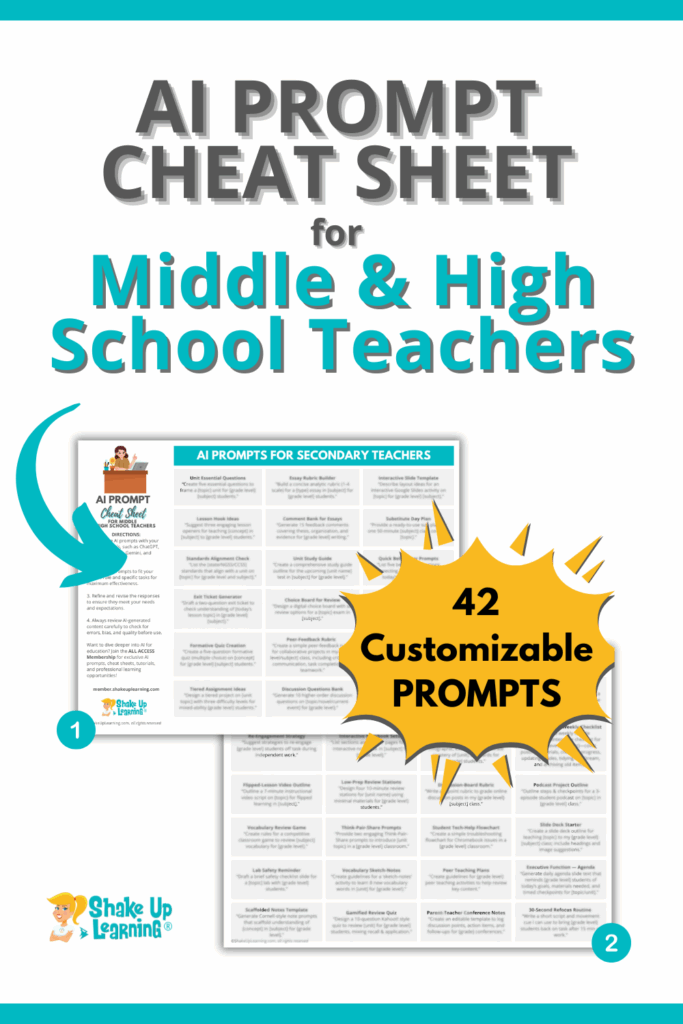
AI Prompt Cheat Sheet for Middle and High School Teachers (6-12)
Customized AI Prompts for Middle & High School Teachers (2 Pages – 42 Prompts) Take the pressure off your day with this time-saving cheat sheet built exclusively for grades 6–12. Inside you’ll find 42 ready-to-use AI prompts that cut the busywork out of secondary teaching—helping you plan units, differentiate tasks, manage behavior, and keep students (and parents) in theContinue Reading
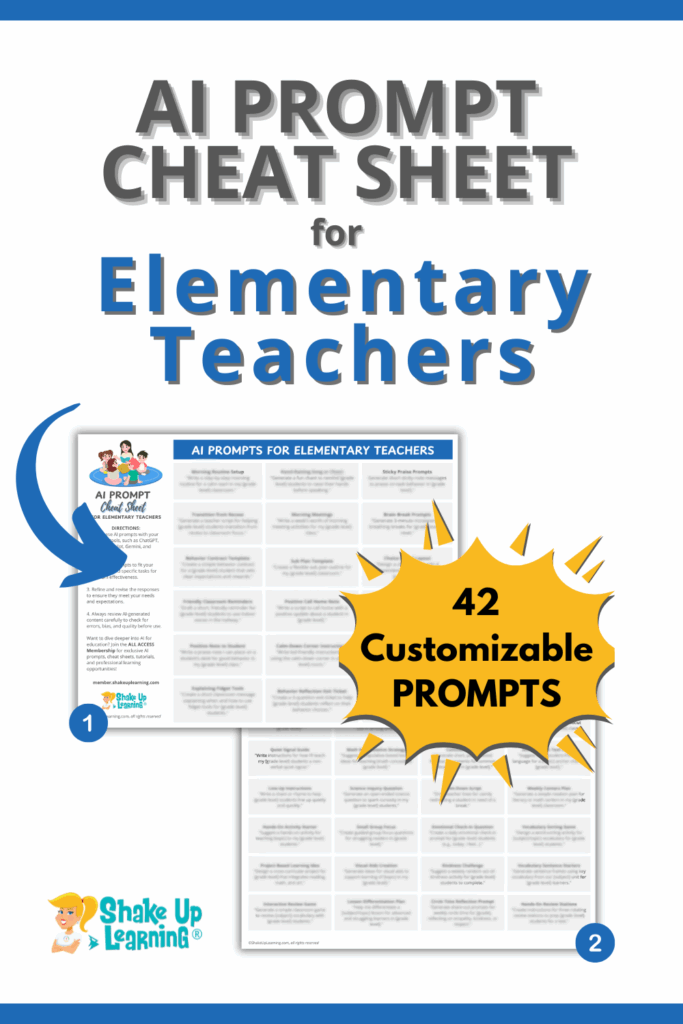
AI Prompt Cheat Sheet for Elementary Teachers (K-5)
Customized AI Prompts for Elementary Teachers (2 Pages – 42 Prompts) Simplify your teaching day with this time-saving AI cheat sheet created just for K–5 educators. This powerful resource includes 42 ready-to-use AI prompts that help you streamline lesson planning, differentiate instruction, manage classroom behavior, and communicate more efficiently with parents—all tailored for elementary classrooms.

10 Genius Ways Teachers Can Use AI for Back-to-School
Back-to-school season is here, and educators everywhere are searching for ways to save time, reduce stress, and reignite creativity. In episode 232 of The Shake Up Learning Show, Kasey Bell delivers exactly that—a powerhouse guide to using AI tools to start the school year off strong: 10 Genius Ways Teachers Can Use AI for Back-to-School.Continue Reading

AI That Works With You: Custom ChatBots for Real Classrooms
Ready to make AI work with you—not for you? In this Summer Learning Series session, Tara Altherr shares a down-to-earth, practical approach to building your own AI-powered chatbots tailored to your teaching needs. Whether you’re managing lesson planning, communication, or reflection, this session shows how custom bots can streamline your work without losing your personalContinue Reading
From Pushback to Partnership: Instructional Coaching That Connects
Instructional coaching can be one of the most powerful tools in education—but only when it’s done with teachers, not to them. In her Summer Learning Session, “From Pushback to Partnership: Coaching That Connects,” Stephanie Howell shares three high-impact strategies that shift coaching from an obligation to an opportunity. Discover how to establish trust, cultivate buy-in, and cultivateContinue Reading

AI is an Ingredient, YOU are the Chef
Ready to rethink how you bring AI into your classroom? In this creative session from the Summer Learning Series, Lindy Hockenbary shares a refreshing new framework for AI integration—one that’s practical, empowering, and perfect for educators who want to use AI with intention. Explore the “AI as an ingredient” analogy and learn how to balanceContinue Reading

Your First SchoolAI Space: What It Is, Why It’s Awesome, and How to Use It
This Summer Learning Series session is perfect for teachers curious about bringing AI into the classroom—without the overwhelm. In Your First SchoolAI Space: What It Is, Why It’s Awesome, and How to Use It, presenter Cheska Robinson delivers a beginner-friendly walkthrough of SchoolAI’s “Spaces” feature. Whether you’re teaching math, ELA, science, or anything in between,Continue Reading
Google Arts & Culture: Enhancing Curriculum and Student Engagement
🎨 Ready to infuse your lessons with creativity and culture? In this Summer Learning Series session, educator Theresa Hoover shows you how to unlock the power of Google Arts & Culture to captivate your students and enhance your curriculum. Whether you’re a music teacher looking to explore instruments around the globe or a classroom teacherContinue Reading

Catch Up on the Summer Learning Series!
Halfway through summer—and halfway through our series! The 2025 Summer Learning Series is packed with powerful PD, and if you haven’t been keeping up, don’t worry—this is your chance to catch up on the best sessions so far. 🚀 From AI-powered classroom tools to time-saving teaching strategies, Makerspace creativity, and student voice projects, these sessionsContinue Reading

AI Skills & Next-Level EdTech: Inside the PD Teachers Love!
Summer has been buzzing with energy—especially for teachers inside ALL ACCESS! While the FREE Summer Learning Series sessions have received rave reviews, our EXCLUSIVE bonus sessions are where the real transformation is happening. Don’t miss out on these awesome professional learning opportunities, including our entire PD course collection (75+ hours), our exclusive download library (includingContinue Reading

How Suite it Is: Using Google Workspace to Create Almost Anything
Looking to do more with less? How Suite It Is—Google Suite, that is! Did you know you can use Google Workspace to Create Almost Anything? In this innovative session from the Summer Learning Series, Crystal Nolen shows you how to stretch the power of Google Workspace to create almost anything—without needing pricey programs or extraContinue Reading

AI for Teaching and Learning: Human Approaches for Technology Integration
Artificial intelligence isn’t just changing education—it’s challenging educators to think differently about how we teach, learn, and lead. But with the flood of new tools and tech headlines, it’s easy to feel overwhelmed and underprepared. In this thoughtful and practical Summer Learning Series session, AI for Teaching and Learning: Human Approaches for Technology Integration, you’llContinue Reading
Take a Make-Break: 15 Min or Less Makerspace Activities for Every Classroom
Ever find yourself with a few extra minutes at the end of class and not sure how to make them count? In this Summer Learning Series session, educator Emily Thomas shares quick, creative Makerspace-inspired activities designed to spark student thinking and foster social-emotional learning, perfect for filling the gaps in your schedule. You’ll walk awayContinue Reading

Worksheet Replacement Therapy
Are your worksheets putting your students (and you!) to sleep? 💤 It’s time for a change! In this energizing session of the Summer Learning Series, educator Kim Voge shares her powerful approach to “Worksheet Replacement Therapy.” You’ll learn how to transform dull, fill-in-the-blank worksheets into dynamic, student-centered learning experiences using EduProtocols. Whether you’re brand newContinue Reading

AI for Classroom Management
Classroom management doesn’t have to feel like a never-ending battle. In this powerful session from the Summer Learning Series, Kasey Bell shares practical, AI-powered strategies to help teachers tame the chaos and reclaim their time. Based on her new book, AI for Classroom Management, you’ll learn how to use artificial intelligence to reinforce expectations, supportContinue Reading

Level Up! Using Generative AI to Escape the Ordinary
☀️ Ready to level up your summer PD? We’re diving into an exciting session from the 2025 Summer Learning Series: “Level Up! Using Generative AI to Escape the Ordinary” with Hannah Davis Ketteman. 🎮 Discover how generative AI can turn your lesson plans into engaging, interactive escape room experiences that ignite curiosity and critical thinking.Continue Reading

How to Create Your Own Digital Adventure – Amazing Race
Your students are going to LOVE this! Welcome to Your Next PD Adventure! Get ready to think outside the classroom walls and bring learning to life with this high-energy session:“Create Your Own Digital Adventure: Amazing Race – Thunder Bay Edition” with Martino Perzan! In this immersive workshop, you’ll discover how to design your own AmazingContinue Reading

Using MagicSchool AI to Streamline Your Classroom
🎉 Welcome to the First Session of the 2025 Summer Learning Series! We’re kicking things off with a powerful session that’s all about saving time and teaching smarter with AI! 🙌 In this episode, Ashley Shanley takes us inside MagicSchool AI—an incredible platform designed to streamline your classroom workflows and take your instruction to theContinue Reading

FREE Binge-Worthy Teacher PD!
Summer is the perfect time for teachers to rest, reflect, and reignite their passion for learning—and that’s exactly what the Summer Learning Series is all about! We’re just days away from kicking off the 2025 Summer Learning Series, and if you haven’t checked out the lineup yet, now is the time! But before we diveContinue Reading

10 AI Tools Teachers Should Explore This Summer
Summer is finally here! ☀️ And while you absolutely deserve time to rest and recharge, it’s also the perfect season to explore a few new tools that can make your teaching life easier—especially when it comes to saving time and boosting engagement. In Episode 228 of The Shake Up Learning Show, I’m diving into 10Continue Reading

How School Leaders Can Deliver PD Teachers Actually Need (and Want)
We’ve talked a lot about what doesn’t work in professional development (PD)—long, one-size-fits-all sessions that are hard to attend, harder to apply, and often forgotten the next day. In my last post, Facilitating Impactful Professional Development for K–12 Teachers, we looked at why it’s time to rethink PD altogether. Today, I want to talk directlyContinue Reading

Teacher PD on the Patio: Reset & Recharge this Summer
Summer break is supposed to be a time to relax, recharge, and maybe sip something iced on the patio. But if you’re a teacher, you also know summer often comes with a to-do list a mile long—including professional development (PD) hours you’re expected to earn before August rolls around. Here’s the good news: you don’tContinue Reading
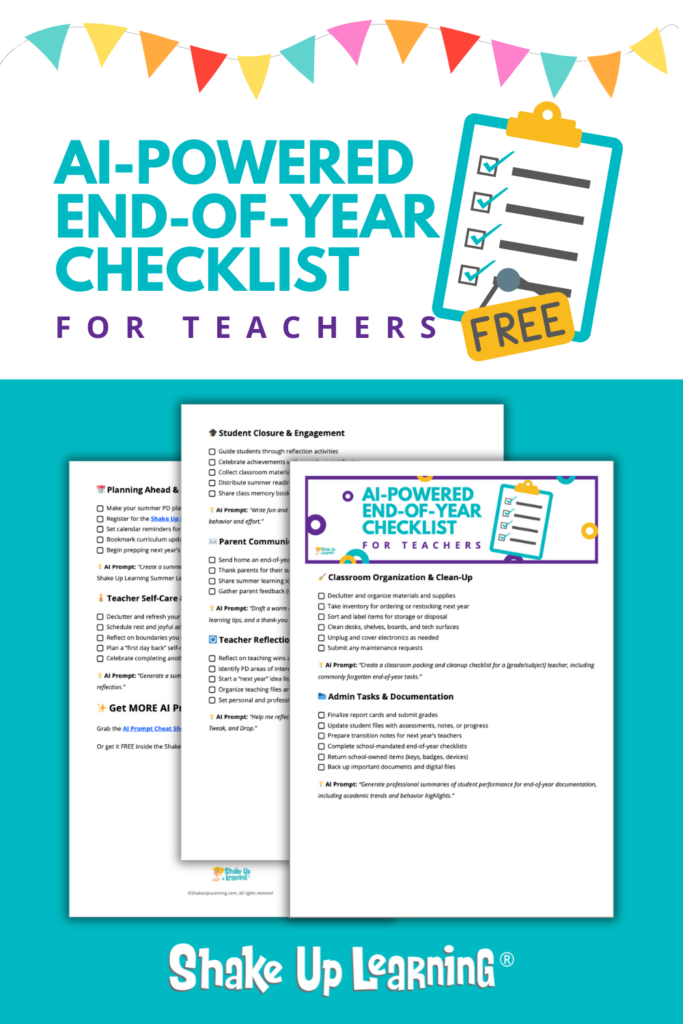
FREE AI-Powered End-of-Year Checklist for Teachers
Finish the School Year Strong with This Free AI-Powered Checklist! Wrap up your school year with less stress and more confidence! The AI-Powered End-of-Year Checklist for Teachers is your free, all-in-one guide to staying organized, finishing strong, and even planning ahead—with help from AI. This is a true, printable checklist that you can use immediately,Continue Reading

The End-of-Year Countdown: AI-Powered Strategies to Stay Organized & Reduce Stress
As the school year winds down, the to-do list grows longer, the energy dips lower, and summer still feels frustratingly far away. Sound familiar? You’re not alone. The home stretch is one of the toughest parts of the school year—but it doesn’t have to be chaotic. In this episode of The Shake Up Learning Show,Continue Reading

5 Ways AI Can Make Classroom Management Easier for Teachers
Spring is in full swing, testing season is here, and classroom management is getting… well, let’s just say “louder.” 😅 If you’re feeling the pressure of student behaviors, parent emails, and constant redirection, you’re not alone. But here’s the good news: AI can help.No fooling. 😉 5 Ways AI Can Make Classroom Management Easier forContinue Reading

AI Prompt Cheat Sheet for Classroom Management
Get quick, ready-to-use AI prompts to streamline classroom management! This cheat sheet gives you 42 expert-crafted prompts to help with behavior support, parent communication, and classroom organization—customizable for any grade level. Save time and reduce stress with AI-powered solutions you can implement today. ✔ 42 AI-powered prompts to streamline classroom management ✔ Behavior support strategies to address disruptions and encourage student accountabilityContinue Reading

The Home Stretch – How to Keep Teaching Meaningful When Everyone’s Checked Out
As spring rolls in, so does the reality of “the home stretch” — the end of the school year. Standardized testing is looming, students are distracted, and teachers? We’re tired. Really tired. But just because motivation is running low doesn’t mean meaningful learning has to stop. In this episode and blog post, I’m sharing practicalContinue Reading

Spring Break Refresh: AI-Powered Classroom Management Strategies to Save Time
Spring Break is here, and for teachers, it’s the perfect opportunity to reset, recharge, and set up time-saving strategies that will make the last stretch of the school year smoother. If you’ve been dealing with constant disruptions, repeating expectations daily, or struggling to keep up with parent communication, AI tools can help you streamline yourContinue Reading

Facilitating Impactful Professional Development for K12 Teachers
Professional development (PD) is meant to empower educators, but too often, it falls flat—one-size-fits-all, inconvenient, and forgettable. Teachers walk away uninspired and overwhelmed, with little time or support to implement new ideas. It doesn’t have to be this way. By blending online and in-person learning, schools can create flexible, engaging, and practical PD experiences thatContinue Reading

The Anxious Generation: Understanding Students’ Mental Health
Are smartphones and social media harming student mental health? If you’ve been in the classroom recently, you’ve likely noticed a rise in anxiety, shorter attention spans, and a decline in social skills. It’s not just in your head—research shows that today’s students are facing a mental health crisis like never before. In Episode 221 ofContinue Reading

AI Tools for Overwhelmed Teachers
Teaching is one of the most rewarding jobs, but let’s face it—it’s also one of the most overwhelming. Between lesson planning, grading, administrative tasks, and juggling student needs, it can feel like there’s never enough time in the day. That’s where AI tools come in to help lighten the load. In this episode and blogContinue Reading

Beating Teacher Burnout: Strategies to Reset and Recharge
As we enter 2025, many educators feel the familiar weight of endless to-do lists and overwhelming demands. The good news? You don’t have to stay stuck. Whether you’re ready to beat burnout or just looking for a fresh perspective, this is your year to reset, recharge, and refocus. Here are some strategies to help youContinue Reading

From Overwhelmed to Organized: Your New Year Action Plan
Did the end of 2024 leave you feeling tired, overwhelmed, and with a never-ending to-do list? It’s time for a FRESH START! The start of a new year is always full of promise—a clean slate, a chance to reset, and an opportunity to refocus on what matters most. For educators, it’s also a chance toContinue Reading

AI Prompt Cheat Sheet for EdTech Coaches
Customized AI Prompts for EdTech Coaches and Tech Leaders (2 Pages – 42 Prompts) Transform how you work with this curated collection of 42 powerful AI prompts, designed exclusively for EdTech Coaches and Tech Leaders in K–12 education. These prompts are your secret weapon to save time, simplify tasks, and supercharge your support for teachers and students.Continue Reading
FREE Fresh Start 2025 Workshop for Teachers
The Fresh Start 2025 Workshop: Reclaim Your Time and Beat Overwhelm Start the year feeling in control and ready to tackle your goals! In this recorded training, you’ll discover: ✔️ How to set PACT goals to stay focused and intentional ✔️ Proven strategies to prioritize your tasks and save hours every week ✔️ Simple techniquesContinue Reading

Top 10 Podcast Episodes of the Year!
Welcome to this year’s roundup of the top 10 must-listen episodes from The Shake Up Learning Show! 🎙️ If you’re an educator, tech coach, or leader looking for inspiration, practical strategies, and transformative ideas, these episodes will guide you through your journey. Whether you’re new here or a loyal listener, this countdown is your one-stopContinue Reading

The Balanced Educator: How to Balance Blended Learning, Digital Safety, and Save Your Sanity
I’m super excited to share something BIG with you today! In this episode of the Shake Up Learning Show, I’m pulling back the curtain on the SHAKE Up Learning Framework—a new approach I designed specifically to help you navigate the ever-changing landscape of education. This framework will guide all of our future content, from blogContinue Reading

25+ AI Resources for Teachers You Can’t Afford to Miss
AI isn’t new, but it’s evolving so rapidly that it feels like there’s something groundbreaking every day. As many educators work to harness the best of these tools, I’ve put together a comprehensive roundup of our AI resources to help you get started. This page includes everything from blog posts and podcast episodes to videoContinue Reading

A Balanced Approach to Tech and Learning: Revising the Dynamic Learning Model
As educators, finding the balance between meaningful technology integration and effective teaching practices is an ongoing challenge. In this episode, Kasey revisits the Dynamic Learning Model to explore how it can evolve to better serve today’s classrooms, particularly with the increasing role of technology and AI without sacrificing mental health and wellness. The episode coversContinue Reading

Rise-Up Summit (FREE Conference for Christian Educators)
I’m so excited to share about something I’ll be participating in this October. The Rise Up Summit is a free virtual conference for teachers. What’s my part? Well, I will be sharing a session on Soul Care, and I’d love it if you came out to support me. This event is geared toward Christian teachersContinue Reading

Prompt Like a Boss: Unlocking the Power of AI in Your Teaching
In the latest episode of The Shake Up Learning Show, we dive deep into a powerful, game-changing concept that every teacher should know: AI prompting. With tools like ChatGPT, Gemini, Magic School AI, and Canva Magic, teachers can now streamline their work, save valuable time, and boost creativity in ways that were unimaginable just aContinue Reading

Sanity-Saving Classroom Management Tips Every Teacher Needs
Feeling overwhelmed by classroom chaos? In this episode, I interview Linda Kardamis from Teach 4 the Heart, who shares sanity-saving classroom management tips every teacher needs. Learn practical strategies for reducing stress, managing disruptive behavior, and creating a calm, organized classroom environment. From establishing clear expectations to fostering positive student relationships, these proven methods willContinue Reading

Planning for AI in Schools: Curriculum, Teacher PD, and More!
Planning for AI in Schools is a task that every school across the globe is facing right now. This week, we’re diving deep into the world of artificial intelligence (AI) in education with our special guest, Ryan Findley from Evergreen AI. As a former teacher and now a co-founder of Evergreen AI, Ryan brings valuableContinue Reading

AI Prompts to Save Teachers Time and Simplify Tasks
Welcome to another exciting school year! As educators, the back-to-school season can be hectic. Endless tasks pile up as you prepare your classroom and meet your students. But what if you could streamline these tasks and save valuable time? In episode 213 of The Shake Up Learning Show, we explore how AI can do justContinue Reading

Empowering Educators with AI: Today’s Tools and Tomorrow’s Innovations
Hey y’all! I’m excited to introduce Michael Fricano II, one of the fantastic presenters in our Summer Learning Series. Michael has shared a guest blog post showcasing some exciting AI tools for your classroom! This post offers practical insights, a checklist for assessing AI tools, and a sneak peek into future innovations that can enhanceContinue Reading

Can’t-Miss Canva Updates – SULS0212
In this episode, I sit down with Scott Nunes from Canva to explore the latest Canva for Education updates that are perfect for educators. Discover how the new “Sort Stickies” feature can help you organize your ideas effortlessly. But wait…there’s more! After you sort your stickies, “Transform to Doc” and then “Transform to Presentation” andContinue Reading

Teachers Are Magic: Using MagicSchool AI in the K-12 Classroom
In the final session of our Summer Learning Series, “Teachers Are Magic: Using MagicSchool AI in the K-12 Classroom,” Ashley Shanley reveals how AI can revolutionize your teaching practice. Dive into the world of MagicSchool AI (free for teachers) and discover innovative ways to simplify your workload. From lesson plans to IEP goals and emailContinue Reading

Canva Creations for Beginners [interview with Pam Hubler]
Join Pam Hubler and me for our latest Summer Learning Series session as we explore the incredible world of Canva. This session, available as a podcast and video, will show you how to transform your educational materials with Canva’s powerful tools. Discover how Canva can elevate your teaching toolkit and save you money, from creating stunning presentationsContinue Reading

Eduprotocols Mindset
In this Summer Learning Series presentation, join veteran teacher and published author Kim Voge as she reveals how adopting an “EduProtocols Mindset” transformed her teaching approach. With nearly three decades of experience, Kim shifted to a simpler, more effective method that centers on student engagement and productivity. Discover how this mindset can help you createContinue Reading

AI-Mazing Assessments: Assessing Learning in the Age of AI
Welcome to another fantastic presentation from our Summer Learning Series! In this cutting-edge session, Lindy Hockenbary tackles the challenges of AI in education by introducing modern assessment strategies. Learn how to create engaging and effective learning tasks that foster creativity and critical thinking while resisting AI manipulation. Prepare to be inspired by new ideas andContinue Reading

Literacy Liftoff: Bringing Back the Love of Reading with Novel Effect
Welcome to another exciting presentation from our Summer Learning Series! In this video session, Sarah McKinney dives into the innovative Novel Effect app and how it can transform reading experiences for elementary-age students. Sarah explores how the Novel Effect can enhance the reading environment and captivate young readers. Whether you’re new to the Novel EffectContinue Reading

AI Vocabulary For Teachers
Welcome to another insightful episode of our Summer Learning Series! In this session, I sit down with edtech expert Tom Mullaney to demystify the complex world of artificial intelligence in education. Available in both podcast and video formats, this conversation delves into the essential vocabulary and concepts every teacher needs to understand about AI. TomContinue Reading

Google Time-Saving Tips for Efficiency
I’m thrilled to introduce an invaluable session from our FREE Summer Learning Series by Susan Vincentz, a Shake Up Learning team member, Technology Integration Specialist, and Google Certified Trainer. You don’t want to miss “Google Time-Saving Tips for Efficiency!” This session is a must-watch if you’re looking to streamline your workflow and make the mostContinue Reading

Using AI to Create Inclusive Learning Experiences
I’m excited to introduce Tammy Lind’s insightful session from our FREE Summer Learning Series, “Using AI to Create Inclusive Learning Experiences.” Tammy will guide you through the powerful combination of Universal Design for Learning (UDL) and AI, showcasing how these innovative technologies can revolutionize inclusivity in education. This session is packed with practical AI toolsContinue Reading

AI Tools for the Modern Classroom
Aloha, everyone! Kasey Bell here, and I’m thrilled to introduce a game-changing session from our Summer Learning Series. Get ready to explore the latest generative AI tools that are set to revolutionize education. This presentation will open your eyes to how tools like Adobe Firefly, ManyWorlds, and more can enhance student creativity and simplify yourContinue Reading

Burnout to Balanced: Practical Tips for Educators
Are you feeling overwhelmed or close to burnout? Join me, Kasey Bell, for a special Summer Learning Series presentation, “From Burnout to Balanced: Practical Tips for Educators.” In this session, I’ll share tangible strategies for managing stress, setting healthy boundaries, and finding that sweet spot between work and life. Let’s explore effective time management andContinue Reading

Amp Up Your Teaching
In this video presentation from our Summer Learning Series, Stephanie Howell presents “Amp Up Your Teaching,” a session packed with over 20 strategies to make learning more dynamic and engaging. Dive into innovative methods to capture your students’ attention, ignite their curiosity, and foster a love for learning. Stephanie will guide you through the integrationContinue Reading

AI for Ostriches
In this engaging video from our Summer Learning Series, Catherine Breese presents “AI for Ostriches,” a session designed specifically for educators hesitant about embracing AI. Whether you’re short on time, concerned about being replaced, or unsure of AI’s impact on education, this primer will gently guide you through the essentials. Catherine demystifies AI, showing howContinue Reading

Google’s Classroom Toolkit
In this video presentation from our Summer Learning Series, Katie Moran shares Google tips and tricks for up-leveling your classroom. Not to be confused with the Google Classroom platform, this jam-packed session is a toolkit of Google tips and tricks for teachers, including Chrome, Docs, Slides, and more. Katie shares her favorite shortcuts, websites, andContinue Reading

Teach Better, Work Less with FREE Eduprotocols (Part 1)
In this video and podcast episode, the first in our Summer Learning Series, Kasey chats with Eduprotocols creator Jon Corippo. Kasey tries to stump Jon with teaching scenarios that seem impossible to overcome, but Jon has some tricks up his sleeve! Don’t miss this opportunity to learn from the best! Jon has decades in theContinue Reading

Discover the Power of Google Chrome Reading Mode
Discover how Google Chrome Reading Mode can revolutionize your digital reading experience in the latest blog post by Katie Moran, an Instructional Technology Resource Teacher and Google for Education Certified Trainer. Learn how this simple, customizable tool enhances readability and comprehension by allowing users to adjust font type, size, spacing, and background colors, making digitalContinue Reading

Strategic AI Planning for School Leaders and Districts
Are you a school or district leader tasked with figuring out AI policy, AI curriculum, AI training, and ALL THE AI THINGS? Join us in this insightful interview with Ryan Findley from Evergreen AI as we explore the critical topic of “Strategic AI Planning for School Leaders and Districts.” We know that AI is hereContinue Reading

The Teacher’s Guide for a Balanced Summer Break
As the school year winds down, it’s crucial to find a balance between resting, being productive, and preparing for the upcoming school year. It’s easy to say that those personal projects you’ve been putting off will all be completed during your summer break, but the reality is that your time is limited. Prioritize the importantContinue Reading

No Child Left Offline: Confronting the Mental Health Crisis in the Smartphone Era
It’s no secret that I love technology. I usually teach, share, promote, and even celebrate technology. But my bottom line has always been learning. This blog is about learning, not just about technology. I’ve also always been a staunch advocate for protecting children, but I’m equally passionate about teaching them valuable skills for a technology-drivenContinue Reading

PD on the Patio: Fun Sessions…anywhere you want!
Join Me This Summer for Shake Up Learning’s Summer Learning Series! This summer, Shake Up Learning is proud to present our Summer Learning Series with a total of 15 empowering sessions designed to elevate your teaching and integrate the latest educational technologies into your classroom. This is going to be so fun, and so easyContinue Reading

Financial Literacy Month: How to Prepare Students for a Financially Smart Future
In today’s digital age, where #fintok views skyrocket into billions, it’s evident our students crave financial knowledge. I’m excited to collaborate with EVERFI this Financial Literacy Month to turn that interest into actionable wisdom. EVERFI’s commitment to free, quality financial literacy resources aligns perfectly with our goal to Shake Up Learning and give students theContinue Reading

3 Essential Guides for Teachers: Adapting Instruction to Every Student Ability
Get ready for some fantastic news from Texthelp—your go-to for making learning accessible and joyful for every student. Over the last decade, I’ve had the privilege of collaborating with Texthelp on numerous occasions. Time and again, they’ve proven themselves as a steadfast ally in our shared mission to make education accessible for all students. IContinue Reading

The Answers to Your Classroom Management Problems
As educators, we strive to create an environment where every student feels supported, engaged, and motivated. But let’s face it: achieving that ideal classroom setting can often feel like a puzzle with missing pieces. Whether you’re a seasoned teacher facing new challenges or a newcomer eager to get it right from the start, I’ve foundContinue Reading

Podcast PD Choice Board for Teachers Vol. 4 (FREE Download!)
Excited for fresh, cost-free professional development opportunities? Look no further! Introducing Volume 4 of the Podcast PD Choice Board for Teachers! Building on the success and feedback from previous volumes, we’re thrilled to offer this new edition as a tool to inspire and facilitate your journey through the world of podcasts for professional learning. WhetherContinue Reading

How Busy Teachers Can Find Time for Meaningful Professional Development
In the fast-paced world of education, teachers are often caught in a balancing act between imparting knowledge and updating their own skills. With Shake Up Learning’s All Access PD Pass, this balancing act becomes a harmonious blend of teaching and continuous learning, all within your busy schedule. [ctt template=”1″ link=”0Zx7g” via=”yes” ]How Busy Teachers CanContinue Reading

Say Hello to FigJam: Your Jamboard Alternative with Endless Possibilities
Over the last few years, teachers have come to LOVE Google Jamboard! But just when we settled into using it regularly, Google decided to take it away! BOO! Have no fear! My friend, Tom Mullaney, is an expert on FigJam–your Jamboard alternative with endless possibilities! Tom has been kind enough to share ideas from hisContinue Reading

The AI Conference You MUST Attend in 2024
Sequoia Con 2024: Navigating the AI Frontier in Education Artificial Intelligence (AI) is no longer a futuristic concept confined to sci-fi movies; it’s revolutionizing education, especially in K-12 settings. Sequoia Con 2024 is not just another conference—it’s a groundbreaking two-day virtual event exclusively dedicated to AI in education. Set to take place from February 29Continue Reading

The Fast and Curious: Use this Teaching Strategy for 4X Retention!
Most teachers have never heard of the forgetting curve, first researched in the late 1800s by Frederic Ebbinghaus. All teachers know that kids “lose” their academic skills over time (the summer slide?). Jon Corippo has been riding the Ebbinghaus effect with spectacular success since 2001…scores go up 20 points daily, and retention is through theContinue Reading

What I’m Reading in 2024
It’s January, and I typically like to reflect and plan for the upcoming year. 2023 was a HARD year for me personally, probably the most challenging yet. To say I didn’t accomplish my goals in 2023 would be an understatement. 2024 will be a fresh start- new ideas and projects filled with personal and professionalContinue Reading
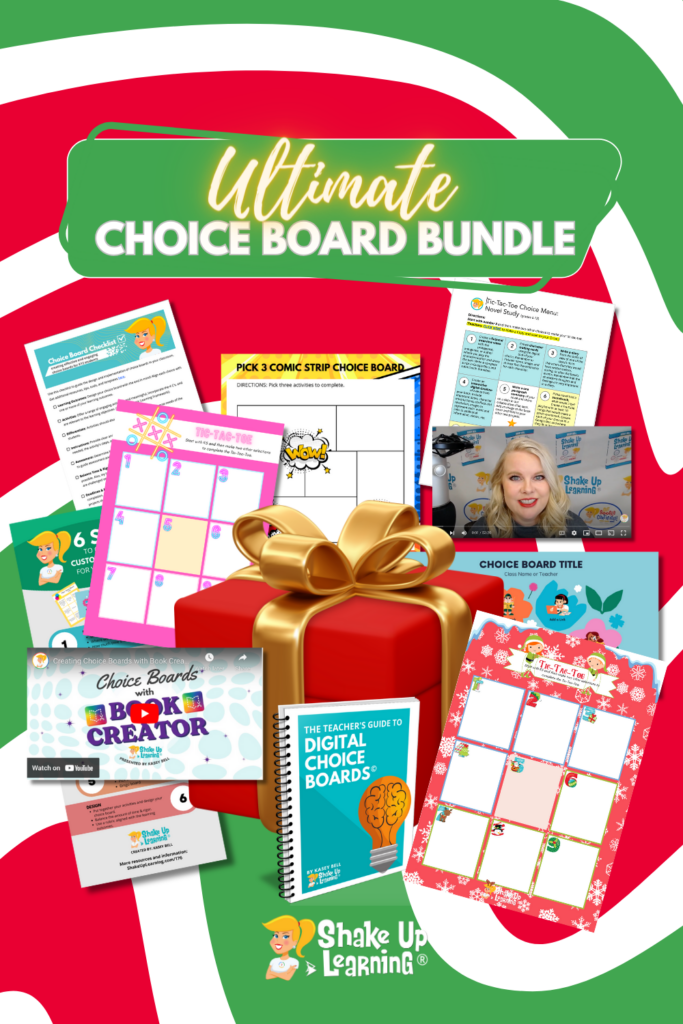
The ULTIMATE Choice Board Bundle (FREE Download)
Get this awesome (and FREE) bundle of Choice Board goodies! Includes Kasey’s eBook, two video presentations, best practices checklist, Canva and Google templates, and tons of tips and resources!
Empowering K12 Classrooms with Google Sheets (Part 2) – SULS0207
In part two of this enlightening episode, Sarah Kiefer continues to share her invaluable insights on maximizing the potential of Google Sheets in the K12 classroom. I often refer to Google Slides as the Swiss Army Knife of the Google suite of tools. But an often overlooked tool that can really super-power your classroom andContinue Reading

Empowering K12 Classrooms with Google Sheets (Part 1) – SULS0206
In this episode, join Shake Up Learning team member Sarah Kiefer and me for Part 1 of an in-depth discussion on Google Sheets. We dive into innovative approaches to harnessing the power of Google Sheets in K12 education. We explore Sarah’s outstanding Google Sheets presentation, a tool crafted to enrich educators and students by strengtheningContinue Reading

Elevating Innovation – SULS0205
In this episode, join Kasey in a captivating conversation with David L. Jackson, a seasoned education professional with a rich and diverse background spanning from classroom teaching to curriculum design and professional development leadership. Discover the wealth of free online learning courses for educators offered through Verizon Innovative Learning HQ. Also, gain insights into theContinue Reading

Chromebook Accessibility Tools for ALL Learners – SULS0204
In this episode, I’m chatting with Pam Hubler, a valued Shake Up Learning team member, about Chromebook accessibility tools for all learners. Together, we dive into the remarkable accessibility features of Chromebooks that you absolutely must explore. Discover the art of tailoring Chromebook accessibility tools to your needs, harness the power of text-to-speech functionality, masterContinue Reading

Online Safety for Students at School (and at home) – SULS0203
In this episode, I’m chatting with Chris McKenna, the founder of Protect Young Eyes. Chris has some powerful insights into the effects of the online world on kids. It’s not their fault. It’s hard being a kid in this world. Kids are faced with adult-level content, technology addictions, and distractions like never before. Find outContinue Reading
FREE Crash Course: How to Reduce Disruptions without Yelling, Begging, or Bribing
In this course, you’ll learn…. 3 mistakes that cause classroom chaos – and how to avoid them How to get students to listen without being mean Why students aren’t following your procedures – and how to get them to start! The system I used to drastically reduce chatter, blurting & other disruption And much more!
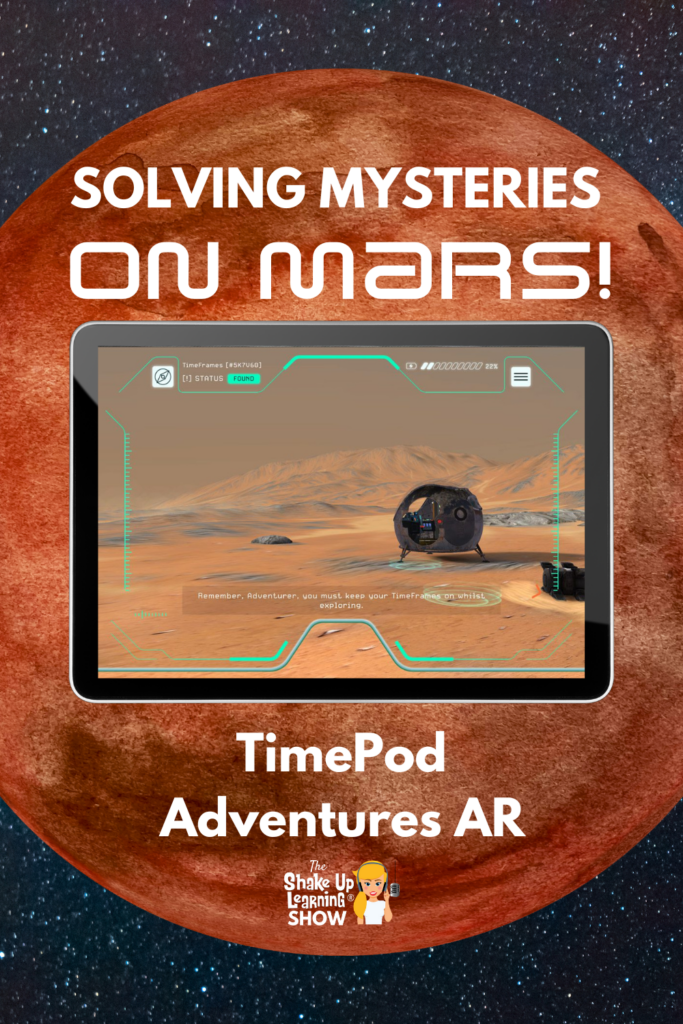
Solving Mysteries on Mars: TimePod AR – SULS0202
In this episode, Kasey chats with Immersive Content Director Phil Birchinall from Discovery Education. Phil shares the TimePod Adventures AR app, where students can virtually journey through time and space to Mars while solving challenges ranging from “fixing” their TimePod to discovering water on the planet. This is a super cool app that encourages problem-basedContinue Reading
Inspiring Students with AR All Year Long – SULS0201
In this week’s episode, I’m chatting with my friend and augmented reality expert Jaime Donally. Jaime shares some incredible insights and ideas for using AR in the classroom, including unique apps and resources from Verizon Innovative Learning HQ (a free online education portal). She also shares the “Career Day” AR app that can help inspireContinue Reading
ChatGPT Guide for Teachers (Part 2) – SULS0200
OpenAI, the company behind ChatGPT, just unveiled a new teacher guide. In part one, I did a deep dive into the guide, breaking down the information and the suggested prompts for teachers. In part two, we take a closer look at the newly released educator FAQ page and what you need to know about theContinue Reading
ChatGPT Guide for Teachers (Part 1) – SULS0199
OpenAI, the company behind ChatGPT, just unveiled a new teacher guide. “We’re releasing a guide for teachers using ChatGPT in their classroom—including suggested prompts, an explanation of how ChatGPT works and its limitations, the efficacy of AI detectors, and bias.” – OpenAI.com In this two-part series, we will take a closer look at what’s includedContinue Reading

15 Plug-and-Play Lesson Plans from Google – SULS0198
In this blog post and podcast episode, I’m sharing 15 Plug-and-Play Lesson Plans from Google’s Applied Digital Skills program. These are perfect for Back-to-School or ANY TIME of year! And Google has improved the integration of these lessons with Google Classroom, so it’s even EASIER now to assign these to students. Kick off the schoolContinue Reading
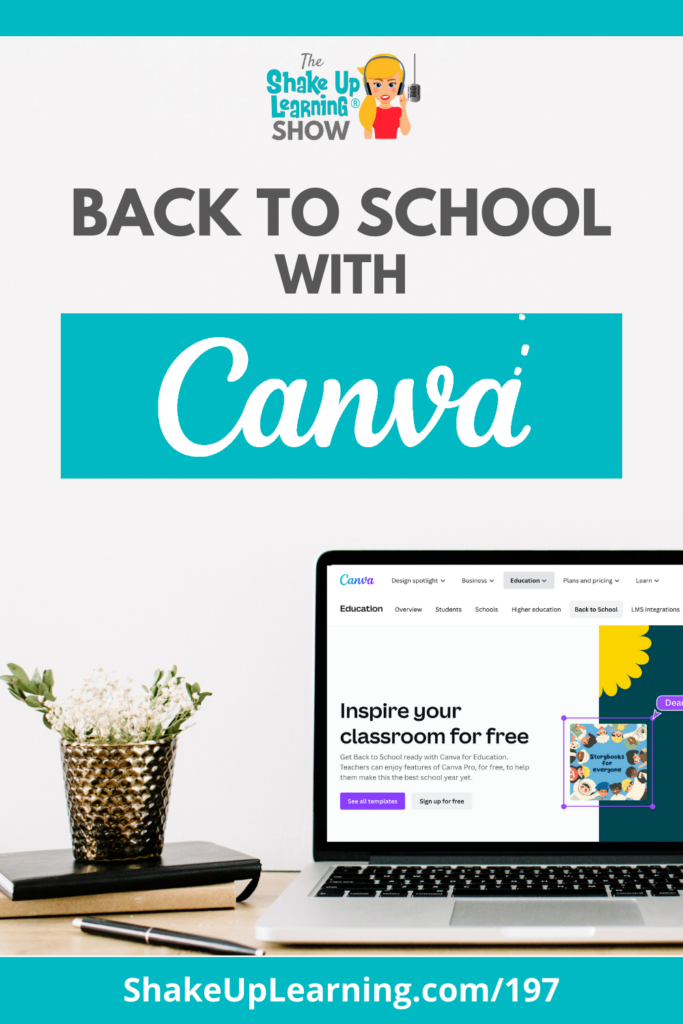
Back to School with Canva – SULS0197
In this episode, we are taking a deep dive into some AH-mazing (and FREE) resources from Canva for teachers and students. From planning to student projects, graphic organizers to classroom decorations, and much more! I’ve been using Canva for many years. Almost every image that you see on my blog and website, even a lotContinue Reading
17 Google Quick Tips for Back to School
Welcome back, dedicated teachers! As you gear up for another exciting academic year, we understand how valuable your time is. To help you make the most out of Google’s suite of tools and save precious hours, we’ve compiled 17 quick tips that will streamline your workflow and enhance your back-to-school experience. In this blog post,Continue Reading

100+ Google Quick Tips Video Library for Teachers
Google Quick Tips Video Library for Teachers Each week on the Shake Up Learning Show podcast, I share a quick tip. These tips are 2 minutes or less and are all about your favorite Google tools–Google Classroom, Google Chrome, Google Drive, and more! You can catch the tip by listening to the podcast or watchContinue Reading
Google Classroom Cleanup Tips for the End of the Year
It’s that time of year again! As many teachers begin to wrap up the end of the school year and prepare for summer, let’s make sure everything is clean and organized! I’ve put together some Google Classroom cleanup tips for the end of the year! Google Classroom and Google Drive can get quite messy throughoutContinue Reading
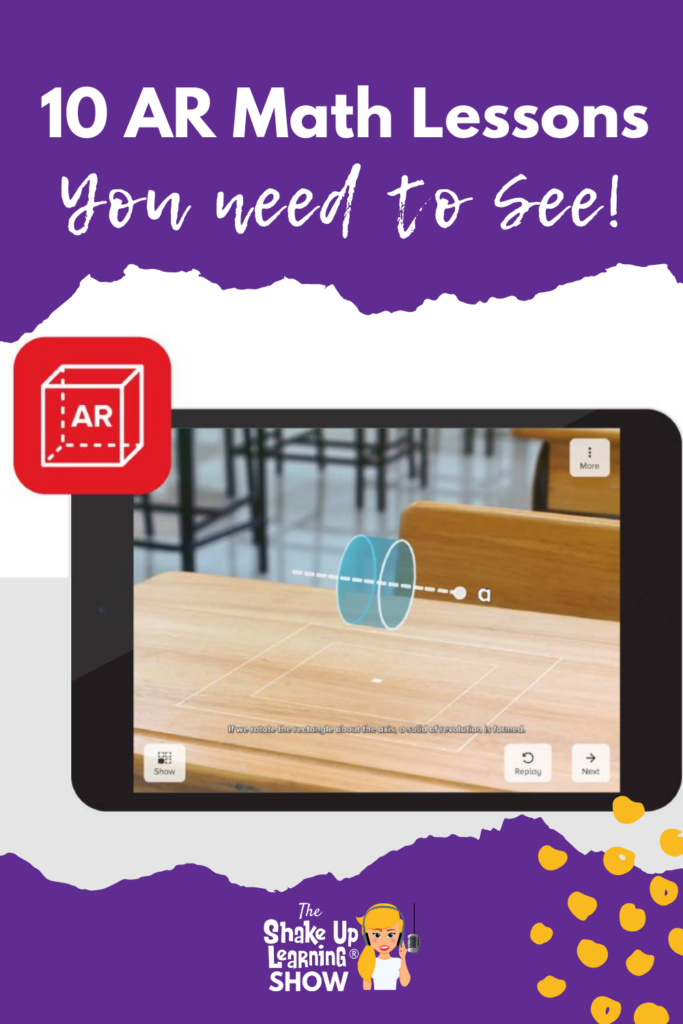
10 AR Math Lessons You Need to See – SULS0196
In this episode, I’m chatting with AR expert Jaime Donally about the awesome (and FREE) AR Math lessons from Verizon Innovative Learning HQ. In honor of Mathematics and Statistics Awareness Month, this week’s post is focused on math. Jaime shares her favorite lessons, how to use them, what you need to get started, and theContinue Reading
10+ Classroom Management Tips to Keep Kids Focused – SULS0195
In this episode, Kasey chats with Classroom Management expert Linda Kardamis from Teach4theHeart. Linda shares tips to help teachers manage the chaos of the end of the year, as well as develop a plan to start the school year off on the right foot. Don’t miss this episode and blog post! Learn quick tips toContinue Reading

Google’s Bard vs. Chat GPT (head-to-head)
Did you know that Google Sheets now has themes? Yes! And you can customize everything including the font!
*Related: How to Change the Default Font in Google Slides: https://youtu.be/EBk2mVu9378
*Related: How to Change the Default Font in Google Docs: https://youtu.be/bWOx433BWsc
Get FREE Google Classroom Resources: https://shakeuplearning.com/blog/category/google/google-classroom/
Get the FREE Google Classroom Cheat Sheets for Teachers and Students: https://shakeuplearning.com/blog/the-google-classroom-cheat-sheets-for-teachers-and-students/
Join the Google Classroom Master Class: https://shakeuplearning.teachable.com/p/getting-started-with-google-classroom-course
Listen to the Shake Up Learning Show podcast for quick tips every week: https://shakeuplearning.com/shake-up-learning-show-podcast-with-kasey-bell/
Be sure to subscribe for more tips and awesomeness! https://www.youtube.com/shakeuplearning
Subscribe to Shake Up Learning emails to get free tips and resources delivered to your inbox each week! http://shakeuplearning.com/subscribe
Oh and follow me!
http://twitter.com/shakeuplearning
http://instagram.com/shakeuplearning
http://pinterest.com/shakeuplearning
http://facebook.com/shakeuplearning
https://www.tiktok.com/@shakeuplearning
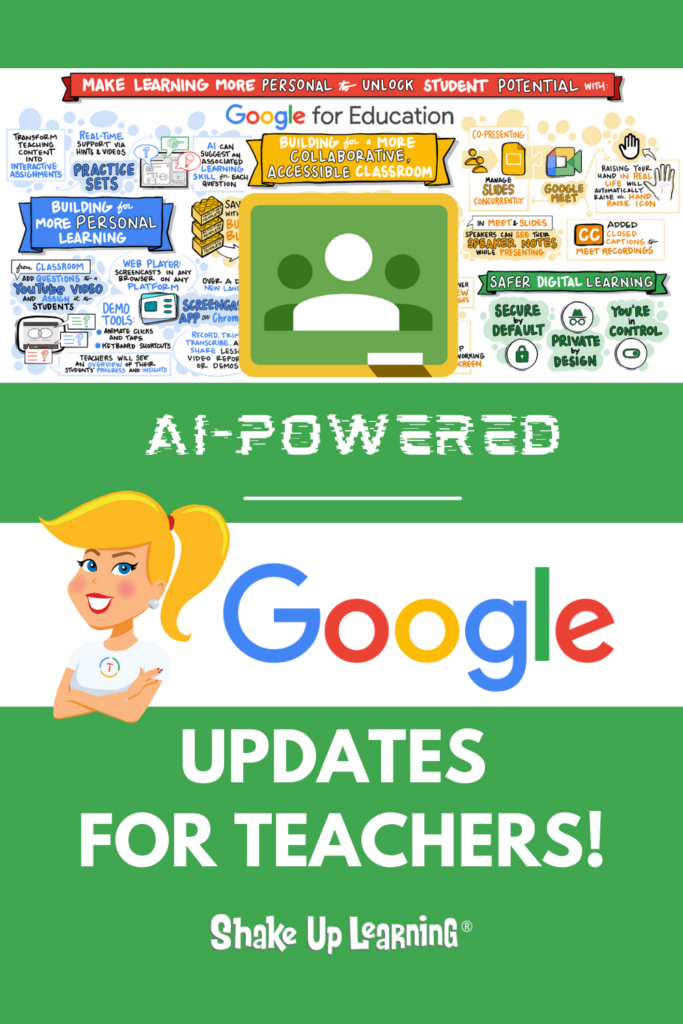
AI-Powered Google for Education Updates (Part 2) – SULS0194
Let’s continue to discuss all the Google for Education updates coming your way! In this podcast series, Kasey explains the important updates teachers need to know. In this episode (Part 2), we explore Google Classroom Practice Sets, interactive YouTube lessons, privacy and safety, and more! Did you miss Part 1? You can read or listenContinue Reading
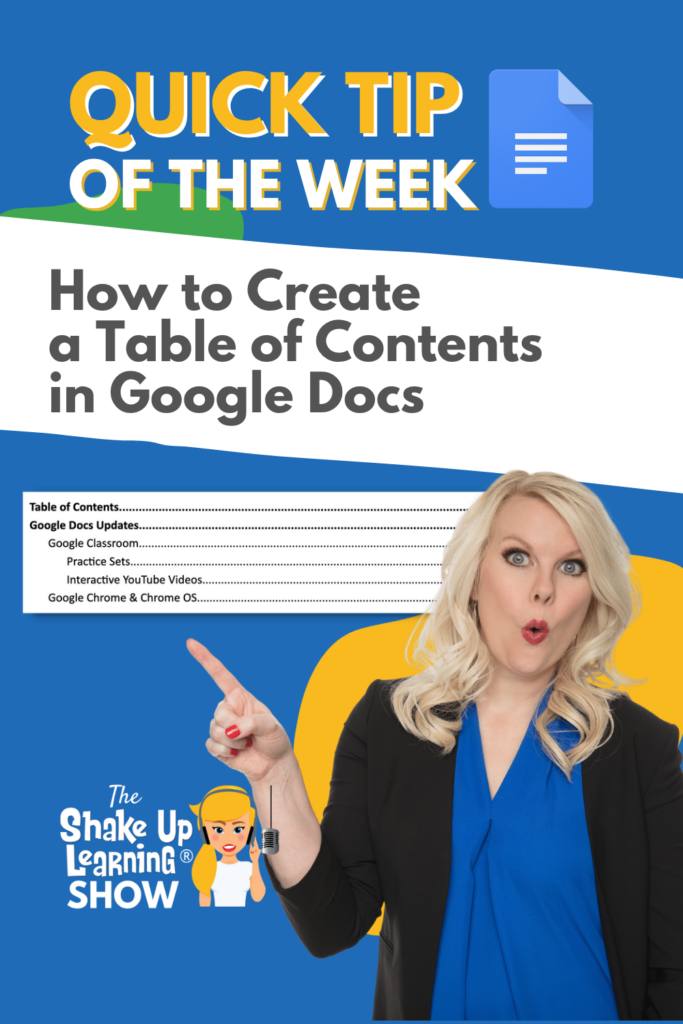
How to Create a Table of Contents in Google Docs (NEW Features)
Did you know that Google Sheets now has themes? Yes! And you can customize everything including the font!
*Related: How to Change the Default Font in Google Slides: https://youtu.be/EBk2mVu9378
*Related: How to Change the Default Font in Google Docs: https://youtu.be/bWOx433BWsc
Get FREE Google Classroom Resources: https://shakeuplearning.com/blog/category/google/google-classroom/
Get the FREE Google Classroom Cheat Sheets for Teachers and Students: https://shakeuplearning.com/blog/the-google-classroom-cheat-sheets-for-teachers-and-students/
Join the Google Classroom Master Class: https://shakeuplearning.teachable.com/p/getting-started-with-google-classroom-course
Listen to the Shake Up Learning Show podcast for quick tips every week: https://shakeuplearning.com/shake-up-learning-show-podcast-with-kasey-bell/
Be sure to subscribe for more tips and awesomeness! https://www.youtube.com/shakeuplearning
Subscribe to Shake Up Learning emails to get free tips and resources delivered to your inbox each week! http://shakeuplearning.com/subscribe
Oh and follow me!
http://twitter.com/shakeuplearning
http://instagram.com/shakeuplearning
http://pinterest.com/shakeuplearning
http://facebook.com/shakeuplearning
https://www.tiktok.com/@shakeuplearning
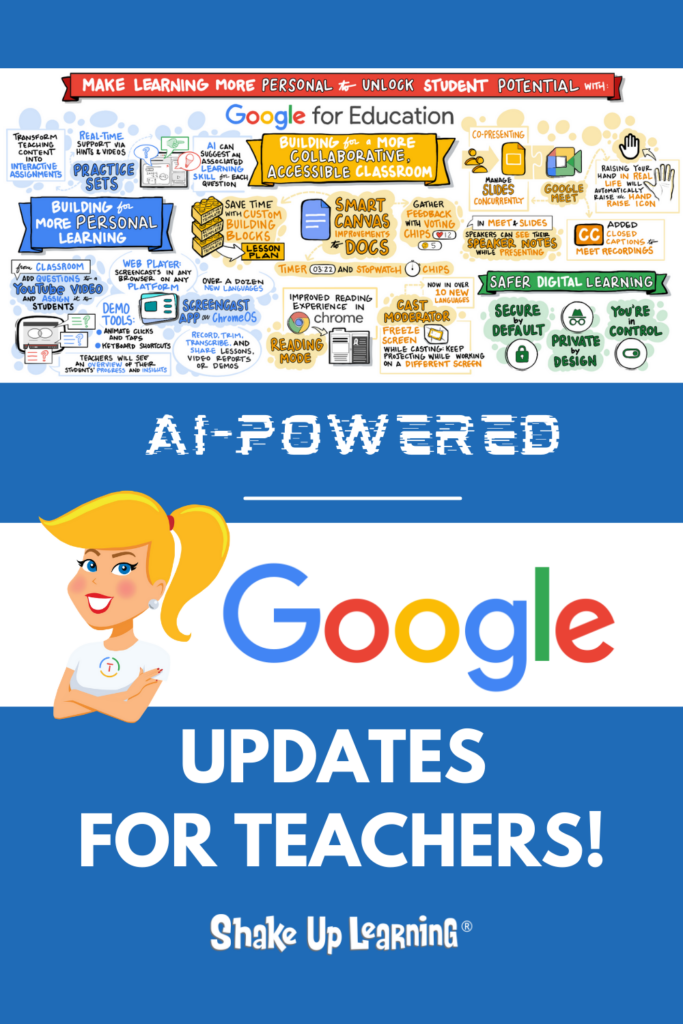
AI-Powered Google for Education Updates (Part 1)! – SULS0193
Google for Education just announced some AH-mazing updates! In this podcast series, Kasey explains the important updates teachers need to know. In this episode (Part 1), we explore Smart Canvas, Building Blocks, Chrome Reading Mode, Cast Moderator, Slides and Meet integrations, and more! Teachers, there are some powerful tools coming your way this year. [cttContinue Reading

New Smart Canvas Features in Google Docs and Sheets
Did you know that Google Sheets now has themes? Yes! And you can customize everything including the font!
*Related: How to Change the Default Font in Google Slides: https://youtu.be/EBk2mVu9378
*Related: How to Change the Default Font in Google Docs: https://youtu.be/bWOx433BWsc
Get FREE Google Classroom Resources: https://shakeuplearning.com/blog/category/google/google-classroom/
Get the FREE Google Classroom Cheat Sheets for Teachers and Students: https://shakeuplearning.com/blog/the-google-classroom-cheat-sheets-for-teachers-and-students/
Join the Google Classroom Master Class: https://shakeuplearning.teachable.com/p/getting-started-with-google-classroom-course
Listen to the Shake Up Learning Show podcast for quick tips every week: https://shakeuplearning.com/shake-up-learning-show-podcast-with-kasey-bell/
Be sure to subscribe for more tips and awesomeness! https://www.youtube.com/shakeuplearning
Subscribe to Shake Up Learning emails to get free tips and resources delivered to your inbox each week! http://shakeuplearning.com/subscribe
Oh and follow me!
http://twitter.com/shakeuplearning
http://instagram.com/shakeuplearning
http://pinterest.com/shakeuplearning
http://facebook.com/shakeuplearning
https://www.tiktok.com/@shakeuplearning
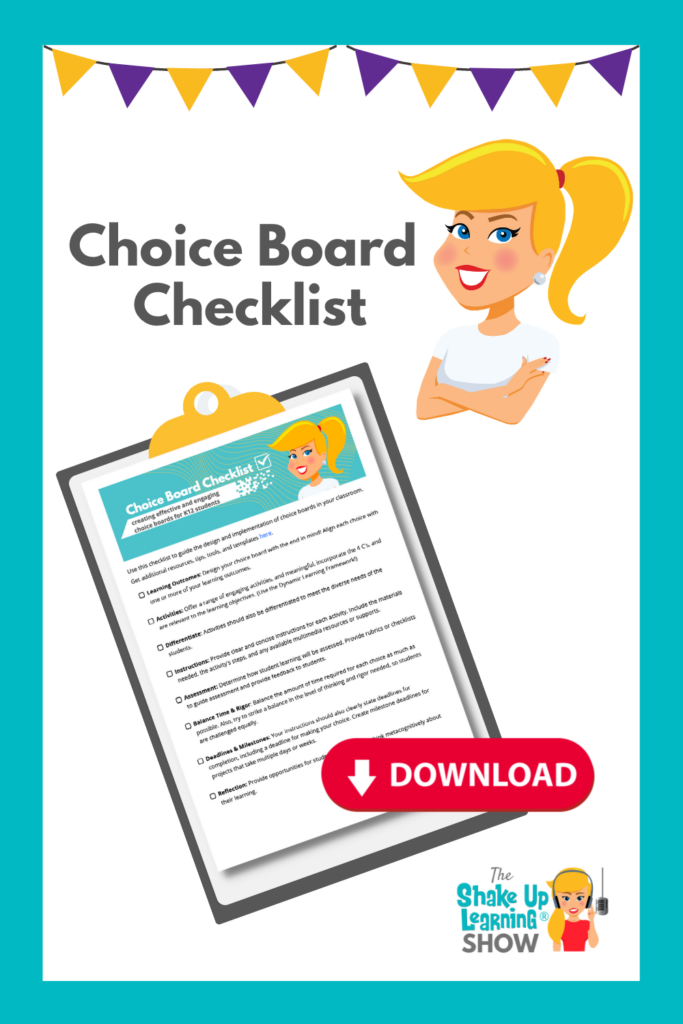
Choice Board Best Practices (and Checklist) – SULS0192
In this episode and blog post, I’m sharing a checklist of best practices for creating an effective and engaging choice board for your classroom. Let’s talk about avoiding pitfalls, grading confusion, and finding balance in time and rigor! Get the Choice Board Best Practices and FREE Checklist Download! And grab your FREE, downloadable checklist below.Continue Reading

A Brand New Google Trends!
Did you know that Google Sheets now has themes? Yes! And you can customize everything including the font!
*Related: How to Change the Default Font in Google Slides: https://youtu.be/EBk2mVu9378
*Related: How to Change the Default Font in Google Docs: https://youtu.be/bWOx433BWsc
Get FREE Google Classroom Resources: https://shakeuplearning.com/blog/category/google/google-classroom/
Get the FREE Google Classroom Cheat Sheets for Teachers and Students: https://shakeuplearning.com/blog/the-google-classroom-cheat-sheets-for-teachers-and-students/
Join the Google Classroom Master Class: https://shakeuplearning.teachable.com/p/getting-started-with-google-classroom-course
Listen to the Shake Up Learning Show podcast for quick tips every week: https://shakeuplearning.com/shake-up-learning-show-podcast-with-kasey-bell/
Be sure to subscribe for more tips and awesomeness! https://www.youtube.com/shakeuplearning
Subscribe to Shake Up Learning emails to get free tips and resources delivered to your inbox each week! http://shakeuplearning.com/subscribe
Oh and follow me!
http://twitter.com/shakeuplearning
http://instagram.com/shakeuplearning
http://pinterest.com/shakeuplearning
http://facebook.com/shakeuplearning
https://www.tiktok.com/@shakeuplearning

A Comprehensive Guide to Evaluating AI Tools for Classroom Use – SULS0191
In this episode, I’m sharing valuable resources and considerations for evaluating AI tools for use in schools and the classroom. School leaders must consider and evaluate any tool that students use carefully, but how do we prepare for the coming wave of AI tools? This episode (and companion blog post) will provide a comprehensive guideContinue Reading

Get Started with Conditional Formatting in Google Sheets
Did you know that Google Sheets now has themes? Yes! And you can customize everything including the font!
*Related: How to Change the Default Font in Google Slides: https://youtu.be/EBk2mVu9378
*Related: How to Change the Default Font in Google Docs: https://youtu.be/bWOx433BWsc
Get FREE Google Classroom Resources: https://shakeuplearning.com/blog/category/google/google-classroom/
Get the FREE Google Classroom Cheat Sheets for Teachers and Students: https://shakeuplearning.com/blog/the-google-classroom-cheat-sheets-for-teachers-and-students/
Join the Google Classroom Master Class: https://shakeuplearning.teachable.com/p/getting-started-with-google-classroom-course
Listen to the Shake Up Learning Show podcast for quick tips every week: https://shakeuplearning.com/shake-up-learning-show-podcast-with-kasey-bell/
Be sure to subscribe for more tips and awesomeness! https://www.youtube.com/shakeuplearning
Subscribe to Shake Up Learning emails to get free tips and resources delivered to your inbox each week! http://shakeuplearning.com/subscribe
Oh and follow me!
http://twitter.com/shakeuplearning
http://instagram.com/shakeuplearning
http://pinterest.com/shakeuplearning
http://facebook.com/shakeuplearning
https://www.tiktok.com/@shakeuplearning

The Dangers of AI (and it’s not cheating) – SULS0190
In this episode, I’m sharing some important information about the evolution of artificial intelligence and the dangers of AI in our world and our schools. It’s important to understand the potential dangers when protecting our most vulnerable–our students. Let’s take a look at some eye-opening information you need to know. Of course, AI is notContinue Reading
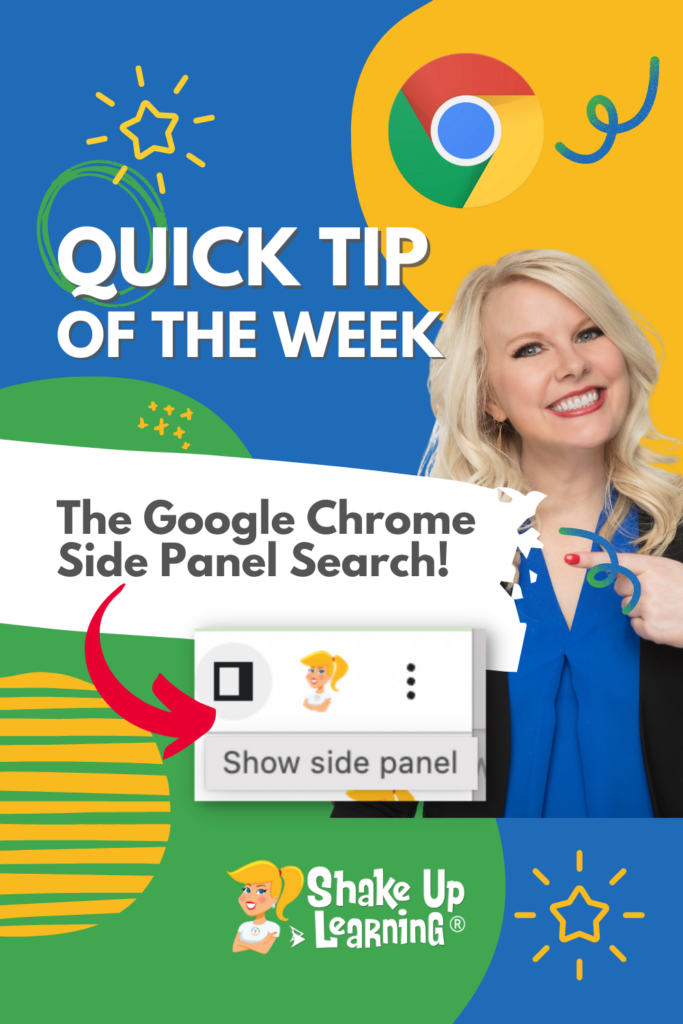
The Google Chrome Side Panel Search
NEW feature in Google Classroom!
You can now select a theme color from eight different colors!
➡️ Learn more about Google Classroom and get the FREE Google Classroom Cheat Sheets for Teachers and Students (54 pages): https://shakeuplearning.com/blog/the-google-classroom-cheat-sheets-for-teachers-and-students/
➡️ Take your Google Classroom skills to the next level with The Google Classroom Master Class: https://shakeuplearning.teachable.com/p/getting-started-with-google-classroom-course/
Be sure to subscribe for more tips and awesomeness! https://www.youtube.com/shakeuplearning
Subscribe to Shake Up Learning emails to get free tips and resources delivered to your inbox each week! http://shakeuplearning.com/subscribe
Oh and follow us!
http://twitter.com/shakeuplearning
http://instagram.com/shakeuplearning
http://pinterest.com/shakeuplearning
http://facebook.com/shakeuplearning

ScreenPal–Your New BFF! – SULS0189
In this episode, Kasey shares a new tool from Screencast-O-Matic: ScreenPal! This Chrome extension is a very robust screen recording tool. You can quickly add a video anywhere you type. This is a great tool for teachers to communicate, leave feedback, record lessons, and more. AND it integrates with many of your favorite tools! MeetContinue Reading
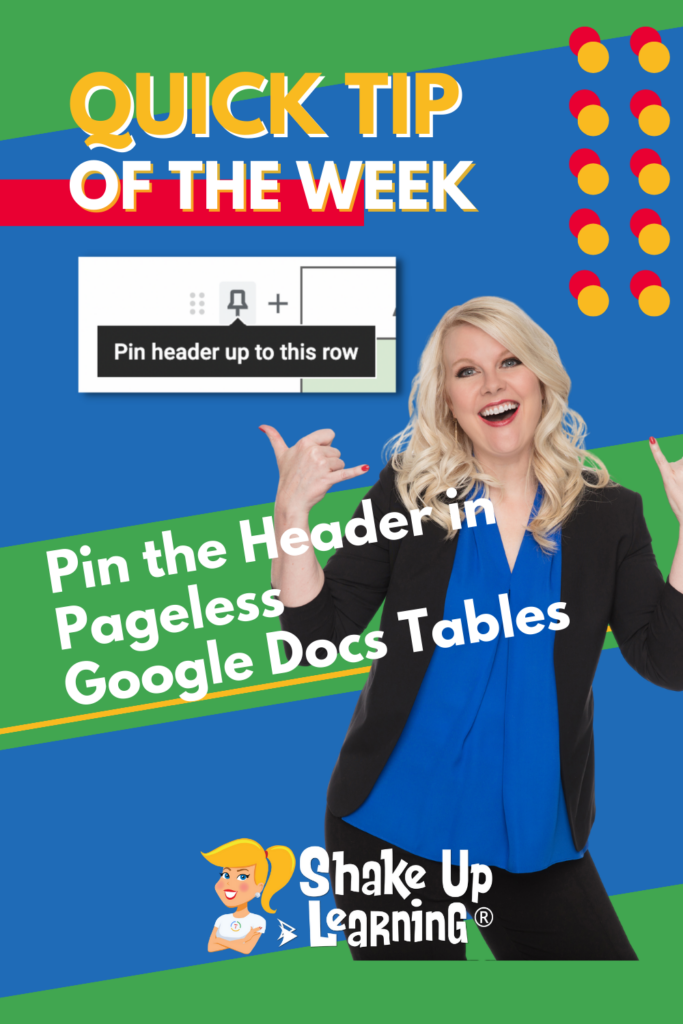
How to Pin the Header in Pageless Google Docs Tables
NEW feature in Google Classroom!
You can now select a theme color from eight different colors!
➡️ Learn more about Google Classroom and get the FREE Google Classroom Cheat Sheets for Teachers and Students (54 pages): https://shakeuplearning.com/blog/the-google-classroom-cheat-sheets-for-teachers-and-students/
➡️ Take your Google Classroom skills to the next level with The Google Classroom Master Class: https://shakeuplearning.teachable.com/p/getting-started-with-google-classroom-course/
Be sure to subscribe for more tips and awesomeness! https://www.youtube.com/shakeuplearning
Subscribe to Shake Up Learning emails to get free tips and resources delivered to your inbox each week! http://shakeuplearning.com/subscribe
Oh and follow us!
http://twitter.com/shakeuplearning
http://instagram.com/shakeuplearning
http://pinterest.com/shakeuplearning
http://facebook.com/shakeuplearning
Mind Blown by Notion: a Great Tool for Teachers and Students – SULS0188
In this episode, Kasey explores the Notion application and how teachers and students can use it. The more she learns, the more she loves it! Notion is a great tool for teachers and secondary students. Create a hub for your day, your class, your tasks, and link everything on one wiki. Oh, and connect GoogleContinue Reading

Custom Color Eyedropper in Google Slides!
Did you know that you can customize the font in your Google Slides theme, so you don’t have to change the font on every slide? Yes! Customize your themes for your Google projects with your favorite fonts.
How to Change the Link Color in Google Slides Themes: https://youtu.be/Qq6kUTTM5Hw
Join the Google Classroom Master Class: https://shakeuplearning.teachable.com/p/getting-started-with-google-classroom-course
Get FREE Google Classroom Resources: https://shakeuplearning.com/blog/category/google/google-classroom/
Get the FREE Google Classroom Cheat Sheets for Teachers and Students: https://shakeuplearning.com/blog/the-google-classroom-cheat-sheets-for-teachers-and-students/
Listen to the Shake Up Learning Show podcast for quick tips every week: https://shakeuplearning.com/shake-up-learning-show-podcast-with-kasey-bell/
Be sure to subscribe for more tips and awesomeness! https://www.youtube.com/shakeuplearning
Subscribe to Shake Up Learning emails to get free tips and resources delivered to your inbox each week! http://shakeuplearning.com/subscribe
Oh and follow me!
http://twitter.com/shakeuplearning
http://instagram.com/shakeuplearning
http://pinterest.com/shakeuplearning
http://facebook.com/shakeuplearning
https://www.tiktok.com/@shakeuplearning
15+ Ways for Teachers to Use Google Sheets in the Classroom – SULS0187
In this episode, Kasey chats about one of the most feared Google tools–Sheets! Every teacher should learn to use this robust tool! Let’s explore free templates, time savers, and all the wonderful things you can do with Google Sheets. Google Sheets for Teachers! Kasey explains that teachers often share that Sheets is the app theyContinue Reading

Emoji Reactions in Google Meet
NEW feature in Google Classroom!
You can now select a theme color from eight different colors!
➡️ Learn more about Google Classroom and get the FREE Google Classroom Cheat Sheets for Teachers and Students (54 pages): https://shakeuplearning.com/blog/the-google-classroom-cheat-sheets-for-teachers-and-students/
➡️ Take your Google Classroom skills to the next level with The Google Classroom Master Class: https://shakeuplearning.teachable.com/p/getting-started-with-google-classroom-course/
Be sure to subscribe for more tips and awesomeness! https://www.youtube.com/shakeuplearning
Subscribe to Shake Up Learning emails to get free tips and resources delivered to your inbox each week! http://shakeuplearning.com/subscribe
Oh and follow us!
http://twitter.com/shakeuplearning
http://instagram.com/shakeuplearning
http://pinterest.com/shakeuplearning
http://facebook.com/shakeuplearning
Awesome Feedback Tools, AI, and a Little Inspiration from FETC – SULS0186
In this episode, Kasey chats with Shake Up Learning Team member Susan Vincentz about her favorite takeaways from the FETC conference. Susan shares some awesome feedback tools from her own presentation, a little inspiration from the opening keynote, a new novel app, and some important AI thoughts. Come learn with us and get FETC takeaways! SusanContinue Reading
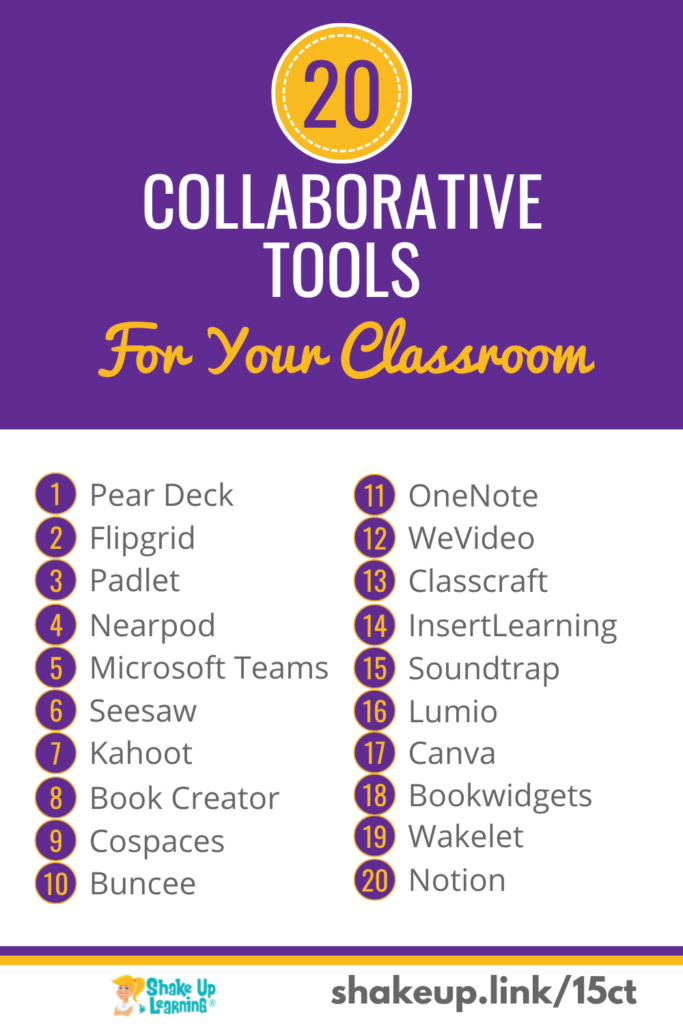
20 Collaborative Tools for Your Classroom That Are NOT Google
It’s no secret that I love Google tools, but Google is not the only option for your classroom. There are hundreds of fantastic collaborative learning tools! Collaboration is a critical twenty-first-century skill for our students. Finding ways to facilitate and support collaboration in the classroom is not always easy. Keep in mind that digital toolsContinue Reading
How to Protect “Focus Time” in Google Calendar
NEW feature in Google Classroom!
You can now select a theme color from eight different colors!
➡️ Learn more about Google Classroom and get the FREE Google Classroom Cheat Sheets for Teachers and Students (54 pages): https://shakeuplearning.com/blog/the-google-classroom-cheat-sheets-for-teachers-and-students/
➡️ Take your Google Classroom skills to the next level with The Google Classroom Master Class: https://shakeuplearning.teachable.com/p/getting-started-with-google-classroom-course/
Be sure to subscribe for more tips and awesomeness! https://www.youtube.com/shakeuplearning
Subscribe to Shake Up Learning emails to get free tips and resources delivered to your inbox each week! http://shakeuplearning.com/subscribe
Oh and follow us!
http://twitter.com/shakeuplearning
http://instagram.com/shakeuplearning
http://pinterest.com/shakeuplearning
http://facebook.com/shakeuplearning

Unlocking the Potential of K-12 Students with ChatGPT: How AI Could Transform Education – SULS0184
In this episode, I’m taking a deep dive into a new AI platform, Chat GPT, and the GPT-3 language. I’m sharing insight and ideas on how this technology could potentially transform education as we know it. I’m also sharing quick ideas on using the platform in the classroom today. Oh, and didn’t I mention thatContinue Reading
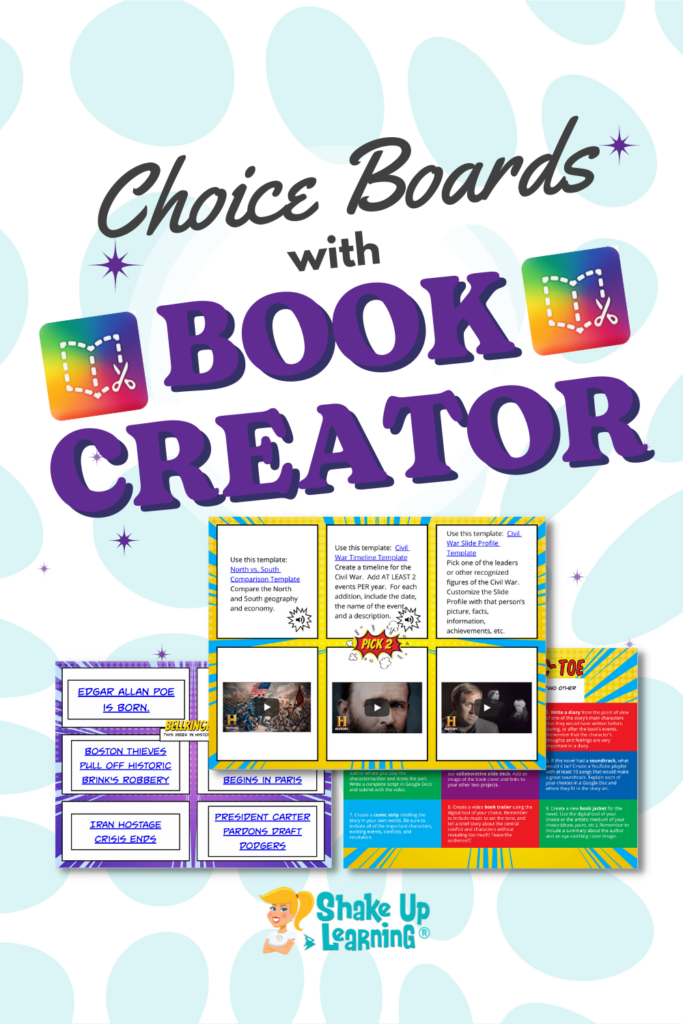
Creating Choice Boards with Book Creator
I’ve been learning how to use Book Creator…and LOVING it! More specifically, I am experimenting with ways Book Creator can be used to create and implement choice boards in the classroom. Book Creator is very intuitive and is loaded with student engagement tools. And I have a brand new idea to share in this post:Continue Reading
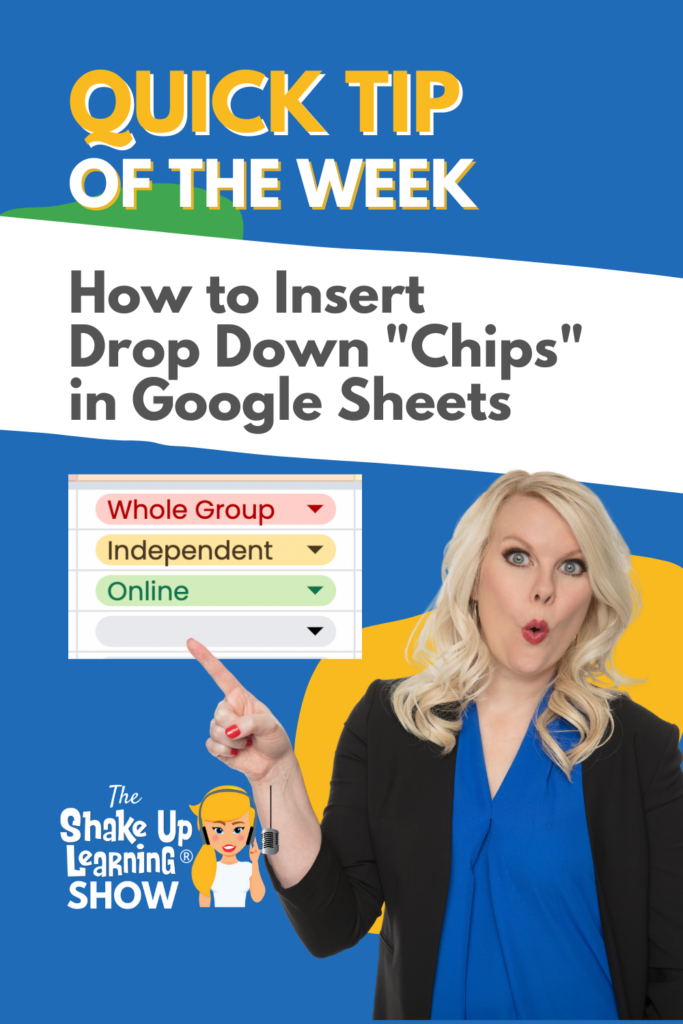
How to Insert Drop-down Chips in Google Sheets
Did you know that Google Sheets now has themes? Yes! And you can customize everything including the font!
*Related: How to Change the Default Font in Google Slides: https://youtu.be/EBk2mVu9378
*Related: How to Change the Default Font in Google Docs: https://youtu.be/bWOx433BWsc
Get FREE Google Classroom Resources: https://shakeuplearning.com/blog/category/google/google-classroom/
Get the FREE Google Classroom Cheat Sheets for Teachers and Students: https://shakeuplearning.com/blog/the-google-classroom-cheat-sheets-for-teachers-and-students/
Join the Google Classroom Master Class: https://shakeuplearning.teachable.com/p/getting-started-with-google-classroom-course
Listen to the Shake Up Learning Show podcast for quick tips every week: https://shakeuplearning.com/shake-up-learning-show-podcast-with-kasey-bell/
Be sure to subscribe for more tips and awesomeness! https://www.youtube.com/shakeuplearning
Subscribe to Shake Up Learning emails to get free tips and resources delivered to your inbox each week! http://shakeuplearning.com/subscribe
Oh and follow me!
http://twitter.com/shakeuplearning
http://instagram.com/shakeuplearning
http://pinterest.com/shakeuplearning
http://facebook.com/shakeuplearning
https://www.tiktok.com/@shakeuplearning
4+ Things You Didn’t Know Canva Could Do! – SULS0183
In this episode, I chat with Scott Nunes, a teacher and District Engagement Advocate for Canva. Scott shares insider tips, tools, and new features in Canva. Canva has gone from this super cool image creation tool to a blended learning platform for teachers and students. And Canva for Education is FREE for teachers and students!Continue Reading
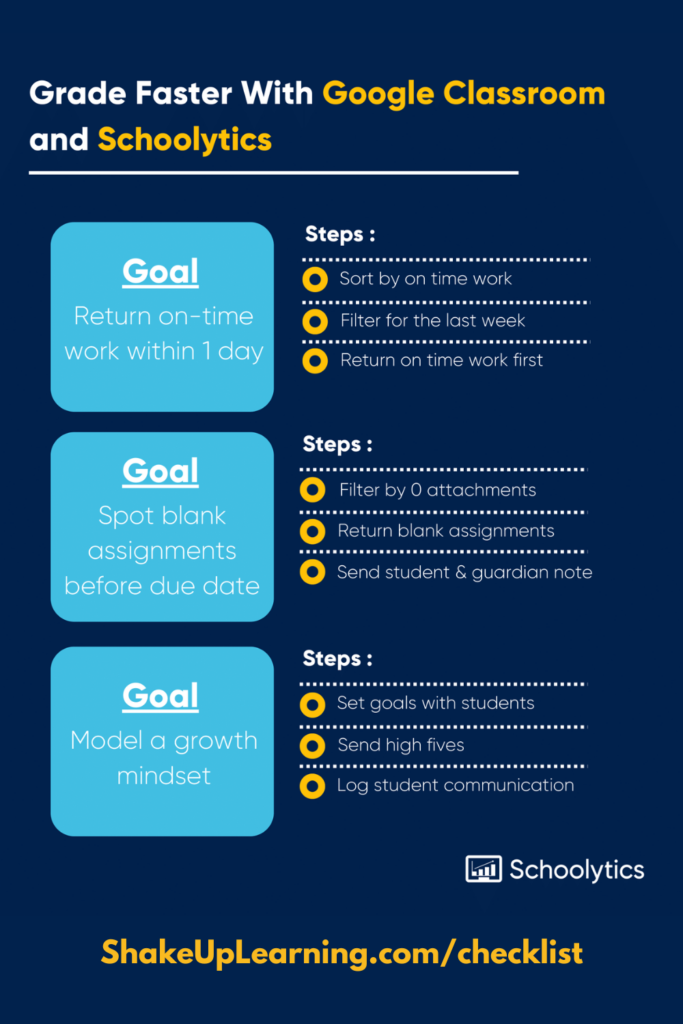
A Teacher’s Checklist for Fast, Effective Feedback
Grading and student feedback take up most of a teacher’s non-instructional time, and rightfully so: students (and their guardians) rely on teacher feedback to make meaningful improvements over the course of a school term. Fast, efficient grading benefits both students and teachers alike. But how can teachers speed up the grading process without sacrificing theContinue Reading
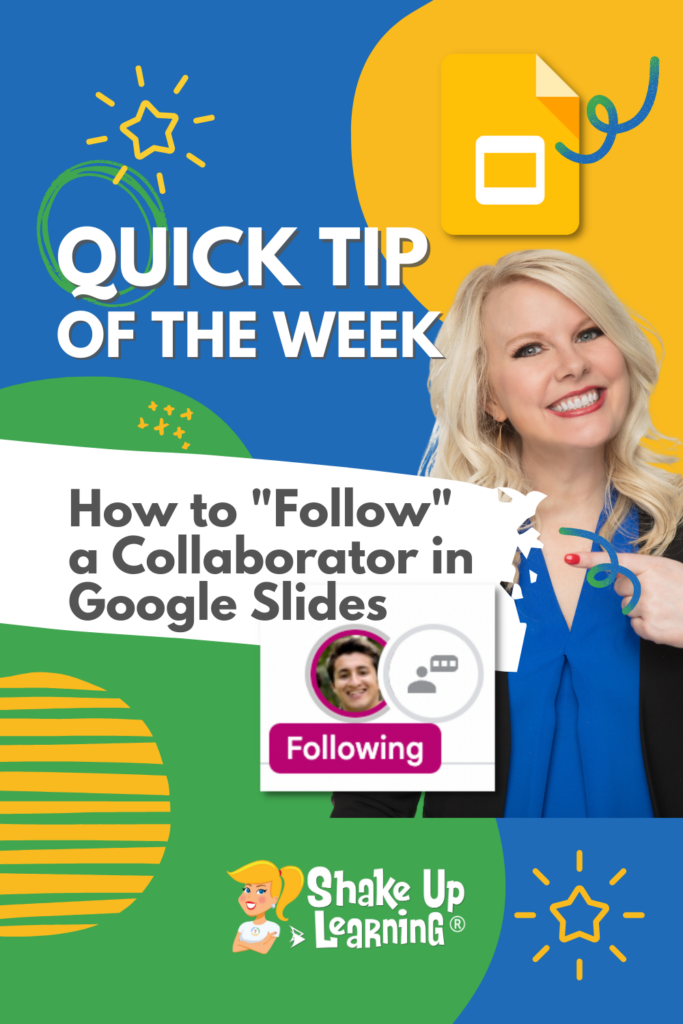
How to Follow a Collaborator in Google Slides
Did you know that you can customize the font in your Google Slides theme, so you don’t have to change the font on every slide? Yes! Customize your themes for your Google projects with your favorite fonts.
How to Change the Link Color in Google Slides Themes: https://youtu.be/Qq6kUTTM5Hw
Join the Google Classroom Master Class: https://shakeuplearning.teachable.com/p/getting-started-with-google-classroom-course
Get FREE Google Classroom Resources: https://shakeuplearning.com/blog/category/google/google-classroom/
Get the FREE Google Classroom Cheat Sheets for Teachers and Students: https://shakeuplearning.com/blog/the-google-classroom-cheat-sheets-for-teachers-and-students/
Listen to the Shake Up Learning Show podcast for quick tips every week: https://shakeuplearning.com/shake-up-learning-show-podcast-with-kasey-bell/
Be sure to subscribe for more tips and awesomeness! https://www.youtube.com/shakeuplearning
Subscribe to Shake Up Learning emails to get free tips and resources delivered to your inbox each week! http://shakeuplearning.com/subscribe
Oh and follow me!
http://twitter.com/shakeuplearning
http://instagram.com/shakeuplearning
http://pinterest.com/shakeuplearning
http://facebook.com/shakeuplearning
https://www.tiktok.com/@shakeuplearning
10 Things for Teachers to Try in 2023 – SULS0182
In this blog post and podcast episode, I’m sharing 10 Things for Teachers to Try in 2023. We will explore strategies, digital tools, professional learning, and much more! Are you ready to start fresh, declutter, and make room for new ideas in your classroom this year? What will you try in 2023? No matter theContinue Reading
Winter Magnetic Poetry with Google Slides
Let’s have some fun with Winter Magnetic Poetry with Google Slides! Winter is coming! Well, at least for some of you. Things are still pretty warm here in Texas! This is the third installment of magnetic poetry templates that I have shared. The first one was Collaborative Magnetic Poetry with Google Drawings. The secondContinue Reading
The Best Teacher Tips and Lesson Ideas of 2022
Here are the BEST Blog Posts and Podcasts of 2022! I have compiled a list of the BEST and most popular Shake Up Learning blog posts and podcast episodes from 2022. These posts are loaded with the BEST teacher tips and lesson ideas of the year. A special thank you to all the Shake UpContinue Reading

The Perfect Mid-Year Reflection Activity for Students
I just discovered a fantastic resource for teachers: the Adobe Creative Education Challenges. Each month Adobe offers a new challenge for teachers. Think of these as ready-made activities for your students, complete with free templates, instructions, and great ideas to help teachers deliver powerful learning moments. Oh, and did I mention that they are alsoContinue Reading

How to Set an Expiration Date on Google Drive Files
NEW feature in Google Classroom!
You can now select a theme color from eight different colors!
➡️ Learn more about Google Classroom and get the FREE Google Classroom Cheat Sheets for Teachers and Students (54 pages): https://shakeuplearning.com/blog/the-google-classroom-cheat-sheets-for-teachers-and-students/
➡️ Take your Google Classroom skills to the next level with The Google Classroom Master Class: https://shakeuplearning.teachable.com/p/getting-started-with-google-classroom-course/
Be sure to subscribe for more tips and awesomeness! https://www.youtube.com/shakeuplearning
Subscribe to Shake Up Learning emails to get free tips and resources delivered to your inbox each week! http://shakeuplearning.com/subscribe
Oh and follow us!
http://twitter.com/shakeuplearning
http://instagram.com/shakeuplearning
http://pinterest.com/shakeuplearning
http://facebook.com/shakeuplearning

Top 10 Google Tips of the Year – SULS0181
As we wrap up 2022, let’s take a look at the most popular Google tips and new features of the year. What were the most exciting updates? Which application brought us the coolest new features? The answer may surprise you! Here are the top 10 Google Tips of 2022. [ctt template=”1″ link=”Nc97b” via=”yes” ]Top 10Continue Reading

NEW Google Slides Enhanced Menu
Did you know that you can customize the font in your Google Slides theme, so you don’t have to change the font on every slide? Yes! Customize your themes for your Google projects with your favorite fonts.
How to Change the Link Color in Google Slides Themes: https://youtu.be/Qq6kUTTM5Hw
Join the Google Classroom Master Class: https://shakeuplearning.teachable.com/p/getting-started-with-google-classroom-course
Get FREE Google Classroom Resources: https://shakeuplearning.com/blog/category/google/google-classroom/
Get the FREE Google Classroom Cheat Sheets for Teachers and Students: https://shakeuplearning.com/blog/the-google-classroom-cheat-sheets-for-teachers-and-students/
Listen to the Shake Up Learning Show podcast for quick tips every week: https://shakeuplearning.com/shake-up-learning-show-podcast-with-kasey-bell/
Be sure to subscribe for more tips and awesomeness! https://www.youtube.com/shakeuplearning
Subscribe to Shake Up Learning emails to get free tips and resources delivered to your inbox each week! http://shakeuplearning.com/subscribe
Oh and follow me!
http://twitter.com/shakeuplearning
http://instagram.com/shakeuplearning
http://pinterest.com/shakeuplearning
http://facebook.com/shakeuplearning
https://www.tiktok.com/@shakeuplearning

Gearing Up for the Hour of Code
The Hour of Code is coming! Are you ready? This post and podcast episode will give you everything you need to get ready to participate in the Hour of Code and Computer Science Education Week in 2022 (Dec. 5-11). In case you haven’t been paying attention, computer science skills are vastly becoming some of theContinue Reading

How to Add a Shortcut to a File in Google Drive (and Organize it!)
NEW feature in Google Classroom!
You can now select a theme color from eight different colors!
➡️ Learn more about Google Classroom and get the FREE Google Classroom Cheat Sheets for Teachers and Students (54 pages): https://shakeuplearning.com/blog/the-google-classroom-cheat-sheets-for-teachers-and-students/
➡️ Take your Google Classroom skills to the next level with The Google Classroom Master Class: https://shakeuplearning.teachable.com/p/getting-started-with-google-classroom-course/
Be sure to subscribe for more tips and awesomeness! https://www.youtube.com/shakeuplearning
Subscribe to Shake Up Learning emails to get free tips and resources delivered to your inbox each week! http://shakeuplearning.com/subscribe
Oh and follow us!
http://twitter.com/shakeuplearning
http://instagram.com/shakeuplearning
http://pinterest.com/shakeuplearning
http://facebook.com/shakeuplearning

How to Create Stop Motion Animation Activities for Students with Google Slides – SULS0179
In this episode, Kasey gives a full tutorial on creating stop-motion activities for students in Google Slides. This special edition podcast is also available as a full video tutorial on YouTube. Bring your graphics to life, much like a flip book! Let’s discover how easy stop-motion animation can be and learn how to create someContinue Reading

100+ Google Quick Tip Videos for Teachers!
I’ve been creating these weekly Google Quick Tip videos for teachers since 2020. And now there are 100 video tutorials available on the Shake Up Learning YouTube channel! (More added each week!) [ctt template=”1″ link=”w5u_7″ via=”yes” ]Whoa! Check this out! 100 FREE Google Tips for Teachers![/ctt] 100+ Google Quick Tip Videos for Teachers! Here’s aContinue Reading
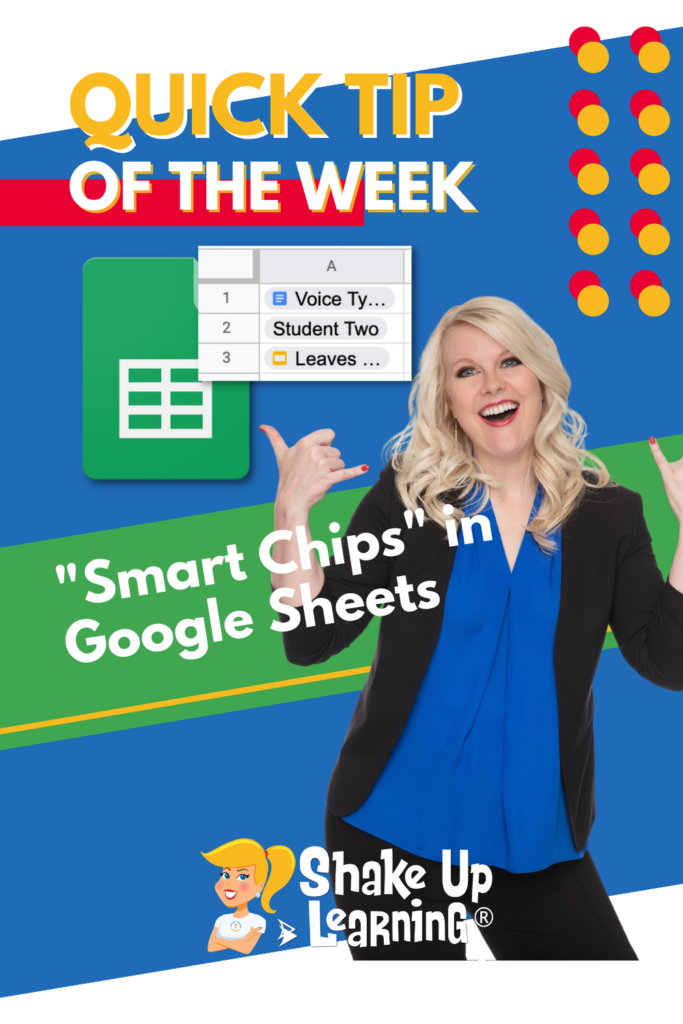
Link People, Files, and Calendar Events to Your Google Sheet with “Smart Chips”
NEW feature in Google Classroom!
You can now select a theme color from eight different colors!
➡️ Learn more about Google Classroom and get the FREE Google Classroom Cheat Sheets for Teachers and Students (54 pages): https://shakeuplearning.com/blog/the-google-classroom-cheat-sheets-for-teachers-and-students/
➡️ Take your Google Classroom skills to the next level with The Google Classroom Master Class: https://shakeuplearning.teachable.com/p/getting-started-with-google-classroom-course/
Be sure to subscribe for more tips and awesomeness! https://www.youtube.com/shakeuplearning
Subscribe to Shake Up Learning emails to get free tips and resources delivered to your inbox each week! http://shakeuplearning.com/subscribe
Oh and follow us!
http://twitter.com/shakeuplearning
http://instagram.com/shakeuplearning
http://pinterest.com/shakeuplearning
http://facebook.com/shakeuplearning
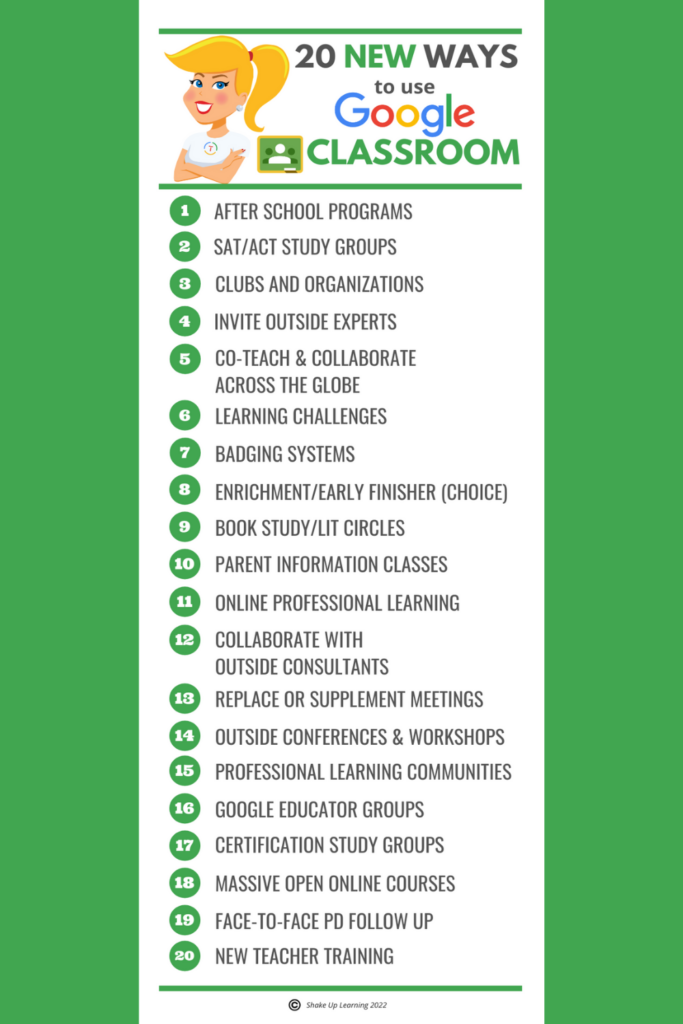
20 New Ways to Use Google Classroom [infographic]
Expand Your Use of Google Classroom Google Classroom can be used for so much more than just your traditional classroom LMS. This powerful tool can provide a space for teacher-to-teacher collaboration, professional learning and support, parent communication, and even special projects and enrichment classes for students. Consider these 20 New Ways to Use Google Classroom.Continue Reading
How to Voice Type in Google Docs (Speech-to-Text Dictation)
NEW feature in Google Classroom!
You can now select a theme color from eight different colors!
➡️ Learn more about Google Classroom and get the FREE Google Classroom Cheat Sheets for Teachers and Students (54 pages): https://shakeuplearning.com/blog/the-google-classroom-cheat-sheets-for-teachers-and-students/
➡️ Take your Google Classroom skills to the next level with The Google Classroom Master Class: https://shakeuplearning.teachable.com/p/getting-started-with-google-classroom-course/
Be sure to subscribe for more tips and awesomeness! https://www.youtube.com/shakeuplearning
Subscribe to Shake Up Learning emails to get free tips and resources delivered to your inbox each week! http://shakeuplearning.com/subscribe
Oh and follow us!
http://twitter.com/shakeuplearning
http://instagram.com/shakeuplearning
http://pinterest.com/shakeuplearning
http://facebook.com/shakeuplearning

7 Reasons You Need to Try Voice Typing in Google Docs
Voice Typing in Google Docs is a Game-Changer! As a former ELA teacher, I am naturally drawn to technology that supports reading and writing. Google Docs is fully-loaded with some features that can save us time in and out of the classroom, and oftentimes can even save us a little heartache when it comes toContinue Reading

How to Add Files to Multiple Folders in Google Drive
NEW feature in Google Classroom!
You can now select a theme color from eight different colors!
➡️ Learn more about Google Classroom and get the FREE Google Classroom Cheat Sheets for Teachers and Students (54 pages): https://shakeuplearning.com/blog/the-google-classroom-cheat-sheets-for-teachers-and-students/
➡️ Take your Google Classroom skills to the next level with The Google Classroom Master Class: https://shakeuplearning.teachable.com/p/getting-started-with-google-classroom-course/
Be sure to subscribe for more tips and awesomeness! https://www.youtube.com/shakeuplearning
Subscribe to Shake Up Learning emails to get free tips and resources delivered to your inbox each week! http://shakeuplearning.com/subscribe
Oh and follow us!
http://twitter.com/shakeuplearning
http://instagram.com/shakeuplearning
http://pinterest.com/shakeuplearning
http://facebook.com/shakeuplearning
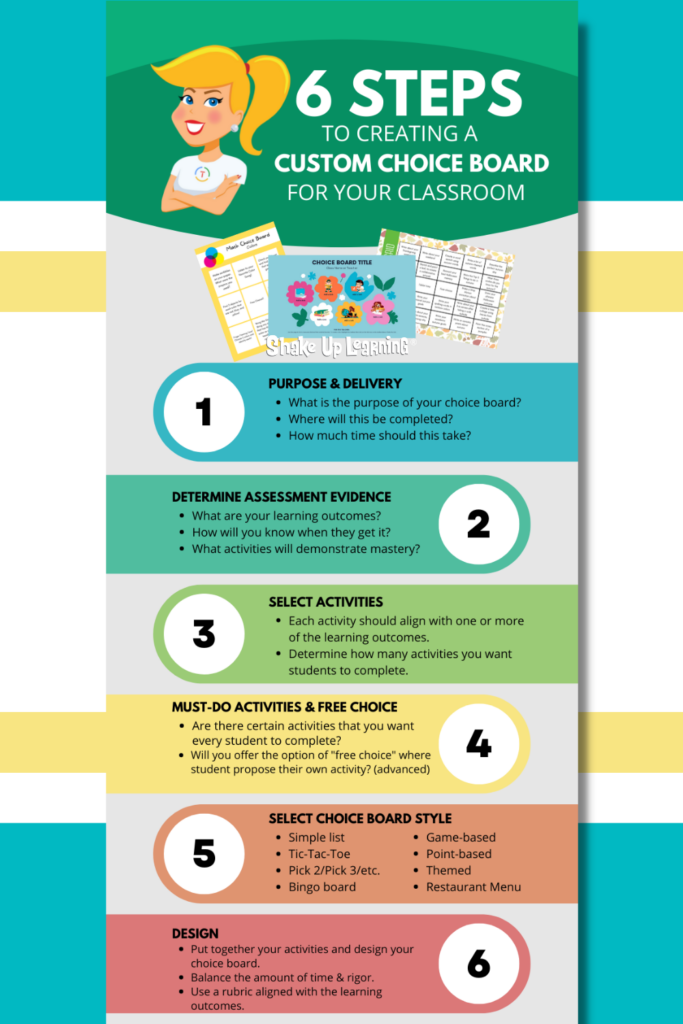
6 Steps to Creating Custom Choice Boards – SULS0176
In this episode, I’m sharing my brand new framework for designing meaningful choice boards for the K-12 classroom. I will walk you step-by-step through the process to ensure it aligns with your standards and learning outcomes, how to select the choice board style, and share important tips along the way. Choice boards are a gameContinue Reading
Google Classroom Student Selector (Digital Popsicle Sticks!)
NEW feature in Google Classroom!
You can now select a theme color from eight different colors!
➡️ Learn more about Google Classroom and get the FREE Google Classroom Cheat Sheets for Teachers and Students (54 pages): https://shakeuplearning.com/blog/the-google-classroom-cheat-sheets-for-teachers-and-students/
➡️ Take your Google Classroom skills to the next level with The Google Classroom Master Class: https://shakeuplearning.teachable.com/p/getting-started-with-google-classroom-course/
Be sure to subscribe for more tips and awesomeness! https://www.youtube.com/shakeuplearning
Subscribe to Shake Up Learning emails to get free tips and resources delivered to your inbox each week! http://shakeuplearning.com/subscribe
Oh and follow us!
http://twitter.com/shakeuplearning
http://instagram.com/shakeuplearning
http://pinterest.com/shakeuplearning
http://facebook.com/shakeuplearning

Strategies and Tools to Improve Student Behavior and Engagement – SULS0175
In this episode, Kasey chats with Shawn Young, a former teacher, and CEO of Classcraft. When so many teachers are struggling with behavior management, student engagement is at an all-time low. Teachers are burnout. We need tools and strategies to help. Shawn shares the importance of building relationships with students (Ted Lasso style) and managingContinue Reading

Halloween Magnetic Poetry with Google Drawings!
Who’s ready for a little Halloween fun? Try Halloween Magnetic Poetry with Google Drawings! I’ve created a Halloween-themed magnetic poetry template with Google Drawings for you and your students. There are nearly 100 words in this one, so adapt the words that are appropriate for your grade levels. You can use this as an independent activity,Continue Reading

How to Share Google Files with Non-Google Users
NEW feature in Google Classroom!
You can now select a theme color from eight different colors!
➡️ Learn more about Google Classroom and get the FREE Google Classroom Cheat Sheets for Teachers and Students (54 pages): https://shakeuplearning.com/blog/the-google-classroom-cheat-sheets-for-teachers-and-students/
➡️ Take your Google Classroom skills to the next level with The Google Classroom Master Class: https://shakeuplearning.teachable.com/p/getting-started-with-google-classroom-course/
Be sure to subscribe for more tips and awesomeness! https://www.youtube.com/shakeuplearning
Subscribe to Shake Up Learning emails to get free tips and resources delivered to your inbox each week! http://shakeuplearning.com/subscribe
Oh and follow us!
http://twitter.com/shakeuplearning
http://instagram.com/shakeuplearning
http://pinterest.com/shakeuplearning
http://facebook.com/shakeuplearning

Make Learning Meaningful with Google Arts and Culture – SULS0174
In this episode, Kasey shares some of the newest collections and updates to Google Arts and Culture. Help your students make connections to current events, historical figures, places, and events, diverse cultures, and amazing art. Any teacher can find relevant resources and connections to your curriculum. Yes, you can help make learning meaningful for yourContinue Reading

Customize Google Classroom Notifications on Mobile
NEW feature in Google Classroom!
You can now select a theme color from eight different colors!
➡️ Learn more about Google Classroom and get the FREE Google Classroom Cheat Sheets for Teachers and Students (54 pages): https://shakeuplearning.com/blog/the-google-classroom-cheat-sheets-for-teachers-and-students/
➡️ Take your Google Classroom skills to the next level with The Google Classroom Master Class: https://shakeuplearning.teachable.com/p/getting-started-with-google-classroom-course/
Be sure to subscribe for more tips and awesomeness! https://www.youtube.com/shakeuplearning
Subscribe to Shake Up Learning emails to get free tips and resources delivered to your inbox each week! http://shakeuplearning.com/subscribe
Oh and follow us!
http://twitter.com/shakeuplearning
http://instagram.com/shakeuplearning
http://pinterest.com/shakeuplearning
http://facebook.com/shakeuplearning

Google Classroom Advanced Tips (Part 2) – SULS0173
In part 2 of this 2-part episode series, Kasey shares Google Classroom grading and assessment tips, how to create and upload a banner image, the many types of comments you should know about, and amazing mobile features. Whether you are new to Google Classroom or a seasoned user, you will geek out over all theContinue Reading

How to Insert Emoji in Google Docs
NEW feature in Google Classroom!
You can now select a theme color from eight different colors!
➡️ Learn more about Google Classroom and get the FREE Google Classroom Cheat Sheets for Teachers and Students (54 pages): https://shakeuplearning.com/blog/the-google-classroom-cheat-sheets-for-teachers-and-students/
➡️ Take your Google Classroom skills to the next level with The Google Classroom Master Class: https://shakeuplearning.teachable.com/p/getting-started-with-google-classroom-course/
Be sure to subscribe for more tips and awesomeness! https://www.youtube.com/shakeuplearning
Subscribe to Shake Up Learning emails to get free tips and resources delivered to your inbox each week! http://shakeuplearning.com/subscribe
Oh and follow us!
http://twitter.com/shakeuplearning
http://instagram.com/shakeuplearning
http://pinterest.com/shakeuplearning
http://facebook.com/shakeuplearning
Google Classroom Advanced Tips (Part 1) – SULS0172
In this episode, I’m sharing my favorite Google Classroom Advanced Tips. Let’s explore important Google Classroom updates, features, tips, and organizational strategies. Whether you are new to Google Classroom or a seasoned user, you will geek out over all the tips, tools, and strategies shared in this 2-part series. Let’s go! Looking for Part 2?Continue Reading
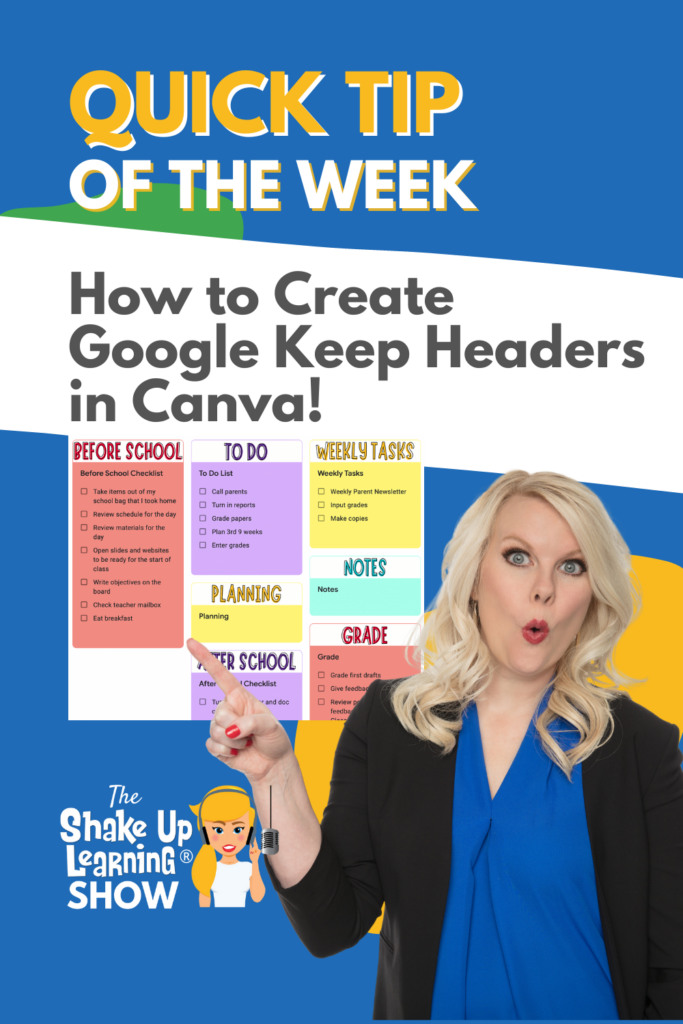
How to Create Google Keep Headers with Canva
NEW feature in Google Classroom!
You can now select a theme color from eight different colors!
➡️ Learn more about Google Classroom and get the FREE Google Classroom Cheat Sheets for Teachers and Students (54 pages): https://shakeuplearning.com/blog/the-google-classroom-cheat-sheets-for-teachers-and-students/
➡️ Take your Google Classroom skills to the next level with The Google Classroom Master Class: https://shakeuplearning.teachable.com/p/getting-started-with-google-classroom-course/
Be sure to subscribe for more tips and awesomeness! https://www.youtube.com/shakeuplearning
Subscribe to Shake Up Learning emails to get free tips and resources delivered to your inbox each week! http://shakeuplearning.com/subscribe
Oh and follow us!
http://twitter.com/shakeuplearning
http://instagram.com/shakeuplearning
http://pinterest.com/shakeuplearning
http://facebook.com/shakeuplearning
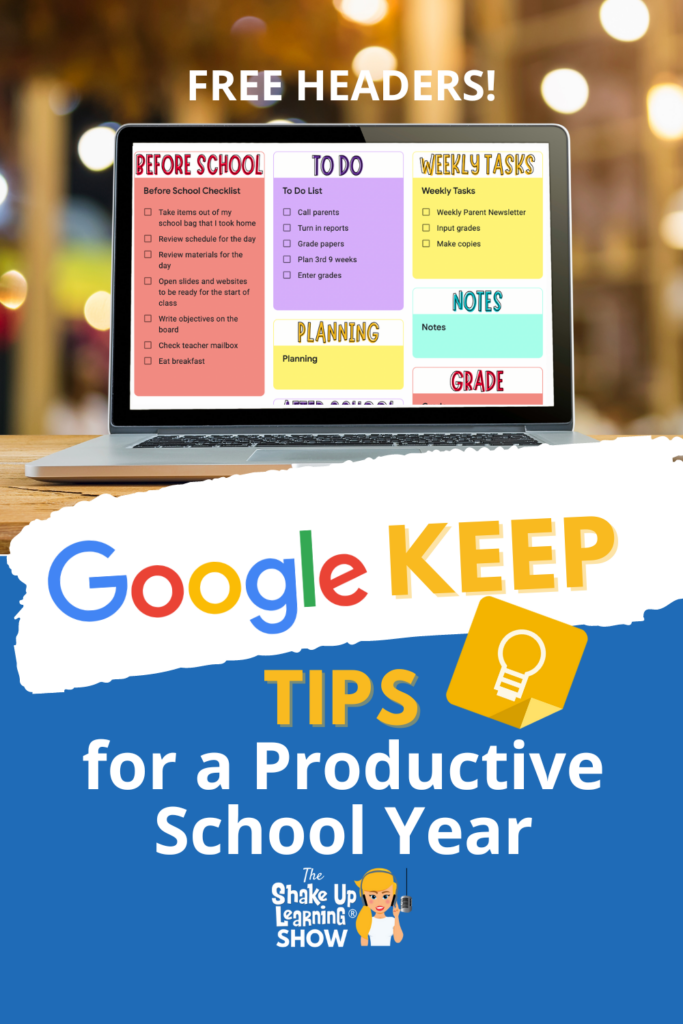
Google Keep Tips for a Productive School Year – SULS0171
In this episode, Kasey is sharing her latest Google Keep tips and time-savers to help educators have a productive school year. Let’s talk keyboard shortcuts, google calendar connections, labels and organization, checklists, using Canva to create headers, scanning paper documents, annotation, grading and feedback, and more! BONUS: Get access to Kasey’s FREE Canva headers toContinue Reading

How to Get Your Daily Schedule in Your Inbox
NEW feature in Google Classroom!
You can now select a theme color from eight different colors!
➡️ Learn more about Google Classroom and get the FREE Google Classroom Cheat Sheets for Teachers and Students (54 pages): https://shakeuplearning.com/blog/the-google-classroom-cheat-sheets-for-teachers-and-students/
➡️ Take your Google Classroom skills to the next level with The Google Classroom Master Class: https://shakeuplearning.teachable.com/p/getting-started-with-google-classroom-course/
Be sure to subscribe for more tips and awesomeness! https://www.youtube.com/shakeuplearning
Subscribe to Shake Up Learning emails to get free tips and resources delivered to your inbox each week! http://shakeuplearning.com/subscribe
Oh and follow us!
http://twitter.com/shakeuplearning
http://instagram.com/shakeuplearning
http://pinterest.com/shakeuplearning
http://facebook.com/shakeuplearning
Google Productivity Tips to Rock the School Year! (Keep, Tasks, & Calendar!) – SULS0170
Teachers always need some time-saving tips! Today, I am sharing valuable productivity tips using Google Tasks, Google Calendar, and even a bonus Google Keep tip! Are you making the most of all that Google has to offer? Learn shortcuts, hidden features, and awesome tips to help you save time, get things done, and rock theContinue Reading
How to Create Meeting Notes from Google Calendar in One Click!
NEW feature in Google Classroom!
You can now select a theme color from eight different colors!
➡️ Learn more about Google Classroom and get the FREE Google Classroom Cheat Sheets for Teachers and Students (54 pages): https://shakeuplearning.com/blog/the-google-classroom-cheat-sheets-for-teachers-and-students/
➡️ Take your Google Classroom skills to the next level with The Google Classroom Master Class: https://shakeuplearning.teachable.com/p/getting-started-with-google-classroom-course/
Be sure to subscribe for more tips and awesomeness! https://www.youtube.com/shakeuplearning
Subscribe to Shake Up Learning emails to get free tips and resources delivered to your inbox each week! http://shakeuplearning.com/subscribe
Oh and follow us!
http://twitter.com/shakeuplearning
http://instagram.com/shakeuplearning
http://pinterest.com/shakeuplearning
http://facebook.com/shakeuplearning

Design the Best School Year Yet with Canva! – SULS0169
In this episode, Kasey shares some hidden treasures from Canva for Education. Let’s explore how to create collaborative and interactive assignments, increase engagement, give impactful feedback, and build critical skills. We will also talk about free resources for teachers including live tutorials, how-to videos, a teacher community, and how to bring your lessons to lifeContinue Reading

How to Insert a Watermark in Google Docs
NEW feature in Google Classroom!
You can now select a theme color from eight different colors!
➡️ Learn more about Google Classroom and get the FREE Google Classroom Cheat Sheets for Teachers and Students (54 pages): https://shakeuplearning.com/blog/the-google-classroom-cheat-sheets-for-teachers-and-students/
➡️ Take your Google Classroom skills to the next level with The Google Classroom Master Class: https://shakeuplearning.teachable.com/p/getting-started-with-google-classroom-course/
Be sure to subscribe for more tips and awesomeness! https://www.youtube.com/shakeuplearning
Subscribe to Shake Up Learning emails to get free tips and resources delivered to your inbox each week! http://shakeuplearning.com/subscribe
Oh and follow us!
http://twitter.com/shakeuplearning
http://instagram.com/shakeuplearning
http://pinterest.com/shakeuplearning
http://facebook.com/shakeuplearning

Emoji Assessments for Any Classroom – SULS0168
🎉 In this episode, I’m sharing ideas for using emojis in your informal and formative ✅ assessments. This tool can be used for more than 😀 emotions and SEL! Use emojis to create a key to check for understanding, reflect, self-assess, peer-assess, or give feedback! Use emoji assessments in any classroom! [ctt template=”1″ link=”vMNi6″ via=”yes”Continue Reading

Back to School Resources from Shake Up Learning
All of the Shake Up Learning Back-to-School-related posts and resources. Free lesson plans, templates, tips and ideas to rock the back-to-school season!
How to Customize Fonts and Formatting in Google Forms
NEW feature in Google Classroom!
You can now select a theme color from eight different colors!
➡️ Learn more about Google Classroom and get the FREE Google Classroom Cheat Sheets for Teachers and Students (54 pages): https://shakeuplearning.com/blog/the-google-classroom-cheat-sheets-for-teachers-and-students/
➡️ Take your Google Classroom skills to the next level with The Google Classroom Master Class: https://shakeuplearning.teachable.com/p/getting-started-with-google-classroom-course/
Be sure to subscribe for more tips and awesomeness! https://www.youtube.com/shakeuplearning
Subscribe to Shake Up Learning emails to get free tips and resources delivered to your inbox each week! http://shakeuplearning.com/subscribe
Oh and follow us!
http://twitter.com/shakeuplearning
http://instagram.com/shakeuplearning
http://pinterest.com/shakeuplearning
http://facebook.com/shakeuplearning
How to Layer Images in Google Docs
NEW feature in Google Classroom!
You can now select a theme color from eight different colors!
➡️ Learn more about Google Classroom and get the FREE Google Classroom Cheat Sheets for Teachers and Students (54 pages): https://shakeuplearning.com/blog/the-google-classroom-cheat-sheets-for-teachers-and-students/
➡️ Take your Google Classroom skills to the next level with The Google Classroom Master Class: https://shakeuplearning.teachable.com/p/getting-started-with-google-classroom-course/
Be sure to subscribe for more tips and awesomeness! https://www.youtube.com/shakeuplearning
Subscribe to Shake Up Learning emails to get free tips and resources delivered to your inbox each week! http://shakeuplearning.com/subscribe
Oh and follow us!
http://twitter.com/shakeuplearning
http://instagram.com/shakeuplearning
http://pinterest.com/shakeuplearning
http://facebook.com/shakeuplearning

Back to School Lesson Planning Tips – SULS0167
In this episode, I’m sharing lesson planning resources, tips and templates to help you prepare for the back-to-school season. Let’s explore where to find lesson ideas, how to use and revise templates, free lesson plans, packaging assignments, and pitfalls to avoid! Plus, get a FREE Blended Learning with Google toolkit loaded with strategies and ideasContinue Reading

11 Google Docs Tips for Teachers and Students – SULS0166
In this episode, Kasey takes a deep dive into 11 Google Docs features that have been released over the last year. We will explore the best ways to use these new features in the classroom. These 11 Google Docs Tips for Teachers and Students should not be missed! [ctt template=”1″ link=”aY80p” via=”yes” ]11 Google DocsContinue Reading
Chrome Action Chips to Save You Time!
NEW feature in Google Classroom!
You can now select a theme color from eight different colors!
➡️ Learn more about Google Classroom and get the FREE Google Classroom Cheat Sheets for Teachers and Students (54 pages): https://shakeuplearning.com/blog/the-google-classroom-cheat-sheets-for-teachers-and-students/
➡️ Take your Google Classroom skills to the next level with The Google Classroom Master Class: https://shakeuplearning.teachable.com/p/getting-started-with-google-classroom-course/
Be sure to subscribe for more tips and awesomeness! https://www.youtube.com/shakeuplearning
Subscribe to Shake Up Learning emails to get free tips and resources delivered to your inbox each week! http://shakeuplearning.com/subscribe
Oh and follow us!
http://twitter.com/shakeuplearning
http://instagram.com/shakeuplearning
http://pinterest.com/shakeuplearning
http://facebook.com/shakeuplearning
New! Screencast App for Chromebooks from Google
NEW feature in Google Classroom!
You can now select a theme color from eight different colors!
➡️ Learn more about Google Classroom and get the FREE Google Classroom Cheat Sheets for Teachers and Students (54 pages): https://shakeuplearning.com/blog/the-google-classroom-cheat-sheets-for-teachers-and-students/
➡️ Take your Google Classroom skills to the next level with The Google Classroom Master Class: https://shakeuplearning.teachable.com/p/getting-started-with-google-classroom-course/
Be sure to subscribe for more tips and awesomeness! https://www.youtube.com/shakeuplearning
Subscribe to Shake Up Learning emails to get free tips and resources delivered to your inbox each week! http://shakeuplearning.com/subscribe
Oh and follow us!
http://twitter.com/shakeuplearning
http://instagram.com/shakeuplearning
http://pinterest.com/shakeuplearning
http://facebook.com/shakeuplearning

10+ Chrome Tips and Tricks for Teachers and Students – SULS0165
There’s no place like Chrome for teachers and students! In this episode, we are jumping into some Google Chrome updates, features, and tips for teachers and students. Let’s learn how to make the most of the Chrome browser, save time and clicks, and get organized. If you are using Google, you should be using GoogleContinue Reading

Fighting Exclusion: Shake Up Inclusive Learning – SULS0164
In this episode, Kasey interviews Mike Marotta, co-author of Inclusive Learning 365. Together they discuss how inclusive learning is meeting the needs of all learners. Every teacher should fight exclusion! Mike shares tips and strategies to help teachers shake up inclusive learning in their classrooms. Mike doesn’t have a typical education career. He started withContinue Reading
Auto-Generate Summaries in Google Docs
NEW feature in Google Classroom!
You can now select a theme color from eight different colors!
➡️ Learn more about Google Classroom and get the FREE Google Classroom Cheat Sheets for Teachers and Students (54 pages): https://shakeuplearning.com/blog/the-google-classroom-cheat-sheets-for-teachers-and-students/
➡️ Take your Google Classroom skills to the next level with The Google Classroom Master Class: https://shakeuplearning.teachable.com/p/getting-started-with-google-classroom-course/
Be sure to subscribe for more tips and awesomeness! https://www.youtube.com/shakeuplearning
Subscribe to Shake Up Learning emails to get free tips and resources delivered to your inbox each week! http://shakeuplearning.com/subscribe
Oh and follow us!
http://twitter.com/shakeuplearning
http://instagram.com/shakeuplearning
http://pinterest.com/shakeuplearning
http://facebook.com/shakeuplearning

How to Overcome Teacher Burnout – SULS0163
Feeling burnout? In this episode, Kasey chats with Amber Harper from the Burned-In Teacher podcast. Amber shares strategies to help teachers avoid toxic influences, improve their mindset, and take steps to overcome teacher burnout. This is more than a bubble bath and going for a walk, take radical steps to set boundaries and do what’sContinue Reading

Cut, Copy, and Paste Google Drive Files
NEW feature in Google Classroom!
You can now select a theme color from eight different colors!
➡️ Learn more about Google Classroom and get the FREE Google Classroom Cheat Sheets for Teachers and Students (54 pages): https://shakeuplearning.com/blog/the-google-classroom-cheat-sheets-for-teachers-and-students/
➡️ Take your Google Classroom skills to the next level with The Google Classroom Master Class: https://shakeuplearning.teachable.com/p/getting-started-with-google-classroom-course/
Be sure to subscribe for more tips and awesomeness! https://www.youtube.com/shakeuplearning
Subscribe to Shake Up Learning emails to get free tips and resources delivered to your inbox each week! http://shakeuplearning.com/subscribe
Oh and follow us!
http://twitter.com/shakeuplearning
http://instagram.com/shakeuplearning
http://pinterest.com/shakeuplearning
http://facebook.com/shakeuplearning
20 Ways to Use Screencasting in the Classroom – SULS0162
Kasey has been keeping a secret! She’s had early access to Google’s brand new Screencast app for Chromebooks. In this episode, Kasey is giving you all the details and her thoughts on this new tool for the classroom. Plus, she’ll be sharing 20 Ways to Use Screencasting in the Classroom! Screencasting is a powerful toolContinue Reading
Embed a Full Page Website in Google Sites
NEW feature in Google Classroom!
You can now select a theme color from eight different colors!
➡️ Learn more about Google Classroom and get the FREE Google Classroom Cheat Sheets for Teachers and Students (54 pages): https://shakeuplearning.com/blog/the-google-classroom-cheat-sheets-for-teachers-and-students/
➡️ Take your Google Classroom skills to the next level with The Google Classroom Master Class: https://shakeuplearning.teachable.com/p/getting-started-with-google-classroom-course/
Be sure to subscribe for more tips and awesomeness! https://www.youtube.com/shakeuplearning
Subscribe to Shake Up Learning emails to get free tips and resources delivered to your inbox each week! http://shakeuplearning.com/subscribe
Oh and follow us!
http://twitter.com/shakeuplearning
http://instagram.com/shakeuplearning
http://pinterest.com/shakeuplearning
http://facebook.com/shakeuplearning

15+ Ways to Use Drop-Down Menus in Google Docs – SULS0161
In this episode, Kasey explores a new feature in Google Docs–the drop-down menu! Kasey shares 15+ ways for teachers and students to make the most of this creative and customizable new feature, including choice boards, PBL, peer reviews, trackers, and more! While recording this quick tip Kasey began brainstorming lots of great ideas for howContinue Reading
The Google Docs Feature You Need: PageLESS Docs!
NEW feature in Google Classroom!
You can now select a theme color from eight different colors!
➡️ Learn more about Google Classroom and get the FREE Google Classroom Cheat Sheets for Teachers and Students (54 pages): https://shakeuplearning.com/blog/the-google-classroom-cheat-sheets-for-teachers-and-students/
➡️ Take your Google Classroom skills to the next level with The Google Classroom Master Class: https://shakeuplearning.teachable.com/p/getting-started-with-google-classroom-course/
Be sure to subscribe for more tips and awesomeness! https://www.youtube.com/shakeuplearning
Subscribe to Shake Up Learning emails to get free tips and resources delivered to your inbox each week! http://shakeuplearning.com/subscribe
Oh and follow us!
http://twitter.com/shakeuplearning
http://instagram.com/shakeuplearning
http://pinterest.com/shakeuplearning
http://facebook.com/shakeuplearning

Engaging Lessons for Next-Gen Connected Creators – SULS0160
In this episode, Kasey chats with Dr. Monica Alicea, a Technology Training and Integration Specialist, about strategies and tools to engage students. Monica loves getting students connected on a global scale and loves to use digital tools like Lumio to create interactive lessons to engage her students. Tune in to learn more about Global ConnectionsContinue Reading

TODAY ONLY! 30% OFF the ALL-ACCESS PD PASS!
TODAY ONLY: The Shake Up Learning ALL-ACCESS PASS, which is already a tremendous value worth over $1000, is 30% OFF. (Regularly $197/year) Use this link to get the ALL-ACCESS PASS for $137.90. (Click on pricing information) Or use code at checkout “MEMORIAL22” About The Shake Up Learning ALL-ACCESS PASS! With the ALL-ACCESS Pass, participants can accessContinue Reading

New! Table Templates in Google Docs
NEW feature in Google Classroom!
You can now select a theme color from eight different colors!
➡️ Learn more about Google Classroom and get the FREE Google Classroom Cheat Sheets for Teachers and Students (54 pages): https://shakeuplearning.com/blog/the-google-classroom-cheat-sheets-for-teachers-and-students/
➡️ Take your Google Classroom skills to the next level with The Google Classroom Master Class: https://shakeuplearning.teachable.com/p/getting-started-with-google-classroom-course/
Be sure to subscribe for more tips and awesomeness! https://www.youtube.com/shakeuplearning
Subscribe to Shake Up Learning emails to get free tips and resources delivered to your inbox each week! http://shakeuplearning.com/subscribe
Oh and follow us!
http://twitter.com/shakeuplearning
http://instagram.com/shakeuplearning
http://pinterest.com/shakeuplearning
http://facebook.com/shakeuplearning

Engaging Students with Immersive Learning Experiences – SULS0159
Are you struggling with student engagement? In this episode, Kasey chats with augmented and virtual reality expert Jaime Donally. Jaime shares tips and ideas for engaging students using immersive learning experiences (AR, VR, and XR) and free lesson plans and resources from Verizon Innovative Learning HQ. This amazing platform offers free immersive learning content, tailoredContinue Reading

How Technology Helps with Classroom Management
Long gone are the days when students had nothing to look at but the chalkboard and nothing to listen to but the teacher. Or, if your classes were like mine, look out the window and listen to the rustling of passed notes. These days, the classroom environment is far more dynamic. Students get to participateContinue Reading

Custom Drop-Down Menus in Google Docs
NEW feature in Google Classroom!
You can now select a theme color from eight different colors!
➡️ Learn more about Google Classroom and get the FREE Google Classroom Cheat Sheets for Teachers and Students (54 pages): https://shakeuplearning.com/blog/the-google-classroom-cheat-sheets-for-teachers-and-students/
➡️ Take your Google Classroom skills to the next level with The Google Classroom Master Class: https://shakeuplearning.teachable.com/p/getting-started-with-google-classroom-course/
Be sure to subscribe for more tips and awesomeness! https://www.youtube.com/shakeuplearning
Subscribe to Shake Up Learning emails to get free tips and resources delivered to your inbox each week! http://shakeuplearning.com/subscribe
Oh and follow us!
http://twitter.com/shakeuplearning
http://instagram.com/shakeuplearning
http://pinterest.com/shakeuplearning
http://facebook.com/shakeuplearning

Tips and Tools to Improve Parent-Teacher Communication – SULS0158
In this episode, Kasey shares her favorite tips and tools to improve parent-teacher communication. Technology can help improve communication and save valuable time. Let’s explore practical tips, digital tools, and strategies to communicate effectively with parents. Communication with parents can often make or break a student’s school year. Keeping parents informed is always a topContinue Reading

Emoji Reactions in Google Docs
NEW feature in Google Classroom!
You can now select a theme color from eight different colors!
➡️ Learn more about Google Classroom and get the FREE Google Classroom Cheat Sheets for Teachers and Students (54 pages): https://shakeuplearning.com/blog/the-google-classroom-cheat-sheets-for-teachers-and-students/
➡️ Take your Google Classroom skills to the next level with The Google Classroom Master Class: https://shakeuplearning.teachable.com/p/getting-started-with-google-classroom-course/
Be sure to subscribe for more tips and awesomeness! https://www.youtube.com/shakeuplearning
Subscribe to Shake Up Learning emails to get free tips and resources delivered to your inbox each week! http://shakeuplearning.com/subscribe
Oh and follow us!
http://twitter.com/shakeuplearning
http://instagram.com/shakeuplearning
http://pinterest.com/shakeuplearning
http://facebook.com/shakeuplearning
5 Chrome Extensions that Make Google Classroom Even More Awesome!
In this post and podcast episode, I’m going to share 5 Chrome Extensions that Make Google Classroom Even More Awesome! Google Classroom + Chrome = Match Made in Heaven! As many of you know, I love me some Google Chrome, and I love Google Classroom. If you are a teacher using Google Classroom or otherContinue Reading
How to Customize the Theme Color in Google Classroom
NEW feature in Google Classroom!
You can now select a theme color from eight different colors!
➡️ Learn more about Google Classroom and get the FREE Google Classroom Cheat Sheets for Teachers and Students (54 pages): https://shakeuplearning.com/blog/the-google-classroom-cheat-sheets-for-teachers-and-students/
➡️ Take your Google Classroom skills to the next level with The Google Classroom Master Class: https://shakeuplearning.teachable.com/p/getting-started-with-google-classroom-course/
Be sure to subscribe for more tips and awesomeness! https://www.youtube.com/shakeuplearning
Subscribe to Shake Up Learning emails to get free tips and resources delivered to your inbox each week! http://shakeuplearning.com/subscribe
Oh and follow us!
http://twitter.com/shakeuplearning
http://instagram.com/shakeuplearning
http://pinterest.com/shakeuplearning
http://facebook.com/shakeuplearning
How to Plan an AWESOME Book Study!
Book studies are a great way to level up your professional learning! I get a lot of questions about different ways to run book studies for educators, how to choose a book, what tools to use, and how to keep your group engaged. So I decided to put this post together, How to Plan anContinue Reading
Teacher2Trainer Live Workshop Series
Ready to make the transition from classroom teacher to trainer? This workshop is for you! Have you been wondering how to take your skills as a teacher to the next level? Delivering professional learning for educators and adult learners can help you advance your career, make more money, and find a job you love.

Join Google Meet from Docs, Sheets, or Slides
NEW feature in Google Classroom!
You can now select a theme color from eight different colors!
➡️ Learn more about Google Classroom and get the FREE Google Classroom Cheat Sheets for Teachers and Students (54 pages): https://shakeuplearning.com/blog/the-google-classroom-cheat-sheets-for-teachers-and-students/
➡️ Take your Google Classroom skills to the next level with The Google Classroom Master Class: https://shakeuplearning.teachable.com/p/getting-started-with-google-classroom-course/
Be sure to subscribe for more tips and awesomeness! https://www.youtube.com/shakeuplearning
Subscribe to Shake Up Learning emails to get free tips and resources delivered to your inbox each week! http://shakeuplearning.com/subscribe
Oh and follow us!
http://twitter.com/shakeuplearning
http://instagram.com/shakeuplearning
http://pinterest.com/shakeuplearning
http://facebook.com/shakeuplearning

How has the Pandemic Changed EdTech? – SULS0155
In this episode, Kasey interviews Doug Roberts, CEO, and Founder of the Institute for Education Innovation. Together, Kasey and Doug discuss a lot of important topics, including the current state of educational leadership, how leaders can connect and access essential solutions, how the pandemic has changed edtech, learning loss, teacher retention, mental health and SEL,Continue Reading
How to Create a Parent-Teacher Conference Booking Page in Google Calendar
Did you know there is an email template in Google Docs? Oh, and with one click you can import into Gmail and send it! Easy Peasy, y’all!
Get FREE Google Classroom Resources: https://shakeuplearning.com/blog/category/google/google-classroom/
Get the FREE Google Classroom Cheat Sheets for Teachers and Students: https://shakeuplearning.com/blog/the-google-classroom-cheat-sheets-for-teachers-and-students/
Join the Google Classroom Master Class: https://shakeuplearning.teachable.com/p/getting-started-with-google-classroom-course
Listen to the Shake Up Learning Show podcast for quick tips every week: https://shakeuplearning.com/shake-up-learning-show-podcast-with-kasey-bell/
Be sure to subscribe for more tips and awesomeness! https://www.youtube.com/shakeuplearning
Subscribe to Shake Up Learning emails to get free tips and resources delivered to your inbox each week! http://shakeuplearning.com/subscribe
Oh and follow us!
http://twitter.com/shakeuplearning
http://instagram.com/shakeuplearning
http://pinterest.com/shakeuplearning
http://facebook.com/shakeuplearning
https://www.tiktok.com/@shakeuplearning

Change Your Teaching Career with Google Certification – SULS0154
Looking to advance or change your teaching career? Google Certifications can help you gain confidence, build your resume, learn new skills, connect with a community, and become a leader. (It worked for me!) Learn about the benefits, what it takes, and how you can use your summer break to become a Google Certified Educator LevelContinue Reading

New Gmail Template in Google Docs!
Did you know there is an email template in Google Docs? Oh, and with one click you can import into Gmail and send it! Easy Peasy, y’all!
Get FREE Google Classroom Resources: https://shakeuplearning.com/blog/category/google/google-classroom/
Get the FREE Google Classroom Cheat Sheets for Teachers and Students: https://shakeuplearning.com/blog/the-google-classroom-cheat-sheets-for-teachers-and-students/
Join the Google Classroom Master Class: https://shakeuplearning.teachable.com/p/getting-started-with-google-classroom-course
Listen to the Shake Up Learning Show podcast for quick tips every week: https://shakeuplearning.com/shake-up-learning-show-podcast-with-kasey-bell/
Be sure to subscribe for more tips and awesomeness! https://www.youtube.com/shakeuplearning
Subscribe to Shake Up Learning emails to get free tips and resources delivered to your inbox each week! http://shakeuplearning.com/subscribe
Oh and follow us!
http://twitter.com/shakeuplearning
http://instagram.com/shakeuplearning
http://pinterest.com/shakeuplearning
http://facebook.com/shakeuplearning
https://www.tiktok.com/@shakeuplearning
10 Reasons to Think Before You Share Photos of Children Online – SULS0153
The photo may seem innocent to you. You may have parents’ permission and be sharing something awesome, beautiful, or even funny, but there’s a dark side to the Internet that every teacher, administrator, and parent should know. Please think before sharing ANY photos of ANY child online. Here are 10 Reasons to Think Before YouContinue Reading

The Google Classroom Cheat Sheets for Teachers and Students!
Who needs a Google Classroom Cheat Sheet? How about a set of cheat sheets for teachers AND students! I know teachers are seeking lots of extra resources to help with hybrid teaching and Google Classroom. I created two cheat sheets to help specifically with Google Classroom. In this download, you will get two Google ClassroomContinue Reading

How to Change the Default Font in Google Sheets
Did you know that Google Sheets now has themes? Yes! And you can customize everything including the font!
*Related: How to Change the Default Font in Google Slides: https://youtu.be/EBk2mVu9378
*Related: How to Change the Default Font in Google Docs: https://youtu.be/bWOx433BWsc
Get FREE Google Classroom Resources: https://shakeuplearning.com/blog/category/google/google-classroom/
Get the FREE Google Classroom Cheat Sheets for Teachers and Students: https://shakeuplearning.com/blog/the-google-classroom-cheat-sheets-for-teachers-and-students/
Join the Google Classroom Master Class: https://shakeuplearning.teachable.com/p/getting-started-with-google-classroom-course
Listen to the Shake Up Learning Show podcast for quick tips every week: https://shakeuplearning.com/shake-up-learning-show-podcast-with-kasey-bell/
Be sure to subscribe for more tips and awesomeness! https://www.youtube.com/shakeuplearning
Subscribe to Shake Up Learning emails to get free tips and resources delivered to your inbox each week! http://shakeuplearning.com/subscribe
Oh and follow me!
http://twitter.com/shakeuplearning
http://instagram.com/shakeuplearning
http://pinterest.com/shakeuplearning
http://facebook.com/shakeuplearning
https://www.tiktok.com/@shakeuplearning
30 Things You Didn’t Know Google Slides Could Do! (FREE eBook and Templates) – SULS0152
In this special episode, Kasey shares 30 Things You Didn’t Know Google Slides Could Do and a FREE eBook download with templates! A follow-up to one of our most popular blog and podcast series, Kasey is going to give you even more ideas for student-created projects with Google Slides. There is so much you canContinue Reading

25 Ways to Use Audio in Google Slides Projects
Are you ready to use audio in Google Slides? One of the most common questions that I get is how to insert audio in Google Slides, a feature that many have missed after leaving PowerPoint. Did you know you can insert audio into your Google Slides presentations and projects!? Hooray!!! This gives us even moreContinue Reading

How to Schedule Assignments for Multiple Classes in Google Classroom
It’s the feature we’ve been waiting for!!!! We can now schedule assignments across multiple classes all at once in Google Classroom.
Schedule each class at a different due date, time, and even topic. Or you can copy the settings to each class.
EASY PEASY!
➡️ Learn more about Google Classroom and get the FREE Google Classroom Cheat Sheets for Teachers and Students (54 pages): https://shakeuplearning.com/blog/the-google-classroom-cheat-sheets-for-teachers-and-students/
➡️ Take your Google Classroom skills to the next level with The Google Classroom Master Class: https://shakeuplearning.teachable.com/p/getting-started-with-google-classroom-course/
Be sure to subscribe for more tips and awesomeness! https://www.youtube.com/shakeuplearning
Subscribe to Shake Up Learning emails to get free tips and resources delivered to your inbox each week! http://shakeuplearning.com/subscribe
Oh and follow us!
http://twitter.com/shakeuplearning
http://instagram.com/shakeuplearning
http://pinterest.com/shakeuplearning
http://facebook.com/shakeuplearning

Stranger Google: Crazy Tools From the Upside Down!
In this episode, Kasey shares some super cool, lesser-known Google tools. These tools use AI, machine learning, body movements, data, and more to engage your students in new ways. Are they as strange as the Netflix series, “Stranger Things?” You’ll have to listen to find out! (I promise it’s not scary!) Any Stranger Things fansContinue Reading
How to Change Default Font in Google Slides
Did you know that you can customize the font in your Google Slides theme, so you don’t have to change the font on every slide? Yes! Customize your themes for your Google projects with your favorite fonts.
How to Change the Link Color in Google Slides Themes: https://youtu.be/Qq6kUTTM5Hw
Join the Google Classroom Master Class: https://shakeuplearning.teachable.com/p/getting-started-with-google-classroom-course
Get FREE Google Classroom Resources: https://shakeuplearning.com/blog/category/google/google-classroom/
Get the FREE Google Classroom Cheat Sheets for Teachers and Students: https://shakeuplearning.com/blog/the-google-classroom-cheat-sheets-for-teachers-and-students/
Listen to the Shake Up Learning Show podcast for quick tips every week: https://shakeuplearning.com/shake-up-learning-show-podcast-with-kasey-bell/
Be sure to subscribe for more tips and awesomeness! https://www.youtube.com/shakeuplearning
Subscribe to Shake Up Learning emails to get free tips and resources delivered to your inbox each week! http://shakeuplearning.com/subscribe
Oh and follow me!
http://twitter.com/shakeuplearning
http://instagram.com/shakeuplearning
http://pinterest.com/shakeuplearning
http://facebook.com/shakeuplearning
https://www.tiktok.com/@shakeuplearning
How to Create a Gmail Signature in Google Docs
Have you ever been frustrated trying to make a professional-looking signature with an image in Gmail? No worries! This little trick is easy peasy! I’ll show you have to create a signature in Google Docs in just a few minutes! Watch the short video below to learn how! [ctt template=”1″ link=”A3cV_” via=”yes” ]How to CreateContinue Reading

Time-Saving Gmail Hacks for Teachers – SULS0149
In this episode, Kasey shares her favorite Gmail hacks and features to help teachers save time and make the most of this robust tool. Let’s get organized, save time and frustration, manage annoying emails, and get to what’s important. For every Gmail user, this episode is bound to give you some great ways to cleanContinue Reading
How to Change the Default Font in Google Docs
Are you tired of Arial 11 as your font in Google Docs? I am! Did you know you can change the default font in Docs? Yep! Every time you open a new Doc it will be set to your default!
Get FREE Google Classroom Resources: https://shakeuplearning.com/blog/category/google/google-classroom/
Get the FREE Google Classroom Cheat Sheets for Teachers and Students: https://shakeuplearning.com/blog/the-google-classroom-cheat-sheets-for-teachers-and-students/
Join the Google Classroom Master Class: https://shakeuplearning.teachable.com/p/getting-started-with-google-classroom-course
Listen to the Shake Up Learning Show podcast for quick tips every week: https://shakeuplearning.com/shake-up-learning-show-podcast-with-kasey-bell/
Be sure to subscribe for more tips and awesomeness! https://www.youtube.com/shakeuplearning
Subscribe to Shake Up Learning emails to get free tips and resources delivered to your inbox each week! http://shakeuplearning.com/subscribe
Oh and follow us!
http://twitter.com/shakeuplearning
http://instagram.com/shakeuplearning
http://pinterest.com/shakeuplearning
http://facebook.com/shakeuplearning
https://www.tiktok.com/@shakeuplearning

The FREE Lesson Plans and Resources You Aren’t Using! (but should be) – SULS0148
In this episode, Kasey chats with Rich Dixon, Senior Director of Innovative Learning at Hāpara. Rich shares the power of Open Educational Resources (OER)–what they are, where to find them, and how to get started. The FREE Lesson Plans and Resources You Aren’t Using (but should be)–Find free, standards-aligned lesson plans and teaching resources forContinue Reading

15 Ways for Students to Use Google Keep [infographic]
Help Students Get Organized, Track Progress, Take Notes, and more with Google Keep! Google Keep is a robust Googlr tool that can help teachers and students create and share notes, lists, and reminders. There are so many possibilities that I decided to put together this post and infographic with ideas for how Google Keep canContinue Reading
Find Google Classroom Assignments Quickly Using This Keyboard Shortcut!
Tired of scrolling through the Classwork page in Google Classroom trying to find one assignment? Use this keyboard shortcut to find assignments quickly!
*Related: How to Use Google Templates and Assign in Google Classroom https://youtu.be/mjXUz4w67Z4
Get FREE Google Classroom Resources: https://shakeuplearning.com/blog/category/google/google-classroom/
Get the FREE Google Classroom Cheat Sheets for Teachers and Students: https://shakeuplearning.com/blog/the-google-classroom-cheat-sheets-for-teachers-and-students/
Join the Google Classroom Master Class: https://shakeuplearning.teachable.com/p/getting-started-with-google-classroom-course
Listen to the Shake Up Learning Show podcast for quick tips every week: https://shakeuplearning.com/shake-up-learning-show-podcast-with-kasey-bell/
Be sure to subscribe for more tips and awesomeness! https://www.youtube.com/shakeuplearning
Subscribe to Shake Up Learning emails to get free tips and resources delivered to your inbox each week! http://shakeuplearning.com/subscribe
Oh and follow us!
http://twitter.com/shakeuplearning
http://instagram.com/shakeuplearning
http://pinterest.com/shakeuplearning
http://facebook.com/shakeuplearning
https://www.tiktok.com/@shakeuplearning

8 Cool Tools You Didn’t Know! (FETC Highlights) – SULS0146
In this episode, Kasey chats with Shake Up Learning Team member, Susan Vincentz about her favorite sessions at the FETC conference. Susan shares 8 Cool Tools You Didn’t Know! Come learn with us and get FETC takeaways! Conference season is upon us, and thankfully many are back to meeting face-to-face. The Future in Education TechnologyContinue Reading
Save Valuable Time with this Keyboard Shortcut!
This little keyboard shortcut is a huge time-saver! Press control + F (command + F on a Mac) to search for text on a webpage. Save yourself time scrolling and jump to the information you are looking for!
*Related: Preview Documents in Google Drive https://youtu.be/TDUex24NiQo
Get FREE Google Classroom Resources: https://shakeuplearning.com/blog/category/google/google-classroom/
Get the FREE Google Classroom Cheat Sheets for Teachers and Students: https://shakeuplearning.com/blog/the-google-classroom-cheat-sheets-for-teachers-and-students/
Join the Google Classroom Master Class: https://shakeuplearning.teachable.com/p/getting-started-with-google-classroom-course
Listen to the Shake Up Learning Show podcast for quick tips every week: https://shakeuplearning.com/shake-up-learning-show-podcast-with-kasey-bell/
Be sure to subscribe for more tips and awesomeness! https://www.youtube.com/shakeuplearning
Subscribe to Shake Up Learning emails to get free tips and resources delivered to your inbox each week! http://shakeuplearning.com/subscribe
Oh and follow me!
http://twitter.com/shakeuplearning
http://instagram.com/shakeuplearning
http://pinterest.com/shakeuplearning
http://facebook.com/shakeuplearning
https://www.tiktok.com/@shakeuplearning

NEW Way to Search Google Drive!
It’s even easier now to search your Google Drive files. Try using the new enhance search chips to refine your search!
*Related: Rich Search Filters in Gmail: https://youtu.be/a3mQNbHtJuM
Get FREE Google Classroom Resources: https://shakeuplearning.com/blog/category/google/google-classroom/
Get the FREE Google Classroom Cheat Sheets for Teachers and Students: https://shakeuplearning.com/blog/the-google-classroom-cheat-sheets-for-teachers-and-students/
Join the Google Classroom Master Class: https://shakeuplearning.teachable.com/p/getting-started-with-google-classroom-course
Listen to the Shake Up Learning Show podcast for quick tips every week: https://shakeuplearning.com/shake-up-learning-show-podcast-with-kasey-bell/
Be sure to subscribe for more tips and awesomeness! https://www.youtube.com/shakeuplearning
Subscribe to Shake Up Learning emails to get free tips and resources delivered to your inbox each week! http://shakeuplearning.com/subscribe
Oh and follow me!
http://twitter.com/shakeuplearning
http://instagram.com/shakeuplearning
http://pinterest.com/shakeuplearning
http://facebook.com/shakeuplearning
https://www.tiktok.com/@shakeuplearning

Google Classroom + BookWidgets = Superpowered Digital Classroom – SULS0145
Combine Google Classroom and BookWidgets to superpower your digital classroom! In this episode, Kasey chats with Educational Technologist and BookWidgets expert, Sheryl Place. Sheryl shares the magic of BookWidgets, and how teachers can create engaging online activities that take worksheets from static to dynamic. Sheryl comes to the podcast with over 38 years of teachingContinue Reading

Google Docs Tables: edit, arrange, add a header, unsplittable rows, sort, and more!
Google gave us some great NEW features with tables inside Google Docs!
– Pin header rows
– Unsplittable rows
– Quickly add and arrange columns and rows
– Sort tables to organize data
Get FREE Google Classroom Resources: https://shakeuplearning.com/blog/category/google/google-classroom/
Get the FREE Google Classroom Cheat Sheets for Teachers and Students: https://shakeuplearning.com/blog/the-google-classroom-cheat-sheets-for-teachers-and-students/
Join the Google Classroom Master Class: https://shakeuplearning.teachable.com/p/getting-started-with-google-classroom-course
Listen to the Shake Up Learning Show podcast for quick tips every week: https://shakeuplearning.com/shake-up-learning-show-podcast-with-kasey-bell/
Be sure to subscribe for more tips and awesomeness! https://www.youtube.com/shakeuplearning
Subscribe to Shake Up Learning emails to get free tips and resources delivered to your inbox each week! http://shakeuplearning.com/subscribe
Oh and follow us!
http://twitter.com/shakeuplearning
http://instagram.com/shakeuplearning
http://pinterest.com/shakeuplearning
http://facebook.com/shakeuplearning
https://www.tiktok.com/@shakeuplearning

15 Google Classroom Tips for Teachers
Yes! 15 Google Classroom Tips for Teachers! Google Classroom is one of the most popular digital tools for the K-12 classroom. Google Classroom has improved vastly over the years, and teachers have learned how to make the most of this flexible assignment manager and communication hub. I asked the members of the Shake Up LearningContinue Reading

Protecting Students in a Digital World – SULS0143
In this episode, Kasey chats with noted education technology author, podcast host, and edtech CEO, Al Kingsley. Kasey and Al discuss how to protect students online and the ever-growing need for digital citizenship skills. He’s been in edtech for more than 30 years and has written and spoken extensively on student privacy and security, fromContinue Reading
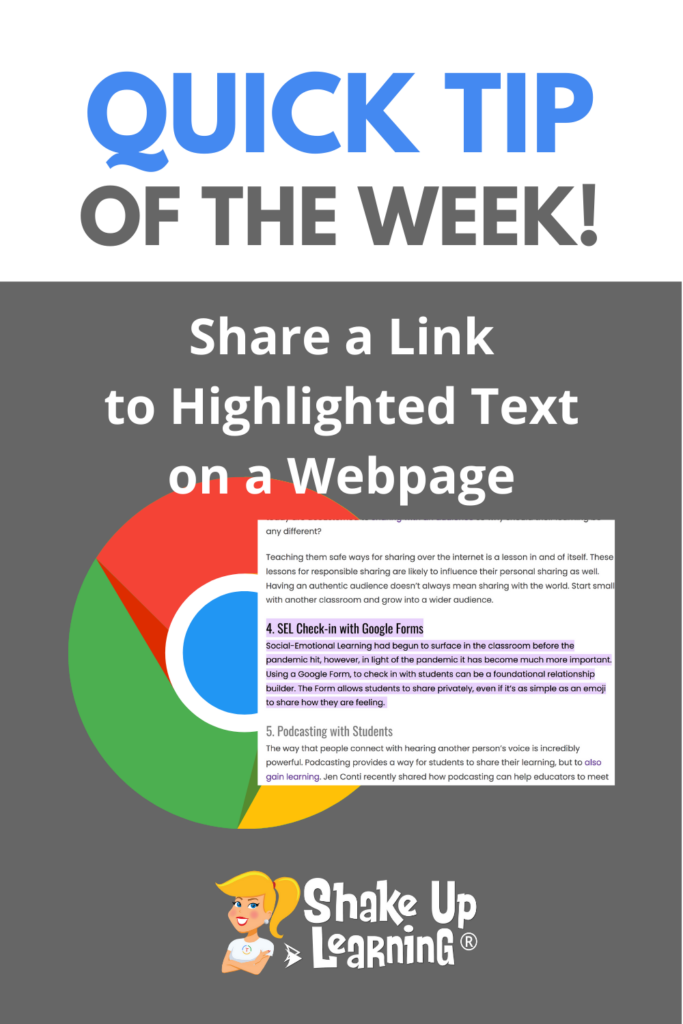
Share Link to Highlighted Text on a Webpage in Google Chrome
Have you ever wanted to highlight a section of text on a webpage and send it to a student or colleague? With Google Chrome it’s super easy!
Have too many tabs open? Can’t find what you are looking for? Try searching your open tabs in Google Chrome!
* Related: Bookmark the Google Classroom Classwork Page: https://youtu.be/7xCwW1e_cfk
* Related: Name and Color Code Chrome Tab Groups
https://youtu.be/_OMhcSFtbrE
* Related: Pinned Tabs
https://youtu.be/goRXbt1Kz5o
* Related: Continue Where You Left Off
https://youtu.be/YKei8tmi3H8
Get all our Quick Tip videos here: https://www.youtube.com/playlist?list=PL9HrZY6iC2z1OGRJ_ZWupA-bZ-imyf_Mv
Join the Google Classroom Master Class: https://shakeuplearning.teachable.com/p/getting-started-with-google-classroom-course
Get FREE Google Classroom Resources: https://shakeuplearning.com/blog/category/google/google-classroom/
Get the FREE Google Classroom Cheat Sheets for Teachers and Students: https://shakeuplearning.com/blog/the-google-classroom-cheat-sheets-for-teachers-and-students/
Listen to the Shake Up Learning Show podcast for quick tips every week: https://shakeuplearning.com/shake-up-learning-show-podcast-with-kasey-bell/
Be sure to subscribe for more tips and awesomeness! https://www.youtube.com/shakeuplearning
Subscribe to Shake Up Learning emails to get free tips and resources delivered to your inbox each week! http://shakeuplearning.com/subscribe
Oh and follow me!
http://twitter.com/shakeuplearning
http://instagram.com/shakeuplearning
http://pinterest.com/shakeuplearning
http://facebook.com/shakeuplearning
https://www.tiktok.com/@shakeuplearning
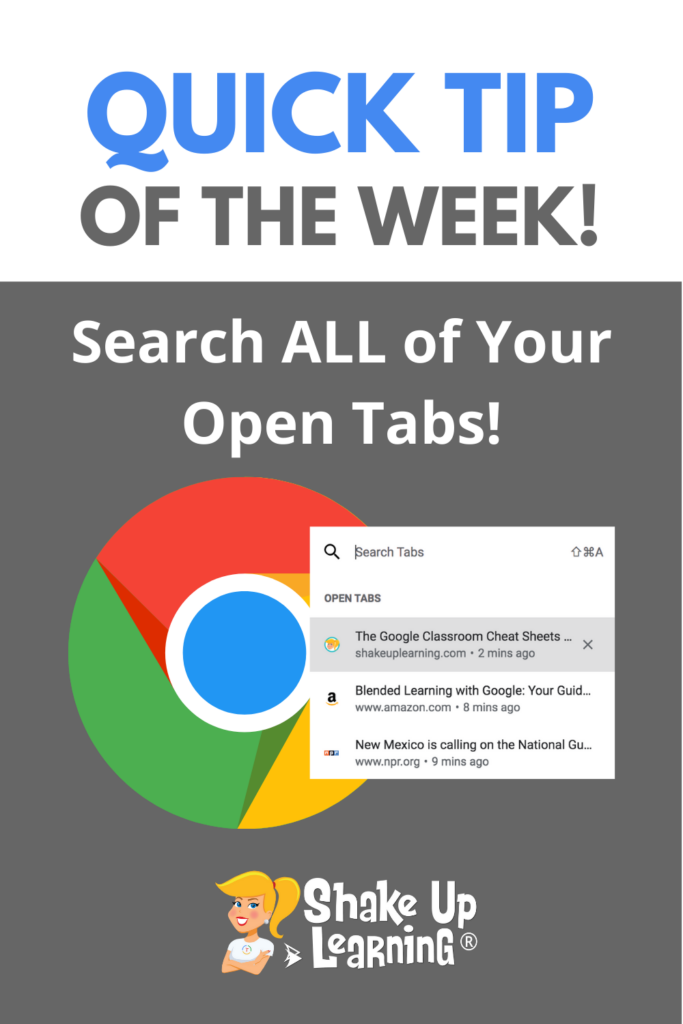
How to Search ALL Your Open Tabs in Google Chrome
Have too many tabs open? I am a tab hoarder and always have way too many tabs open. Then I can’t always remember what I’ve already opened or find what I’m looking for. But Google Chrome let’s me search ALL my open tabs in one easy location. Here’s how to search ALL your open tabsContinue Reading

Remote Learning Advice for Teachers – SULS0142
In this episode, Kasey chats with Shake Up Learning Team member Jen Giffen about remote learning. As many schools face staff shortages and need to go remote, let’s get some teaching advice to help make the most of remote learning. Jen offers practical ideas and tips that will help you teach remotely! Jen works asContinue Reading

Google Search Easter Eggs for Your Classroom
Did you know there are little tools and fun games hidden inside Google Search!
Try these:
“google spinner”
“roll a die”
“flip a coin”
Join the Google Slides Master Class:
https://shakeuplearning.teachable.com/p/google-slides-master-class
Get FREE Google Classroom Resources: https://shakeuplearning.com/blog/category/google/google-classroom/
Get the FREE Google Classroom Cheat Sheets for Teachers and Students: https://shakeuplearning.com/blog/the-google-classroom-cheat-sheets-for-teachers-and-students/
Join the Google Classroom Master Class: https://shakeuplearning.teachable.com/p/getting-started-with-google-classroom-course
Listen to the Shake Up Learning Show podcast for quick tips every week: https://shakeuplearning.com/shake-up-learning-show-podcast-with-kasey-bell/
Be sure to subscribe for more tips and awesomeness! https://www.youtube.com/shakeuplearning
Subscribe to Shake Up Learning emails to get free tips and resources delivered to your inbox each week! http://shakeuplearning.com/subscribe
Oh and follow us!
http://twitter.com/shakeuplearning
http://instagram.com/shakeuplearning
http://pinterest.com/shakeuplearning
http://facebook.com/shakeuplearning
https://www.tiktok.com/@shakeuplearning

Must-Have Tips and Tools for Pandemic Teaching – SULS0141
In this episode, Kasey shares her best Pandemic Teaching tips and tools. Everything you need to survive this school year and thrive beyond. Learn practice strategies, organization techniques, and a whole list of tools to make teaching this year EASIER! While these tips and tools are extremely helpful in this pandemic environment of teaching, theyContinue Reading

How to Duplicate a Page in Google Sites
Need to create pages with a similar layout in Google Sites? Save time and duplicate a page!

10 Things for Teachers to Try in 2022 – SULS0140
Let’s kick off the new year with some great teaching ideas! In this episode, Kasey shares 10 Things for Teachers to Try in 2022. We will explore strategies, digital tools, professional learning, and much more! What will you try in 2022? Chances are you’ve been roaming out of your comfort zone for the past twoContinue Reading

50 Remote Learning Resources for Teachers and Schools
Here are the best remote learning resources for teachers and schools from Shake Up Learning–all on one page! Remote learning is tough! We all need as much support as we can get right now. In this post, you will find cheat sheets, templates, tips, blog posts, podcasts, tutorials, online courses, and more to help youContinue Reading

View ONE Slide at a Time in Google Slides (Hide Filmstrip View)
When using Google Slides for creation and activities like drag-and-drop with your students, it can be difficult to get the right view. Try hiding the “Filmstrip” to view one slide at a time in edit mode.
Join the Google Slides Master Class:
https://shakeuplearning.teachable.com/p/google-slides-master-class
Get FREE Google Classroom Resources: https://shakeuplearning.com/blog/category/google/google-classroom/
Get the FREE Google Classroom Cheat Sheets for Teachers and Students: https://shakeuplearning.com/blog/the-google-classroom-cheat-sheets-for-teachers-and-students/
Join the Google Classroom Master Class: https://shakeuplearning.teachable.com/p/getting-started-with-google-classroom-course
Listen to the Shake Up Learning Show podcast for quick tips every week: https://shakeuplearning.com/shake-up-learning-show-podcast-with-kasey-bell/
Be sure to subscribe for more tips and awesomeness! https://www.youtube.com/shakeuplearning
Subscribe to Shake Up Learning emails to get free tips and resources delivered to your inbox each week! http://shakeuplearning.com/subscribe
Oh and follow us!
http://twitter.com/shakeuplearning
http://instagram.com/shakeuplearning
http://pinterest.com/shakeuplearning
http://facebook.com/shakeuplearning
https://www.tiktok.com/@shakeuplearning

Chrome Squad: Student Tech Teams to Support 1-1 Schools – SULS0139
Supporting a 1-to-1 environment is a daunting task! Empower your students through student tech teams. In this interview with the Royse City ISD High School and Middle School student tech teams (a.k.a. Chrome Squad) and their leaders, we explore the success of their program. We talk about how the program has evolved, what they areContinue Reading

The Best Teacher Tips and Lesson Ideas of 2021
Here are the BEST Blog Posts and Podcasts of 2021! I have put together a list of the BEST and most popular Shake Up Learning blog posts and podcast episodes from 2021. These posts are loaded with the BEST teacher tips and lesson ideas of the year. A special thank you to all the ShakeContinue Reading

How to Insert a Video in Google Drawings
So…you don’t actually have the option to insert videos from the menu in Google Drawings, but here’s a super easy workaround!
Get FREE Google Classroom Resources: https://shakeuplearning.com/blog/category/google/google-classroom/
Get the FREE Google Classroom Cheat Sheets for Teachers and Students: https://shakeuplearning.com/blog/the-google-classroom-cheat-sheets-for-teachers-and-students/
Join the Google Classroom Master Class: https://shakeuplearning.teachable.com/p/getting-started-with-google-classroom-course
Listen to the Shake Up Learning Show podcast for quick tips every week: https://shakeuplearning.com/shake-up-learning-show-podcast-with-kasey-bell/
Be sure to subscribe for more tips and awesomeness! https://www.youtube.com/shakeuplearning
Subscribe to Shake Up Learning emails to get free tips and resources delivered to your inbox each week! http://shakeuplearning.com/subscribe
Oh and follow us!
http://twitter.com/shakeuplearning
http://instagram.com/shakeuplearning
http://pinterest.com/shakeuplearning
http://facebook.com/shakeuplearning
https://www.tiktok.com/@shakeuplearning

I Just Took the Google Certified Educator Exam (and here’s what you need to know) – SULS0138
I take the Google Certified Educator Exams frequently so that I can stay up-to-date and support other educators seeking certification. A big update happened not to long ago, and the Level 1 and Level 2 exams just got EASIER! Yes, I said the exams are now easier. (I kind of wish this wasn’t the case,Continue Reading

Use the “@” Symbol to Insert and Access Shortcuts in Google Docs
Did you know that a whole new menu appears when you type the @ symbol in a Google Docs? It gives you shortcuts to insert all kinds of things like tagging people, adding links to files, inserting media and bullets, and much more!
Get FREE Google Classroom Resources: https://shakeuplearning.com/blog/category/google/google-classroom/
Get the FREE Google Classroom Cheat Sheets for Teachers and Students: https://shakeuplearning.com/blog/the-google-classroom-cheat-sheets-for-teachers-and-students/
Join the Google Classroom Master Class: https://shakeuplearning.teachable.com/p/getting-started-with-google-classroom-course
Listen to the Shake Up Learning Show podcast for quick tips every week: https://shakeuplearning.com/shake-up-learning-show-podcast-with-kasey-bell/
Be sure to subscribe for more tips and awesomeness! https://www.youtube.com/shakeuplearning
Subscribe to Shake Up Learning emails to get free tips and resources delivered to your inbox each week! http://shakeuplearning.com/subscribe
Oh and follow us!
http://twitter.com/shakeuplearning
http://instagram.com/shakeuplearning
http://pinterest.com/shakeuplearning
http://facebook.com/shakeuplearning
https://www.tiktok.com/@shakeuplearning

How to Work LESS and Become a More Effective Teacher – SULS0137
In this episode, Kasey chats with Dan Jackson, author of Work Less, Teach More. Dan shares strategies that will help you save time, prioritize what’s important personally and professionally, and become a more effective teacher! Dan grew up in a family of teachers and became one himself in 2006. Teaching gave him the flexibility toContinue Reading
How to Add a Folder to the Chrome Bookmarks Bar
The Chrome Bookmarks Bar gives you quick access to your favorite websites, but you can quickly run out of space. Add a folder to organize and add even more bookmarks for easy access!
Closed captions are a great way to support all learners, especially those that are hard of hearing.
Google Chrome allows you to turn on closed captioning for videos found across the web.
* Related: Bookmark the Google Classroom Classwork Page: https://youtu.be/7xCwW1e_cfk
* Related: Name and Color Code Chrome Tab Groups
https://youtu.be/_OMhcSFtbrE
* Related: Pinned Tabs
https://youtu.be/goRXbt1Kz5o
* Related: Continue Where You Left Off
https://youtu.be/YKei8tmi3H8
Get all our Quick Tip videos here: https://www.youtube.com/playlist?list=PL9HrZY6iC2z1OGRJ_ZWupA-bZ-imyf_Mv
Join the Google Classroom Master Class: https://shakeuplearning.teachable.com/p/getting-started-with-google-classroom-course
Get FREE Google Classroom Resources: https://shakeuplearning.com/blog/category/google/google-classroom/
Get the FREE Google Classroom Cheat Sheets for Teachers and Students: https://shakeuplearning.com/blog/the-google-classroom-cheat-sheets-for-teachers-and-students/
Listen to the Shake Up Learning Show podcast for quick tips every week: https://shakeuplearning.com/shake-up-learning-show-podcast-with-kasey-bell/
Be sure to subscribe for more tips and awesomeness! https://www.youtube.com/shakeuplearning
Subscribe to Shake Up Learning emails to get free tips and resources delivered to your inbox each week! http://shakeuplearning.com/subscribe
Oh and follow me!
http://twitter.com/shakeuplearning
http://instagram.com/shakeuplearning
http://pinterest.com/shakeuplearning
http://facebook.com/shakeuplearning
https://www.tiktok.com/@shakeuplearning

Time-Saving Tips and Tools for Teachers (Part 2) – SULS0136
In this 2-part series, Kasey is sharing time-saving tips and tools for teachers and FROM TEACHERS in the Shake Up Learning community. You will learn tips and tools to help you save clicks, paper, grading time, and frustration. Every teacher needs these tips! Based on conversations happening in the Shake Up Learning Facebook group, teachersContinue Reading

Search Google Drive and Gmail from the Chrome Omnibox!
Did you know you can search your Google Drive from the Chrome address bar? That’s right! With this one little trick, you can search right from the search box (aka the Omnibox) in Google Chrome. If you are anything like me, you store EVERYTHING in Google Drive. I use Google Drive to backup all ofContinue Reading

Time-Saving Tips and Tools for Teachers (Part 1)
Let’s face it. As teachers, your time is precious. You only have so much time with your students, and you want to maximize that time for learning. We don’t want to end up wasting valuable time searching for documents, websites, or setting up our lessons. We need to use technology to help us save instructionalContinue Reading

How to Create a Google Classroom Banner with Canva
There are hundreds of FREE templates for teachers in Canva for Education! There are even templates for your Google Classroom banner or header. Here’s how to customize and upload to Google Classroom.
Join the Google Classroom Master Class: https://shakeuplearning.teachable.com/p/getting-started-with-google-classroom-course
Get FREE Google Classroom Resources: https://shakeuplearning.com/blog/category/google/google-classroom/
Get the FREE Google Classroom Cheat Sheets for Teachers and Students: https://shakeuplearning.com/blog/the-google-classroom-cheat-sheets-for-teachers-and-students/
Listen to the Shake Up Learning Show podcast for quick tips every week: https://shakeuplearning.com/shake-up-learning-show-podcast-with-kasey-bell/
Be sure to subscribe for more tips and awesomeness! https://www.youtube.com/shakeuplearning
Subscribe to Shake Up Learning emails to get free tips and resources delivered to your inbox each week! http://shakeuplearning.com/subscribe
Oh and follow me!
http://twitter.com/shakeuplearning
http://instagram.com/shakeuplearning
http://pinterest.com/shakeuplearning
http://facebook.com/shakeuplearning
https://www.tiktok.com/@shakeuplearning

Engage Students AND Meet Standards with Student Podcasting! – SULS0134
In this episode, Kasey chats with Jennifer Conti about the podcasting initiative launched at her school. Jen shares how podcasting can help students meet content standards, explore their interests, learn new skills, tap into the 4 c’s, and engage in authentic learning. You don’t want to miss this episode! Jen shares her background as aContinue Reading
How to Create and Publish a Website with Canva
Canva is Teacher Template Heaven! But did you know you can create AND publish a full website using just Canva? Yep! I’ll show you how easy this is!
Don’t miss our two-part series on Canva in the Classroom!
Part 1: https://shakeuplearning.com/blog/30-ways-to-use-free-templates-from-canva-in-your-classroom-part-1-suls0132/
Part 2: https://shakeuplearning.com/blog/30-ways-to-use-free-templates-from-canva-in-your-classroom-part-2-suls0133/
Join the Google Classroom Master Class: https://shakeuplearning.teachable.com/p/getting-started-with-google-classroom-course
Get FREE Google Classroom Resources: https://shakeuplearning.com/blog/category/google/google-classroom/
Get the FREE Google Classroom Cheat Sheets for Teachers and Students: https://shakeuplearning.com/blog/the-google-classroom-cheat-sheets-for-teachers-and-students/
Join the Google Classroom Master Class: https://shakeuplearning.teachable.com/p/getting-started-with-google-classroom-course
Listen to the Shake Up Learning Show podcast for quick tips every week: https://shakeuplearning.com/shake-up-learning-show-podcast-with-kasey-bell/
Be sure to subscribe for more tips and awesomeness! https://www.youtube.com/shakeuplearning
Subscribe to Shake Up Learning emails to get free tips and resources delivered to your inbox each week! http://shakeuplearning.com/subscribe
Oh and follow us!
http://twitter.com/shakeuplearning
http://instagram.com/shakeuplearning
http://pinterest.com/shakeuplearning
http://facebook.com/shakeuplearning
https://www.tiktok.com/@shakeuplearning

30+ Ways to Use FREE Templates from Canva in Your Classroom (Part 2) – SULS0133
Canva is FREE for teachers and students, and their templates are beautiful, user-friendly, and great for the classroom! In this 2-part series, Kasey shares 30+ ways to use FREE Canva templates in your classroom, including graphic organizers, choice boards, certificates, and more! Canva is a teacher’s template paradise! This free, web-based platform provides educators withContinue Reading

How to Use Canva Templates in Google Slides
Canva is Teacher Template Heaven! But how do you use these templates with your favorite Google tools? I’ll show you!
Join the Google Classroom Master Class: https://shakeuplearning.teachable.com/p/getting-started-with-google-classroom-course
Get FREE Google Classroom Resources: https://shakeuplearning.com/blog/category/google/google-classroom/
Get the FREE Google Classroom Cheat Sheets for Teachers and Students: https://shakeuplearning.com/blog/the-google-classroom-cheat-sheets-for-teachers-and-students/
Join the Google Classroom Master Class: https://shakeuplearning.teachable.com/p/getting-started-with-google-classroom-course
Listen to the Shake Up Learning Show podcast for quick tips every week: https://shakeuplearning.com/shake-up-learning-show-podcast-with-kasey-bell/
Be sure to subscribe for more tips and awesomeness! https://www.youtube.com/shakeuplearning
Subscribe to Shake Up Learning emails to get free tips and resources delivered to your inbox each week! http://shakeuplearning.com/subscribe
Oh and follow us!
http://twitter.com/shakeuplearning
http://instagram.com/shakeuplearning
http://pinterest.com/shakeuplearning
http://facebook.com/shakeuplearning
https://www.tiktok.com/@shakeuplearning

30+ Ways to Use FREE Templates from Canva in Your Classroom (Part 1) – SULS0132
Canva is FREE for teachers and students, and their templates are beautiful, user-friendly, and great for the classroom! In this 2-part series, Kasey shares 30+ ways to use FREE Canva templates in your classroom, including graphic organizers, choice boards, certificates, and more! In case you are brand new to Canva, this is a web-based digitalContinue Reading

Rich Search Filters in Gmail (NEW Feature)
It’s even easier now to search Gmail! Try using the new enhanced search chips to refine your search!
Get FREE Google Classroom Resources: https://shakeuplearning.com/blog/category/google/google-classroom/
Get the FREE Google Classroom Cheat Sheets for Teachers and Students: https://shakeuplearning.com/blog/the-google-classroom-cheat-sheets-for-teachers-and-students/
Join the Google Classroom Master Class: https://shakeuplearning.teachable.com/p/getting-started-with-google-classroom-course
Listen to the Shake Up Learning Show podcast for quick tips every week: https://shakeuplearning.com/shake-up-learning-show-podcast-with-kasey-bell/
Be sure to subscribe for more tips and awesomeness! https://www.youtube.com/shakeuplearning
Subscribe to Shake Up Learning emails to get free tips and resources delivered to your inbox each week! http://shakeuplearning.com/subscribe
Oh and follow me!
http://twitter.com/shakeuplearning
http://instagram.com/shakeuplearning
http://pinterest.com/shakeuplearning
http://facebook.com/shakeuplearning
https://www.tiktok.com/@shakeuplearning

Student Engagement Strategies for Pandemic Teaching (Closing Keynote by Jen Giffen) – SULS0130
Catch the audio version of Jen Giffen’s closing keynote from the 2021 Back to School Conference! Jen shares some AH-mazing student engagement strategies that work in this crazy, COVID world! And don’t forget, you can still catch ALL the conference sessions until Oct. 30 for FREE, or for one year with the ALL-ACCESS PASS! JenContinue Reading

What I Learned at the Back to School Conference! – SULS0129
In this episode, Kasey and other presenters from the Shake Up Learning Back to School Conference are sharing highlights from their presentations. Learn Google tips, Leadership Strategies, productivity tools, SEL tips, and more! Don’t worry if you missed the conference, you can access it for FREE until Oct. 30, 2021! Keep in mind these snippetsContinue Reading

New Settings Tab in Google Forms!
Did you know they moved the settings in Google Forms?
It’s so much easier and more intuitive now!
Join the Google Classroom Master Class: https://shakeuplearning.teachable.com/p/getting-started-with-google-classroom-course
Get FREE Google Classroom Resources: https://shakeuplearning.com/blog/category/google/google-classroom/
Get the FREE Google Classroom Cheat Sheets for Teachers and Students: https://shakeuplearning.com/blog/the-google-classroom-cheat-sheets-for-teachers-and-students/
Join the Google Classroom Master Class: https://shakeuplearning.teachable.com/p/getting-started-with-google-classroom-course
Listen to the Shake Up Learning Show podcast for quick tips every week: https://shakeuplearning.com/shake-up-learning-show-podcast-with-kasey-bell/
Be sure to subscribe for more tips and awesomeness! https://www.youtube.com/shakeuplearning
Subscribe to Shake Up Learning emails to get free tips and resources delivered to your inbox each week! http://shakeuplearning.com/subscribe
Oh and follow us!
http://twitter.com/shakeuplearning
http://instagram.com/shakeuplearning
http://pinterest.com/shakeuplearning
http://facebook.com/shakeuplearning
https://www.tiktok.com/@shakeuplearning
Join our FREE Facebook group @
http://shakeup.link/community

Get Students CREATING with Global Maker Challenges! – SULS0128
In this episode, Kasey interviews Jaime Donally, one of the Global Maker Day organizers about the power of creating and sharing on a global level. Learn about the creation challenges and how your classroom can participate. The 4 C’s are more important than ever so you don’t want to miss this free opportunity to helpContinue Reading

Search Google Images inside Google Docs, Slides, Sheets or Drawings
Did you know you can search for Google Images without ever leaving your Doc or Slide?
Yep! This can save valuable time in the classroom!
AND these images are filtered for use–meaning copyright friendly for students!
Get FREE Google Classroom Resources: https://shakeuplearning.com/blog/category/google/google-classroom/
Get the FREE Google Classroom Cheat Sheets for Teachers and Students: https://shakeuplearning.com/blog/the-google-classroom-cheat-sheets-for-teachers-and-students/
Join the Google Classroom Master Class: https://shakeuplearning.teachable.com/p/getting-started-with-google-classroom-course
Listen to the Shake Up Learning Show podcast for quick tips every week: https://shakeuplearning.com/shake-up-learning-show-podcast-with-kasey-bell/
Be sure to subscribe for more tips and awesomeness! https://www.youtube.com/shakeuplearning
Subscribe to Shake Up Learning emails to get free tips and resources delivered to your inbox each week! http://shakeuplearning.com/subscribe
Oh and follow us!
http://twitter.com/shakeuplearning
http://instagram.com/shakeuplearning
http://pinterest.com/shakeuplearning
http://facebook.com/shakeuplearning
https://www.tiktok.com/@shakeuplearning
Join our FREE Facebook group @
http://shakeup.link/community

The Power of Podcasts for Learning: Listening, Creating, Sharing, and Growth – SULS0127
Podcasts are a powerful tool for learning! In this episode, Kasey talks about all sides of podcasting–what it is, how to listen, how to use them in the classroom, and how to create! Maybe you’re reading these show notes and have never listened to an episode. Auditory learning isn’t for everyone, which is why thisContinue Reading

How to Layer and Arrange Images in Google Slides
Did you know you can layer and arrange images and objects on top of each other in Google Slides?
Yes, and you can and your students can use this to create some awesome projects.
Learn how to use the arrange tool and group objects together in this quick tutorial.
Join the Google Classroom Master Class: https://shakeuplearning.teachable.com/p/getting-started-with-google-classroom-course
Get FREE Google Classroom Resources: https://shakeuplearning.com/blog/category/google/google-classroom/
Get the FREE Google Classroom Cheat Sheets for Teachers and Students: https://shakeuplearning.com/blog/the-google-classroom-cheat-sheets-for-teachers-and-students/
Join the Google Classroom Master Class: https://shakeuplearning.teachable.com/p/getting-started-with-google-classroom-course
Listen to the Shake Up Learning Show podcast for quick tips every week: https://shakeuplearning.com/shake-up-learning-show-podcast-with-kasey-bell/
Be sure to subscribe for more tips and awesomeness! https://www.youtube.com/shakeuplearning
Subscribe to Shake Up Learning emails to get free tips and resources delivered to your inbox each week! http://shakeuplearning.com/subscribe
Oh and follow us!
http://twitter.com/shakeuplearning
http://instagram.com/shakeuplearning
http://pinterest.com/shakeuplearning
http://facebook.com/shakeuplearning
https://www.tiktok.com/@shakeuplearning
Join our FREE Facebook group @
http://shakeup.link/community

How Technology Can Help Build Relationships, Ease Anxiety, and Empower Learners! – SULS0126
In this episode, Kasey chats with Stacey Roshan about how she transformed her classroom using the power of technology. Technology doesn’t have to be impersonal. In fact, it can help you personalize learning for all students, empower student voice, and level the playing field! Stacey is the author of Tech With Heart, a book thatContinue Reading

How to Add Audio to Google Forms with Mote
I love the Mote Chrome extension! Did you know you can use Mote to add audio to your Google Forms? Better yet! You can even have students record an audio response in Google Forms! (Must have the extension installed for this to work.)
Install Mote: https://chrome.google.com/webstore/detail/mote-voice-notes-feedback/ajphlblkfpppdpkgokiejbjfohfohhmk
Join the Google Classroom Master Class: https://shakeuplearning.teachable.com/p/getting-started-with-google-classroom-course
Get FREE Google Classroom Resources: https://shakeuplearning.com/blog/category/google/google-classroom/
Get the FREE Google Classroom Cheat Sheets for Teachers and Students: https://shakeuplearning.com/blog/the-google-classroom-cheat-sheets-for-teachers-and-students/
Join the Google Classroom Master Class: https://shakeuplearning.teachable.com/p/getting-started-with-google-classroom-course
Listen to the Shake Up Learning Show podcast for quick tips every week: https://shakeuplearning.com/shake-up-learning-show-podcast-with-kasey-bell/
Be sure to subscribe for more tips and awesomeness! https://www.youtube.com/shakeuplearning
Subscribe to Shake Up Learning emails to get free tips and resources delivered to your inbox each week! http://shakeuplearning.com/subscribe
Oh and follow us!
http://twitter.com/shakeuplearning
http://instagram.com/shakeuplearning
http://pinterest.com/shakeuplearning
http://facebook.com/shakeuplearning
https://www.tiktok.com/@shakeuplearning
Join our FREE Facebook group @
http://shakeup.link/community

30 Ways to Use Google Forms in the Classroom – SULS0125
In this episode, Kasey takes a deep dive into the uses of Google Forms. There are so many ways to use Google Forms beyond a standard survey or quiz. Learn how you can use Google Forms to engage students in new ways, use powerful add-ons, and save valuable time! And don’t miss out on theContinue Reading

How to Resize Google Slides for Creation Projects, Templates, and More!
One of my favorite uses of Google Slides is creating new projects that are not just presentations.
One way to open up the possibilities for your and your students is to learn how to change the size and orientation of your slides!
Join the Google Classroom Master Class: https://shakeuplearning.teachable.com/p/getting-started-with-google-classroom-course
Get FREE Google Classroom Resources: https://shakeuplearning.com/blog/category/google/google-classroom/
Get the FREE Google Classroom Cheat Sheets for Teachers and Students: https://shakeuplearning.com/blog/the-google-classroom-cheat-sheets-for-teachers-and-students/
Join the Google Classroom Master Class: https://shakeuplearning.teachable.com/p/getting-started-with-google-classroom-course
Listen to the Shake Up Learning Show podcast for quick tips every week: https://shakeuplearning.com/shake-up-learning-show-podcast-with-kasey-bell/
Be sure to subscribe for more tips and awesomeness! https://www.youtube.com/shakeuplearning
Subscribe to Shake Up Learning emails to get free tips and resources delivered to your inbox each week! http://shakeuplearning.com/subscribe
Oh and follow us!
http://twitter.com/shakeuplearning
http://instagram.com/shakeuplearning
http://pinterest.com/shakeuplearning
http://facebook.com/shakeuplearning
https://www.tiktok.com/@shakeuplearning
Join my FREE Facebook group @
http://shakeup.link/community

How to “Fake” Blogging in the Classroom (FREE Template) – SULS0124
In this guest post and interview with Lisa Johnson (a.k.a. Tech Chef 4 U). Lisa shares a great Google Slides template and lesson idea — The Fake Blog Post! I know what you’re thinking…why would you want or need to fake a blog with students? Stay with us here. There is so much you canContinue Reading

How to Save Progress in Google Forms!
This is a feature we have been waiting for!
When responding to a Google Form, Quiz, or Quiz assignment in Classroom while signed into your Google account, your progress will automatically be saved as a draft for 30 days from your last edit, or until your submission is complete.
(Rolling out to users through the end of Sept. 2021)
Join the Google Classroom Master Class: https://shakeuplearning.teachable.com/p/getting-started-with-google-classroom-course
Get FREE Google Classroom Resources: https://shakeuplearning.com/blog/category/google/google-classroom/
Get the FREE Google Classroom Cheat Sheets for Teachers and Students: https://shakeuplearning.com/blog/the-google-classroom-cheat-sheets-for-teachers-and-students/
Join the Google Classroom Master Class: https://shakeuplearning.teachable.com/p/getting-started-with-google-classroom-course
Listen to the Shake Up Learning Show podcast for quick tips every week: https://shakeuplearning.com/shake-up-learning-show-podcast-with-kasey-bell/
Be sure to subscribe for more tips and awesomeness! https://www.youtube.com/shakeuplearning
Subscribe to Shake Up Learning emails to get free tips and resources delivered to your inbox each week! http://shakeuplearning.com/subscribe
Oh and follow us!
http://twitter.com/shakeuplearning
http://instagram.com/shakeuplearning
http://pinterest.com/shakeuplearning
http://facebook.com/shakeuplearning
https://www.tiktok.com/@shakeuplearning
Join our FREE Facebook group @
http://shakeup.link/community

Back to School with the 4 C’s [Aligned Activities]- SULS0123
The 4 C’s are foundational skills that students need to thrive in the 21st Century. How are you ensuring your students are tapping into the 4 C’s this school year? In this episode, Kasey shares learning activities that align with the 4 C’s, as well as tips to help you build these skills throughout theContinue Reading

How to Add an Image Placeholder in Google Slides
Want to spice up your templates and themes in Google Slides? Add an image placeholder where you want students to insert images!
Join the Google Classroom Master Class: https://shakeuplearning.teachable.com/p/getting-started-with-google-classroom-course
Get FREE Google Classroom Resources: https://shakeuplearning.com/blog/category/google/google-classroom/
Get the FREE Google Classroom Cheat Sheets for Teachers and Students: https://shakeuplearning.com/blog/the-google-classroom-cheat-sheets-for-teachers-and-students/
Join the Google Classroom Master Class: https://shakeuplearning.teachable.com/p/getting-started-with-google-classroom-course
Listen to the Shake Up Learning Show podcast for quick tips every week: https://shakeuplearning.com/shake-up-learning-show-podcast-with-kasey-bell/
Be sure to subscribe for more tips and awesomeness! https://www.youtube.com/shakeuplearning
Subscribe to Shake Up Learning emails to get free tips and resources delivered to your inbox each week! http://shakeuplearning.com/subscribe
Oh and follow me!
http://twitter.com/shakeuplearning
http://instagram.com/shakeuplearning
http://pinterest.com/shakeuplearning
http://facebook.com/shakeuplearning
https://www.tiktok.com/@shakeuplearning
Join my FREE Facebook group @
http://shakeup.link/community

Back to School with Google Tools: A Teacher’s Guide – SULS0122
Ready for “Back to School”? I have put together a guide of Google tips, instructional strategies, templates, and lesson ideas to help you prepare for Back to School with Google Tools! Don’t miss this episode and blog post! There are so many ways that Google tools can help support teaching and learning this school year.Continue Reading

Teacher Time-Saver: How to Edit the Google Slides Theme
Save time creating Google Slides by editing the Theme! Change fonts, colors, and more on EVERY slide at once!
In Google Slides, you can use the Theme Builder to adjust the theme to your liking, add images, links, and other information that will appear of all of your slides. This is a HUGE time-saver for teachers.
Join the Google Classroom Master Class: https://shakeuplearning.teachable.com/p/getting-started-with-google-classroom-course
Get FREE Google Classroom Resources: https://shakeuplearning.com/blog/category/google/google-classroom/
Get the FREE Google Classroom Cheat Sheets for Teachers and Students: https://shakeuplearning.com/blog/the-google-classroom-cheat-sheets-for-teachers-and-students/
Join the Google Classroom Master Class: https://shakeuplearning.teachable.com/p/getting-started-with-google-classroom-course
Listen to the Shake Up Learning Show podcast for quick tips every week: https://shakeuplearning.com/shake-up-learning-show-podcast-with-kasey-bell/
Be sure to subscribe for more tips and awesomeness! https://www.youtube.com/shakeuplearning
Subscribe to Shake Up Learning emails to get free tips and resources delivered to your inbox each week! http://shakeuplearning.com/subscribe
Oh and follow me!
http://twitter.com/shakeuplearning
http://instagram.com/shakeuplearning
http://pinterest.com/shakeuplearning
http://facebook.com/shakeuplearning
https://www.tiktok.com/@shakeuplearning
Join my FREE Facebook group @
http://shakeup.link/community

Back to School with Choice Boards (FREE Templates) – SULS0121
Back to School is the PERFECT time to jump into choice boards! In this episode, Kasey shares her best tips and ideas for creating and using digital choice boards in the K-12 classroom. She also shares choice board examples and product ideas. The first piece of advice when starting to use choice boards is toContinue Reading

Take Student Collaboration to the Next Level – SULS0120
In this episode, Kasey follows up with a former on-air coaching guest, Vicki Heupel. Vicki shared in episode 26 her struggles with making collaboration meaningful. Listen in to hear how she took Kasey’s advice and took her lesson to the next level. Her students are collaborating, thinking critically, and using Google Sheets! How do youContinue Reading

Google Meet Host Controls: How to block access, chat, and more!
As the host of a Google Meet, you can control how and when your students join, and what they can do. You can also set it up so students can’t join before you, and others can’t join if they are not invited.
Depending on the purpose of your Google Meeting, and how many participants, you may want to change your layout to optimize for your students! There are three different layouts to choose from, or leave it on auto and let Google do it for you.
Get FREE Google Classroom Resources: https://shakeuplearning.com/blog/category/google/google-classroom/
Get the FREE Google Classroom Cheat Sheets for Teachers and Students: https://shakeuplearning.com/blog/the-google-classroom-cheat-sheets-for-teachers-and-students/
Join the Google Classroom Master Class: https://shakeuplearning.teachable.com/p/getting-started-with-google-classroom-course
Listen to the Shake Up Learning Show podcast for quick tips every week: https://shakeuplearning.com/shake-up-learning-show-podcast-with-kasey-bell/
Be sure to subscribe for more tips and awesomeness! https://www.youtube.com/shakeuplearning
Subscribe to Shake Up Learning emails to get free tips and resources delivered to your inbox each week! http://shakeuplearning.com/subscribe
Oh and follow me!
http://twitter.com/shakeuplearning
http://instagram.com/shakeuplearning
http://pinterest.com/shakeuplearning
http://facebook.com/shakeuplearning
https://www.tiktok.com/@shakeuplearning
Join my FREE Facebook group @
http://shakeup.link/community

FREE Templates for Teachers: Where to Find Them and How to Create Them – SULS0119
In this episode, Kasey chats with Sarah Kiefer, a Shake Up Learning Trainer and the co-founder of TemplatesforTeachers.com. Learn all about the free templates that Sarah has created and curated, get tips for adapting templates for your classroom, and learn how to create your own templates! When colleagues communicate and share, a kind of teacherContinue Reading

How to Change the Layout in Google Meet
Depending on the purpose of your Google Meeting, and how many participants, you may want to change your layout to optimize for your students! There are three different layouts to choose from, or leave it on auto and let Google do it for you.
Get FREE Google Classroom Resources: https://shakeuplearning.com/blog/category/google/google-classroom/
Get the FREE Google Classroom Cheat Sheets for Teachers and Students: https://shakeuplearning.com/blog/the-google-classroom-cheat-sheets-for-teachers-and-students/
Join the Google Classroom Master Class: https://shakeuplearning.teachable.com/p/getting-started-with-google-classroom-course
Listen to the Shake Up Learning Show podcast for quick tips every week: https://shakeuplearning.com/shake-up-learning-show-podcast-with-kasey-bell/
Be sure to subscribe for more tips and awesomeness! https://www.youtube.com/shakeuplearning
Subscribe to Shake Up Learning emails to get free tips and resources delivered to your inbox each week! http://shakeuplearning.com/subscribe
Oh and follow me!
http://twitter.com/shakeuplearning
http://instagram.com/shakeuplearning
http://pinterest.com/shakeuplearning
http://facebook.com/shakeuplearning
https://www.tiktok.com/@shakeuplearning
Join my FREE Facebook group @
http://shakeup.link/community

Adventures in Hyperdocs – SULS0118
Sarah McKinney is a former kindergarten teacher and is currently a K-12 Instructional Technologist in South Carolina. She also just joined the Shake Up Learning Training Team! She is passionate about using technology to allow for choice, enhance student engagement, and provide opportunities for creation and collaboration. In this podcast episode, Kasey takes a deepContinue Reading

How to Enable Closed Captions for Almost Any Video on the Web!
Closed captions are a great way to support all learners, especially those that are hard of hearing.
Google Chrome allows you to turn on closed captioning for videos found across the web.
* Related: Name and Color Code Chrome Tab Groups
https://youtu.be/_OMhcSFtbrE
* Related: Pinned Tabs
https://youtu.be/goRXbt1Kz5o
* Related: Continue Where You Left Off
https://youtu.be/YKei8tmi3H8
Join the Google Classroom Master Class: https://shakeuplearning.teachable.com/p/getting-started-with-google-classroom-course
Get FREE Google Classroom Resources: https://shakeuplearning.com/blog/category/google/google-classroom/
Get the FREE Google Classroom Cheat Sheets for Teachers and Students: https://shakeuplearning.com/blog/the-google-classroom-cheat-sheets-for-teachers-and-students/
Listen to the Shake Up Learning Show podcast for quick tips every week: https://shakeuplearning.com/shake-up-learning-show-podcast-with-kasey-bell/
Be sure to subscribe for more tips and awesomeness! https://www.youtube.com/shakeuplearning
Subscribe to Shake Up Learning emails to get free tips and resources delivered to your inbox each week! http://shakeuplearning.com/subscribe
Oh and follow me!
http://twitter.com/shakeuplearning
http://instagram.com/shakeuplearning
http://pinterest.com/shakeuplearning
http://facebook.com/shakeuplearning
https://www.tiktok.com/@shakeuplearning
Join my FREE Facebook group @
http://shakeup.link/community

27 Formative Assessment Tools for Your Classroom
In this post, you will find 27 Formative Assessment Tools for Your Classroom! Let’s make sure we are all on the same page when it comes to formative assessment, or what I like to refer to as, “Assessment FOR Learning,” as a follower of Rick Stiggins‘ work over the years. “Teachers who use, “Assessment FOR learning,”Continue Reading

How to Change the Background in Google Meet
You can now customize the background in Google Meet using pre-made backgrounds and animations or upload your own!
Don’t see this option? Be sure to talk to your Google Workspace for Education administrator.
https://support.google.com/meet/answer/10058482?amp;hl=en&product_name=UnuFlow&co=GENIE.Platform%3DDesktop&hl=en&visit_id=637606638340631259-2775936097&rd=1&src=supportwidget0#zippy=%2Cwhy-cant-i-use-the-change-background-option
Get FREE Google Classroom Resources: https://shakeuplearning.com/blog/category/google/google-classroom/
Get the FREE Google Classroom Cheat Sheets for Teachers and Students: https://shakeuplearning.com/blog/the-google-classroom-cheat-sheets-for-teachers-and-students/
Join the Google Classroom Master Class: https://shakeuplearning.teachable.com/p/getting-started-with-google-classroom-course
Listen to the Shake Up Learning Show podcast for quick tips every week: https://shakeuplearning.com/shake-up-learning-show-podcast-with-kasey-bell/
Be sure to subscribe for more tips and awesomeness! https://www.youtube.com/shakeuplearning
Subscribe to Shake Up Learning emails to get free tips and resources delivered to your inbox each week! http://shakeuplearning.com/subscribe
Oh and follow me!
http://twitter.com/shakeuplearning
http://instagram.com/shakeuplearning
http://pinterest.com/shakeuplearning
http://facebook.com/shakeuplearning
https://www.tiktok.com/@shakeuplearning
Join my FREE Facebook group @
http://shakeup.link/community

How to Pass the Google Certified Educator Exams (10 Tips!)
HOW TO PASS THE GOOGLE CERTIFIED EDUCATOR EXAMS Wondering how to pass the Google Certified Educator exams? I get asked all the time, “How hard are the Google Certified Educator exams?” The answer depends on a lot of things, so I decided to put together this set of tips and tools to help you prepare.Continue Reading

85+ Awesome Apps that Integrate with Google Classroom
85+ Awesome Apps that Integrate with Google Classroom Check out this list of more than 85 Awesome Apps that Integrate with Google Classroom! Did you know that Google Classroom plays well with others? Yep! Google is known for making their applications open to working with third-party applications, and Google Classroom is no exception. I haveContinue Reading

How to Schedule Assignments in Google Classroom
Did you know you can schedule assignments in Google Classroom? Yes! You can push out your assignments at a specific time and date so you can plan ahead!
Join the Google Classroom Master Class: https://shakeuplearning.teachable.com/p/getting-started-with-google-classroom-course
Get FREE Google Classroom Resources: https://shakeuplearning.com/blog/category/google/google-classroom/
Get the FREE Google Classroom Cheat Sheets for Teachers and Students: https://shakeuplearning.com/blog/the-google-classroom-cheat-sheets-for-teachers-and-students/
Listen to the Shake Up Learning Show podcast for quick tips every week: https://shakeuplearning.com/shake-up-learning-show-podcast-with-kasey-bell/
Be sure to subscribe for more tips and awesomeness! https://www.youtube.com/shakeuplearning
Subscribe to Shake Up Learning emails to get free tips and resources delivered to your inbox each week! http://shakeuplearning.com/subscribe
Oh and follow me!
http://twitter.com/shakeuplearning
http://instagram.com/shakeuplearning
http://pinterest.com/shakeuplearning
http://facebook.com/shakeuplearning
https://www.tiktok.com/@shakeuplearning
Join my FREE Facebook group @
http://shakeup.link/community

How to Add Emoji to Google Drive Files and Folders
Want to spice up your Google Drive with some visuals? Add emoji to your file and folder names!
Related: How to Color-Code Folders and Shortcuts
https://youtu.be/0YO6A35sl5E
Get FREE Google Classroom Resources: https://shakeuplearning.com/blog/category/google/google-classroom/
Get the FREE Google Classroom Cheat Sheets for Teachers and Students: https://shakeuplearning.com/blog/the-google-classroom-cheat-sheets-for-teachers-and-students/
Join the Google Classroom Master Class: https://shakeuplearning.teachable.com/p/getting-started-with-google-classroom-course
Listen to the Shake Up Learning Show podcast for quick tips every week: https://shakeuplearning.com/shake-up-learning-show-podcast-with-kasey-bell/
Be sure to subscribe for more tips and awesomeness! https://www.youtube.com/shakeuplearning
Subscribe to Shake Up Learning emails to get free tips and resources delivered to your inbox each week! http://shakeuplearning.com/subscribe
Oh and follow me!
http://twitter.com/shakeuplearning
http://instagram.com/shakeuplearning
http://pinterest.com/shakeuplearning
http://facebook.com/shakeuplearning
https://www.tiktok.com/@shakeuplearning
Join my FREE Facebook group @
http://shakeup.link/community

Using Google Tools in the World Languages Classroom – SULS0114
Carolina Ramirez has been teaching for 15 years. She is a World Language Certified Teacher K-12. She has an M.Ed. in Technology. Carolina is originally from Peru and a native Spanish speaker. Last year, she launched her YouTube Channel to support educators in Latin America. In this episode, Kasey and Carolina discuss a number ofContinue Reading
Podcast PD Choice Board for Teachers Vol. 3 (FREE Download!)
Looking for some great (and FREE) teacher PD? Look no further! I’ve got another Podcast PD Choice Board for Teachers! My hope is that this template will give you even more ideas for how to use podcasts for professional learning at your school or on your own. We’ve been creating Podcast PD Choice Boards forContinue Reading

Get Google Certified This Summer!
Looking for the perfect summer professional learning? Look no further! The summer break is the PERFECT time to start working toward your goal of becoming Google Certified, and I can help you get there! The skills learned from the Google Certification program are needed more than ever. Remote learning has forced millions of teachers andContinue Reading

How to Color-Code Google Drive Folders & Shortcuts
Tired of staring at grey folders in Google Drive? Add some color to visually organize, color-code, and just add some brightness to the screen for you and your students.
Quickly create a new Doc, Sheet, or Slide: https://www.youtube.com/watch?v=UpXRTnlftzc&feature=youtu.be
Get FREE Google Classroom Resources: https://shakeuplearning.com/blog/category/google/google-classroom/
Get the FREE Google Classroom Cheat Sheets for Teachers and Students: https://shakeuplearning.com/blog/the-google-classroom-cheat-sheets-for-teachers-and-students/
Join the Google Classroom Master Class: https://shakeuplearning.teachable.com/p/getting-started-with-google-classroom-course
Listen to the Shake Up Learning Show podcast for quick tips every week: https://shakeuplearning.com/shake-up-learning-show-podcast-with-kasey-bell/
Be sure to subscribe for more tips and awesomeness! https://www.youtube.com/shakeuplearning
Subscribe to Shake Up Learning emails to get free tips and resources delivered to your inbox each week! http://shakeuplearning.com/subscribe
Oh and follow me!
http://twitter.com/shakeuplearning
http://instagram.com/shakeuplearning
http://pinterest.com/shakeuplearning
http://facebook.com/shakeuplearning
https://www.tiktok.com/@shakeuplearning
Join my FREE Facebook group @
http://shakeup.link/community

Google Earth in Every Grade: Create and Explore! – SULS0113
In this episode, Kasey talks with Shake Up Learning trainer, Tammy Lind, on the hidden treasure of Google Earth as a classroom tool. Tammy Lind is an Instructional Coach in Wisconsin. A former special education teacher, Tammy is passionate and has presented at various national conferences about finding web-based technologies to make the curriculum accessibleContinue Reading

How to Schedule a Google Meet from Gmail
Did you know you can schedule Google Meet meetings directly from Gmail? It’s a huge time-saver!
Get FREE Google Classroom Resources: https://shakeuplearning.com/blog/category/google/google-classroom/
Get the FREE Google Classroom Cheat Sheets for Teachers and Students: https://shakeuplearning.com/blog/the-google-classroom-cheat-sheets-for-teachers-and-students/
Join the Google Classroom Master Class: https://shakeuplearning.teachable.com/p/getting-started-with-google-classroom-course
Listen to the Shake Up Learning Show podcast for quick tips every week: https://shakeuplearning.com/shake-up-learning-show-podcast-with-kasey-bell/
Be sure to subscribe for more tips and awesomeness! https://www.youtube.com/shakeuplearning
Subscribe to Shake Up Learning emails to get free tips and resources delivered to your inbox each week! http://shakeuplearning.com/subscribe
Oh and follow me!
http://twitter.com/shakeuplearning
http://instagram.com/shakeuplearning
http://pinterest.com/shakeuplearning
http://facebook.com/shakeuplearning
https://www.tiktok.com/@shakeuplearning
Join my FREE Facebook group @
http://shakeup.link/community

Teaching with Jamboard – SULS0112
In this episode, I’m chatting with Kim Mattina, Shake Up Learning Trainer, podcaster, and co-author of Teaching with Jamboard. Kim shares some awesome ideas for using Jamboard to engage students in the 4 c’s and many collaborative learning activities. Jamboard is quickly becoming one of my favorite Google tools. It’s engaging, flexible, and a greatContinue Reading

How to Rotate Text in Google Sheets (Grade Book Style!)
Have you ever wanted to rotate text in you Google Sheet so it is tilted vertically like in a grade book? It’s super easy!
Get FREE Google Classroom Resources: https://shakeuplearning.com/blog/category/google/google-classroom/
Get the FREE Google Classroom Cheat Sheets for Teachers and Students: https://shakeuplearning.com/blog/the-google-classroom-cheat-sheets-for-teachers-and-students/
Join the Google Classroom Master Class: https://shakeuplearning.teachable.com/p/getting-started-with-google-classroom-course
Listen to the Shake Up Learning Show podcast for quick tips every week: https://shakeuplearning.com/shake-up-learning-show-podcast-with-kasey-bell/
Be sure to subscribe for more tips and awesomeness! https://www.youtube.com/shakeuplearning
Subscribe to Shake Up Learning emails to get free tips and resources delivered to your inbox each week! http://shakeuplearning.com/subscribe
Oh and follow me!
http://twitter.com/shakeuplearning
http://instagram.com/shakeuplearning
http://pinterest.com/shakeuplearning
http://facebook.com/shakeuplearning
https://www.tiktok.com/@shakeuplearning
Join my FREE Facebook group @
http://shakeup.link/community

4 Projects that Go Beyond Traditional Assessment – SULS0111
In this episode, Kasey chats with Jen Giffen, a teacher-librarian and new Shake Up Learning trainer. Jen shares ideas that will help teachers go BEYOND traditional assessments like reports, essays, presentations, and cookie-cutter assignments. Learn how you can use projects like podcasting, Ignite talks, sketchnoting, and student voice to demonstrate learning. You don’t have toContinue Reading
How to Mute a Tab in Google Chrome
Have you ever needed to mute a website? Background noise and notifications can be annoying, especially during a video chat. Just mute the tab!
* Related: Name and Color Code Chrome Tab Groups
https://youtu.be/_OMhcSFtbrE
* Related: Pinned Tabs
https://youtu.be/goRXbt1Kz5o
* Related: Continue Where You Left Off
https://youtu.be/YKei8tmi3H8
Join the Google Classroom Master Class: https://shakeuplearning.teachable.com/p/getting-started-with-google-classroom-course
Get FREE Google Classroom Resources: https://shakeuplearning.com/blog/category/google/google-classroom/
Get the FREE Google Classroom Cheat Sheets for Teachers and Students: https://shakeuplearning.com/blog/the-google-classroom-cheat-sheets-for-teachers-and-students/
Listen to the Shake Up Learning Show podcast for quick tips every week: https://shakeuplearning.com/shake-up-learning-show-podcast-with-kasey-bell/
Be sure to subscribe for more tips and awesomeness! https://www.youtube.com/shakeuplearning
Subscribe to Shake Up Learning emails to get free tips and resources delivered to your inbox each week! http://shakeuplearning.com/subscribe
Oh and follow me!
http://twitter.com/shakeuplearning
http://instagram.com/shakeuplearning
http://pinterest.com/shakeuplearning
http://facebook.com/shakeuplearning
https://www.tiktok.com/@shakeuplearning
Join my FREE Facebook group @
http://shakeup.link/community

10 Things You Didn’t Know About Google Meet – SULS0110
In this episode with Shake Up Learning Trainer and Community Manager, Pam Hubler, we explore the new updates to Google Meet. Google Meet has become a much more robust video conferencing tool, but there is so much you don’t know. Pam and Kasey discuss 10 Things You Didn’t Know About Google Meet, and we learnContinue Reading

NEW! The Google Meet Master Class
BECOME A GOOGLE MEET MASTER! The COVID-19 pandemic has changed education forever. Teaching and learning online is now a part of almost every school across the globe. Teachers need the skills to facilitate and engage students in online and hybrid environments. If your school is using Google Meet, you need the Google Meet Master ClassContinue Reading

How to Schedule Zoom Meetings in Google Calendar
Did you know that Zoom and Google Calendar can work together? Here’s how to schedule a Zoom call using Google Calendar. (HINT: You need this Chrome extension:https://chrome.google.com/webstore/detail/zoom-scheduler/kgjfgplpablkjnlkjmjdecgdpfankdle?hl=en-US)

NEW! The Zoom Master Class from Shake Up Learning
BECOME A ZOOM MASTER! The COVID-19 pandemic has changed education forever. Teaching and learning online is now a part of almost every school across the globe. Teachers need the skills to facilitate and engage students in online and hybrid environments. If your school is using Zoom, you need the Zoom Master Class to prepare forContinue Reading

10 Things You Didn’t Know About Zoom – SULS0109
In this episode, Kasey chats with Shake Up Learning trainer and community leader Susan Vincentz about Zoom. Susan shares 10 Things You Didn’t Know About Zoom! Zoom has become the standard for teaching online, online meetings, even newscasts, but this robust tool does so much more than you know. The COVID-19 pandemic has changed educationContinue Reading

How to Organize “Shared with Me” in Google Drive
Please resist the urge to delete and clean up the shared with me section. These are not your files, but files that other accounts have shared with you. Think of this section like a filter.
You can add shortcuts to these files inside your own folders to keep these files organized.
Quickly create a new Doc, Sheet, or Slide: https://www.youtube.com/watch?v=UpXRTnlftzc&feature=youtu.be
Get FREE Google Classroom Resources: https://shakeuplearning.com/blog/category/google/google-classroom/
Get the FREE Google Classroom Cheat Sheets for Teachers and Students: https://shakeuplearning.com/blog/the-google-classroom-cheat-sheets-for-teachers-and-students/
Join the Google Classroom Master Class: https://shakeuplearning.teachable.com/p/getting-started-with-google-classroom-course
Listen to the Shake Up Learning Show podcast for quick tips every week: https://shakeuplearning.com/shake-up-learning-show-podcast-with-kasey-bell/
Be sure to subscribe for more tips and awesomeness! https://www.youtube.com/shakeuplearning
Subscribe to Shake Up Learning emails to get free tips and resources delivered to your inbox each week! http://shakeuplearning.com/subscribe
Oh and follow me!
http://twitter.com/shakeuplearning
http://instagram.com/shakeuplearning
http://pinterest.com/shakeuplearning
http://facebook.com/shakeuplearning
https://www.tiktok.com/@shakeuplearning
Join my FREE Facebook group @
http://shakeup.link/community

Educational Duct Tape (interview with Jake Miller) – SULS0108
In this episode, Kasey chats with Jake Miller, host of the Educational Duct Tape podcast. Jake shares his unique perspective on edtech and the meaning behind #EduDuctTape. We also chat about the power of GIFs, podcasting, and Jakes’s upcoming book! As a veteran science teacher and Technology Integration Specialist of nearly 20 years, Jake sharesContinue Reading

Record and Insert Audio in Google Slides with Mote!
Did you know you can use the Mote Chrome Extension to record and insert audio in Google Slides in just a few steps? Super easy!
Get the Mote extension: https://chrome.google.com/webstore/detail/mote-voice-notes-feedback/ajphlblkfpppdpkgokiejbjfohfohhmk
Join the Google Classroom Master Class: https://shakeuplearning.teachable.com/p/getting-started-with-google-classroom-course
Get FREE Google Classroom Resources: https://shakeuplearning.com/blog/category/google/google-classroom/
Get the FREE Google Classroom Cheat Sheets for Teachers and Students: https://shakeuplearning.com/blog/the-google-classroom-cheat-sheets-for-teachers-and-students/
Listen to the Shake Up Learning Show podcast for quick tips every week: https://shakeuplearning.com/shake-up-learning-show-podcast-with-kasey-bell/
Be sure to subscribe for more tips and awesomeness! https://www.youtube.com/shakeuplearning
Subscribe to Shake Up Learning emails to get free tips and resources delivered to your inbox each week! http://shakeuplearning.com/subscribe
Oh and follow me!
http://twitter.com/shakeuplearning
http://instagram.com/shakeuplearning
http://pinterest.com/shakeuplearning
http://facebook.com/shakeuplearning
https://www.tiktok.com/@shakeuplearning
Join my FREE Facebook group @
http://shakeup.link/community

15 Ways to Use Mote in the Classroom – SULS0107
Mote is a fantastic (and FREE) Chrome extension for teachers. Learn how Mote helps support ELLs, STEM, and helps engage ALL students with 15 Ways to Use Mote in the Classroom. In this episode, Kasey chats with teacher and Mote Community Leader, Eleni Kyritsis. Eleni shares how Mote, a voice note extension, allows you toContinue Reading

MUST-HAVE Google Skills for Teachers (Podcast Series)
There is so much to learn when it comes to Google tools, and Google Workspace for Education, but what are those MUST-HAVE Google skills for teachers? I have created a 4-part podcast series with step-by-step blog posts to walk you through must-have Google skills, tips, and tricks for teachers! Together we will explore Google Chrome,Continue Reading

Add Bullets and Formatting in Google Classroom!
Hooray! We can finally format our posts in Google Classroom with bullets, bold, italics, and underline!
Join the Google Classroom Master Class: https://shakeuplearning.teachable.com/p/getting-started-with-google-classroom-course
Get FREE Google Classroom Resources: https://shakeuplearning.com/blog/category/google/google-classroom/
Get the FREE Google Classroom Cheat Sheets for Teachers and Students: https://shakeuplearning.com/blog/the-google-classroom-cheat-sheets-for-teachers-and-students/
Listen to the Shake Up Learning Show podcast for quick tips every week: https://shakeuplearning.com/shake-up-learning-show-podcast-with-kasey-bell/
Be sure to subscribe for more tips and awesomeness! https://www.youtube.com/shakeuplearning
Subscribe to Shake Up Learning emails to get free tips and resources delivered to your inbox each week! http://shakeuplearning.com/subscribe
Oh and follow me!
http://twitter.com/shakeuplearning
http://instagram.com/shakeuplearning
http://pinterest.com/shakeuplearning
http://facebook.com/shakeuplearning
https://www.tiktok.com/@shakeuplearning
Join my FREE Facebook group @
http://shakeup.link/community

Must-Have Google Skills for Teachers (Part 4 – Google Docs & Slides) – SULS0106
In this episode, I am sharing some must-have Google skills for two of the most used Google applications, Google Docs and Google Slides! Better yet, most of these skills will transfer to other applications as well. Learn how to make the most of Google, save time, and learn some best practices to help you thriveContinue Reading

Use Custom Colors in Google Projects! (Docs, Slides, Sheets, Drawings)
Do you ever get frustrated trying to find the exact color for your fonts, background, or other objects in your Google projects?
Try the eyedropper Chrome extension to grab the exact color code and use it in your Google projects in Docs, Slides, Sheets, Drawings, and more!
Get the extension here: https://chrome.google.com/webstore/detail/eye-dropper/hmdcmlfkchdmnmnmheododdhjedfccka/related?hl=en
Get FREE Google Classroom Resources: https://shakeuplearning.com/blog/category/google/google-classroom/
Get the FREE Google Classroom Cheat Sheets for Teachers and Students: https://shakeuplearning.com/blog/the-google-classroom-cheat-sheets-for-teachers-and-students/
Join the Google Classroom Master Class: https://shakeuplearning.teachable.com/p/getting-started-with-google-classroom-course
Listen to the Shake Up Learning Show podcast for quick tips every week: https://shakeuplearning.com/shake-up-learning-show-podcast-with-kasey-bell/
Be sure to subscribe for more tips and awesomeness! https://www.youtube.com/shakeuplearning
Subscribe to Shake Up Learning emails to get free tips and resources delivered to your inbox each week! http://shakeuplearning.com/subscribe
Oh and follow me!
http://twitter.com/shakeuplearning
http://instagram.com/shakeuplearning
http://pinterest.com/shakeuplearning
http://facebook.com/shakeuplearning
https://www.tiktok.com/@shakeuplearning
Join my FREE Facebook group @
http://shakeup.link/community

Must-Have Google Skills for Teachers (Part 3 – Google Drive) – SULS0105
In this episode, I’m sharing the must-have Google Drive skills for teachers. Google Drive is much more than just cloud storage. And once you start using Google tools with your students, it’s imperative that you use and understand Google Drive. Let’s take our Google Drive skills to the next level, and learn some tips andContinue Reading

Must-Have Google Skills for Teachers (Part 2 – Google Classroom) – SULS0104
In this episode, I’m sharing the must-have Google skills for teachers who use Google Classroom. Let’s learn how to make the most of Google Classroom–gain must-have skills, and a few tips and tricks to help you and your students thrive. Google Classroom has evolved a lot over the years, and I have a lot ofContinue Reading

Create a Google Classroom Custom Header with Google Drawings
How to Create a Google Classroom Custom Banner Google Classroom is a great application for Google using educators and students to manage assignments, communicate and collaborate, and go paperless! Google has made great strides in updating this application based on the feedback submitted by educators like you. Google Classroom is only going to get better!Continue Reading

How to Access Version History in Jamboard
You can now access the version history in Jamboard and see exactly what your students contributed and WHEN!
Get FREE Google Classroom Resources: https://shakeuplearning.com/blog/category/google/google-classroom/
Get the FREE Google Classroom Cheat Sheets for Teachers and Students: https://shakeuplearning.com/blog/the-google-classroom-cheat-sheets-for-teachers-and-students/
Blended Learning with Google Program: http://blendedlearningwithgoogle.com
Shake Up Learning Books: http://shakeuplearningbooks.com
Join the Google Classroom Master Class: https://shakeuplearning.teachable.com/p/getting-started-with-google-classroom-course
Listen to the Shake Up Learning Show podcast for quick tips every week: https://shakeuplearning.com/shake-up-learning-show-podcast-with-kasey-bell/
Be sure to subscribe for more tips and awesomeness! https://www.youtube.com/shakeuplearning
Subscribe to Shake Up Learning emails to get free tips and resources delivered to your inbox each week! http://shakeuplearning.com/subscribe
Oh and follow me!
http://twitter.com/shakeuplearning
http://instagram.com/shakeuplearning
http://pinterest.com/shakeuplearning
http://facebook.com/shakeuplearning
https://www.tiktok.com/@shakeuplearning
Join my FREE Facebook group @
http://shakeup.link/community

Must-Have Google Skills for Teachers (Part 1 – Chrome) – SULS0103
In this episode, I’m sharing the must-have Google skills for teachers who use the Google Chrome web browser or Chromebooks. If you are a Google-using teacher, you should be using Google Chrome on all of your devices. Google works best with Google! Google Chrome is the learning environment for all things Google and sets theContinue Reading

How to Change the Font in a Google Slides Theme
Did you know that you can customize the font in your Google Slides theme, so you don’t have to change the font on every slide? Yes! Customize your themes for your Google projects with your favorite fonts.
How to Change the Link Color in Google Slides Themes: https://youtu.be/Qq6kUTTM5Hw
Join the Google Classroom Master Class: https://shakeuplearning.teachable.com/p/getting-started-with-google-classroom-course
Get FREE Google Classroom Resources: https://shakeuplearning.com/blog/category/google/google-classroom/
Get the FREE Google Classroom Cheat Sheets for Teachers and Students: https://shakeuplearning.com/blog/the-google-classroom-cheat-sheets-for-teachers-and-students/
Listen to the Shake Up Learning Show podcast for quick tips every week: https://shakeuplearning.com/shake-up-learning-show-podcast-with-kasey-bell/
Be sure to subscribe for more tips and awesomeness! https://www.youtube.com/shakeuplearning
Subscribe to Shake Up Learning emails to get free tips and resources delivered to your inbox each week! http://shakeuplearning.com/subscribe
Oh and follow me!
http://twitter.com/shakeuplearning
http://instagram.com/shakeuplearning
http://pinterest.com/shakeuplearning
http://facebook.com/shakeuplearning
https://www.tiktok.com/@shakeuplearning
Join my FREE Facebook group @
http://shakeup.link/community

Get MORE Fonts for Your Google Projects! (Docs, Slides, Sheets, Drawings)
Do you get frustrated by the font selection in Google Docs, Sheets, Slides, Drawings, etc.? You can GET MORE FONTS! Let me show you how!
Get FREE Google Classroom Resources: https://shakeuplearning.com/blog/category/google/google-classroom/
Get the FREE Google Classroom Cheat Sheets for Teachers and Students: https://shakeuplearning.com/blog/the-google-classroom-cheat-sheets-for-teachers-and-students/
Join the Google Classroom Master Class: https://shakeuplearning.teachable.com/p/getting-started-with-google-classroom-course
Listen to the Shake Up Learning Show podcast for quick tips every week: https://shakeuplearning.com/shake-up-learning-show-podcast-with-kasey-bell/
Be sure to subscribe for more tips and awesomeness! https://www.youtube.com/shakeuplearning
Subscribe to Shake Up Learning emails to get free tips and resources delivered to your inbox each week! http://shakeuplearning.com/subscribe
Oh and follow me!
http://twitter.com/shakeuplearning
http://instagram.com/shakeuplearning
http://pinterest.com/shakeuplearning
http://facebook.com/shakeuplearning
https://www.tiktok.com/@shakeuplearning
Join my FREE Facebook group @
http://shakeup.link/community

Presentation Tips for Trainers, Coaches, and Teachers – SULS0102
All presentations are not created equal, so I’ve put together my best presentation tips for trainers, coaches, and teachers. In this episode, I’m sharing my best tips and best practices for creating and delivering a rock star presentation. Whether you are presenting to your peers at school, at a conference, or just want to improveContinue Reading

How to Autofit Text in Google Slides
Do you ever get frustrated resizing your text to fit it in a textbox or shape in Google Slides? Now you can let Slides autofit the text for you! The font size will slowly decrease to fit the text in the box.
Join the Google Classroom Master Class: https://shakeuplearning.teachable.com/p/getting-started-with-google-classroom-course
Get FREE Google Classroom Resources: https://shakeuplearning.com/blog/category/google/google-classroom/
Get the FREE Google Classroom Cheat Sheets for Teachers and Students: https://shakeuplearning.com/blog/the-google-classroom-cheat-sheets-for-teachers-and-students/
Listen to the Shake Up Learning Show podcast for quick tips every week: https://shakeuplearning.com/shake-up-learning-show-podcast-with-kasey-bell/
Be sure to subscribe for more tips and awesomeness! https://www.youtube.com/shakeuplearning
Subscribe to Shake Up Learning emails to get free tips and resources delivered to your inbox each week! http://shakeuplearning.com/subscribe
Oh and follow me!
http://twitter.com/shakeuplearning
http://instagram.com/shakeuplearning
http://pinterest.com/shakeuplearning
http://facebook.com/shakeuplearning
https://www.tiktok.com/@shakeuplearning
Join my FREE Facebook group @
http://shakeup.link/community

Blended Learning with Google Toolkit for Teachers – SULS0101
In this episode, I share The Blended Learning with Google Toolkit, a free download to help teachers create dynamic, blended learning experiences for students with Google tools. I will walk you through each step, share proven strategies, and recommend the right Google tool for the job. Get access to this FREE PDF download that alignsContinue Reading

The Guide to Google Drive Sharing – FREE eBook
A Teacher’s Guide to Google Drive Sharing Google Drive Sharing–EXPLAINED! Do you ever get confused by all the options for sharing in Google Drive and Google Workspace for Education? I’ve got the guide for you! In this 15-page guide, I break down the three steps to sharing, as well as the six levels of sharing in GoogleContinue Reading

100+ Tips, Tools, and Lesson Ideas for Teachers (Celebrating 100 Episodes) – SULS0100
In this milestone 100th episode of The Shake Up Learning Show, guests from past episodes share their favorite tips and lesson ideas for teachers. With more than 100 episodes, including bonus episodes, there are over 100 tips, tools, and lesson ideas for teachers, which is a cause to celebrate! We’ve got some returning guests whoContinue Reading

How to Mute ALL Students in Google Meet
Did you know you can mute ALL the participants in your Google Meet?
Education users have a new feature that will allow teacher to mute all students at once!
Get FREE Google Classroom Resources: https://shakeuplearning.com/blog/category/google/google-classroom/
Get the FREE Google Classroom Cheat Sheets for Teachers and Students: https://shakeuplearning.com/blog/the-google-classroom-cheat-sheets-for-teachers-and-students/
Join the Google Classroom Master Class: https://shakeuplearning.teachable.com/p/getting-started-with-google-classroom-course
Listen to the Shake Up Learning Show podcast for quick tips every week: https://shakeuplearning.com/shake-up-learning-show-podcast-with-kasey-bell/
Be sure to subscribe for more tips and awesomeness! https://www.youtube.com/shakeuplearning
Subscribe to Shake Up Learning emails to get free tips and resources delivered to your inbox each week! http://shakeuplearning.com/subscribe
Oh and follow me!
http://twitter.com/shakeuplearning
http://instagram.com/shakeuplearning
http://pinterest.com/shakeuplearning
http://facebook.com/shakeuplearning
https://www.tiktok.com/@shakeuplearning
Join my FREE Facebook group @
http://shakeup.link/community

Google Workspace for Education (and other updates you need to know!) – SULS099
Google just made some HUGE announcements about your favorite Google products, including Google Classroom and officially renaming G Suite as Google Workspace for Education. I’m breaking it all down so you understand what’s coming, and how it affects you and your students. During “Learning with Google,” a free online learning event for educators, Google sharedContinue Reading

What is Google Workspace for Education? | What You Need to Know! (FREE Download)
What is Google Workspace for Education? Whether you are brand new to Google or a seasoned user, there are probably a few things you don’t know about Google Workspace for Education. If you want to become a Google Certified Educator or Trainer, you need to learn the basics of Google Workspace for Education. (It willContinue Reading

How to Leave Video Feedback in Google Classroom
It’s so easy to use Screencastify to record quick feedback for students. Let’s take this a step further and share feedback in Google Classroom.
Get the Screencastify extension: https://chrome.google.com/webstore/detail/screencastify-screen-vide/mmeijimgabbpbgpdklnllpncmdofkcpn?hl=en
Join the Google Classroom Master Class: https://shakeuplearning.teachable.com/p/getting-started-with-google-classroom-course
Get FREE Google Classroom Resources: https://shakeuplearning.com/blog/category/google/google-classroom/
Get the FREE Google Classroom Cheat Sheets for Teachers and Students: https://shakeuplearning.com/blog/the-google-classroom-cheat-sheets-for-teachers-and-students/
Join the Google Classroom Master Class: https://shakeuplearning.teachable.com/p/getting-started-with-google-classroom-course
Listen to the Shake Up Learning Show podcast for quick tips every week: https://shakeuplearning.com/shake-up-learning-show-podcast-with-kasey-bell/
Be sure to subscribe for more tips and awesomeness! https://www.youtube.com/shakeuplearning
Subscribe to Shake Up Learning emails to get free tips and resources delivered to your inbox each week! http://shakeuplearning.com/subscribe
Oh and follow me!
http://twitter.com/shakeuplearning
http://instagram.com/shakeuplearning
http://pinterest.com/shakeuplearning
http://facebook.com/shakeuplearning
https://www.tiktok.com/@shakeuplearning
Join my FREE Facebook group @
http://shakeup.link/community

Teaching Digitally Resource Guide (FREE) – SULS098
In this interview, I’m chatting with tech specialist Nadine Gilkison. Nadine freely shares tons of online resources, templates, Hyperdocs, and more. Let’s take a deep dive into Nadine’s “Teaching Digitally Resource Guide for Teachers.” Her FREE resource guide has so many great ideas to help teachers and students with essential technology skills, thriving through remoteContinue Reading

Quick Tip: Create QR Code in Chrome
Google Chrome has a new feature! In one-click you can create a scannable, custom QR code of any website!
* Related: Name and Color Code Chrome Tab Groups
https://youtu.be/_OMhcSFtbrE
* Related: Pinned Tabs
https://youtu.be/goRXbt1Kz5o
* Related: Continue Where You Left Off
https://youtu.be/YKei8tmi3H8
Join the Google Classroom Master Class: https://shakeuplearning.teachable.com/p/getting-started-with-google-classroom-course
Get FREE Google Classroom Resources: https://shakeuplearning.com/blog/category/google/google-classroom/
Get the FREE Google Classroom Cheat Sheets for Teachers and Students: https://shakeuplearning.com/blog/the-google-classroom-cheat-sheets-for-teachers-and-students/
Join the Google Classroom Master Class: https://shakeuplearning.teachable.com/p/getting-started-with-google-classroom-course
Listen to the Shake Up Learning Show podcast for quick tips every week: https://shakeuplearning.com/shake-up-learning-show-podcast-with-kasey-bell/
Be sure to subscribe for more tips and awesomeness! https://www.youtube.com/shakeuplearning
Subscribe to Shake Up Learning emails to get free tips and resources delivered to your inbox each week! http://shakeuplearning.com/subscribe
Oh and follow me!
http://twitter.com/shakeuplearning
http://instagram.com/shakeuplearning
http://pinterest.com/shakeuplearning
http://facebook.com/shakeuplearning
https://www.tiktok.com/@shakeuplearning
Join my FREE Facebook group @
http://shakeup.link/community

Asynchronous Learning Tips for Teachers – SULS097
In this episode and blog post, I am sharing asynchronous learning tips for teachers. As more and more teachers and students adapt to online and blended learning, let’s take a closer look at creating more meaningful asynchronous learning experiences. Every student doesn’t have to do the exact same thing at the exact same time. AsynchronousContinue Reading

YouTube Video Library for Teachers
YouTube Video Library for Teachers FREE Tech Tip videos for teachers! Save time, learn tricks, and up your Google game!

Quick Tip: Create with FREE Google Templates
Did you know many of your favorite Google apps have built-in TEMPLATES for things like lesson plans, reports, contact forms, and more? Yes! And it’s ALL FREE!
Get FREE Google Classroom Resources: https://shakeuplearning.com/blog/category/google/google-classroom/
Get the FREE Google Classroom Cheat Sheets for Teachers and Students: https://shakeuplearning.com/blog/the-google-classroom-cheat-sheets-for-teachers-and-students/
Join the Google Classroom Master Class: https://shakeuplearning.teachable.com/p/getting-started-with-google-classroom-course
Listen to the Shake Up Learning Show podcast for quick tips every week: https://shakeuplearning.com/shake-up-learning-show-podcast-with-kasey-bell/
Be sure to subscribe for more tips and awesomeness! https://www.youtube.com/shakeuplearning
Subscribe to Shake Up Learning emails to get free tips and resources delivered to your inbox each week! http://shakeuplearning.com/subscribe
Oh and follow me!
http://twitter.com/shakeuplearning
http://instagram.com/shakeuplearning
http://pinterest.com/shakeuplearning
http://facebook.com/shakeuplearning
https://www.tiktok.com/@shakeuplearning
Join my FREE Facebook group @
http://shakeup.link/community

Digital Badges in the Classroom (What, When, & How) – SULS096
Let’s talk digital badges with the experts: Cate Tolnai and Jen Gibson! Digital badges can help us engage students (even remote learners). Learn what digital badges are, when to use them, and how to implement them in your classroom. Yes, you can do this in your remote, online, or blended learning environment! These two creativeContinue Reading
Kasey’s TCEA & IDEAcon 2021 Presentations and Resources
I just wrapped up a fun-filled week at TCEA 2021 virtually. TCEA, or Texas Computer Educators Association, is one of my favorite educational conferences. I’ve attended and presented for many years. It’s like a little family reunion with all my Texas folks. This year they teamed up with IDEAcon to make it even better. Even thoughContinue Reading

Quick Tip: Fullscreen Interactive Google Slides
Don’t you love interactive Google Slides? I do! But many teachers wish there was a way to keep the interactivity in full-screen mode. I found a Chrome extension that will let you do just that!
Join the Google Classroom Master Class: https://shakeuplearning.teachable.com/p/getting-started-with-google-classroom-course
Get FREE Google Classroom Resources: https://shakeuplearning.com/blog/category/google/google-classroom/
Get the FREE Google Classroom Cheat Sheets for Teachers and Students: https://shakeuplearning.com/blog/the-google-classroom-cheat-sheets-for-teachers-and-students/
Join the Google Classroom Master Class: https://shakeuplearning.teachable.com/p/getting-started-with-google-classroom-course
Listen to the Shake Up Learning Show podcast for quick tips every week: https://shakeuplearning.com/shake-up-learning-show-podcast-with-kasey-bell/
Be sure to subscribe for more tips and awesomeness! https://www.youtube.com/shakeuplearning
Subscribe to Shake Up Learning emails to get free tips and resources delivered to your inbox each week! http://shakeuplearning.com/subscribe
Oh and follow me!
http://twitter.com/shakeuplearning
http://instagram.com/shakeuplearning
http://pinterest.com/shakeuplearning
http://facebook.com/shakeuplearning
https://www.tiktok.com/@shakeuplearning
Join my FREE Facebook group @
http://shakeup.link/community

15 EPIC Tools I Can’t Live Without!
Digital tools are part of everything I do throughout the day. I use so many online tools, gadgets, and software to do all the things I need to do. From productivity, to organizing my day–to podcast production and screencast videos–I need a LOT of different tools to keep Shake Up Learning running. In this postContinue Reading

Google Classroom Tip: Bookmark the Classwork Page
Sometimes, navigation in Google Classroom can be frustrating and take a few too many clicks to get where you want to go. Since the majority of your time will be spent on the Classwork page, I recommend bookmarking it. In Google Chrome, you can add it to your bookmarks bar for quick access. To enableContinue Reading

How to Get Google Certified (Level 1, Level 2, Trainer, Innovator, and Coach!)
Let’s talk about how to get Google Certified! Today, I’ll dig into what certifications there are, how to get them (and how hard it is), and what resources can help. If you’re interested in becoming a Google Certified Educator (level 1, level 2, trainer, innovator, or coach), this is the episode for you! And ifContinue Reading

How to Link Directly to a Google Classroom Assignment
Did you know you can copy a link directly to an assignment in Google Classroom? Yep! Then you can paste it in other places, like your website, in an email, on a choice board or other assignment template, or wherever you need it. This is a great teacher time-saver! Don’t miss out on all theContinue Reading

Podcasting: A Tool for Blended Learning
Y’all know I love podcasting, both listening and creating! In this guest post by Michele Haiken, author of Podcasting for Students: Tips and Tools to Drive Creative Expression, Michele shares some great ways we can use podcasts for students to learn and create! Don’t miss her FREE Podcast Listening & Reflection template! [ctt template=”1″ link=”d4O0L”Continue Reading

The Future of Online Teaching in a Post-COVID World – SULS093
As the role of the classroom teacher continues to evolve in this post-COVID world, it’s important to look at the future of online teaching. While I’m hopeful that the concurrent or hybrid model that is so common right now will not be a mainstay, I believe we will begin to see distinct roles for onlineContinue Reading

New Book: Blended Learning with Google by Kasey Bell
Blended Learning with Google: Your Guide to Dynamic Teaching and Learning Ready for blended learning in a post COVID world? Say goodbye to boring lectures, sit and get, and the same old, tired projects. This book will show you how you can use Google tools to create dynamic, blended learning experiences for your students! NoContinue Reading

20 Ways to Use Google Drawings in the Classroom – SULS092
Google Drawings is a hidden treasure! In this post and episode, I will give you 20 Ways to Use Google Drawings in the Classroom. Let’s explore ways to tap into the 4 C’s and get students creating with Google Drawings. At first glance, it can be easy to dismiss the Google Drawing tool. It seemsContinue Reading

How to Create Citations and Bibliography in Google Docs
Citing Sources in Google Docs Did you know you can EASILY cite sources without ever leaving Google Docs? Yep! It’s so easy! This is just one of those amazing features of Google Docs that you have to see! This may be old news to you, but just in case, I feel that it’s my missionContinue Reading

Student Portfolios with Google Sites – SULS091
Student portfolios with Google Sites is a no-brainer! Student Portfolios are the epitome of Dynamic Blended Learning and going beyond the due date because they are never “done.” As students learn and grow throughout the year, new work is added to their portfolio to showcase their best work or to show growth over time. StudentContinue Reading
The Best Teacher Tips and Lesson Ideas of 2020
Here are the BEST Blog Posts and Podcasts of 2020! I have put together a list of the BEST and most popular Shake Up Learning blog posts and podcast episodes from 2020. These posts are loaded with the BEST teacher tips and lesson ideas of the year. To all of my readers and listeners, thankContinue Reading

How to Add Zoom Link to Google Classroom Header
Have you ever wanted to add your zoom link or additional information for students to the Google Classroom header? Yes, you can add your clickable Google Meet link, but what if you don’t use Meet? Or, maybe you have other information that you wish was available in the header so students could find it easily?Continue Reading

Blended Learning with Google Podcast Series
Ready for blended learning in a post COVID world? Say goodbye to boring lectures, sit and get, and the same old, tired projects. In this 3-part Blended Learning with Google podcast series (based on Kasey’s book of the same name), we will show you how you can use Google tools to create dynamic, blended learningContinue Reading
8 Reasons to Love Blended Learning with Google (Part 3) – SULS090
I can’t wait to share with you 8 Reasons to Love Blended Learning with Google, and give you a sneak peek into my new book! In part 3 of this 3-part podcast series, I will share with you the BEST takeaways, templates, lesson plans, remote learning tips, Google tips, ideas, and resources from the BlendedContinue Reading

Google from A To Z: The Google Glossary for Teachers!
GOOGLE FROM A TO Z: The Google Glossary for Teachers The tools teachers and students need to succeed in a Post-COVID World! Hey K-12 Teachers, you have enough on your plate! Google from A to Z can help! Technology doesn’t have to be complicated, especially with this 40-page handy reference guide in your back pocket.Continue Reading

(FREE) The Blended Learning with Google Toolkit ©
(FREE) The Blended Learning with Google Toolkit © Ready to take digital learning to the next level? This FREE Blended Learning with Google Toolkit © will help you choose the best Google tools to support Dynamic Learning in your classroom. The Blended Learning with Google Toolkit will help teachers learn more about blended learning strategiesContinue Reading

Get Google Certified This Winter!
Ready to curl up by the fire with a cup of hot cocoa and some AWESOME professional learning? Look no further! The winter break is the PERFECT time to start working toward your goal of becoming a Google Certified Educator Level 1, Google Certified Educator Level 2, or Google Certified Trainer, and I can helpContinue Reading
Blended Learning with Google (Part 2: Storytelling) – SULS089
More Blended Learning with Google! In part two of this podcast series, we will take a deep-dive into storytelling with Google tools and how we can use this strategy in any grade level or subject area. Storytelling might be my very favorite strategy for teachers because it is so flexible, engaging, and creative! And getContinue Reading

Blended Learning with Google (Part 1: Do THIS, NOT That!) – SULS088
In part one of this podcast series, we will explore how Google tools can help us create Dynamic Blended Learning experiences. It’s not about Google, y’all! It’s about the learning. We are going to take a deep-dive into practical ways we can use the Dynamic Learning Framework with our favorite Google tools. As we allContinue Reading
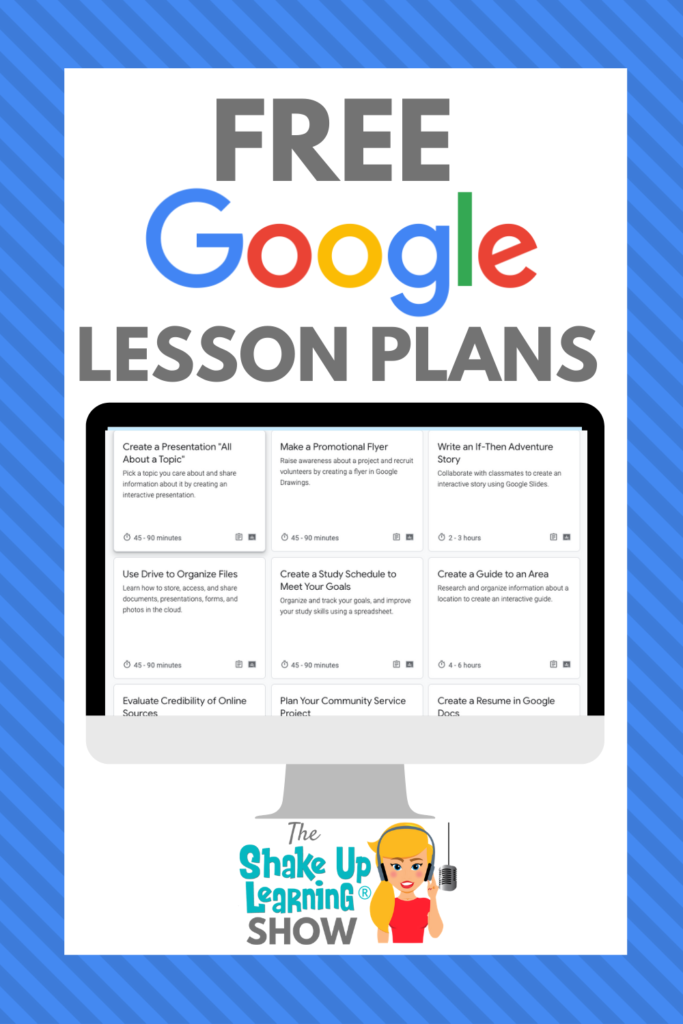
FREE Google Lesson Plans for Teachers and Students – SULS087
Get FREE Google lesson plans for teachers and students from Google’s Applied Digital Skills resource center. These are super handy for teachers! These are ready-to-go, asynchronous lessons that will help your students gain future-ready skills. You will also find free teacher training, support for parents and guardians, free posters, and more! Let’s dig into thisContinue Reading
Google Classroom Comments: All You Need to Know! – SULS086
Feedback is a crucial part of the learning process, and Google Classroom gives teachers and students a lot of options. Today, I’m going to share with you everything you need to know about Google Classroom comments. With Google tools and Google Classroom, giving feedback on digital assignments has never been easier. The only question is,Continue Reading
Blended Learning Best Practices (with Catlin Tucker) – SULS085
This week, I’m chatting about Blended Learning best practices with the blended learning guru, Dr. Catlin Tucker. Catlin has written several books on the subject of Blended Learning, and she has been sharing many ideas to support teachers during this time of remote and hybrid learning. In this inspiring interview, Catlin and I chat aboutContinue Reading

Go Global: Online Publishing for All Students – SULS084
One critical characteristic of Dynamic Learning is going Beyond the Walls! Go global and consider online publishing for all students. Every student should have the opportunity to publish their work and learning for a global audience! This will change the quality of their work and help them build a positive online presence. This episode andContinue Reading
Synchronous vs. Asynchronous Online Learning
It’s time to chat about Synchronous vs. Asynchronous Online Learning! With teachers learning so many new tools and strategies this year to facilitate remote learning, I thought it would be useful to discuss the idea of synchronous vs. asynchronous online learning. I’ve seen a lot of confusion about what these words mean, and I thinkContinue Reading

Collaborative Notes with Google Docs
One of my favorite Dynamic Learning strategies is collaborative note-taking with Google Docs. Hands down, collaboration is the number one reason to “Go Google!” The beauty of G Suite lies in the collaborative features. When students are able to take notes together, it allows them to learn from each other AND gives the teacher aContinue Reading

5 Shifts We Need in Education Now – SULS082
Education is undergoing a much-needed shakeup, and there are 5 Shifts We Need Now! I strive to remain as positive as possible, but I hit a boiling point, and I’m standing up for the teachers I know in love. While I can’t express every concern in this one article, I hope that this post willContinue Reading

The Google Certified Trainer Ultimate Planner and Checklist
The journey to becoming a Google Certified Trainer can be quite daunting! There are so many things to do–exams to pass, application requirements, case study, and application video–and that’s just the tip of the iceberg! I put together this planner and checklist to help you plan for success! In this 27-page ebook, you will findContinue Reading
10 Google Tips for Remote Learning
Remote learning has sent teachers and schools into high gear! We are all trying to figure out what works. In this post, I’m going to show you 10 Google Tips for Remote Learning. This has never been done before, not like this, so cut yourself some slack. We are all learning together! Most schools haveContinue Reading

Shapegrams: Grab-and-Go Google Drawings Lessons
I have long been a fan of Tony Vincent and his website and resources at LearninginHand.com. Tony is one of the most creative educators I know. One such creative project that has blown me away is his Shapegrams projects (grades 2-8), an image challenge for students to recreate images using Google drawings. In this post,Continue Reading
Flipgrid: The Go-To Remote Learning Tool – SULS080
Flipgrid has become the go-to remote learning tool for teachers! When it comes to digital learning tools to support blended and remote learning, one tool has stood out above the rest in 2020, Flipgrid. In this interview episode with three AMAZING “Flipgridders” and educators, Ann, Jess, and Jornea, share how you can use Flipgrid toContinue Reading
New Google Books from Kasey Bell COMING SOON!
New Google Books from Kasey Bell COMING SOON! Two new Google books from the Shake Up Learning series by Kasey Bell are coming soon! (1) Blended Learning with Google, and (2) Google A to Z: The Google Glossary for Teachers. Sign up to get updates about the release, pre-order bonuses, and more!

Read-Along Storybooks Using Audio in Google Slides
In this guest blog post by Mike Mohammad, Mike shares a fantastic, yet unconventional idea: read-along storybooks using audio in Google Slides! I’m always amazed at how Mike innovates in his classroom. You’d never guess from this post’s title that this idea is from a high school physics teacher! But we all have stories toContinue Reading
The InterACTIVE Class in a Post-COVID World – SULS079
Creating an engaging classroom is harder than ever in these post-COVID hybrid learning days. Joe and Kristin Merrill literally wrote the book on the subject, however, and they joined me to chat about their favorite tools and resources, what they are doing to keep the kids off the screen as much as possible, and differentContinue Reading

25 Things You Didn’t Know Google Slides Could Do
I talk about the wonders of Google Slides CONSTANTLY and frequently refer to it as the Swiss Army Knife of G Suite. It can do all kinds of things! In this post, I will show you 25 Things You Didn’t Know Google Slides Could Do. Since originally sharing this post in 2018, it has becomeContinue Reading

So You Want to Be a Google Certified Trainer?
So you want to be a Google Certified Trainer? But you aren’t sure what it means or where to start. I got you covered! This blog wouldn’t exist if I hadn’t pushed myself to become a Google Certified Trainer. Becoming a Google Certified Trainer not only increased my skills but gave me the confidence toContinue Reading
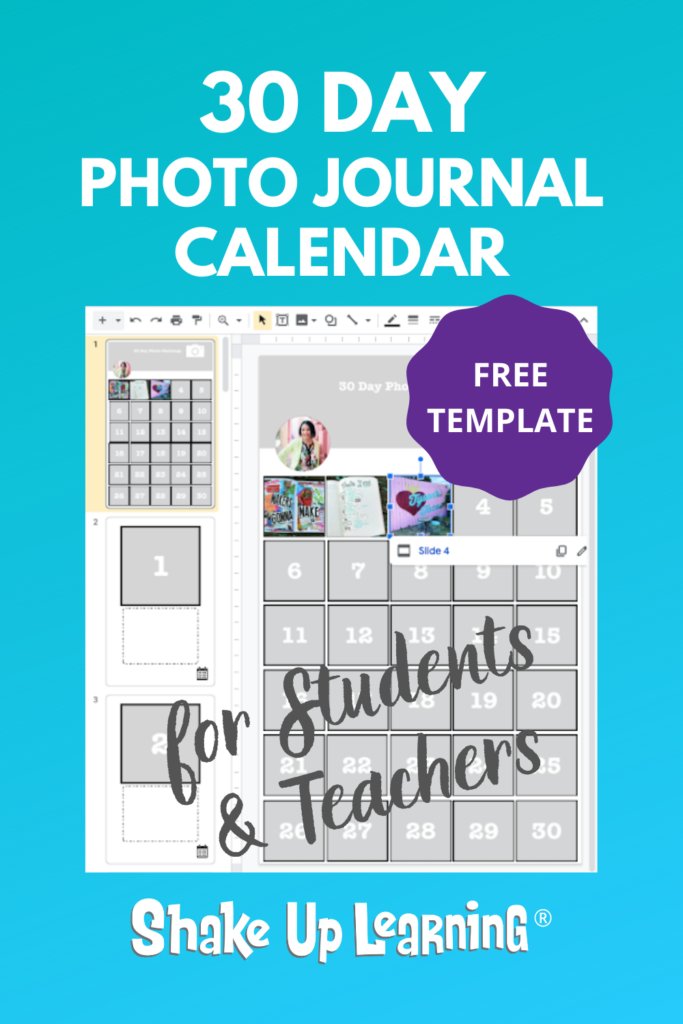
30 Day Photo Journal Calendar (FREE Template)
In this guest post by Lisa Johnson (a.k.a. TechChef4U), Lisa shares a great idea for some creative journaling. In the age of COVID-19, stress, anxiety, has pushed many teachers and students to the edge. Journaling is a healthy way to express your emotions. Some have even called it a “Quarantine Journal.” With the 30 Day PhotoContinue Reading
Back-to-School Podcast Series
Around the U.S., teachers are gearing up for back-to-school–gathering ideas, planning lessons, and getting their classrooms (and virtual classrooms) ready for learning. Back to School Podcast SeriesThis 3-part podcast series will show help you get ready for back to school–online activities, google classroom, templates, tips, and more! Whether you are going to back to schoolContinue Reading
How to Create Google Classroom Blended Learning Lessons (Part 3)
Google Classroom is more popular than ever. As schools switch to blended learning and remote learning models, educators need to know how to create Google Classroom blended learning lessons that are engaging and relevant for students! Lessons for blended learning have to be different than in-person activities translated to a digital space. Instead of justContinue Reading

7 Ways to Rethink Digital Assignments (in a Post-COVID World)
If you want to transition your classroom to an online or blended environment, you must rethink traditional assignments and how you use technology. In this post, I share 7 Ways to Rethink Digital Assignments in a Post-COVID World. Since teachers and schools are becoming increasingly more reliant on online and blended learning, I thought itContinue Reading
8 Easy and Fun Back-to-School Online Activities (Part 2)
So many of us are excitedly getting ready to head back-to-school for a new year—but things might look a little different. Many of us are starting back-to-school online. Luckily, there are ways to make your students feel connected during the back-to-school season, even if you can’t be physically together in the classroom! In today’s postContinue Reading

6 Tips for Getting Started with Google Classroom
Ready to Join Google Classroom? Getting started with Google Classroom is easy, but these tips will make things even better! Join the Google Classroom revolution! It will completely change the way you deliver assignments, communicate and collaborate in your class, and give your students future-ready skills! Google Classroom is a free application designed by Google toContinue Reading

Back to School with G Suite: 6 Online Activities (Part 1)
Around the U.S., teachers are gearing up for back to school–gathering ideas, planning lessons, and getting their classrooms (and virtual classrooms) ready for learning. Google tools can help you kick off the school year, get organized, and have some fun. So I thought now was a great time to share a few “back to school”Continue Reading

FREE Google Certification Resources for Educators
Looking for some help to reach your Google for Education Certification goals? Look no further! Here you will find Google Certification resources to help you become a Google Certified Educator Level 1, Google Certified Educator Level 2, or even a Google Certified Trainer!
18+ Google Classroom Quick Tip Videos for Teachers
In this post, I am going to give you 18+ Google Classroom Quick Tip Videos for Teachers! Each week on The Shake Up Learning Show Podcast, I share a quick Google tip. The podcast is an audio format, so I started creating Quick Tip tutorial videos on YouTube each week. (You can access all ofContinue Reading

A Framework for Blended PD (Part 3) – SULS073
Delivering virtual or blended professional learning can be challenging. Today, I’m sharing Part 3 of my series on Blended PD. In Part 3 of this series on Blended Professional Development (PD), I’m sharing PD activity ideas, facilitation tips, and sample schedules. As we prepare for the new normal of remote and hybrid learning, let’s workContinue Reading
How to Integrate Google Classroom with Google Meet
As teachers across the U.S. prepare for online and blended learning, more and more schools are relying on Google Classroom and Google Meet to deliver online lessons and assignments. In this post, I will share how to integrate Google Classroom with Google Meet. Kudos to Google for stepping up to the plate during the 2020Continue Reading
A Framework for Blended PD (Part 2) – SULS072
As most schools in the US prepare for the start of school online or in some blended format, it’s important to think specifically about teachers’ professional learning. I’m sharing Part 2 of my series on Blended PD. In this series, I’m sharing ideas for planning Blended PD, assessments, strategies, activities, and more. In Part 2,Continue Reading
A Framework for Blended PD (Part 1)
As schools across the globe begin to plan for the new normal and redefine the school day and location, we must also rethink our professional learning plans for teachers and staff. I’m sharing a framework for Blended PD. No matter what you call it–blended PD, virtual PD, online PD, remote PD, or hybrid PD, weContinue Reading

50 Google Classroom Resources That Will Make Your Day
Google Classroom is more popular than ever! I thought it would be useful to put together a list of resources to help you do more, learn more, and engage more learners in your classroom and online. Here are 50 Google Classroom Resources That Will Make Your Day! I write and create a lot of GoogleContinue Reading

Google Challenges for Teachers! (FREE Template by Pam Hubler)
As educators continue to face much uncertainty, we also have to get extra creative with virtual PD. In this guest post by Pam Hubler, she shares how she developed and implemented Google Challenges to deliver Virtual PD at her school. Virtual PD, or virtual professional learning, is more than just making things digital. Much likeContinue Reading

The Google Certified Trainer Application – All You Need to Know!
What’s On the Google Certified Trainer Application? Becoming a Google Certified Trainer requires a lot of knowledge, skill, and experience, and completing all of the application requirements can be daunting! In this post and video, I will cover the Google Certified Trainer Application and everything you need to know! I want this post to helpContinue Reading

The Chromebook Infused Classroom – SULS070
In this episode, Kasey interviews Holly Clark about her new book, The Chromebook Infused Classroom. Learn all about the Infused Classroom model, using Hyperdocs for remote learning, and practical ways to go from analog to digital! Do you have Chromebooks in the classroom? Then you don’t want to miss this episode! Conquer remote learning andContinue Reading

How to Become a Google Certified Trainer (6 Steps)
Are You Ready to Become a Google Certified Trainer? One of the most common questions I receive is about how to become a Google Certified Trainer. More than ever, teachers and schools need well-qualified trainers to help them learn the ins and outs of G Suite and technology integration. Now could be your time toContinue Reading

Google Training for Schools
Google Training for Schools NEED GOOGLE TRAINING FOR YOUR ENTIRE SCHOOL? Look no further! We have many programs to help your teachers learn how to meaningfully integrate Google tools and the entire G Suite in the classroom. From online courses to books, to face-to-face training, we got you covered! COVID-19 forced many teachers and schoolsContinue Reading

How to Package Your Digital Assignments
Packaging your digital assignments is more important than ever! As schools transition to the new normal of virtual, online, and hybrid learning to combat the spread of the coronavirus, I thought it was time to update this post, add some remote learning tips, and a podcast! The term “digital assignment,” refers to the work youContinue Reading

The Top 20 Podcast Episodes
I started the Shake Up Learning Show Podcast in 2018. With more than 65 episodes under my belt and more than 315,000 downloads, I thought I should share the top 20 episodes. New episodes are released every Tuesday morning and cover a variety of educational topics. You can stream episodes right here on the ShakeContinue Reading
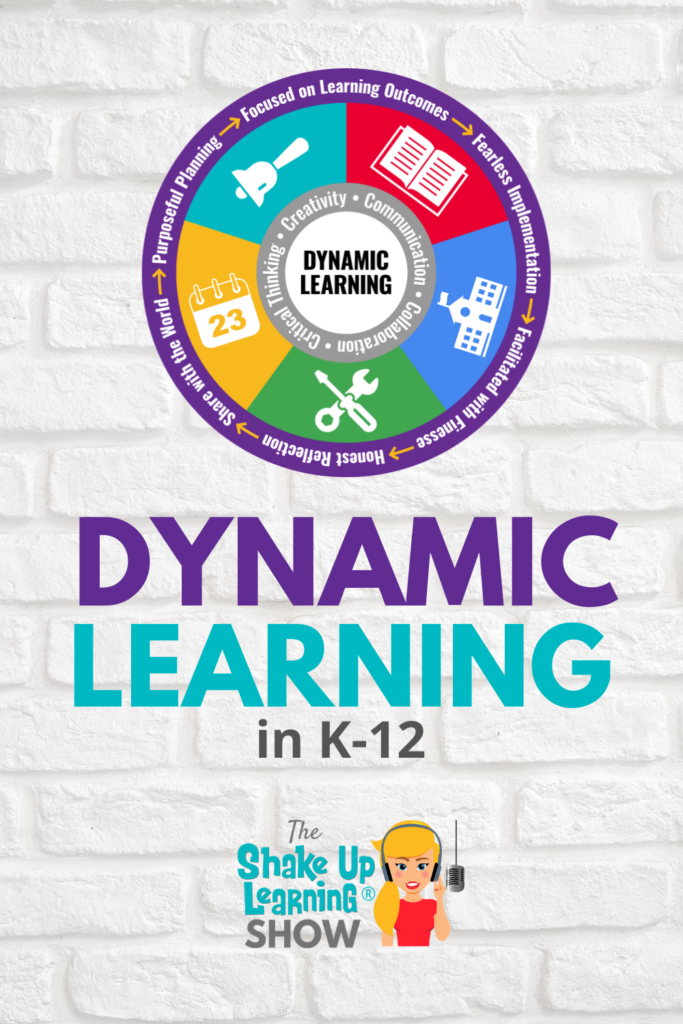
Dynamic Learning Down Under – SULS067
Kelly Bell joins me to chat about Dynamic Learning Down Under and how she’s leading change at her school. Kelly is an instructional leader and health and PE educator from Australia. She has been working to implement the Dynamic Learning Framework and help teachers avoid burnout. Listen in as we chat about the changes schoolsContinue Reading

The Anti-Racist Educator [interview with Keisha Rembert]
While this topic branches out more broadly for the Shake Up Learning listeners and readers, I want to use this platform to support the movement and to raise awareness and inspire action. I’ve asked Keisha Rembert, award-winning teacher and co-author of “Being an Anti-Racist Educator is a Verb,” to share her knowledge and advice forContinue Reading

The Benefits of Google Certification – Level 1, Level 2, Trainer, and Innovator
People wonder why I talk so much about Google Certifications. It’s not just the badge, it’s the connections; it’s a growth mindset; it’s the confidence it gave me to push myself further. I want to share with you the benefits that I have experienced as a Google Certified Educator Level 1, Level 2, Google CertifiedContinue Reading
Online Teaching Best Practices, Tips, and Tools – SULS065
Online teaching is DIFFERENT! Let’s prepare for the new normal with some online teaching best practices, tips, and tools. In this episode, Kasey shares her best tips for teaching students online. COVID-19 has changed education forever, and now it’s time to regroup and redefine teaching and learning. We don’t know what school will look likeContinue Reading
10 Ways Google Certification Can Support Remote Learning – SULS063
Sink or swim, teachers and educators across the globe have clung to tools like Google Classroom and Google Meet to survive school closures and remote learning. Building capacity and increasing your Google skills is more important than ever. Google Certification changed my thinking, my career, and gave me the skills to teach and learn online.Continue Reading
Lessons Learned From Remote Learning – SULS062
Last week we explored the remote learning situation from the student’s perspectives. This week I’m chatting with a highly-respected leader and author. Evan Robb has been a building level principal for over 20 years, and he’s sharing what this time has been like from his perspective, and lessons learned from remote learning. We all knowContinue Reading
FREE Access to Fluency Tutor to Support Student Literacy Remotely
As a former reading teacher, I know how difficult it can be to support struggling readers, English Language Learners, and to improve the fluency of all of my students. I wish I’d had Fluency Tutor to help! I don’t endorse a lot of products, but Texthelp produces some of the best accessibility tools and theyContinue Reading

What Students Have to Say About Remote Learning [interviews with a 3rd and 12th grader] – SULS061
This week I am interviewing two students who have been affected by the coronavirus pandemic and are experiencing remote learning first-hand. Getting the student perspective is so critical. Here’s what students have to say about remote learning! These unprecedented times have brought to light so many issues in education, but if we don’t ask studentsContinue Reading
Leading Through Crisis and Beyond for Teachers and Educational Leaders – SULS060
Leading from home through a crisis is a whole new beast. We, as educators and leaders, find ourselves leading from a very unexpected place. Home. Good leaders step up and lead through hard times, and that’s exactly what I see happening every day. I have never been more proud to call myself a teacher. TeachersContinue Reading

FREE Interactive Tic-Tac-Toe Choice Board for Google Slides
Y’all know I love choice boards (aka learning menus), and especially Tic-Tac-Toe boards! As more and more teachers are relying on the flexibility of choice boards during remote learning, I thought I’d create a template that would give teachers a bit more space to explain the tic-tac-toe choices. So today, I’m giving you the FREEContinue Reading

Google Classroom FAQ – Your Most Common Questions ANSWERED!
Google Classroom is more popular than ever! Many teachers are searching for help and tips, so I decided to put together a Google Classroom FAQ – your most common questions answered, based on the questions I receive from teachers. I see the same questions asked over and over again, so I hope this page isContinue Reading
How to Work From Home and Get Things Done! – SULS059
Working and teaching from home is a whole new ballgame, but it is possible to do it productively. I’m sharing my best tips to help you work from home and get things done at the same time–everything from planning, eliminating distractions, prioritizing your to-do list, and my favorite hacks and strategies! This is a tryingContinue Reading

FREE Google Templates for Teachers from Shake Up Learning
FREE Google Templates for Teachers from Shake Up Learning Get FREE activity templates for your Google Classroom–choice boards, drag-and-drop, fake Instagram, and more!
Home Learning Strategies for Primary Students that ALL Teachers Can Use! – SULS058
Christine Pinto and Jessica Twomey, two amazing kinder teachers, join me to discuss home learning strategies for primary students that ALL teachers can use. These awesome educators share amazing home learning strategies for primary students, and honestly, ANY teacher can learn from this episode. This is a MUST-LISTEN episode for all teachers. Shoutout Laura SteinbrinkContinue Reading
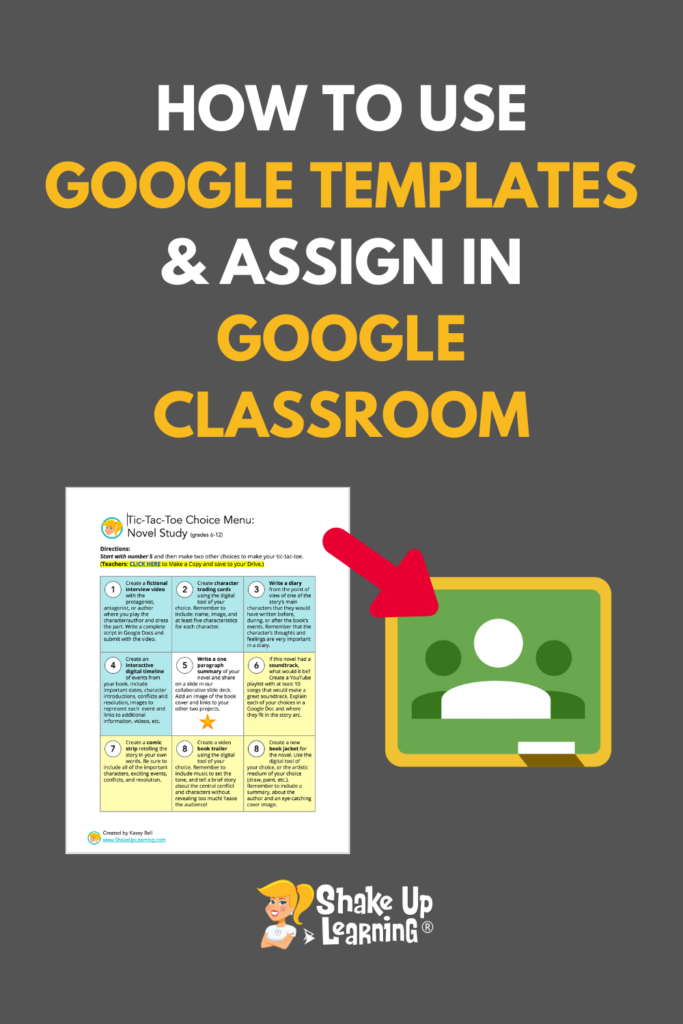
How to Use Google Templates and Assign in Google Classroom
When you find a free or paid template that is in Google Docs, Google Slides, Google Sheets, or Google Drawings, do you know how to save that to your Google Drive and assign it in Google Classroom? This video will show you how to use Google templates and assign in Google Classroom. There are freeContinue Reading

12 Practical Tips for Remote Learning During School Closures – SULS057
Let’s get real, y’all! While the world is battling the coronavirus, teachers and schools are scrambling to figure out what this home learning thing looks like. I’ve put together 12 practical tips for remote learning during school closures. To be clear, this is about this particular crisis situation. These are not the same tips thatContinue Reading

10 Google Classroom Tips for Remote Learning
Many teachers are jumping on board with Google Classroom right now, sink or swim! So in this post, I am going to give you 10 Google Classroom tips for remote learning. During this unprecedented time of school closures, Google Classroom has become a go-to platform to communicate and distribute remote learning assignments. This post willContinue Reading

Home Learning with Choice Boards During School Closures – SULS056
As we all find new ways to teach and learn during this unprecedented time, I want to share how you approach home learning with choice boards during school closures. In this episode with classroom teacher, Laura Steinbrink, you will learn how she is using choice and flexibility to reach the needs of her students. LauraContinue Reading

10 Google Docs Tips Every Teacher Should Know
With Google Docs more popular than ever in education, I thought I should share some of my favorite tips. I have 10 Google Docs Tips Every Teacher Should Know Over the years, I have shared a lot of Google tips. In this post, I’m pulling together ten posts with Google skills that every teacher shouldContinue Reading
FREE PD for Teachers Stuck at Home
Everything is so crazy right now, and we are all faced with a lot of uncertainty. Some teachers are on spring break, some are on an “extended” spring break, while others are making a go of home learning. Life looks different. Teaching looks different. I have created hundreds of free resources, podcasts, videos, webinars, templates,Continue Reading

FREE Tech Coach Collaborative (for support during school closures)
I’ve been talking to many teachers and tech leaders and working on many resources to help during this unprecedented time of school closures and home learning. But I know I can do more! Tech coaches and leaders are being called upon to do things that have never been done before and in record time. TechContinue Reading

FREE Google Classroom Resources
Ready to shake things up with Google Classroom? Check out the posts below to learn more about using Google Classroom with your students.

[On-Air Coaching] Engaging Students Who Aren’t Interested in the Content – SULS054
Let’s face it, not every topic or subject is something intrinsically interesting to young learners. This is why I have a special on-air coaching episode for you with Debra Copeland and Rebekah Munoz. Get ready to learn how you can start engaging students who aren’t interested in the content you’re presenting to them. I wishContinue Reading

Show Us You Home Learning
As most schools in the U.S., and many abroad, are closed due to the coronavirus, we are faced with a great unknown. What does home learning look like? I created a Flipgrid for parents and teachers to share what’s happening, what’s working, what’s not, your schedule, your learning environment, everything! If you are at homeContinue Reading
Podcast PD Choice Board for Teachers Vol. 2 (FREE Download!)
Looking for some great (and FREE) teacher PD? Look no further! I’ve got another Podcast PD Choice Board for Teachers! My hope is that this template will give you even more ideas for how to use podcasts for professional learning at your school or on your own. A few months ago, I shared the firstContinue Reading

Grace is Greater Than Grades
In the midst of the coronavirus chaos, the anxiety, the fears, and the extra time at home, I would like to come back to an idea that Jennifer Pearson shared on a special BONUS episode of the Shake Up Learning Show–grace. Jennifer, an American teacher who evacuated China in January, and has been teaching herContinue Reading

Coronavirus Closures? Online Learning Tips for Teachers and Schools [interview with an American Teacher in China]
Are you prepared for online learning if your school is closed for an extended period of time? In this special BONUS episode, you can prepare for coronavirus closures and get online learning tips for teachers and schools. Teachers and administrators listen up! In this candid interview, I chat with Jennifer Pearson, a tech coach whoContinue Reading

The Power of Student Entrepreneurship – SULS052
Have you ever struggled with creating engaging activities for your students that provide hands-on learning and real-world knowledge? Chris Aviles joins me to chat about the power of student entrepreneurship and how you can use it in the classroom. His students are creating businesses, raising money, and using that money to help change the world.Continue Reading

How to Access Files Offline in Google Drive
Sometimes we need to work on our Google Drive files when we don’t have an Internet connection. So I’m going to show you how to access files in Google Drive using the Google Docs offline extension. This comes in handy when you are traveling. It is also a great tool for students and teachers withContinue Reading

How to Edit Microsoft Office Files in Google Drive
In this post, I will show you how to edit Microsoft Office files in Google Drive! This is the best of both worlds! If you are using Google Drive to store your files, you may find yourself with some Microsoft files that you would like to edit without having to download and open in theirContinue Reading

Digital Equity and Why It Matters [interview with Ken Shelton] – SULS051
One of the biggest issues facing the learning community today is creating diverse and equitable educational practices, tools and strategies. Ken Shelton has spent over 14 years working to create digital equity in our classrooms and speaking on why it matters. His extensive work at the policy level led to his appointment as the CaliforniaContinue Reading
13 Tools to Record Audio on Chromebooks and Other Devices
Audio is a great learning and reflection tool. So I’ve put together a list of 13 Tools to Record Audio on Chromebooks and Other Devices. Now that we can add audio to our favorite Google Slides projects, we need to make sure we have some options for creating those audio files. Chromebooks have become theContinue Reading

The Instructional Playbook (interview with Jim Knight) – SULS050
If you’re a tech coach or instructional learning professional, you won’t want to miss this interview with Jim Knight. Jim is sharing The Instructional Playbook he uses to create strong relationships between coaches and teachers and how professional development has changed over the years. Taking on the role of a coach can mean different thingsContinue Reading

FREE Tech Coach Resources
Are you an instructional coach, tech coach, or in another instructional leadership role? This page is loaded with FREE resources to help you and your teachers make an impact!

How to Easily Assess Student Writing in Google Docs
Assess Student Writing in Google Docs with WriQ WriQ is a FREE tool that helps teachers easily assess writing in Google Docs. This Google Chrome extension helps teachers not only assess writing, including grammar, punctuation, spelling and more but also helps teachers track progress over time. Below is a guest post outlining the features andContinue Reading

Google Accessibility Tools to Reach ALL Learners – SULS049
Accessibility is and should be a huge topic of discussion across multiple industries but especially in learning. I’m going to give you tips, tricks, and resources to help use Google accessibility tools to reach all learners. Google tools are loaded with features that help us differentiate and support ALL learners in our classrooms. In thisContinue Reading

(FREE) Dynamic Learning with Google Toolkit © by Kasey Bell
Get the FREE Dynamic Learning with Google Toolkit © This awesome freebie is a companion to my podcast series, “It’s NOT About Google!” In this 4-part series, I will show you how you can use my Dynamic Learning Framework and Google tools to create awesome learning experiences for your students. Technology presents us with aContinue Reading

9 TCEA Presentations You Need to See!
9 TCEA Presentations You Need to See! I have nine TCEA Presentations that I want to share with you this week! Yes, I said NINE! I’m not sure how it happened, or how I made it through all of them, but it was a fantastic week of learning that I want to share with theContinue Reading

The Dustin Thompson Memorial Scholarship Fund
It is with a heavy heart that I share this. My best friend and colleague, Laura Thompson, lost her sweet husband, Dustin, on January 25, 2020. He was only 41. Those who know Laura know she has been a dedicated teacher for over 20 years. Dustin often told Laura, “I wish I had a teacherContinue Reading

My Pencil Made Me Do It! – SULS048
It’s the first interview episode of the year y’all, and I have an amazing guest to share with you. Meet Carrie Baughcum, a special education teacher and author with a creative teaching style. Carrie is one of the most creative teachers I know! I would love to be in her classroom! Learn how Carrie hasContinue Reading

Fake Instagram Template with Google Slides (FREE)
Engage your students with this awesome Fake Instagram Template in Google Slides from Carly Black. Back in episode 32 of the Shake Up Learning Show, I interviewed Lisa Johnson. Lisa shared a fake Instagram template she created in Keynote. I knew one of our Google-loving listeners would create one for Google Slides. Carly Black toContinue Reading

It’s Not About Google (Part 4: BEYOND the Walls and Due Date) – SULS047
Part 4 is finally here! Even when we love technology and Google tools, we have to remember that it’s NOT about Google. Our bottom line as educators is always about the learning and doing what’s best for students. In this 4-part podcast series on Dynamic Learning with Google, Kasey shares all her favorite lesson ideas! InContinue Reading

How to Organize Assignments in Google Classroom
Wondering how to organize Google Classroom? This post will give you the six most common organizational strategies for the Classwork page and topics. Many teachers are struggling with finding the best way to organize Google Classroom assignments on the Classwork page. Deciding what topics to create and how to organize your assignments on this pageContinue Reading

7 Presentations You Might Have Missed! #FETC2020
FETC 2020 Presentations and Resources by Kasey Bell I just finished presenting, connecting, and learning at the Future of Educational Technology Conference, or FETC, in Miami, Florida. It is one of the biggest edtech conferences in the U.S., and I want to share all of my presentations with you! Missing out is the worst! So noContinue Reading
It’s NOT About Google (Part 3: BEYOND the Grade and Subject) – SULS046
I love Google tools, but it’s NOT about Google! It’s about how we can use these tools to create dynamic learning experiences for our students. In this 4-part podcast series on Dynamic Learning with Google, Kasey shares all her favorite lesson ideas! In part three, Kasey explains how we can go BEYOND our curriculum andContinue Reading

It’s NOT About Google (Part 2: BEYOND the Tools) – SULS045
It’s NOT about Google, y’all! It’s about the LEARNING! Ready to move the learning in your classroom from static, one-and-done activities, to more dynamic learning—Dynamic Learning with G Suite? This 4-part podcast series will show you how you can use G Suite tools to support dynamic learning experiences for your students! Let’s take a deep-diveContinue Reading
The Top 10 Secrets of an Awesome Tech Coach! (FREE eBook)
Are you a tech coach, instructional coach, digital learning specialist, trainer, or any kind of educational leader? Then this ebook is for YOU! I have taken my best tips and put them into this FREE download! Learn tips for building relationships, alternative PD, coaching, and more! This 15-page ebook is loaded with free resources toContinue Reading

It’s NOT About Google (Part 1: BEYOND the Bell) – SULS044
It’s NOT about Google, y’all! It’s about the LEARNING! Ready to move the learning in your classroom from static, one-and-done activities, to more dynamic learning—Dynamic Learning with G Suite? This 4-part podcast series will show you how you can use G Suite tools to support dynamic learning experiences for your students! Technology presents us withContinue Reading

The Top 20 Posts of 2019
Here are the BEST Blog Posts of 2019! I have put together a list of the BEST and most popular Shake Up Learning blog posts from 2019. I can’t believe we are saying goodbye to another decade. To all of my readers, thank you for helping me learn and grow as an educator! I learnContinue Reading
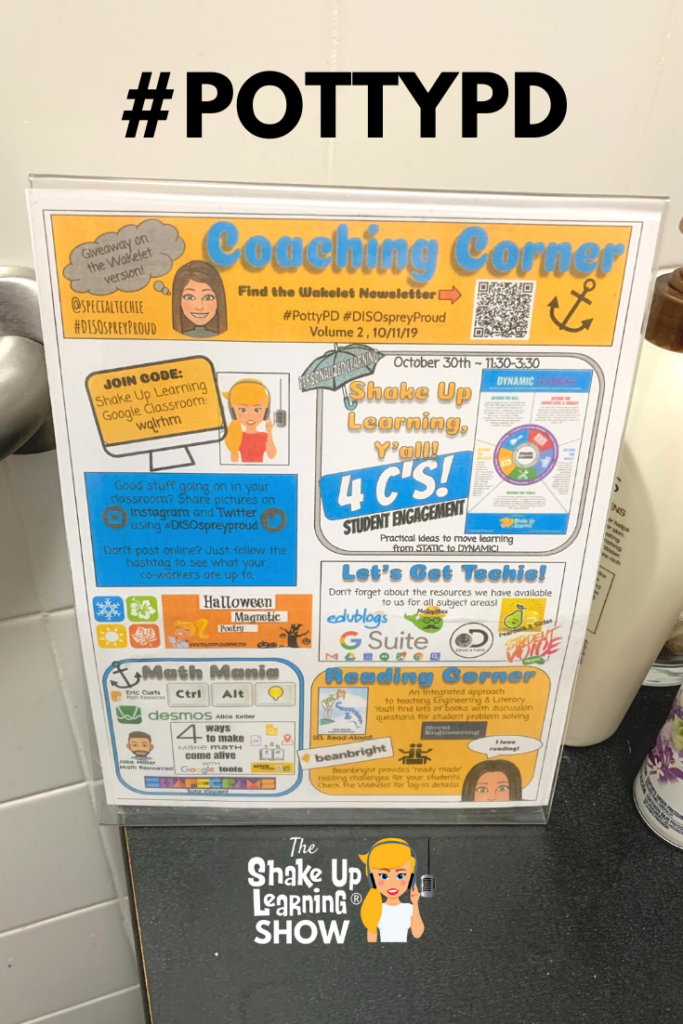
#PottyPD: How to Make the Most of a Captive Audience (FREE TEMPLATE) – SULS043
Today we are chatting about something that may seem a bit taboo. We are talking about some alternative ways to share professional learning tips and strategies through what has been dubbed as #PottyPD. My guest, Pam Hubler, is going to share how she uses #PottyPD to make the most of a captive audience. This ideaContinue Reading

6 FREE Google Templates for Creative Productivity
When you ask Lisa Johnson (a.k.a. TechChef4U) to write a guest blog post, she gives you an EPIC blog post with FREE templates! Today you get 6 FREE Google Templates for Creative Productivity! I cannot say enough about how much I admire the work of Lisa Johnson! I’ve already had her on the podcast, andContinue Reading

Holiday Reading: 6 Books That Will Transform Your Classroom – SULS042
Not every professional development book is made equal. A great book will focus on pedagogy first and provide you with actionable tips and valuable resources that guide you in making real changes in your classroom and curriculum. With that in mind, Kasey shares 6 books that will transform your classroom, as long as you takeContinue Reading
BreakoutEDU: More Than a Time-Filling Game
In this post, we are going to explore how BreakoutEDU is more than a time-filling game! Think of BreakoutEDU as an escape room game for your classroom, aligned with your learning goals. While there are many iterations of this idea, including digital breakouts, and DIY games, this post will focus on the BreakoutEDU platform. JumpContinue Reading

25+ Ways to Use Google Keep for Teachers and Students – SULS041
Google Keep is a fantastic and robust tool for teachers and students. In this blog post and podcast episode, I will share 25+ awesome ways to use Google Keep! Find out how to use this tool for notes, labeling, annotation, speech to text, feedback, and more! If you have never experienced the wonder that isContinue Reading

Get Google Certified: Online Courses Open for Enrollment!
Whether you are brand new to using Google in the classroom, or a seasoned expert, Shake Up Learning can help you reach your Google Certification goals with our online courses. There are three separate courses: Google Certified Educator Level 1 Google Certified Educator Level 2 Google Certified Trainer Each course is a self-paced, video courseContinue Reading

How to Get Google Certified! (Level 1, Level 2, Trainer, and Innovator) – Bonus Episode
I chat a lot about Google Certification, but I haven’t taken a deep dive into it yet on the Shake Up Learning Show! Let’s talk about how to get Google Certified! Today, I’ll dig into what certifications there are, how to get them (and how hard it is), and what resources can help. If you’reContinue Reading

The Shake Up Learning Story – SULS039
I get asked all the time to share more about my story and how I started Shake Up Learning. I’m an introvert, and sharing my personal story is difficult, but I firmly believe in the power of sharing your voice. Everyone has something unique to share, including YOU! Listen in to learn all about theContinue Reading

How to Become a Google Certified EDUCATOR (video walkthrough)
How to Become a Google Certified EDUCATOR Ready to get Google Certified? Find out what it takes to become a Google Certified Educator. In this video, I will walk you through the process, the exam, the content covered, share free resources, and tips to help you pass! Teachers ask me all the time about gettingContinue Reading

How to Make an Impact as a Tech Coach – [On-Air Coaching] SULS038
Coaching a coach is an exciting experience, but everyone has struggles that they need to mastermind one in a while. Alison Jalufka is a Learning Coach at an elementary school in her Central Texas school district. She started her teaching career in elementary education as a first-grade teacher and now has the opportunity to makeContinue Reading

10+ Ways to Use Technology in the Math Classroom – SULS037
Some math teachers struggle with integrating technology into the classroom. So, I enlisted the help of my friend and edtech expert, Craig Klement, to share 10+ Ways to Use Technology in the Math Classroom. Integrating technology in the math classroom can go far beyond substitution, digital worksheets, and simple quizzes. In this blog post andContinue Reading
YOU Can Teach Like a Pirate! – SULS035
Learning how to engage students is one of the biggest challenges for educators today. There is so much noise to cut through just to be heard much less teach tomorrow’s generation. Dave Burgess has made a career out of finding exciting ways to engage even the toughest audience out there and he’s here to letContinue Reading
Ready to Get Google Certified?
All Google Certification Course Open on November 19! Are you ready to get Google Certified? Shake Up Learning can help! It’s finally here, well, almost here! Many have been waiting for my Google Certification Courses to open for enrollment again, and your wait is almost over! Start working on becoming a Google Certified Educator LevelContinue Reading

15 Ways to Use Google Classroom in Professional Learning – SULS034
Google Classroom is a fantastic tool for teachers and students in the K12 classroom. But did you know, Google Classroom is also a great learning tool for adults, too? Today, I am going to share with you 15 Ways to Use Google Classroom in Professional Learning. I’ve touched on this idea over the years andContinue Reading

Google Certified Trainer FAQ – Your Q’s Answered!
Google Certified Trainer FAQ – Your Q’s Answered! I am a Google Certified Educator, Trainer, and Innovator. Becoming Google Certified was a game-changer for me, both for my own professional learning and growth and it transformed my career path. G Suite for Education is transforming classrooms across the globe. As a Google Certified Trainer, youContinue Reading

100+ Ways to Use a Chromebook in the Classroom – SULS033
Whoa! Did I actually title this 100+ Ways to Use a Chromebook in the Classroom? Yes, I did! 100+ Ways to Use a Chromebook in the Classroom If you have Chromebooks in your classroom, you are going to love what the Chromebook App Hub has to offer–100+ Ways to Use a Chromebook in the Classroom.Continue Reading

Productivity Tips and Tools for Teachers and Students – SULS032
The Tech Chef, Lisa Johnson, is on the show today! She discusses fantastic productivity tips and tools for teachers and students that she outlines in her new book Creatively Productive. (She even shares some cool templates!) With her love for creating time-saving practices and for helping students and teachers succeed in the digital world, sheContinue Reading

The Teacher’s Guide to Professional Book Studies – SULS031
Book studies can be a great way for teachers to grow, connect, and learn together. There are many ways to facilitate professional book studies, so I decided to put together The Teacher’s Guide to Professional Book Studies to share some best practices. Teacher book studies can be impactful. They can also be painful with theContinue Reading

9 Ways to Improve Student Writing with Google Docs – SULS030
Today, I am going to share with you 9 Ways to Improve Student Writing with Google Docs! There are so many amazing digital tools that teachers can use to support writing in the classroom. As a former writing teacher, I can’t help but geek out a little at all the possibilities. But when it comesContinue Reading

10 Google Classroom Tips You Didn’t Know – SULS029
Ready to rock the school year with some Google Classroom tips? Today, I am sharing 10 Google Classroom tips you didn’t know! In this blog post and podcast episode, you will learn insider Google Classroom tips that most teachers don’t know, as well as, a closer look at important Google Classroom updates to help youContinue Reading

Eduprotocols: Customizable Lessons for Any Subject or Grade! – SULS028
On this episode, I welcome Jon Corippo, Chief Learning Officer at CUE, as we discuss how to use EduProtocols to save time and increase learning in your classroom. EduProtocols are classroom-tested customizable lessons for any subject or grade to break up clichéd lesson plans, build culture, and deliver content to K-12 students in a supportive,Continue Reading

How to Create Drag and Drop Activities with Google Slides – SULS027
In this video and podcast episode, I’m going to share with you a little-known secret–how to create drag and drop activities with Google Slides. My favorite G Suite tool is Google Slides, not because it is an easy-to-use presentation tool, but because it does so much more than just create presentations. I frequently refer toContinue Reading

Meaningful Collaboration in the Classroom – [On-Air Coaching] SULS026
It’s time for another on-air coaching session! My guest on this episode is Vicki Huepel, a high school science teacher from Montana, and member of the Shake Up Learning community, who is trying to create meaningful collaboration in the classroom. Listen in and we breakdown an entire lesson to see where it can be elevatedContinue Reading

Is Microsoft Making a Comeback in Education? – SULS025
Is Microsoft making a comeback in education? Today’s guest is the gadget guru herself Leslie Fisher. I brought Leslie to the show to answer the EdTech community’s biggest question, is Microsoft making a comeback in education? You won’t want to miss our chat about what’s new with Microsoft, and some of Leslie’s other favorite toolsContinue Reading

Summer Magnetic Poetry (FREE Template and Tutorial)
Ready for some summer fun? It’s time for a new magnetic poetry template with a fun, summer theme! This is perfect for a back-to-school activity, or even some summer professional learning with teachers! Introducing, the Summer Magnetic Poetry FREE template and tutorial! I frequently refer to Google Slides as the Swiss Army Knife of GContinue Reading

Coding, Art, and Student-Led Innovation [student interview] – SULS023
Today I’m talking with another amazing student guest about what she likes and dislikes in school. Ainsley McClard is going into the 7th grade next year and she chats about some amazing projects she’s been involved in, coding, art, innovation, what she thinks about the grading system, and why she started her own business! AinsleyContinue Reading

The Best Way to Listen to Podcasts
Podcasts have become a very important part of my professional learning and a must-have resource for many teachers. I love listening to my favorite podcasts, and I love the fact that I can subscribe in my favorite podcatcher, Overcast, and get notified every time a new episode is released. Since many teachers are new toContinue Reading

Power Up Your Classroom with Game Play [interview with Cate Tolnai and Lindsay Blass] – SULS022
In this episode, I got to talk to Cate Tolnai and Lindsey Blass about their new book Power Up Your Classroom! They share their passion for gamifying the classroom with game-based learning and teaching through play. We discuss what types of classroom environments are appropriate for gamification and ways you can incorporate game-based learning today!Continue Reading

10 Awesome Ways to Use Flipgrid in Your Classroom [LIVE from ISTE] – SULS021
Today’s show is a little bit different y’all. I spent some time with 10 educators talking about 10 awesome ways to use Flipgrid in your classroom [LIVE from ISTE] at the Flipgrid booth. You won’t want to miss the big updates Flipgrid announced at ISTE that Adam “Short-Shorts” Goldberg shares! The educators that stood upContinue Reading

The Problem Solving Generation [Interview with Google’s Jaime Casap] – SULS020
Today on the show I have Jaime Casap, Google’s Chief Education Evangelist and lead advocate of the problem-solving generation. Jaime credits his less-than opportune upbringing and his luck in education for his current position. He wants to share his “luck” with other students just like him so that this generation of students are best preparedContinue Reading

Top 10 Secrets of an Awesome Tech Coach – SULS019
Are you a tech coach, instructional coach, or something in between? Maybe you dream of one day being a coach? Ready to learn the top 10 secrets of being an awesome tech coach? This episode is for YOU! Being a coach is no walk in the park, but I can help make it easier. ItContinue Reading

Stop Asking How to Put a Worksheet in Google Classroom – SULS018
Yes, I know you REALLY want to know how to put your worksheet into Google Classroom! But, let’s take a step back and take a deeper look at the purpose of your assignment, the power of G Suite, and how you can go BEYOND substitution and a static worksheet. Get ready to stop asking howContinue Reading

Sneak Peek: Kasey Bell’s #ISTE19 Presentations and Resources #notatiste
No FOMO for Shake Up Learning readers! Today, I’m sharing ALL of my 8 #ISTE19 presentations! What is ISTE? Well, it’s just the largest edtech conference in the world, y’all! I don’t want you to miss a beat! And this year I have a ton to share! Below you will find all of my presentationContinue Reading

The Learning Mixologist – #ISTE19 (FREE Preview) – SULS017
Tune in today to learn more about The Learning Mixologist – #ISTE19 (FREE Preview) with Holly Clark. We first presented this information at FETC and the information provided is from both of our books and learning frameworks! Holly has been in education for over 20 years and is now working to spread the concept ofContinue Reading

I’m Shaking Things Up at #ISTE19!
I’m gearing up for the largest edtech conference in the world, ISTE! And, of course, I’ll be shaking things up! I’ll be running around networking, learning, and sharing, and totally out of my introverted comfort zone! I hope to see you there! I was also named an ISTE Featured Voice this year so I’ll be onContinue Reading
6 Ways to Learn Online with Kasey Bell this Summer!
Summer is a great time for professional learning! Today, I’m giving you 6 Ways to Learn Online with Kasey Bell this Summer! This summer I will be traveling all over the U.S. delivering keynotes, breakout sessions, and workshops. While I wish I could meet each one of you at a face-to-face event, I know it’sContinue Reading
Digital Differentiation with G Suite Tools – SULS016
Today, we are chatting about one of my favorite topics: Digital Differentiation with G Suite! Differentiation is a big buzzword in teaching, but it is often easier said than done. Let’s discover ways to use our favorite Google tools to level the playing field and make differentiation a reality in your classroom. This student-centered teachingContinue Reading

25 Resources to Help You Get Google Certified
I spend a lot of time creating Google Certification resources and helping other educators reach their goal of becoming a Google Certified Educator Level 1, Level 2, and even Google Certified Trainer. These resources have helped thousands reach their goals! I’ve curated my BEST Google Certification resources to help you find what you need. GoogleContinue Reading

Project Based Learning Tips that Will Transform Your Classroom – SULS015
One of my favorite EdTech gurus is the Cool Cat Teacher herself, Vicki Davis. In this episode of The Shake Up Learning Show, Vicki shares some amazing classroom tips and ideas that ANY teacher can use. She shares lots of tips for project-based learning, using the “In-Flip,” method, and how she helps students discover theirContinue Reading
Podcast PD Choice Board for Teachers (FREE Template!)
This post combines two of my favorite things, podcasts and choice boards–a Podcast PD Choice Board for Teachers! Yay! This post was designed to help give the Shake Up Learning readers even more ideas for how to use podcasts for professional learning at your school or on your own. I put together this Podcast PDContinue Reading

How to Podcast with Your Students – SULS014
Students of all ages can podcast! In this post and podcast episode, you will learn How to Podcast with Your Students, what tools to use, and how easy it is to get started! Back in 2006, my students created a podcast, “Miss Bell’s Chime Time!” My students named the podcast, they wrote and performed theContinue Reading
LIVE Recording of The Shake Up Learning Show with Flipgrid at #ISTE19!
I am so happy to share this announcement with you! I will be recording a live episode from the Flipgrid booth at ISTE (Tuesday, June 25 at 12 PM EST), and I want YOU to be there and to be on the show! The topic will be all about how to use Flipgrid to empowerContinue Reading

How to Get Credit for Listening to Podcasts – SULS012
Let’s explore how we can use podcasts for professional learning and get credit for it! In this episode and post, I’ll share some of my favorite educational podcasts, ideas for embedding podcasts in face-to-face PD, online learning, and how to give evidence to administrators. These days, we have all sorts of learning at our fingertips,Continue Reading
How to Create a Class Brand (and much more!) with Tony Vincent – SULS011
I’m excited for today’s conversation with one of my favorite edtech gurus! Tony Vincent, from Learning in Hand, shares many genius tips in this episode. He’s passionate about offering practical tools and strategies that you can implement right away, so he’s a perfect fit for the show. In case you’re not already familiar with him,Continue Reading

How to Insert Audio in Google Slides (Step-by-Step)
The long-awaited Google Slides audio feature has finally arrived! We can now insert audio in Google Slides–this can be voice, music, narration, sound effects, any type of audio you have access to or want to create. For many years, teachers have been asking me how to add audio–usually narration or background music–to Google Slides. GoogleContinue Reading

How to Choose a Digital Assessment Strategy – [On-Air Coaching] SULS010
These days it’s easy to find fun and engaging activities for your students online. Heck, you may have even found something on this blog that sparked your interest. But just because you like the activity doesn’t mean that it will assess the skills you NEED to assess. Choosing a digital assessment strategy is not easy,Continue Reading

60 Tools to Inspire Students with Chromebooks – SULS009
Chromebooks have transformed classrooms! But we have to find tools that will engage and inspire our students to be creative thinkers and innovators. This post and podcast episode was inspired by a resource I found from Google for Education. You can’t pass up the opportunity to share 60 AWESOME tools for Chromebooks! (Original source isContinue Reading

Force Users to Make a Copy of a Google Doc!
How to Force Users to Make a Copy of Google Drive Files Here’s an easy way to force users to make a copy of Google Docs, Sheets, Slides or Drawings! By hacking the URL you can prompt users to make a copy! Have you ever shared a file with a student or colleague and instructedContinue Reading

The Teacher’s Guide to Digital Choice Boards – SULS008 (FREE eBook!)
I have been a fan of choice boards (aka learning menus) since my first few years of teaching. I even shared some choice boards and ideas in my book, Shake Up Learning: Practical Ideas to Move Learning From Static to Dynamic. As a middle school language arts teacher, I began teaching the way I wasContinue Reading

The Dynamic Learning Workshop and Coaching Package
Ready to transform the classrooms in your school? This three-day workshop and coaching package will help you and your teachers make meaningful technology integration a reality! Technology is not a magic solution for education. It is an opportunity! An opportunity to shake things up, to connect and grow, and to create dynamic learning experiences forContinue Reading

Things I Wish My Teacher Knew… – SULS007
Ready for our very first student interview? This is it! Today’s student guest is Camden, an amazing, high-achieving 10-year-old fifth grader at H.E. Bonner Elementary in Moncks Corner, South Carolina. Camden is one of those delightful students who loves learning new things. One of her favorite parts of going to school, in fact, is learning!Continue Reading

Staying Focused on the Learning Goals, Not the Technology – [On-Air Coaching] SULS006
We’re doing something different today! This episode features my very first on-air coaching guest, Jasmine Saab. Jasmine is a second-year fourth-grade teacher at Marrington Elementary School near Charleston, South Carolina. She loves integrating movement and technology from her classroom. Originally from California, Jasmine fills her time with a wide array of hobbies ranging fromContinue Reading

30+ YouTube Channels for Teachers
YouTube = Learning at Your Fingertips! There are so many ways to learn with YouTube channels for teachers and students! When you want to learn something new these days, most of us head over to YouTube. You can learn just about anything on YouTube: how to fix your dryer, how to create a blog, orContinue Reading

Meaningful Technology Integration and Dynamic Learning (5-Part Episode Series)
Ready for a deep dive into meaningful technology integration? In my new podcast, The Shake Up Learning Show, I share a very special 5-episode series of tips, ideas, lesson plan, templates, and more to help all teachers make dynamic learning a reality in the classroom. Each episode includes detailed show notes, including time stamps, linksContinue Reading

How to Plan for Technology Integration – SULS005
Let’s talk about lesson planning. I know, I know, this isn’t the most exciting thing to talk about… but it’s so important! Since this is the last episode in my five-part series, I want you to be able to take everything you’ve learned so far and implement it in your classroom. And, to doContinue Reading

Easy Lesson Plan Makeovers for Your Classroom – SULS004
Give your lessons a dynamic learning upgrade with my easy lesson plan makeovers for your classroom! If you’re not sure what dynamic learning is, I recommend going back and starting with episode 1 of the podcast. Click here to access the entire series. This is episode four of a five-part series on meaningful technologyContinue Reading

A Framework for Meaningful Technology Integration – SULS003
Listen Now … Ready to learn how to meaningfully and practically integrate technology into your classroom?! If so, you’re in the right place! This episode will explore the dynamic learning framework, and is part three of a five-part series on meaningful technology integration. (If you haven’t already listened to episode 1 and episode 2, IContinue Reading

The 4 C’s: The Superfoods of Learning – SULS002
When you think of the four C’s, you probably think of diamonds… but did you know they have a place in education, too? Creativity, communication, collaboration, and critical thinking are a foundational component of dynamic learning. In fact, I even like to call them the superfoods of learning! If this is the first timeContinue Reading
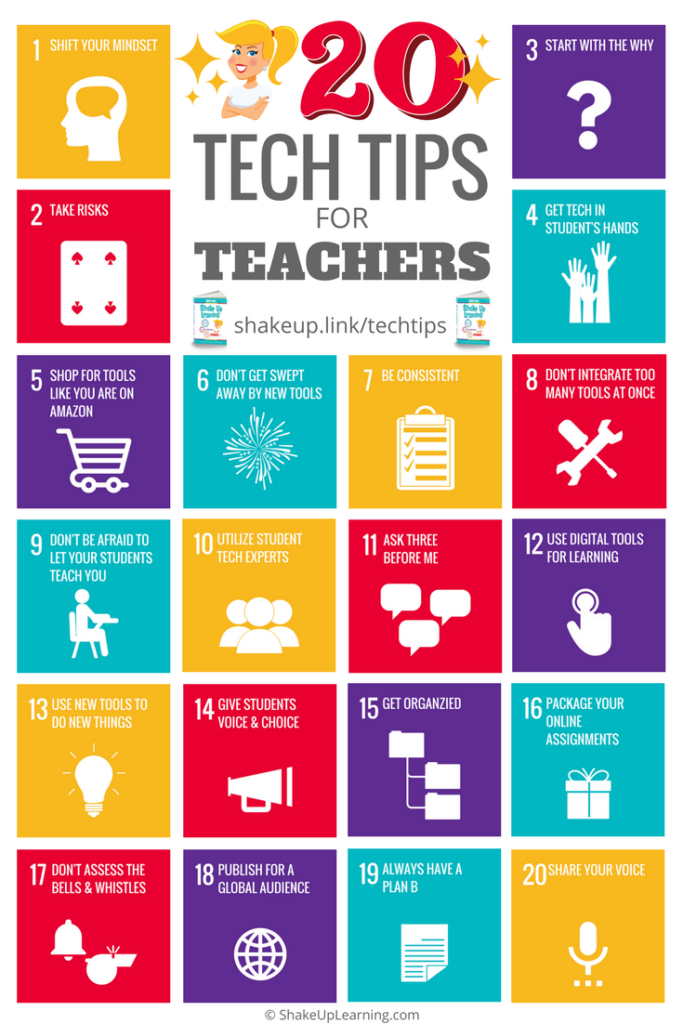
Top 20 Tech Tips for Teachers – SULS001
Listen Now What’s shakin’ y’all? Welcome to the very first episode of the Shake Up Learning Show, where we’ll dig into integrating technology into the classroom, growing as a leader, refining your instructional strategies, and transforming your classroom! Each episode of this new podcast will be packed full of practical ideas, insights, and theContinue Reading
The Shake Up Learning Show Premieres TOMORROW (March 26)!
The Shake Up Learning Show The Shake Up Learning Show Premieres TOMORROW with 5, binge-worthy episodes! The Shake Up Learning Show, a new podcast hosted by Kasey Bell from Shake Up Learning, launches on March 26, 2019. WHAT: The Shake Up Learning Show is a weekly podcast hosted by Kasey Bell. The show features aContinue Reading

Google Tips for Instructional Coaches and Tech Coaches
Google tools help support teachers and students in many different ways. As the role of instructional coach and tech coach continues to grow, I thought it would be useful to take a look at some Google tips through the lens of a coach. In this guest post by Pam Hubler, you will find many usefulContinue Reading

The Teacher’s Guide to Podcasts
As co-host of The Google Teacher Tribe Podcast, and host of the soon-to-be-released Shake Up Learning Show, it’s no secret that I like podcasts. I am also an avid listener of many podcasts myself, both for professional learning and personal interests. Podcasting is bigger than ever, but many teachers have no idea what a podcastContinue Reading

8 Fantastic Ways to Find Anything in Google Drive
The Google Drive Advanced Search is a thing of beauty. My Google Drive is not the most organized, and I frequently rely on the search tool to find what I need. I have never been good at keeping all my digital files inside perfectly organized, color-coded, nested folders. It’s a good thing that I don’tContinue Reading
The Shake Up Learning Show Starts March 26th!
The Shake Up Learning Show is a weekly podcast hosted by Kasey Bell. The show features a variety of episodes for K12 teachers and educators, including tech tips, lesson ideas, practical advice, on-air coaching, student interviews, and interviews with inspiring educators.

Google Certified Trainer Resources
FREE resources to help teachers and educators pass the TSA exam and prepare for the application. Here you will find free ebooks, videos, and downloads to help you reach your goal of becoming a Google Certified Trainer!
Stranger Google: Crazy Tools from the Upside Down (Part 2)!
Google never ceases to amaze me! You know I love me some G Suite tools, but there is so much more to Google than you ever imagined! I love to dig into the lesser-known Google tools and figure out how these can be used for learning in the K12 classroom. I also love a funContinue Reading

FREE Resources to Pass the Google Certified Educator Level 2 Exam!
FREE resources to help teachers and educators pass the Google Certified Educator Level 2 exam. Here you will find free ebooks, videos, and downloads to help you rock the Level 2 exam!

4 Ways to Give Meaningful Feedback with Google Classroom
Google Classroom + Meaningful Feedback = Winning Combination! In this post, we will explore ways to give meaningful feedback in Google Classroom. Feedback is an essential piece of the learning process that often gets overlooked or watered down. As teachers, it can be difficult to find ways to not only give feedback to every student,Continue Reading

FREE Resources to Pass the Google Certified Educator Level 1 Exam
FREE resources to help teachers and educators pass the Google Certified Educator Level 1 exam. Here you will find free ebooks, videos, and downloads to help you rock the Level 1 exam!

5 #FETC Presentations You Might Have Missed!
I just finished presenting, connecting, and learning at the Future of Educational Technology Conference, or FETC, in Orlando, Florida. It is one of the biggest edtech conferences in the U.S., and I want to share all of my presentations with you! Missing out is the worst! So no FOMO for Shake Up Learning readers! I’veContinue Reading

A Perfectionist with Paralysis NO MORE!
It’s been five years since I started the Shake Up Learning blog! I can’t believe it. In some ways, I thought time was moving so slowly as I tried to grow and improve. In other ways, it’s gone by so fast. It’s like I blinked and five years have flown by. My parents used toContinue Reading

How to Make a Copy of Google Files
See a great Google Doc or Slide deck that you want to use? MAKE A COPY! How to Make a Copy of Google Files IS A MUST-HAVE GOOGLE SKILL! If you are a Google-using educator, you must know how to make a copy of Google files. When you come across a Google file that hasContinue Reading

5 Ways to Use the Google Docs Explore Tool
The Google Docs Explore tool brings you quick access to your Drive files, web search, images, recommendations and more. Explore is available in Docs, Sheets, and Slides and it uses machine learning to try to predict the things you need as you compose and create. The features vary across applications so this post will focusContinue Reading

Google Docs CHEAT SHEET! (FREE)
Google Docs Cheat Sheet! In this handy, Google Docs reference guide, you will get access to beautiful screenshots of all the main features of Google Docs. This is a great reference guide for experienced users, and a fabulous tutorial to help new users learn the basics of Google Docs. Back in 2014, I released theContinue Reading

20 Things You May Have Missed in 2018
Here are the BEST Blog Posts of 2018! I have put together a list of the BEST and most popular Shake Up Learning blog posts from 2018. There went another year! Shake Up Learning will be five-years-old in January (gasp!), and I want to take a moment to THANK YOU! You have helped me learn andContinue Reading
You’re Doing it Wrong! How to Manage Multiple Google Accounts
Chances are that you are doing it wrong, and I’m going to show you a better way to manage and toggle between multiple Google accounts. This is one of my favorite Google tips and has made my life so much easier! A lot of Google users have more than one Google account, often a school/work accountContinue Reading

Student “Play of the Week” with Google Slides (FREE Template)
Every student is an MVP! Share their success through the Student “Play of the Week,” with Google Slides. It’s so important that we celebrate student success and help every student to feel like an MVP of the classroom. Below is a guest post from Pam Hubler, sharing a super fun way to get students toContinue Reading
How to Edit Images in Google Docs and Slides
Did you know you can edit images inside Google Docs and Slides? In just a few clicks, you and your students can add some pizazz to your images in Google Docs and Google Slides! Editing the images gives you the ability to add a professional touch to your presentations and documents. These tips may seemContinue Reading
How to Create Powerful Student ePortfolios with Google Sites
Let’s Talk About How to Create Powerful Student ePortfolios with Google Sites! Online student portfolios are a great way to showcase student work and show growth over time. Google Sites is the perfect tools for you and your students to create ePortfolios. Yes, folks, we are officially dropping the “e” from ePortfolios. Since digital isContinue Reading

The Beginner’s Guide to the Hour of Code
The Hour of Code is coming! Are you ready? Here’s your Beginner’s Guide to the Hour of Code! (This post was originally published on Edsurge.com.) In case you haven’t been paying attention, computer science skills are vastly becoming some of the most in-demand skills of the twenty-first century. In fact, some call it a newContinue Reading
How to Create a Class Template in Google Classroom
What if I told you that you could create a class template inside Google Classroom? You can! I’m going to show you how to create a class template in Google Classroom that can be reused over and over again. In 2018, Google released several significant updates to Google Classroom. One particular update allows us toContinue Reading

Google Success Story: Pam Hubler, Google Certified Trainer
I share a lot of information and resources to help educators reach their goals of becoming Google Certified. Today, I’d like to introduce you to Pam Hubler, a Google Certified Trainer from South Carolina–a Google Success Story! In this candid, video interview, Pam and I chat about her path to Google Certified Educator Level 1,Continue Reading

Teach Like the Tonight Show: Mad Lib Theater in the Classroom
Jimmy Fallon cracks me up, and I love to find ways to use some of his Tonight Show games in the classroom. In this post, I’m going to show you how to Teach Like the Tonight Show: Mad Lib Theater in the Classroom. This is the fourth post in a series I have done over theContinue Reading
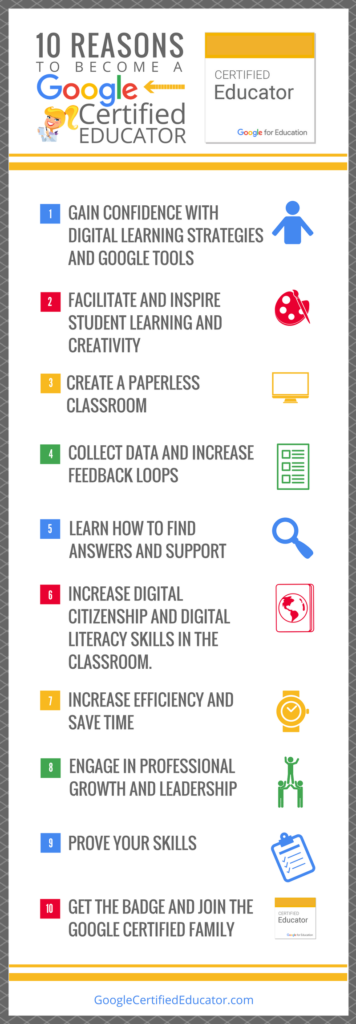
10 Reasons to Become a Google Certified Educator (infographic and video)
10 Benefits to Become a Google Certified Educator Want to know what all the fuss is about? I am asked this question all the time, “What are the benefits of becoming a Google Certified Educator?” So I put together this handy infographic and video to talk about the 10 Reasons to Become a Google CertifiedContinue Reading

Google Success Story: Jacinta Keenan, Google Certified Trainer
Becoming a Google Certified Trainer is no small feat, and everyone’s journey is a little different. Today, I’d like to introduce you to Jacinta Keenan, a Google Certified Trainer from Tasmania–a Google Success Story! In this candid, video interview, I chat with Jacinta about becoming a Google Certified Educator, Level 1 and 2, as wellContinue Reading

8 Awesome Reasons to Go Incognito in Google Chrome
Did you know you can go incognito in Google Chrome? It’s a fantastic feature, and there are many reasons you should try it. Here are 8 Awesome Reasons to Go Incognito in Google Chrome! You Need to Go Incognito in Google Chrome! Here’s Why: Yep, I’m talking about Google Chrome again! One of my favoriteContinue Reading

How to Check Spelling and Grammar in Google Docs!
The wait is over! There is finally a spelling and grammar checker for Google Docs! You can now help students improve their writing with this awesome new tool! As a writing teacher, I often struggled with ways to help my students improve the grammar and spelling in their writing. I marked up paper after paper,Continue Reading

12 Google Slides Resources That Will Make Your Day
Google Slides is my absolute FAVORITE G Suite tool! It is really the most versatile tool in the Google toolbox. So today, I’m giving you 12 Google Slides Resources That Will Make Your Day! Yes, I’m going to say it. Google Slides is like a Swiss Army Knife for your classroom. It is so muchContinue Reading
The Google Slides Online Course You Have Been Waiting For!
It’s finally here! The Google Slides Online Course You Have Been Waiting For: The Google Slides Master Class for Teachers. I frequently refer to Google Slides as the Swiss Army Knife of the G Suite tools because it is capable of being so much more than a presentation tool. In this course, you will learnContinue Reading

Flatten the Walls of Your Classroom with the New Google Earth
The New Google Earth is a fantastic way to flatten the walls of your classroom and explore the world with your students. Did you know that Google Earth has been around for more than 17 years? That just seems crazy. The first time I saw it, it totally blew my mind. And I did whatContinue Reading
16 Fantastic Podcasts for Teachers
Do you listen to podcasts? I do! I love them and I have 16 Fantastic Podcasts for Teachers to share in this post! Podcasts are a great way to get PD on the go. You can listen in the car, on your run, during your workout, or whenever you prefer. It’s PD in your pocket!Continue Reading

40 Facebook Groups for Educators
Like many people, I have a love/hate relationship with Facebook. But I have found a gold mine in Facebook groups for educators. In fact, I have 40 Facebook Groups for Educators to share with you in this post! If you are on Facebook, there are hundreds of groups for just about any educational topic thatContinue Reading
10 Must-Listen Episodes of The Google Teacher Tribe Podcast
Guess what? Season 3 of The Google Teacher Tribe Podcast returns next week! Look for the first episode on Monday, September 17, 2018. The Google Teacher Tribe Podcast is a weekly podcast hosted by me, Kasey Bell, and my buddy Matt Miller from DitchThatTextbook.com. In each episode, we share what’s going on with Google–The GoogleContinue Reading

How to Create Your Own “Apps” with Google Slides (FREE Template)
You may have heard me refer to Google Slides as the Swiss Army Knife of G Suite. It seems there is always a new way to use it in the classroom and go BEYOND using tools as digital substitutes. In this guest post by Micah Shippee, you can learn How to Create Your Own “Apps” withContinue Reading

The Dynamic Learning Framework for Teachers (Explainer Video)
Who’s ready to Shake Up Learning? I am! That’s not just the name of this blog. It is my mission. When I decided to write a book, a knew I wanted it to be practical, but I also wanted to help push the boundaries of the traditional classroom. That’s why I developed The Dynamic LearningContinue Reading

The First Day of Google Classroom: FREE Resources from Google #FirstDayofClassroom
The First Day of Google Classroom! Set up your school year for success! Wow! Google Classroom just keeps getting better and better! Over the last few weeks, Google has released some amazing updates and resources to help teachers and students improve their Google Classroom skills and use. One resource that I want to share withContinue Reading
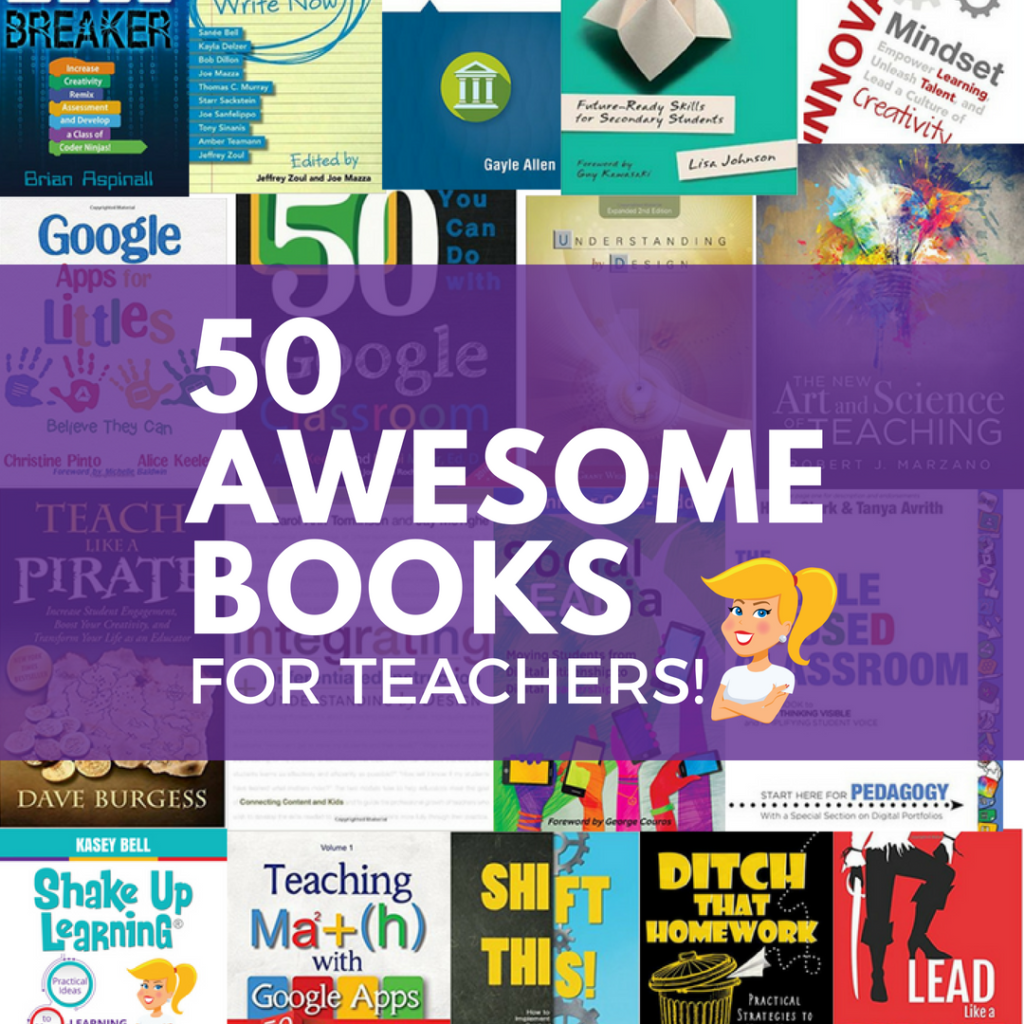
50 Awesome Books for Teachers
I love to read! And my professional learning bookshelf is always full as well as my Kindle app! So I decided to put together this HUGE list of books for educators, 50 Awesome Books for Teachers! There’s a little bit of something for everyone, no matter what your role in education. All of these booksContinue Reading

How to Create Magnetic Poetry (FREE Mini-Course)
Want to learn how to make your own magnetic poetry and other types of interactive lessons? Jump into my FREE mini-course, How to Create Magnetic Poetry with Google Slides and Drawings. Did you know that you can create amazing interactive lessons for students using G Suite tools like Google Slides and Google Drawings? You knowContinue Reading

How to Plan a Dynamic Learning Experience (FREE TEMPLATE)
How to Plan a Dynamic Learning Experience (FREE TEMPLATE) Dynamic learning doesn’t happen by accident, you have to purposefully plan experiences for students that are aligned with your learning goals, integrate strategies that push beyond the bounds of traditional learning, and integrate the four c’s. This post is designed to give you everything you needContinue Reading
Trainers and Coaches: Unleash Your “Incredibles” Superpowers!
Trainers and Coaches: Unleash Your “Incredibles” Superpowers! This guest post was written by Debbie Perkins and Brooke Higgins based on their ISTE 2018 session “Trainers and Coaches Suit Up: Unleash Your “Incredibles” Superpowers!” If you want to be an “Incredible” tech trainer or instructional coach, your mission must include honing the superhero skills of CollaboratingContinue Reading

5 Augmented and Virtual Reality Creation Tools for Students
5 Augmented and Virtual Reality Creation Tools for Students This guest post was written by Brian and Jennifer Cauthers. Inside this post are 5 augmented and virtual reality creation tools for students! Imagine holding the solar system in your hand and being able to walk around the planets. Would that have helped you to developContinue Reading

8 Things I Don’t Want You to Miss From ISTE
The biggest edtech conference in the world, ISTE, took place in Chicago last week, and y’all, it did NOT disappoint! Here are 8 Things I Don’t Want You to Miss From ISTE 2018. ISTE is my busiest conference, and I spend most of my time presenting and signing books. In case you missed it, IContinue Reading

SNEAK PEEK: Kasey’s 2018 ISTE Presentations! #ISTE18 #notatiste
SNEAK PEEK: Shake Up Learning’s ISTE Presentations 2018! Hey, y’all! I promised that I would be sharing EVERYTHING from the ISTE conference this year, and guess what? You get to see my presentations before I even share them at ISTE! Yep! You heard me! To show you how much I appreciate your loyalty to thisContinue Reading

160+ Chrome Apps and Extensions for Teachers and Students
160+ Chrome Apps and Extensions for Teachers and Students I have put together a Google Chrome App and Extension Database for Teachers hat is loaded with apps and extensions for productivity and classroom integration. In this post, you will find 160+ Chrome Apps and Extensions for Teachers and Students! This database is searchable and filterableContinue Reading

I’m Shaking Things Up at ISTE 2018!
I’m Shaking Things Up at ISTE 2018! I’m gearing up for the largest edtech conference in the world, ISTE! And, of course, I’m shaking things up at ISTE 2018! I’ll be running around networking, learning, and sharing, and totally out of my introverted comfort zone! I hope to see you there! No worries if you won’tContinue Reading

How to Create a Dynamic Reading Experience
How to Create a Dynamic Reading Experience with Read&Write for Google Chrome™! Dynamic Learning is all about going BEYOND the traditional bounds of the classroom and the class day. In this post, we will look at How to Create a Dynamic Reading Experience that goes BEYOND what was previously possible. Going “Beyond the Tools” isContinue Reading

45+ Google Tips for Teachers and Students
45+ Google Tips for Teachers and Students The Shake Up Learning community never fails to amaze me! They are always sharing new ideas, lesson plans, tips, tricks, and asking insightful questions. This week was no different. Each week I pose a new question to the Shake Up Learning community on Facebook. (Join here!) This weekContinue Reading

Google Certified Educator Level 2 Challenge Tasks (FREE DOWNLOAD)
Google Certified Educator Level 2 Challenge Tasks Get a FREE set of Challenge Tasks to help prepare for the Google Certified Educator Level 2 Exam! Preparing for the Google Certified Educator Level 2 Exam can be daunting! It covers so many topics and applications, and a large portion of the exam requires you to performContinue Reading

A Hyperdoc Unit That Will Blow Your Mind!
A Hyperdoc Unit That Will Blow Your Mind! Hyperdocs are amazing, but this is an entire Hyperdoc UNIT that will blow your mind! This Hyperdoc has it all, y’all! Designed to help students dig deeper into the book, The Wild Robot by Peter Brown. And guess what, it is VERY DYNAMIC! This is actually muchContinue Reading

Yes, Kinder CAN Use Chromebooks!
Yes, Kinder CAN Use Chromebooks! Empower our littlest learners! The new book, Google Apps for Littles by the dynamic duo, Christine Pinto, and Alice Keeler, is all about empowering our littlest learners – YES, kinder CAN use Chromebooks and lots of other technology! (Want to win a copy of this awesome book? Keep reading!) ItContinue Reading

6 Steps to Google Certified Trainer
Do You Have What it Takes to Become a Google Certified Trainer? Who’s interested in becoming a Google Certified Trainer? The Google Certified Trainer Program is focused on good pedagogy and adult learning strategies and is a fantastic certification for trainers, instructional coaches, instructional technology specialists, and others who offer quality professional development to theirContinue Reading
Simple Ways to Integrate AI in the Classroom
This post is loaded with some simple ways to integrate AI in the classroom. It’s easier than you think, and it doesn’t require expensive equipment or software. AI or Artifical Intelligence is ready for its closeup! Are you and your students ready to become “AI experimenters.” In my free ebook, 18 Challenges for TeacherContinue Reading

4 Ways to Use Google Keep for Feedback and Assessment
4 Ways to Use Google Keep for Feedback and Assessment Google Keep is one of my favorite G Suite tools! One fun way to use Google Keep is for feedback. In this post, I’ve got 4 ways to use Google Keep for feedback and assessment. Google Keep makes it easy to “keep” feedback comments, resources, references,Continue Reading

16 Curation Tools for Teachers and Students
16 Curation Tools for Teachers and Students If you follow my blog, you know I curate a lot of resources for teachers. This post brings together a suggested list, a curated list if you will, of 16 curation tools for teachers and students from the Shake Up Learning community. Choosing how to curate and whatContinue Reading

Google is a Gateway Tool
I said it. Google is a Gateway Tool! For a lot of teachers who are reluctant to try integrating technology or using devices, Google is simply a stepping stone, like a gateway tool if you will. It’s easily addictive and can lead to more confidence with digital tools. But that’s all it takes–simply a tasteContinue Reading

Top 20 Tech Tips for Teachers
My Top 20 Tech Tips for Teachers! As a digital learning coach with more than fourteen years working in instructional technology, I have learned quite a few ways to help teachers integrate technology. I have compiled my Top 20 Tech Tips for Teachers into this handy infographic, which you can download below. I find myselfContinue Reading

The Nutritional Value of Learning
What is the Nutritional Value of Learning in Your Classroom? If someone was to peel back the label on the lessons in your classroom, what would they see listed as the “nutrition facts”? What would be the nutritional value of learning in your classroom? How are you preparing students for the future? Are you teachingContinue Reading
350+ Google Classroom Tips, Tutorials and Resources
The Best Google Classroom Tips, Tutorials and Resources for Teachers I’ve been curating Google Classroom tips, tutorials, and resources for teachers, which now includes over 350 Google Classroom tips, tutorials, and resources for teachers. As Google Classroom continues to grow and improve as a platform, we have no shortage of resources. With new updates comingContinue Reading

Empower Your Students with The 4 C’s Learning Menu
Empower Your Students with The 4 C’s Learning Menu YOU can empower your students with this 4 C’s learning menu! If you’ve followed this blog for very long, you’ve probably noticed I’m a big fan of learning menus aka choice boards. Student choice is empowering. Combine that with the power of the 4 C’s, andContinue Reading

Dynamic Learning with G Suite
Dynamic Learning with G Suite Ready to move the learning in your classroom from static, one-and-done activities, to more dynamic learning—Dynamic Learning with G Suite? This post will show you how you can use G Suite tools to support dynamic learning experiences for your students! Technology presents us with a unique opportunity in education, anContinue Reading

Join the Google Certified Educator Level 2 Course Waitlist
The Google Certified Educator Academy (Level 2) It’s coming…The Google Certified Educator Level 2 Course will open again for limited enrollment in May 2019. Thousands have used my resources to become Google Certified, and many of you have been waiting for the arrival of the Level 2 Course. Each certification course will open for limited twice perContinue Reading

Become a Google Certified Trainer Online Course
Find out all the details about the Become a Google Certified Trainer Online Course from Shake Up Learning.

What You Need to Know to Pass the Google Certified Educator Level 1 Exam
What You Need to Know to Pass the Google Certified Educator Level 1 Exam This is what you need to know to pass the Google Certified Educator Exam (Level 1), and it is all contained in this easy to follow Google Certified Educator Capacity Matrix! Google Certified Educator Capacity Matrix ©(Level 1) The Google Certified EducatorContinue Reading

What You Need to Know to Pass the Google Certified Educator Level 2 Exam
Pass the Google Certified Educator Level 2 Exam! This is what you need to know to pass the Google Certified Educator Level 2 Exam, and it is all contained in this easy to follow Google Certified Educator Capacity Matrix! Google Certified Educator Capacity Matrix © (Level 2) I’m a big fan of the Google Certified EducatorContinue Reading

5 TCEA Presentations You Need to See!
5 TCEA Presentations You Need to See! I have five TCEA Presentations that I want to share with you this week! I have had the privilege of presenting at many conferences over the last several years. I enjoy connecting with educators face-to-face and sharing ideas. Earlier this month, I presented at the TCEA convention. IfContinue Reading

5 Tips to Become a Google Certified Innovator
5 Tips to Become a Google Certified Innovator Wanna be a Google Certified Innovator?! We’ve got five tips to help you! I am often asked what it takes to become a Google Certified Innovator, and it is not a one-size-fits-all answer like the other Google Certifications. The route to Innovator is different for everyone. IContinue Reading

4 Ways to Blend Learning with InsertLearning
4 Ways to Blend Learning with InsertLearning InsertLearning is an extension that lets you turn websites into interactive lessons, and it is the perfect companion to your blended learning lesson plans. This extension is AWESOME, y’all!!! You know how it seems that when you create a lesson these days that you need like twelve linksContinue Reading

18 Challenges for Teachers in 2018 © (FREE eBook!)
The 18 Challenges for Teachers in 2018 ©! Who’s ready to kick off 2018 with a bang? I am, and I have put together some AWESOME challenges for any teacher that wants to kick things up a notch in the classroom this year. This is Shake Up Learning’s annual 18 Challenges for Teachers for 2018! Inside thisContinue Reading

Student-Created Vision Boards with Google Slides
Goal Setting with Student-Created Vision Boards in Google Slides! A great idea for a new year! Student-Created Vision Boards with Google Slides! A student-created vision board is a great way to help students set goals and visualize reaching them! We often use the start of a new year, new school year, or new semester toContinue Reading

20 Things You May Have Missed in 2017!
Here are the BEST Blog Posts of 2017! I have put together a list of the BEST and most popular Shake Up Learning blog posts from 2017. I can’t believe we are nearing the end of 2017! As Shake Up Learning approaches its fourth anniversary, I want to take a moment to THANK YOU! You haveContinue Reading

Take the Google Certified Educator Bootcamp Online!
The Google Certified Educator Academies [Tweet “The VIP Google Certified Educator Course is OPEN! and I can’t wait to get started! #googleedu #gsuiteedu #edtech”] What Teachers Are Saying about the Google Certified Educator Academy: Hundreds have enrolled and become certified through this course. Check out what they have to say about the course experience: “IContinue Reading

Create G Suite Templates with This Mind-Blowing Hack
Did You Know You Can Create a G Suite Template by hacking the link? Yes! This G Suite trick will let you change some words in the URL of your file and magically create a template link! This is a game-changer, y’all! Templates make life easier, especially as a teacher. I make copies of interestingContinue Reading

Every Student Should Publish for the World!
Give Your Students the World! Give them a Global Audience! Part of your Dynamic Classroom Should Include Going Global! Bring the world to your students, and bring your students to the world. It’s also our job, as teachers, to give students a global audience. It is so easy now to allow students to publish theirContinue Reading

The Ultimate Teacher Gift Guide 2017
Find the Perfect Gift for Every Teacher on Your List! It’s that time of the year again! It’s time to show the teachers in your life a little love. That might be a colleague, a friend, your child’s teacher, an administrator, or even something for yourself! The 2017 Ultimate Teacher Gift Guide has a littleContinue Reading

How to Design Google PD That Works!
A Framework for Professional Learning with G Suite I have delivered hundreds of hours of professional learning over the last ten years or so, and a vast portion of those sessions have focused on using Google tools in the classroom. I’ve learned a lot of lessons as a Google trainer, A LOT! So to helpContinue Reading

Interactive Learning Menus (Choice Boards) with G Suite – FREE Templates
Differentiate with Learning Menus and Choice Boards I love learning menus, and it is one of my favorite ways to incorporate student choice and to differentiate learning. And with digital tools like G Suite for Education, it’s super easy to make menus interactive, digital, and more dynamic! Digital Differentiation offers teachers and students many waysContinue Reading

Dynamic Learning v. Static Learning (DO THIS, NOT THAT)
Create More Dynamic Learning Experiences Here’s a handy infographic, Dynamic Learning v. Static Learning (DO THIS, NOT THAT) to help you see ways to create more dynamic learning experiences! [Tweet “Dynamic Learning v. Static Learning (DO THIS, NOT THAT) #shakeuplearning #edtech #edchat”] Are the learning experiences in your classroom static or dynamic? Static, one-and-done activitiesContinue Reading

Top 10 Reasons to Become a Google Trainer VIP!
Become a Google Trainer VIP Course Opening Soon! There are many reasons to consider becoming a Google for Education Certified Trainer. It’s not the path for everyone, but it certainly changed my career, my learning, and my learning network! Keep reading to read the Top 10 Reasons to Enroll in the VIP Become a GoogleContinue Reading

4 Must-Have Google Classroom Skills for Teachers
4 Common Questions About Google Classroom Assignments Google Classroom is quite a robust platform for teachers and students to communicate, collaborate, and manage assignments digitally. Google is continually updating and giving us new features that make it an even more powerful tool. Whether you are new to Google Classroom, or a savvy expert, there isContinue Reading

In the Game of School, We Change or Students Lose!
Change is Coming… We have to stop playing the game of school! If we don’t change, our students will continue to lose. Change is coming to education, slowly but surely, are you doing your part to break barriers and bad habits? Dynamic Learning requires that we let go of the traditional ideas that we haveContinue Reading

How to Create Screencast GIFs
Use Screencast GIFs in the Classroom! One of the most common questions I receive is how I make my screencast GIFs, so today I’m offering a post that will show you how I create them, including a video tutorial. I use screencast GIFs to show how-to steps on my blog and in my presentations. VideosContinue Reading

How to Infuse Google Classroom with the Power of YouTube
Maximize Google Classroom with YouTube! Did you know that YouTube works seamlessly with Google Classroom? What a fantastic way to integrate video clips, tutorials, and get students creating! Let’s dig into some strategies that will help you make the most of Google Classroom and YouTube. I always say YouTube equals learning at your fingertips. ItContinue Reading
8 Ways to Support Digital Citizenship Skills with Google
It’s NOT About Google, It’s About the LEARNING! – PART 2: Digital Citizen I am a big fan of using Google tools to support learning, and I think they are particularly useful in helping support the ISTE Standards for Students. Digital Citizenship skills are a must for today’s modern society, but figuring out how andContinue Reading

6 Android Apps to Try on a Chromebook
Using Android Apps on a Chromebook Google has been working to bridge the gap between the tablet and laptop by allowing us to use Android apps on a Chromebook. It is still in a beta testing phase, but I have given it a whirl and want to share with you what I have discovered, whatContinue Reading

How to Push the Boundaries of School with Dynamic Learning
How to Push Boundaries with Dynamic Learning Does your classroom offer one-and-done types of learning activities, or does the learning grow, inspire, and evolve throughout the year and beyond? With digital tools like G Suite for Education that are available 24/7, the learning doesn’t have to stop when the bell rings at the end ofContinue Reading

It’s NOT About Google, It’s About the LEARNING (ISTE Empowered Learner)
Using Google Tools to Support the ISTE Standards for Students If you have followed this blog for very long, you know that I frequently share Google-related content. I also have a podcast with my friend Matt Miller, The Google Teacher Tribe. But despite the sometimes Google-centric ideas, I am a firm believer in a focusContinue Reading

10 Amazing Google Geo Tools for Your Classroom
Exploration = Education, my new motto This is a guest post by Google Certified Trainer and Innovator, Stacy Behmer. I had the privilege of attending the Google Geo Institute (#CAGTI17) with approximately 90 other educators from around the world last week to learn more about Google’s Geo Tools! I loved using maps with my studentsContinue Reading

How to Find the Best iOS Apps for Your Classroom
Gone App Fishing! Finding the Best iOS Apps for Your Classroom! The App Store is NOT the best place to find apps for your classroom. The best way to find apps is to connect and learn from other teachers using apps in their classroom. There are many sites that curate and review apps just forContinue Reading

20 Reasons to Listen to The Google Teacher Tribe Podcast!
Do you listen to podcasts? I do! I love them. Podcasts are a great way to get PD on the go. You can listen in the car, on your run, during your workout, or whatever you prefer. I teamed up with my friend, Matt Miller, from DitchThatTextbook.com to create The Google Teacher Tribe podcast. WeContinue Reading

Kasey Bell’s #ISTE17 Presentations and Resources
ISTE 2017 – shakeup.link/iste17 Presentations and Resources [Tweet “Kasey’s #ISTE17 Presentations and Resources #googleedu #edtech #gttribe”] Shake Up Learning with Google Keep (Monday, June 26, 9:30-9:50, Google Teaching Theater #214) CLICK HERE to view full screen. Top 10 Reasons to Go Google (Poster & T-Shirt) Want the T-Shirt? You can order your own! Shake Up LearningContinue Reading

Google Apps for the iPad and iOS (The COMPLETE list!)
Google Apps for iOS The following is a list of Google Apps for iOS (from Google, Inc.). This list is exhaustive and includes several apps that are not on the infographic Guide to Google Apps for the iPad. Some of these have natural classroom integration, and some are more for personal or business use. Some areContinue Reading

Top 10 Reasons Every School Should Go Google!
The Top 10 Reasons to Go Google! It’s no secret that I am a fan of Google and the G Suite for Education program. In fact, when teachers approach me and say that their administration decided to, “go another way,” I always say, “give me five minutes with them.” Going Google is a no-brainer! It’sContinue Reading

Augmented Reality with Google Expeditions is Coming!!
Google Expeditions Goes AR! Whaattt??!! Google Expeditions is super cool and allows us to take our students on virtual treks across the globe. But Google Expeditions is about to get a whole lot better! Google Expeditions with Augmented Reality is coming in the Fall of 2017. We don’t know a lot yet, but I gotContinue Reading

Teach Like the Tonight Show: Internet Pop Quiz with Google Slides (Teacher Edition)
Take the Internet Pop Quiz (Teacher Edition) Bring the fun and laughter of Jimmy Fallon and The Tonight Show into your classroom AND your professional development! In this post, I will show you how to use Jimmy’s Internet Pop Quiz as a model for a “Get to Know You,” game with a Googley twist! One personContinue Reading

Google Apps for the iPad (updated list)!
Google Apps for the iPad and iOS The following is a list of Google Apps for iOS (from Google, Inc.). This list is exhaustive and includes several apps that are not on the infographic Guide to Google Apps for the iPad. Some of these have natural classroom integration, and some are more for personal or businessContinue Reading

All Google Certification Course Open on May 28th!
All Google Certification Course Open on May 28th! It’s finally here, well, almost here! Many have been waiting for my Google Certification Courses to open for enrollment, and for the addition of the Level 2 course, and your wait is almost over! All 3 Courses Will Open on May 28th Mark your calendars! These courses (LevelContinue Reading

The Educational Hashtag and Twitter Chat Database
The Educational Hashtag and Twitter Chat Database is Here! Over the last few months, I’ve been collecting information about educational hashtags and related Twitter chats to create a searchable and filterable database. (See my original post and call for submissions here.) Anyone else overwhelmed by all of the hashtags out there? I love the lists!Continue Reading

How to Cultivate Communication Skills in the Classroom
Communication Skills are a Building Block Communication is one of the most essential twenty-first-century skills, but teaching these skills is not an easy task for teachers. Communication is a building block. Cultivating a culture of communication in the classroom creates a foundation for building the other, ‘C’s:’ collaboration, creativity, and critical thinking. But what does thisContinue Reading

8 Tips for a Google Expeditions Pilot [infographic]
Lessons Learned from a Google Expeditions Pilot Below are 8 Tips for a Google Expeditions Pilot from Heather Kilgore, an Instructional Technology Coordinator for Commerce ISD in Commerce, Texas, where she shares the lessons learned from their Google Expeditions pilot program. As we all begin to find ways to bring Google Expeditions, Google Cardboard, and other virtualContinue Reading
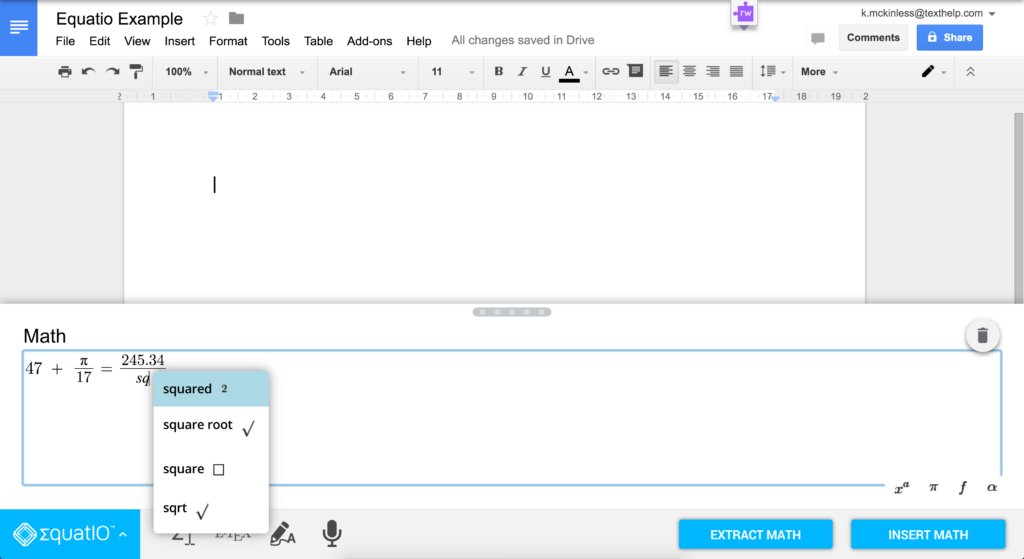
Reinventing Math Class with EquatIO (Chrome Extension)
Reinventing Math Class Guest post by John McGowan, Math Product Manager, Texthelp Let’s get real for a minute: math has always had a bit of an image problem, hasn’t it?! As a teacher for over fifteen years, I know all too well that many of my students just aren’t as excited by the subject asContinue Reading

Move from a Static Classroom to a Dynamic Classroom
Is Your Classroom Static or Dynamic? Meaning, does your classroom offer one-and-done types of learning activities, or does the learning grow, inspire, and evolve throughout the year and beyond? Learning doesn’t have to end when the bell rings. Take a look at my definitions below and think about what your classroom looks like. Dynamic Learning:Continue Reading

Personalize Google Keep for You and Your Students
Did you know you can personalize Google Keep with custom images to create visually driven notes and lists? This post will show you how you can use the power of images to personalize Google Keep to fit your needs and the needs of your students. I’ve been a bit obsessed with Google Keep as ofContinue Reading

Make Your Google Drive Beautiful | Episode 10 of #GTTribe
Did You Know You Can Make Your Google Drive Beautiful? (Jen can show you!) In this episode, Matt and I interview Jen Giffen, a Digital Literacy Resource Teacher, who shares her favorite Google Drive tricks, her special sketch notes, and more! Jen also shares an awesome Mystery Hangouts lesson plan that can be used atContinue Reading

The Magic of Google Forms | Episode 9 of GTTribe
Google Forms is much more than a survey tool–it’s magic! In this episode, Matt and I discuss the magic of Google Forms and some fantastic ways to use it in the classroom. Listen to this episode to learn some fun tips and ideas that will make your life easier! We also have some Google newsContinue Reading

How to Differentiate Questions with Google Forms
Shut the Front Door (Again)! Updated Differentiation with Google Forms! UPDATED March 2017! There are so many amazing things we can do with Google Forms. One of my favorite features allows us to differentiate a form for students, meaning we can send students to different questions and pages of information based on how they answerContinue Reading

Supporting 1-1 with a Student Chrome Squad | Episode of 8 of #GTTribe
Running a Student Tech Team Like a Business! In this episode, Matt and I interview Cody Holt and the student-led Chrome Squad that supports the Chromebook 1-1 initiative at Royse City High School. Cody and the Squad explain what the Chrome Squad is and share valuable ideas and lessons learned. We also have some GoogleContinue Reading

How to Make the Most of Student Video Projects with G Suite | GTTribe Episode 7
Classroom Ideas for Making the Most of the New Video Options in Google Slides In this episode, Matt and I go more in-depth with the new video options in Google Slides, as well as share ideas for video projects in the classroom. Listen to this episode to learn how to make the most of studentContinue Reading

The Ultimate Google Cardboard and Expeditions Resource Guide
The Best Google Cardboard and Google Expeditions Resources for Teachers! I’ve been curating everything I can find to help teachers learn about Google Expeditions and Google Cardboard, and I have created the Ultimate Google Cardboard and Expeditions Resource Guide for Teachers. I am not an expert on virtual reality or Google Cardboard and Expeditions, butContinue Reading

#GAFE4Littles with Christine Pinto | Episode 6 of The Google Teacher Tribe
Using G Suite in the Primary Grades, Yes They Can! In this episode, Matt and I interview Christine Pinto, a Kindergarten teacher, who shares how she uses Google with her littles. Christine explains how she uses G Suite, including Google Classroom in Kinder. She also shares an awesome lesson plan for models and equations thatContinue Reading
Differentiate with Google Classroom | Episode 5 of The Google Teacher Tribe Podcast
How to Differentiate With Google Classroom (Episode 5 of the Google Teacher Tribe Podcast) In this episode, Matt and I discuss differentiation strategies with Google Classroom. We also have some Google news and updates to share, and some great resources from our blogs. You can play the first episode using the player below, or subscribeContinue Reading

4 Video Options in Google Slides That Will Make Your Day!
Video Just Got an Upgrade in Google Slides! This is a super-sweet G Suite treat! Just a few days ago, Google released some new video options for Google Slides that teachers and students will love. This update is such a big deal that I had to make sure everyone knows about these four, new featuresContinue Reading

G Suite for Special Education | Google Teacher Tribe Podcast Episode 4 with Carrie Baughcum
Using G Suite in Special Education (Episode 4 of the Google Teacher Tribe Podcast) In this episode, Matt and I interview Carrie Baughcum, a special education teacher from Illinois, who share her favorite Google tips, how she gamifies her class–Star Wars style, and a fabulous lesson plan! We also have some Google news and updates toContinue Reading

Google Teacher Tribe Podcast | Episode 3 The New Google Sites
All About the New Google Sites in Episode 3 of The Google Teacher Tribe Podcast In this episode, Matt and I discuss the new version of Google Sites, what we like, what we don’t, and ways to use it in the classroom. We also have some Google news and updates to share, and some greatContinue Reading

The Best Google Tips for Teachers FROM GOOGLE | #GoogleEdu Tuesday Tips
Google for Education Tuesday Tips! Google for Education has introduced, “Tuesday Tips,” a weekly spotlight on Google for Education tools. I wish I could take credit for this one! No, this is not about new tips from Shake Up Learning. This post is to let you know about a fantastic new resource from Google forContinue Reading

Google Teacher Tribe Podcast | Episode 2 Karly Moura
Episode 2: Make Their Learning Go Viral with Karly Moura In this episode, you will hear from an inspiring teacher, Karly Moura. Karly shares her Google “spark,” her favorite tricks, and not one but TWO LESSON PLANS!!! We also have some Google news and updates to share, and some great resources from our blogs. YouContinue Reading

Digital Differentiation with Google Classroom
How to Differentiate Assignments in Google Classroom I am often asked about differentiation strategies that will work in the Google Classroom application. Google Classroom is a very robust tool that can make differentiating digital assignments a reality. I often present on digital differentiation, and until now, differentiation in Google Classroom has been more of creativeContinue Reading
Empowering Teachers with The Google Teacher Tribe Podcast | Listen to the First Episode!
Episode 1: Empowering Teachers We did it! We released our very first episode of The Google Teacher Tribe Podcast! I am so excited to share this with you! In this episode, you will learn what to expect from our new podcast as well as learn about your hosts Matt Miller and Kasey Bell (me), andContinue Reading

Submit Your Educational Hashtags and Chats
Let’s Create an Educational Hashtag Database! Anyone else overwhelmed by all of the hashtags out there? I love the lists! The lists are very useful, especially Cybraryman’s Educational Hashtag page and Twitter Chat calendar. But I needed something with more details when I can’t decipher the acronym or purpose for the tag or chat. (By the way,Continue Reading
The New Google Sites: The Good, The Bad, and Nothing Ugly!
The Lowdown on the New Google Sites Here’s the lowdown on the New Google Sites: The Good, The Bad, and Nothing Ugly! As I mentioned in an earlier post, There’s a New Google Sites Coming, what is now being referred to as the “classic” Google Sites was long overdue for an update. I usuallyContinue Reading

17 Things for Teachers to Try in 2017 (Infographic and FREE Download)
17 Things for Teachers to Try in 2017 [Tweet “17 Things for Teachers to Try in 2017 #SUL #edtech”] 17 Challenges for Teachers in 2017! 2017 is upon us, and there are so many new and exciting advances in technology coming our way. I always geek out learning about the latest gadgets, but I especiallyContinue Reading
Announcing the Google Teacher Tribe Podcast!
The Google Teacher Tribe Podcast with Matt Miller and Kasey Bell Today I am making an official announcement about my new podcast with Matt Miller from DitchThatTextbook.com, The Google Teacher Tribe Podcast! We are still in the planning stages, but we hope to launch our first episode in early 2017, and I wanted YOU toContinue Reading

The Top 20 Blog Posts of 2016
Wow! 2016 has flown by! As Shake Up Learning approaches its third anniversary, I want to reflect, learn and find new ways to serve teachers and students. I have put together a list of the most popular Shake Up Learning blog posts of 2016. These are the top blog posts with most views and comments. TheContinue Reading

Ditch That Textbook Digital Summit 2016 (FREE PD)
The Ditch That Textbook Digital Summit 2016 My dear friend and colleague, Matt Miller from DitchThatTextbook.com, is up to something awesome! Matt has created a free, online summit for teachers! (Ya, he’s just that cool!) Matt has put together a great lineup of educational leaders and authors. I am honored to announce that I am oneContinue Reading

How to Choose a Virtual Reality Device for Your Classroom
Choosing a VR Headset and Smart Device for Your Classroom – Part 3 *This post is sponsored by Samsung. All thoughts and opinions are my own.* Now that we have covered virtual reality and Google Expeditions in Part 1 of this series, and how to apply these ideas to the classroom in Part 2, let’s explore theContinue Reading

How to Use Virtual Reality and Google Expeditions in the Classroom
Virtual Reality in the Classroom – Part 2 *This post is sponsored by Samsung. All thoughts and opinions are my own.* Virtual Reality has the power to transform the future of learning. By giving students an interactive, three-dimensional learning environment, we have the potential to reach learners in ways previously never conceived. For a closerContinue Reading

Getting Started with Google Expeditions and Virtual Reality
Bring Google Expeditions and Virtual Reality into Your Classroom – Part 1 *This post is sponsored by Samsung. All thoughts and opinions are my own.* You’ve heard the hype, but are you ready to bring virtual reality or VR to your classroom? Getting started with Google Expeditions and virtual reality can sound complicated, so I’ve decidedContinue Reading

Google Apps is Now G Suite | And Other Google Updates You Should Know
Last week, Google announced a new name and new branding for our beloved Google Apps: G Suite. This rebranding is also true for our educational suite of applications, now G Suite for Education, as well as the rest of the world using what was formerly known as Google Apps for Work. The core suite ofContinue Reading

Back to School with Google Chrome: The Complete Guide!
(UPDATED on September 7, 2016) Going back to school is hard enough! Why not make the most of what Google Chrome has to offer and get you and your students ready for school with the best apps, extensions, tips, and tricks? I like to think of Google Chrome as the learning environment for all thingsContinue Reading

Create Interactive Lessons for Google Classroom using TES Teach
TES Teach with Blendspace is the perfect platform for creating interactive lessons to engage your students and share via Google Classroom. This easy-to-use application allows you to create a blended lesson, presentation or project quickly and easily. Oh, and a big bonus: not only does TES Teach integrate with Google Classroom, but it also connectsContinue Reading

Amazon Wants Innovative Teachers to #GoOpen
New Open Educational Resource Platform from Amazon Education is Coming Soon! Amazon Education is working on something big, something free and open source! Amazon has a lot of tricks up their sleeves, and this one is a doozy. There is a new Open Educational Resource platform coming from Amazon Education, where you can search for K-12Continue Reading

The Rumors are True! There’s a New Google Sites!
The NEW Google Sites Yes! It’s true. There is FINALLY a new version of Google Sites. We’ve heard rumors of this elusive update for the last couple years, but now we have access. If you have ever attended my Google Sites training, you know that I often refer to Google Sites as an, “acquired taste.”Continue Reading

How to Boost Your Teacher Brand
This post was originally published on Edsurge.com. These days, your online presence is your resume. It’s also the best way to promote your personal and professional brand. Haven’t yet jumped on the social media bandwagon? Now is the time. If you’re a teacher, building your brand is more important than ever. Whether you are lookingContinue Reading

How to Insert Super Cool GIFs in Google Docs and Slides
Add Animated GIFs to your Google Presentations and Google Docs! In case you haven’t noticed, animated GIFs, those moving pictures that are almost like videos, are ruling the world. It’s not enough anymore to just have a cool image in your presentation; you need to engage them with a little animation. Better yet, GIFs offerContinue Reading

Build Your Own Student Tech Team! – Student Chrome Squad (Part 3)
This is a guest post, authored by my friend and colleague, Cody Holt from Royse City ISD in Royse City, Texas. After 11 years as a high school Language Arts teacher, Cody made the transition to the world of instructional technology and his toughest challenge ever–teaching teachers. As a Digital Learning Specialist for Royse City ISD,Continue Reading

Student Chrome Squad (Part 2): Building the Team
Part 2: Building the Student Chrome Squad This is a guest post, authored by my friend and colleague, Cody Holt from Royse City ISD in Royse City, Texas. After 11 years as a high school Language Arts teacher, Cody made the transition to the world of instructional technology and his toughest challenge ever–teaching teachers. As aContinue Reading

Student Chrome Squad (Part 1): Great Leadership is Key for 1:1
This is a guest post, authored by my friend and colleague, Cody Holt from Royse City ISD in Royse City, Texas. After 11 years as a high school Language Arts teacher, Cody made the transition to the world of instructional technology and his toughest challenge ever–teaching teachers. As a Digital Learning Specialist for Royse City ISD,Continue Reading

15 Awesome Blogs to Follow for All Your Google Needs
Ready for more ways to keep up with all things google? I follow several websites and blogs that help keep me abreast of the latest Google updates, as well as, cutting-edge classroom integration ideas. If you really want to learn more about Google Apps, and how to effectively use Google tools in the classroom, these blogs areContinue Reading

The Google+ Communities You Should Know About
The Guide to Keeping Up with Google – Part 4: Google+ Communities Welcome to Part 4 of The Guide to Keeping Up with Google! Keeping up with Google is a fun challenge! Knowing where to look and who to follow will help you stay on top of all of the Google updates and features. Google+Continue Reading

How to Make Your Google Presentations Shine
I create almost all of my presentations in Google Slides. Google Slides gives me the flexibility I need to be creative, add my own branding, and to share and access from anywhere on any device. I have seen some amazing Google Slides presentations, and I have seen some that made my skin crawl. Standing outContinue Reading

My Favorite Things and Recommended Resources
My Favorite Things and Recommended Resources! I get a lot of questions about the resources I use, and recommendations for certain tasks. So I thought it would be helpful to create a recommended resource page for educators with all of my favorite things: my favorite web tools, gadgets, books and more. * The links in thisContinue Reading
The Teacher’s Guide to Google Classroom eBook! (FREE BONUS: Student Quick Guide!)
The Teacher’s Guide to Google Classroom eBook is for You if… You need step-by-step directions. You don’t like having to figure it all out on your own. You want to go paperless with Google Apps. You need to understand the student side of Google Classroom. You’ve been using Google Classroom, but struggling. You want toContinue Reading

5 Google Drive Tips Everyone Should Know
Google Drive has become an indispensable tool in my digital toolbox. There are so many great Google Drive tips and tricks to share; it’s difficult keep this list of tips at just five! I use Google Drive for just about everything, including my presentations, my notes, my collaboration with other educators and colleagues, and IContinue Reading

How to Create an eBook with Google Slides
Google Slides Did you know that Google Slides can be used for much more than just presentations? Google Slides is one of the most flexible learning tools in the G Suite. In fact, I used Google Slides to create my eBook: The Google Classroom Cheat Sheets for Teachers and Students! That’s right! Google Slides madeContinue Reading

50 Educators You Should Follow on Pinterest
50 Educators You Should Follow on Pinterest! (Part 3 of The Teacher’s Guide to Pinterest!) One of the most popular posts EVER to appear on Shake Up Learning was 35 Educators You Should Follow on Pinterest. Since this post is over a year old, I decided to give it an update and give youContinue Reading
5 Chrome Apps for Student Creation
Using Google Chrome for Student Creation The Google Chrome browser is so much more than just way to search the web and access Google Drive. Google Chrome and Chromebooks offer easy access to web tools or Chrome Apps that can help students demonstrate their learning in new ways. Often time, I find myself dazzled byContinue Reading

The Guide to Keeping Up with Google – Part 3: Who to Follow on G+
Who You Should Follow on G+ to Keep Up with Google!! Welcome to part 3 in the series: The Guide to Keeping Up with Google! In this post, I am sharing who and what to follow on Google+. If you have never ventured into the Google+ platform, now is the time to take a look.Continue Reading

3 Books Teachers Should Read During Spring Break
Great Reads for Your Spring Break I can’t believe it’s time for Spring Break! This short break is a great time to relax and do some reading. We know the job of an educator never really ends or takes a break. I bet some of you took a large stack of papers home with youContinue Reading

Get Your FREE Google Cheat Sheets eBook! ($9.99 Value)
Google Cheat Sheets for Teachers and Students in one, convenient, PDF eBook! The Google Cheat Sheets eBook More than 32 pages of cheat sheets, tips and more! 8 Cheat Sheets in one eBook! This ebook includes 8 Google Cheat Sheets for Teachers and Students! Each cheat sheet is filled with tips, tricks, and how-to informationContinue Reading

7 Google Tricks to Learn During Spring Break!
7 Google Tricks to Try During Spring Break! Who’s ready for Spring Break? I know I am! Spring Break is a great time to relax, vacation, spend time with loved ones and recharge. It is also a great time to sharpen your saw! So I have put together this quick list of Google tricks forContinue Reading
Teach Like The Tonight Show: Google Chrome Word Sneak Game #GAFE
Bring the fun of Jimmy Fallon into the Classroom with Word Sneak! It’s time to Teach Like The Tonight Show again! I love to watch Jimmy Fallon on The Tonight Show! It always makes me smile, and I love the creative games he plays with the guests. So I will take any excuse to bring a little Fallon fun into the classroom. I am always looking for ways to engage students and teachers using some of the activities and games used on this ever-entertaining show. (See post: Teach Like The Tonight Show: The #DLDay Hashtag Challenge.) Jimmy Fallon loves to play games with his guests onContinue Reading

Teach Like The Tonight Show: #DLDayRap Hashtag Challenge
Teach Like the Tonight Show I’m a big fan of Jimmy Fallon and The Tonight Show, and if you have attended one of my workshops, there is a good chance I found a way to use a Jimmy Fallon video or game during our time together. Engaging students is a challenge, to say the least,Continue Reading

How to Optimize Your Social Media Profile
When it comes to your online presence, telling your story, and branding yourself or your school, social media can no longer be ignored! But just having an account is not enough. You need to make sure you have a profile that communicates your brand, shows you are a trustworthy educator, and that you can addContinue Reading

Share Your Voice Challenge – Part 2 #ShakeUpLearning
Last summer I posted the Share Your Voice Challenge during my ISTE Ignite presentation, encouraging other educators to share their unique voices online via blogging, podcasting, or other mediums. (See the original #ShakeUpLearning Share Your Voice Challenge posted here.) Since I have the privilege of doing another Ignite-style talk at the 2016 TCEA Conference, IContinue Reading

More Ideas for Badges in Professional Learning
Here’s an update on using badges in teacher professional development with new ideas and resources. Gamification with badges can be a great motivator for teachers and students! I posted in the fall on this concept, and it was one of the most popular posts ever! Thanks to my friends in Denton ISD for letting me share theirContinue Reading

Facilitate the Messy: Cultivate Creativity in the Classroom
Messy Learning Most teachers like structure, and with good reason. Structure in the classroom is necessary, especially for a lot of learners. But overly structured classes can stifle creativity. Students adapt to the structure and expect to be given the formula for every activity. I found this was especially true for my advanced students. TheseContinue Reading

16 Things Teachers Should Try in 2016 [infographic]
[Tweet “16 Things for Teachers to Try in 2016! #edtech #gafe #googleedu”] [Tweet “16 Things for Teachers to Try in 2016! #edtech #gafe #googleedu”] What are your goals for 2016? There are so many new and exciting things to try both in and out of the classroom. So I put together a list of 16Continue Reading

Jar of Awesome
I recently stumbled upon an idea that is floating around on Pinterest that I thought was worth sharing: the Jar of Awesome. The idea being that you take a jar, any jar, a mason jar, a jelly jar and turn it into a repository for all the AWESOME things that happen in your life. SoContinue Reading

Top 20 Blog Posts of 2015 from Shake Up Learning
2015 has been such a fun and exciting year! As Shake Up Learning nears its second anniversary, I want to reflect, learn and find new ways to serve teachers and students. I have put together a list of the most popular Shake Up Learning blog posts of 2015. These are the top blog posts with mostContinue Reading

The Shake Up Learning Chrome Extension!
The Shake Up Learning Chrome Extension is here! Some of you may have noticed that when Shake Up Learning was migrated to the new site, the feed changed. One consequence of changing the feed is the fact that the Shake Up Learning Chrome Extension was no longer receiving updates. I’m sorry I couldn’t update theContinue Reading

Blended Learning Reaches New Levels with the Swivl Robot!
Swivl Swivl is a robotic mobile accessory that works with your mobile device or camera to record videos. The Swivl tilts and rotates to follow the presenter as he or she moves around the classroom, recording wireless video and audio with its Cloud and Capture app. Swivl then automatically uploads these recordings to its highlyContinue Reading

The Adaptive Learning Platform You Need to Know About: IXL!
Welcome to week three of the 2015 Shake Up Learning Super Sweepstakes! IXL IXL is an online program that is designed to improve student understanding, performance, and confidence in math and English language arts. They create differentiated learning environments that generate questions at the right level of rigor for every student and continues to adaptContinue Reading

Get Your PD On Demand with Atomic Learning!
Atomic Learning Atomic Learning is an online technology training and professional development tool for educators. Here you will find hundreds of hours of tutorials on everything from Google Apps to instructional practices to coding. Each course is then broken down into snippets of video tutorials that you can easily fit into your schedule. Learn whatContinue Reading

Take Your Google Skills to the Next Level with Teach for Google!
Teach for Google The folks over at Texthelp, the makers of many fabulous assistive technology products like Read & Write and Fluency Tutor, have created an excellent resource for Google using Educators: Teach for Google. Teach for Google is a collection of mini-courses that focus on sound instructional strategies using Google Apps for Education. EachContinue Reading

5 Tips for New Bloggers
Blogging can be intimidating! There are so many amazing bloggers out there, and it is easy to talk yourself out of sharing your voice. But remember your voice matters! Everyone has something that is uniquely you to share with the world. Back in June, I shared my reluctant journey into blogging and issued a challengeContinue Reading

The Guide to Keeping Up with Google – Part 2: Twitter
Keeping Up with Google! As you probably know, keeping up with Google is a challenge for anyone. That’s why I have put together The Guide to Keeping Up with Google! In Part 2 of this guide, I am going beyond the hashtags to share who I follow on Twitter for all things Google. Twitter isContinue Reading
The Guide to Keeping Up with Google – Part 1: The #Google Hashtag Dictionary
I’m sharing the secrets to keeping up with Google! To update one of last year’s most popular posts, The Guide to Keeping Up with Google, I am putting together a new guide and blog series with tips for keeping up with Google. I often get asked, “How do you keep up with Google?” Well, firstContinue Reading
5 Tips for Parents in the Digital Age
This post was originally published on the Responsibility.org blog, where I serve on the Educational Advisory Board. Our world is changing faster than ever before. Keeping up with technology is much harder than keeping up with the Kardashians! How do you help prepare your children for the digital age, and a future that will lookContinue Reading
Take PD to the Next Level with Badges
A few weeks ago I had the privilege of speaking at the 2015 Technology in Action Conference (TIA) held in Denton, Texas. The conference is always great and led by a stellar team in Denton ISD. It’s a local conference for me, and a great time to connect with other educators in my area. DuringContinue Reading

5 Ways Video Can Increase Student Ownership of Learning
This blog post was originally published on the Swivl blog as part of the Summer Learning Series. In a student-centered classroom, it is important for students to take ownership of their learning and make it meaningful in a way that fits their needs and learning styles. This is much easier said than done. As a teacher,Continue Reading

Google Spotlight Stories: 360º Immersive Stories for Android and iOS
Google Spotlight Stories Explore interactive stories that take students into a fully 360-degree immersive environment that doesn’t require a special VR viewfinder. These stories are viewable on both iOS and Android devices, and coming soon to YouTube! This app is something you really have to see to believe! Install the app on your phone (iOS orContinue Reading

3 Text-to-Speech Chrome Extensions to Support Struggling Readers and ELL
Using Google Chrome Extensions to Support Struggling Readers and English Language Learners Google Chrome has so much to offer teachers and students, AND there are so many fantastic apps and extensions to support struggling readers. Text-to-speech is a great way to support struggling readers–it’s reading with your ears! Benefits of Text-to-Speech for Readers Relieves theContinue Reading

Teacher’s Guide to Pinterest – Part 2: Follow Your Interests!
Use Pinterest to Follow What Interests You! Pinterest is a powerful search engine for finding and discovering new ideas, DIY projects, beautiful infographics, AND a phenomenal tool for finding and curating classroom resources! I promise you Pinterest is NOT just for women looking at crafts and recipes! So just in case you don’t believe me,Continue Reading
The #ShakeUpLearning Challenge: Share Your Voice!
Share Your Voice Challenge The #ShakeUpLearning Share Your Voice Challenge!Today, I am delivering a five-minute Ignite presentation at ISTE. The subject of my Ignite is my reluctant journey into blogging. Below is a summary of my presentation and a challenge for educators. Will you take the challenge? A Perfectionist with Paralysis: Letting Go andContinue Reading

4 Google Certifications for Teachers!
Google Certifications for Teachers! ***UPDATE! Check out this NEW post on 5 Google Certifications available for educators, including a FREE eBook download: The Complete Guide to Google Certifications! AND Watch these NEW Video tutorials all about Becoming a Google Certified Trainer! I spend a lot of time helping other educators prepare for Google Certifications,Continue Reading

The Teacher’s Guide to Pinterest – Part 1: What is Pinterest?
The Teachers Guide to Pinterest Getting Started with Pinterest! I’m surprised to find out how many educators are still not using Pinterest! So I’ve decided to put together this guide to help new users get started, and help more advanced users find great educational content. So why not use the summer to get acquainted withContinue Reading

Google Cardboard Comes to iOS – Now 52 Google Apps for iPad!
2 New Google Apps for iOS Released! Over the last few weeks, Google has released two new Google apps for iOS: Google Photos and Google Cardboard. Yes! Google Cardboard for iOS has finally arrived! I have updated my complete list of ALL Google apps for iOS (now 52 apps!), which can be found here. BelowContinue Reading
20 Google Chrome Apps and Extensions for School Leaders
Google Chrome Extensions for School Administrators, Leaders, or Anyone! As I prepare to deliver some Google training for school administrators, I thought it would be useful to share my list of Chrome Apps and Extensions. Going Google isn’t as simple as flipping a switch. It takes careful planning and meaningful implementation for everyone in theContinue Reading

The Importance of Relationships, Voice and Digital Leadership #EdCampUSA
#EdCampUSA On Friday, May 29, I had the privilege to attend #EdCampUSA (aka EdCamp DOED) in Washington D.C. This was no ordinary EdCamp. This EdCamp was held at the U.S. Department of Education with Edcampers from across the U.S. The room was filled with many members of my PLN, some I have never met inContinue Reading

5 Reasons You Must Read Ditch That Textbook by Matt Miller
Ditch That Textbook: Free Your Teaching and Revolutionize Your Classroom! I am so excited to announce that my friend and colleague, Matt Miller, from www.DitchThatTextbook.com, has written an incredible book entitled, “Ditch That Textbook: Free Your Teaching and Revolutionize Your Classroom.” It was an honor to write an endorsement for this book, where I toutedContinue Reading
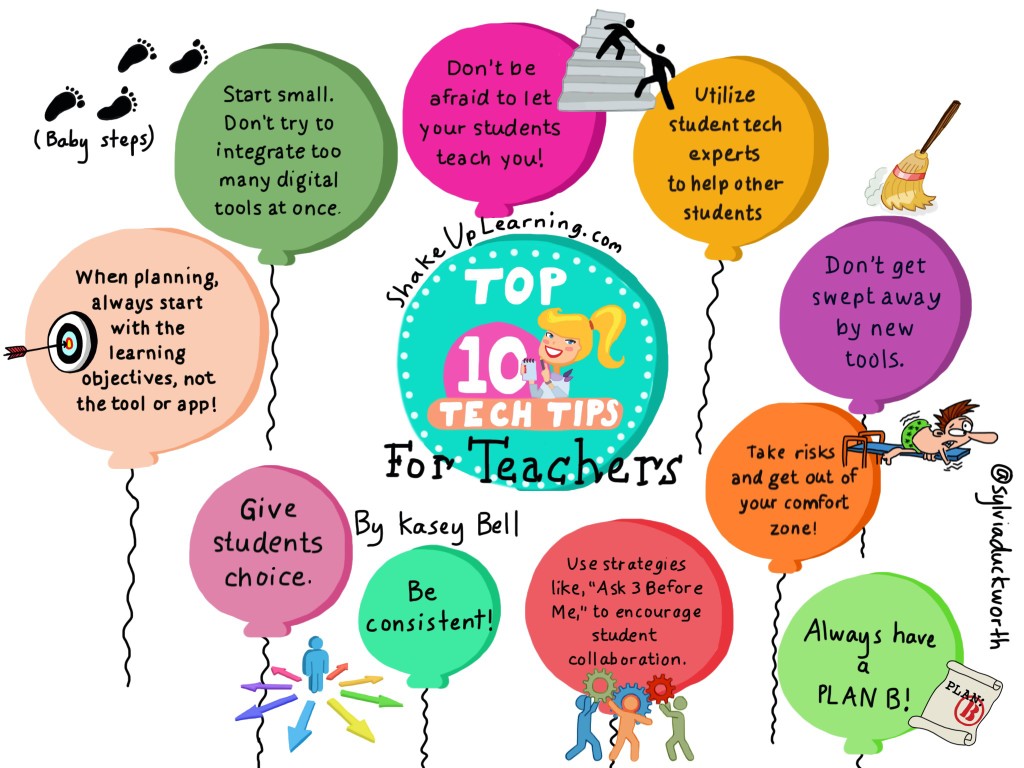
Top 10 Tech Tips for Teachers #SketchNote
My Top 10 Tips for Successful Technology Integration in the Classroom I am super excited to share this update with you! My Top Ten Tech Tips for Successful Technology Integration were originally shared last July (2014). These are the tips that I often refer to when helping teachers dip their toes into the technology integrationContinue Reading
The Best of Both Worlds: Google Apps for the iPad #GoogleEduOnAir
I was so honored to be a presenter this weekend for the Google Edu On Air conference for educators! It was so exciting to participate in this conference as a learner and as a presenter. I was happy to see friends from Texas, across the U.S. and Canada, participate, and it was a thrill toContinue Reading

Maximize Google Drive on the iPad
As I have mentioned before, we have come a long way with using Google Apps on the iPad! There have been a lot of updates to the Google Drive app over the last year, and you may have missed some handy features. Below are a few tricks to help you make the most of usingContinue Reading
Easily Turn a YouTube Clip into an Animated GIF Image!
Google Tips & Tricks: Turn a YouTube Video into a GIF! Animated GIF images are so much fun, and can make it really easy to show students and teachers how to do things. This is an easy trick using a tool called GIFYT. Simply type the letters GIF after www., and before youtube, and youContinue Reading

The Golden Treasures of Google! – Part 4 (Student Initiatives)
The Golden Treasures of Google – Part 4 The Golden Treasures of Google! The Fabulous Things You Don’t Know About! Part 4: Student Initiatives Yep! There’s always more Googley Goodness to share so expect these treasures to keep on coming! Today’s post is focused on some very special initiatives that Google offers for K-12 students.Continue Reading
Collaborative Magnetic Poetry with Google Drawings (FREE Template)
Collaborative Magnetic Poetry with Google Drawings! That’s right! I’ve created a magnetic poetry interactive template with Google Drawings that you and your students can use to get creative during National Poetry Month. You can use this as an independent activity, or take it a step further and make it a collaborative activity and see howContinue Reading

3 Google Chrome Apps for Leveled Reading
Chrome Apps for Leveled Reading If you have followed this blog for very long, then you know that I am a self-professed Chrome Addict. I love it! I love the fact that I can customize it to fit my needs, but I love it even more because we can customize it to fit the needsContinue Reading
The Golden Treasures of Google – Part 3 (SEARCH)
Here we go again! I’m not sure how many parts will be in this series because there are just so MANY hidden treasures with Google! (Actually, I think I could blog for a couple years with this topic!) We are not even scratching the surface my friends! So here is Part 3…Are you ready toContinue Reading

The Golden Treasures of Google! – Part 2, DATA!
Google offer us so many fabulous projects and tools! Are You Ready for More? Welcome to Part 2 in this series: The Golden Treasures of Google! The Fabulous Tools You Don’t Know About! Part 2 will focus on some fabulous data tools! Check out what data-driven Googliness lies below! —>Did you miss the other partsContinue Reading

The Golden Treasures of Google! – Part 1 (Google Maps, Street View and Google Earth)
Most of us know of the Googley Goodness of Google Drive and related apps for education, but did you know there is much, much more that Google offers for FREE! There are so many hidden gems for teachers and students. This blog series will explore the lesser-known Google tools. (It wouldn’t all fit in oneContinue Reading
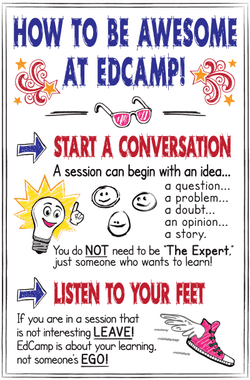
How to Be Awesome at #Edcamp! [FREE Poster Download!]
The #EdCamp Revolution is here to stay! Have you attended an EdCamp yet? Well, you should! In case you haven’t been paying attention, the EdCamp movement is changing the way educators connect and learn. Every educator, teacher, administrator, consultant–anyone in the field of education should experience an Edcamp. Here is the How to Be AwesomeContinue Reading
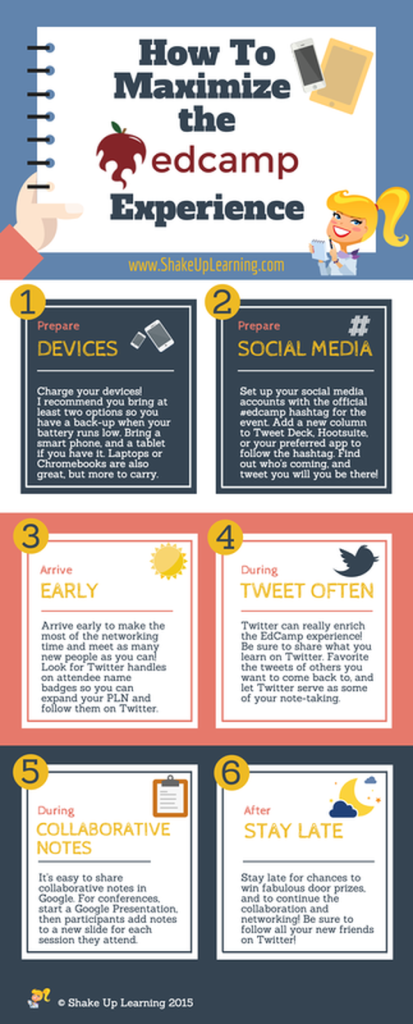
How to Maximize the EdCamp Experience: 6 Tips! [infographic]
6 Tips to Maximize the EdCamp Experience There are so many wonderful reasons that I love EdCamps! I enjoy both attending EdCamps as a participant, and organizing EdCamps to help other educators discover the power of the unconference! After another successful year of EdCamp Awesome, I thought it would be useful to share some tipsContinue Reading

Fantastic Google Chrome Apps and Extensions for Teachers and Students!
Here are EVEN MORE Chrome Apps and Extensions! (More than 60 total!) I’m a crazy Chrome Addict! My list keeps growing! Chrome is such a powerful browser, and can offer so much to enhance learning and productivity. UPDATE: The lists are now in a searchable database! See the Chrome App and Extension Database. My originalContinue Reading

Google Drawings CHEAT SHEET for Teachers and Students!
As Requested, Here is a Cheat Sheet for Google Drawings! Google Drawings is very powerful, yet under-utilized tool! This Google Drawings Cheat Sheet will help new and experienced users learn how to use Google Drawings, including menu highlights and special, contextual menus. This one was a challenge to create, and turned out much longer thanContinue Reading

The Guide to Google Apps for the iPad [infographic] – Updated!
An Updated Infographic Guide to Google Apps for the iPad (31 Apps)!!! There are now tons of apps for iOS devices that integrate well with Google, and Google has released several official apps for the iPad. There is hope, Obi Wan, Google and Apple can play nice!The infographic embedded below details the most useful Google appsContinue Reading

Happy Birthday Shake Up Learning! A Reflective Look Back and 5 Tips for New Bloggers
Shake Up Learning is 1 Year Old! I don’t normally post on Sunday, but today is a special day. Today is the one year anniversary of my blog Shake Up Learning. So much has happened in the last year, and I am so grateful for the people this blog has brought into my life. ThereContinue Reading

Google Sheets CHEAT SHEET for Teachers and Students!
Google Sheets CHEAT SHEET You asked, and here it is: a Google Sheets CHEAT Sheet for teachers and students! Google Sheets is a wonderful spreadsheet tool for teachers and students. It is loaded with functionality and features! This Google Sheets Cheat Sheet will help new and experienced users learn how to use and understand Google Sheets. This cheat sheetContinue Reading

The Best #EdTech Posts of 2014
The Top 20 Shake Up Learning Blog Posts of 2014! As Shake Up Learning approaches it’s one year anniversary, I thought it would be great to look back at the most popular posts of 2014. No surprise that the Google Cheat Sheets were particularly popular. For a full list of all the Google Cheat SheetsContinue Reading

45 Fantastic Chrome Apps and Extensions!
My absolute FAVORITE Google Chrome Apps and Extensions! As many of you may know, I am a confessed Chrome addict! I even have a presentation to prove it: Confessions of a Chrome Addict. I have added 20 more Chrome extensions to my list for a total of 45 Chrome apps and extensions. There a somethingContinue Reading

So You Want to Be a Google Certified Innovator? 8 Tips to Get You There!
So it’s official, I am a Google Certified Teacher! **UPDATE! The Google Certified Teacher Program is now the Google Certified Innovator Program, and I have a brand new post and eBook to help explain it all! Check out this new post: 5 Google Certifications Explained and download the FREE ebook: The Complete Guide to GoogleContinue Reading

Sweeten the Learning Experience with Swivl
Swivl is a sweet addition to any classroom, even adult learning and professional development! Swivl is a robotic mobile accessory that works with your mobile device or camera to record videos. The Swivl tilts and rotates to follow the presenter as he or she moves around the classroom, recording wireless video and audio with its Cloud and CaptureContinue Reading

Amazing Shortcut for Sharing Google Docs!
Easy Shortcut to Share a Preview Copy of Google Docs Super easy shortcut to share published versions Google Docs, Sheets and Slides! This little secret was revealed in an Google Apps Show episode a couple weeks ago. This is soooooo simple! There is an even easier way to allow others to preview Google Docs, Sheets or Slides.Continue Reading

The Guide to Keeping Up With Google
Hashtags, Twitter, G+, Communities, Blogs and YouTube Channels You Should Follow! THIS POST HAS BEEN UPDATED! Click here to see the updated post. I often get asked, “How do you keep up with Google?” Well, first let me say that it’s almost impossible! However, social media is how I attempt to stay abreast of allContinue Reading

Google FORMS Cheat Sheet for Teachers!
It’s finally here! A Google Forms Cheat Sheet for Teachers! Google Forms is a powerful tool for teachers, and while it may seem very simple at first, it is loaded with options and features for teachers. This Google Forms Cheat Sheet will help new and novice users learn how to create and use powerful forms,Continue Reading

Re-MAKE Learning: Research Behind Building and Creating
Re-MAKE Learning I was very honored to be a participant in the very first Bright Bytes Research Institute in San Francisco, “Re-MAKE Learning: Research Behind Building and Creating.” Below is a summary of my experience and reflections. Yesterday, our very small group which feels much like a cohort, explored the ideas and experiences behind MakerContinue Reading

5 Fun and Free Halloween Apps!
Have some fun this Halloween with these FREE iPad Apps! This post is a little late, but I wanted to share something fun today. Check out my avatar, she became a vampire with the help of Picmonkey.Below are 5 iPad/iPhone apps to keep you the kiddos entertained today. They are all FREE! HAPPY HALLOWEEN from ShakeContinue Reading

140 Pins on Social Media for Educators
Connected Educator Month: 140 Pins on Social Media for Educators Connected Educator Month Kick-Off! In honor of Connected Educator Month, let’s kick things off with some great pins on social media for educators. Here you will find 140+ pins to help educators AND students find ways to connect and learn. Connecting with educators is partContinue Reading
5 Tips for Using Google Apps on the iPad
Google and Apple CAN PLAY NICE! Google and Apple are two very different ecosystems. Both provide great technology and digital tools for use inside the classroom and beyond. When these two worlds collide, they offer a powerful toolbox for educators giving you the best of both worlds. When iPads were first introduced, they did notContinue Reading

Create Beautiful Pinterest Board Covers with Canva
How To Create Pinterest Board Covers with Canva Want to Make Your Pinterest Boards Shine? Create matching board covers with Canva to help you and your students navigate your Pinterest boards with ease! By now you have figured out that Canva and Pinterest are two of my favorite digital tools! Pinterest is such a popularContinue Reading

Are You Asking the Right Questions About Wearable Technologies?
Don’t Ignore the Hype! You may not get it just yet, you may not see a need, but you would be wrong to dismiss wearable technology. It’s true, I’m a sucker for Apple’s sleek, new gear. Say what you want about Apple’s expensive and usually proprietary advancements, but you can’t ignore their knack for design.Continue Reading
An Infographic Guide to Google Apps for the iPad
An Infographic Guide to Google Apps for the iPad Update! This post has been updated and can be found here: Google Apps for the iPad. Using Google Apps on the iPad can get sticky! Historically, Google and the iPad have not played well together. But we have come a long way in the last coupleContinue Reading

35 Educators You Should Follow on Pinterest
***UPDATE! Check out the newest list: 50 Educators You Should Follow on Pinterest! 35 Educational Pinners You MUST Check out! I love Pinterest! It’s kind of hard to believe this is my first post about this wonderful curation tool. Pinterest is NOT just for crafts and recipes, and despite early reports, it is for bothContinue Reading
11 Funny Google Videos You Must Watch
A YouTube Playlist of Funny Google Videos!One thing you should know about Google is they like to make fun of themselves. In a world of towering tech giants with big egos, I appreciate the fact that Google doesn’t take itself too seriously. Around April Fool’s we often get a glimpse into the more humorous sideContinue Reading

Google Drive for iOS CHEAT SHEET
Google Drive Cheat Sheet for the iPad Going Google with the iPad? The Google Drive app has become quite a robust application. Here’s a quick cheat sheet to guide you and your students. The Google Drive for iOS Cheat Sheet by kbell6 googledriveforioscheatsheet.pdf File Size: 2119 kb File Type: pdf Download File Be sure toContinue Reading

Leadership Day Challenge: Connect, Curate and Contribute
Leadership Day 2014 The Challenge: Connect, Curate and Contribute! I’m very excited to take part in Leadership Day 2014! I feel it is important to consider all types of educational leaders, from classroom to campus level, from campus level to district level, and everyone in between. Our number one goal as educators should always be our students,Continue Reading

Share Google Drive Files Quickly with a Google Contact Group
Save Time and Share Files Quickly with a Google Contact Group! Do you find yourself sharing Google Drive files with the same group over and over again? You may share with your collaborative team, your department, your staff, parents or even your students. Here’s a quick tip for sharing with groups: create a contact group. InsteadContinue Reading

A Must Have Google Chrome Extension: PDF/PPT Viewer
If you use the Chrome browser, and you should, you NEED the Docs/PDF/PowerPoint Viewer extension. I have to admit that I have been remiss in including this extension in some of my presentations. I apologize for leaving it off. I have used it for so long, and it is so seamless that I forgot it’sContinue Reading

Simple Transfer: A Must Have iOS App
Easily Transfer Photos and Videos From Your iPad to Your Computer! SimpleTransfer is a must have an app for iOS users, and especially for teachers with shared iPads! With all of the wonderful apps we have available on iOS devices these days, it can be cumbersome to find ways to get photos and videos fromContinue Reading

A NEW Google Drive CHEAT SHEET
Ready for the NEW Google Drive? Here’s a quick cheat sheet to get you started with the Drive management window. Now that the NEW Google Drive is rolling out to users, I decided to update my cheat sheet. I broke the drive window into four sections to make it easier to read. I also decidedContinue Reading

Google Tricks and Tips: Turn Your Google Doc into a Web Page
Publish Your Google Doc to the Web! Such an easy way to create a clean and simple web page! This is another one my favorite tips for Google Apps! I use this feature to quickly publish information online. Sometimes you really don’t want to just share a document. You may not need others toContinue Reading

Top 10 Tech Tips For Teachers
My Top 10 Tips for Successful Technology Integration in the Classroom I have a list of tips that I refer to often when helping teachers dip their toes further into the technology integration waters. It’s easy to become overwhelmed by technology, and to get caught up with the tools instead of the learning objectives. SoContinue Reading
Google Tricks and Tips: Image Search Tricks Every Teacher Must Know!
Betcha didn’t know you can search for great images without ever leaving your Google Doc! Finding great images for your Google Docs, Sheets, Slides, Forms and Drawings is even easier than you might think. This is a hidden gem! You can actually search while still inside the document. Even better, you can search for imagesContinue Reading
Choose Your Own Adventure With Google Drive
I’ve been developing several Google presentations and trainings for summer workshops. As some of you may know, I am a fan of menu/choice boards and facilitating teacher-centered learning experiences. In an effort to create choice, and differentiate for the multiple skill levels of educators, I have created a three-level, “Choose Your Own Adventure With Google Drive,”Continue Reading
Google Tricks and Tips: Saving Files to Multiple Folders
Saving Google Drive Files to Multiple Folders Google Apps and Google Drive in particular are full of great features. I love to share tips and features that have made my life, work, and classroom easier. This week’s tip is one that I only recently learned. (Not sure how i missed this!)When organizing your Google Drive intoContinue Reading

6 Fun and Free Avatar Creators for the iPad
6 Fun and FREE Avatar Creators for the iPad! In preparations for my session at iPadpalooza next week, “Gamifying the iClassroom,” I have been researching avatar creators for the iPad. There are so many to choose from! Of course, some are purely creators, and some games allow you to create an avatar within the app. ForContinue Reading

5 Reasons Educators Should Use Google Plus
Five Reasons Educators Should Use Google+ When I poll educators and ask, “How many of you are on Google+,” I get very few hands responses. Google+ is not just for Google employees and Google fanboys anymore. Google+ is the fastest growing social network, and offers some great ways to connect and learn with other educatorsContinue Reading

Google Apps Smashing With Gapps Dice
Gapps Smashing! Have you seen the great dodecahedron dice that have been popping up with apps on each side? I love it! I’m not sure who to credit with such an original idea, but there are endless possibilities! So I decided to put together some Google Apps dice that can be used in professional learning.Continue Reading

25 Fabulous Chrome Apps and Extensions
As many of you may know, I am a confessed Chrome addict! I even have a presentation to prove it: Confessions of a Chrome Addict. I have started adding my Google resources to this website as a new section. Watch for this section to grow soon! I have dedicated one resource page to my favoriteContinue Reading

8 Reasons You Should Be Using Diigo
Diigo is one of my favorite, and most-used tools. Diigo defines itself as a powerful research tool and a knowledge-sharing community. At its core, Diigo is a social bookmarking tool, but it is so much more than that. Diigo offers so many features that are particularly useful for teachers and students. Below are the eightContinue Reading

A Quest to #HackPD and Redefine Professional Development
I am on a quest! A quest to redefine professional development as we know it. If we don’t want teachers to be the sage on the stage, it has to be modeled in professional development. What I really want to do is HACK PD! Who’s with me? Today, I had my first experience in facilitatingContinue Reading
Google Chrome Cheat Sheet
A Handy Google Chrome Cheat Sheet! I have put together a quick Google Chrome Cheat Sheet for those of you new to the browser, or looking to learn more about this powerful tool. I’ve included the “Anatomy of Chrome,” as well as keyboard shortcuts for Mac and PC. This a great reference guide for newContinue Reading

A Thinglink and Glogster Mashup: Google, Creativity, and Digital Citizenship Resources
I have become a Thinglink junkie. It’s so easy and fun to create interactive journeys for my teachers. Linking text seems so passé! Who needs blue, underlined words to link to resources? Not me! One of the first Thinglinks I created for teachers was this one on Google searches. This will walk teachers or studentsContinue Reading

A Perfectionist with Paralysis: Why I’m Finally Blogging
I have started a blog several times with the best of intentions. I occasionally contribute to a work blog. When I was still in the classroom, I had my students’ blogging. I encourage teachers almost on a daily basis to blog with their students. However, I have let my own excuses get in the way.Continue Reading