© Shake Up Learning 2017. Unauthorized use and/or duplication of this material without express and written permission from this blog’s author and/or owner is strictly prohibited. Excerpts and links may be used, provided that full and clear credit is given to Kasey Bell and Shake Up Learning with appropriate and specific direction to the original content on ShakeUpLearning.com. See: Copyright policy

Back-to-School with AI: The Teacher’s Guide
Start your school year smarter with AI—save time, reduce stress, and feel more confident in your classroom. Back-to-School with AI: The Teacher’s Guide Grab this digital download to start the school year smarter, save hours of time, and prepare for a successful school year! HURRY! THIS OFFER ENDS IN: 0Days 23Hours 59Minutes 59Seconds YES! IContinue Reading

Black Friday: 50% Off ALL ACCESS + FREE AI for the Holidays eBook Bonus
Save 50% on your first three months of ALL ACCESS and get the brand-new AI for the Holidays eBook as a FREE bonus. Sale ends November 30.

Create Emergency Sub Plans With AI Before You Need Them
Prepare emergency sub plans before you need them. Use five practical AI prompts to turn a lesson you trust into clear directions, student pages, a checked answer key, and an offline backup.
Google Search in Schools: Accept AI or Lose Access
Google’s announced Search changes leave schools without an AI-free option for managed student accounts. Here’s what’s changing, what remains unclear, and five questions to ask your district.
AI for the Holidays: 15 Ideas to Save Your Sanity
Use AI for the holidays to plan meals, simplify shopping, organize travel, and reduce the mental load. Try 15 practical ideas and ready-to-use prompts.
Home
Hey y’all! Let’s Shake Up Learning Welcome to Shake Up Learning—practical support for K–12 classroom teachers! Explore AI tips, Google tools, blog posts, and free teaching resources to save time in your school day, engage your students, and shake up learning in your classroom. Check Out the Latest Resources Latest From the Blog FREE EBOOKContinue Reading
AI Prompt Cheat Sheets for Teachers
Get the AI Cheat Sheet Bundle! 🚀 SAVE 100’S OF HOURS with Our AI Prompt Cheat Sheet BUNDLE! We’re thrilled to help you start the school year with powerful AI tools AND SAVE VALUABLE TIME! But why stop there? Get our complete bundle of AI prompt cheat sheets designed specifically for teachers and save hundredsContinue Reading
Free Shake Up Learning Quickstart Guide
GET YOUR FREE PDF DOWNLOAD! TheShake Up Learning Quick-Start Guide Join the email list to get the FREE 20-Page Quickstart Guide that will help you Shake Up Learning in your classroom this year! 🔒Your Information is 100% Secure And Will Never Be Shared With Anyone. f X in
Homeschool
Practical tools for designing an education as unique as your child. Ideas, technology, and real-world strategies to help you personalize learning, make homeschool easier to manage, and create an education that fits your child. Watch on YouTubeJoin the List Your child shouldn’t have to fit the curriculum. Homeschool gives families room to make different choices,Continue Reading
How to Use Guided Learning in Google Classroom
What if students could get help working through a problem while you’re helping another group? Guided Learning in Google Classroom lets you attach an AI-supported activity to an assignment using materials from your own lesson. Students can ask questions, explain where they’re stuck, and work through ideas with Gemini. The goal is support, not anContinue Reading
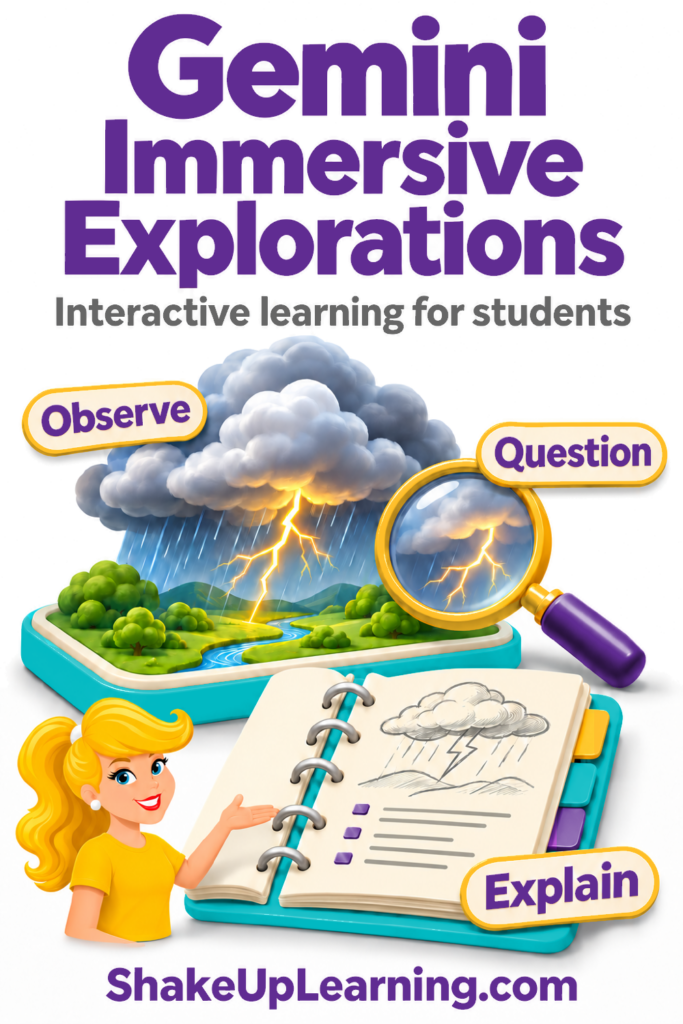
Gemini Immersive Explorations: Interactive Learning for Students
What if your students could learn and interact in immersive experiences, exploring how things work and making connections as they go? That’s the idea behind Gemini Immersive Explorations. These ready-made learning experiences inside Gemini, Google’s AI assistant, let students explore a topic through interactive visuals and explanations. They can investigate how lightning forms, how aContinue Reading
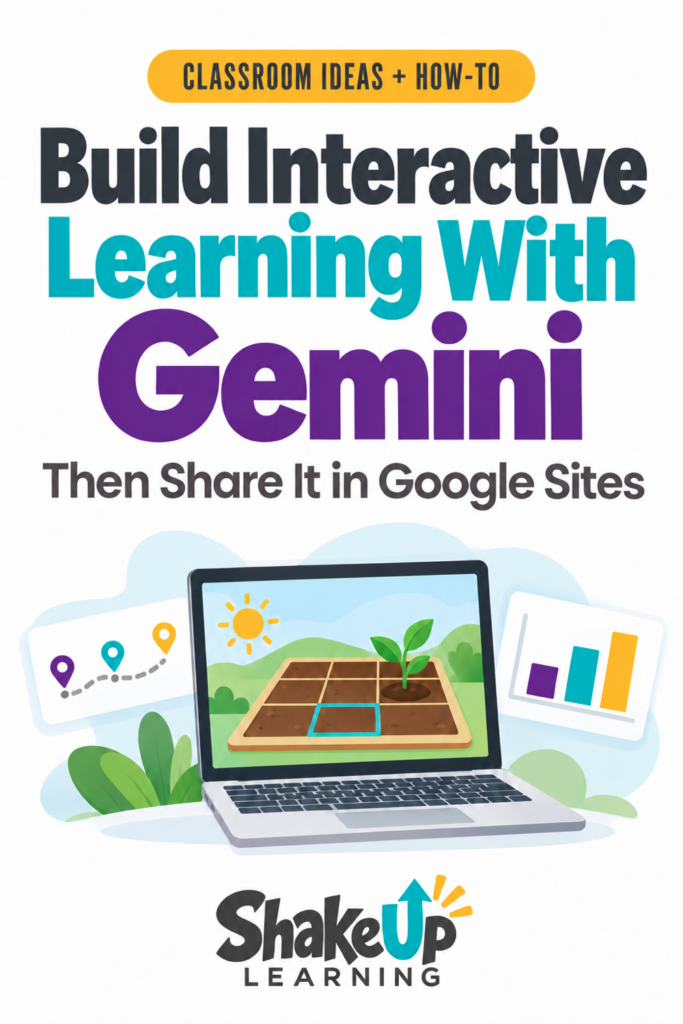
How to Publish Gemini Activities in Google Sites
Did you know you can create interactive simulations and learning games with Gemini? And now you can even publish them in Google Sites! Create an activity built around what you’re teaching, with the vocabulary, challenge, and support your students need. Students could move objects to test an idea, make a choice in a game, orContinue Reading
Top 20+ AI Tools for Teachers
AI tools for teachers keep changing, but the goal hasn’t: spend less time starting from scratch and more time on the work that matters to your students. Maybe you need to adapt a reading passage, get a first draft of a rubric, or find a better way to hear students explain their thinking. There areContinue Reading
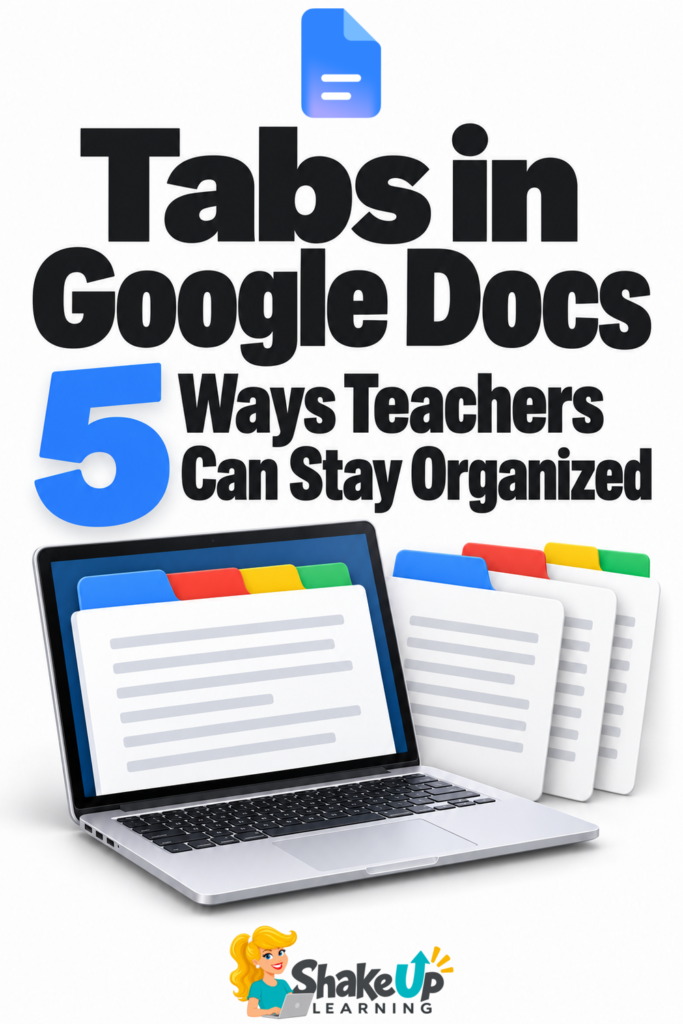
Tabs in Google Docs: 5 Ways Teachers Can Stay Organized
Ever opened several Google Docs just to finish one task? You find the plan, then go looking for the materials list or the notes you need to update it. Google Docs tabs can keep that related information together. Think of them as labeled sections inside one document. You can jump straight to the section youContinue Reading